Skip to content
Nexter Extension
employee-icon

Taxonomy (Term) Order in WordPress


Taxonomy (Term) Order in WordPress to reorder categories, tags, and product terms without code. Fix alphabetical sorting and show terms in your preferred order.

stylist icon

Drag & Drop to Reorder Categories, Tags, Brands, and Product Taxonomies

stylist icon

Works for Blogs, WooCommerce, and Custom Post Types

stylist icon

Syncs Instantly on WP-Admin and the Frontend

money-back-garanteee

30 Day Money-Back Guarantee

Guarantee-icon

30 Day Money-Back Guarantee

Creative Image

Why Should You Order Taxonomy (Term) in WordPress?

Keep Important Categories Visible First

Arrange categories and tags in a meaningful order so your most important sections are always easy to find across your site.
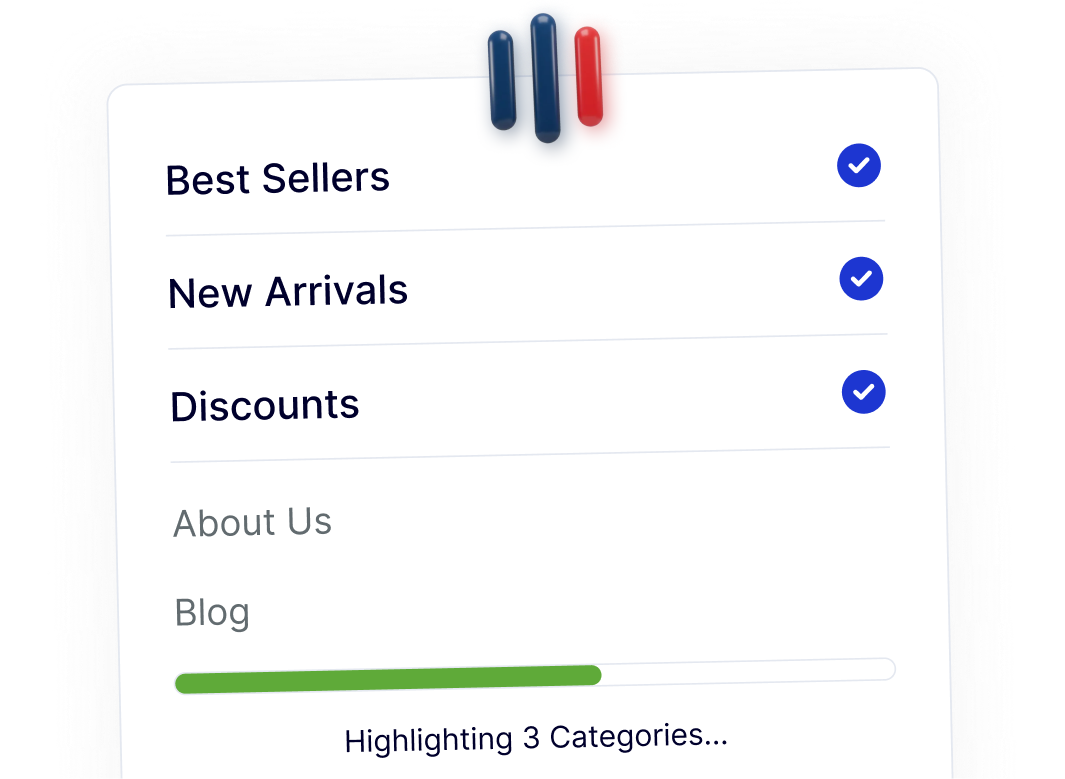
Improve Navigation for Visitors and Search Engines

A clear taxonomy order helps users browse posts or products faster, creating a smoother experience on blogs and WooCommerce stores.
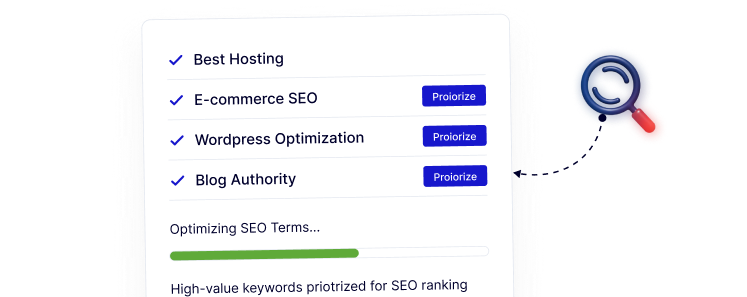
Simple Drag & Drop Control in WP-Admin

Reorder taxonomy terms directly inside WordPress using an intuitive drag & drop interface, without any coding or technical setup.
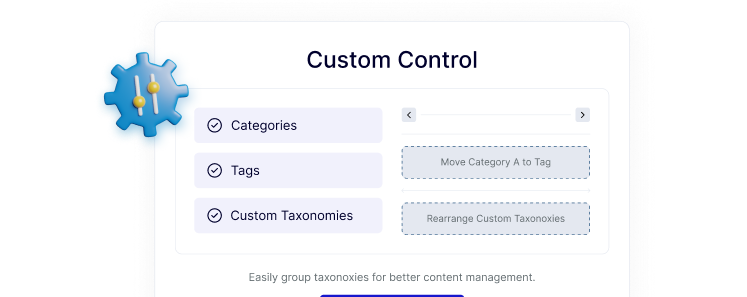
Organize WooCommerce Product Taxonomies

Control the display order of product categories, tags, brands, and attributes to create a cleaner, more structured store layout.
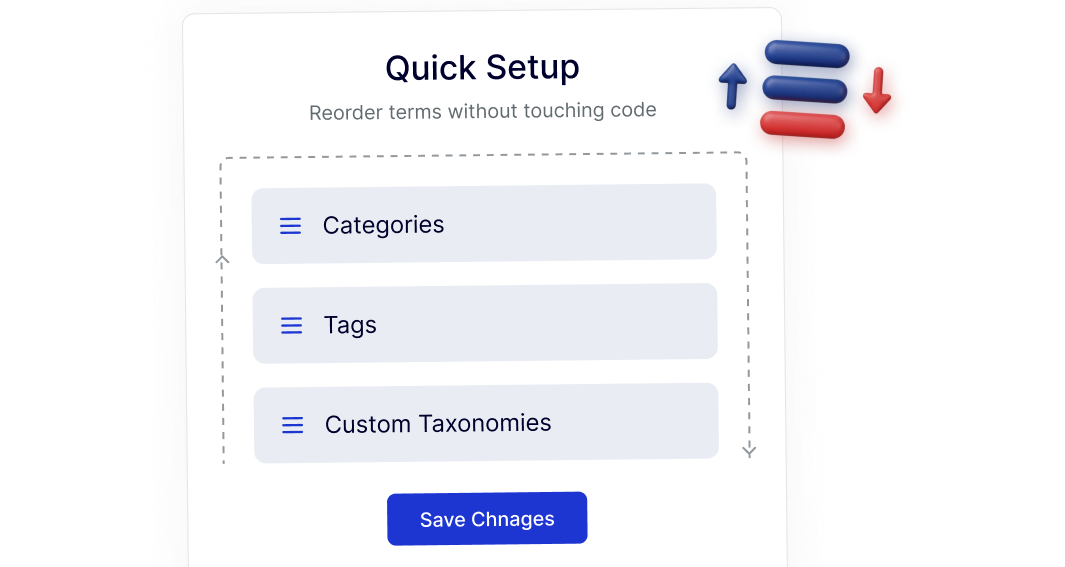
Reorder Taxonomies Visually Without Coding

Reorder terms without touching code.
Frequently Asked Questions

WordPress automatically orders taxonomy terms alphabetically or by ID. Manual ordering isn’t included, which is why a dedicated solution is needed.
Normally yes, but Nexter Extension includes Taxonomy (Term) Order as one module, reducing the need for separate plugins.
It doesn’t change URLs or rankings directly, but clearer category structure improves navigation, internal linking, and crawl clarity.
Yes. You can reorder WooCommerce categories, product tags, brands, and other custom product taxonomies.
No. It uses WordPress’s native taxonomy system, so existing themes and menus continue working as expected.
Yes. It saves time by providing consistent term ordering across blogs, stores, and custom post types from one plugin.

More Extensions from Nexter

1000+ Pre-Designed Websites
Templates & Sections

1000+ Templates & Sections

View AI Powered WordPress Template

Pre-designed, ready-to-import Gutenberg templates and sections for every niche — build your next site in minutes, not days.

See all Demos
MensGroomX Prime template Medclinic Pro template ZenPose template

From Idea to Website with 1800+ Gutenberg Templates

Page Kits

AI Compatible

100+ Ready-to-Use Kits

Build Your Website Faster with AI

Build your website faster with AI-ready Gutenberg Page Kits designed for every niche. Import complete page sets, customize, and turn your ideas into a polished, professional website in minutes.

Sections

500+ sections

Build Pages with Ready-to-Use Sections

Bring your website ideas to life with professionally designed Gutenberg sections. Pick the sections you need, customize them your way, and build polished pages in less time.

Full Pages

1000+ Full Pages

Launch Complete Pages Faster

Build professional pages faster with ready-to-use Gutenberg templates designed for every niche. Choose a complete page, customize and layout to match your brand, and launch without starting from scratch.

Everything You Need to Build Better with Gutenberg Templates

Ready-to-Use Designs

Professionally designed templates that give you a strong starting point for any website or page.

Designs for Every Idea

Find professionally crafted layouts for business, creative, portfolio, agency, blog, eCommerce, and more.

Build Faster, Your Way

Import the design you need, customize it to match your brand, and launch without starting from scratch.