Nexter Extension

Login Email Notifications for WordPress

Login Email Notifications for WordPress let you receive real-time email alerts when users log in. Monitor access, choose roles, and customize alerts easily.

stylist icon

Stay Updated with Real-Time Login Alerts

stylist icon

Send Notifications to Selected User Roles

stylist icon

Exclude Trusted IPs to Avoid Unnecessary Alerts

money-back-garanteee

60 Day Money-Back Guarantee

Guarantee-icon

60 Day Money-Back Guarantee

Creative Image

Key Benefits of Login Email Notifications

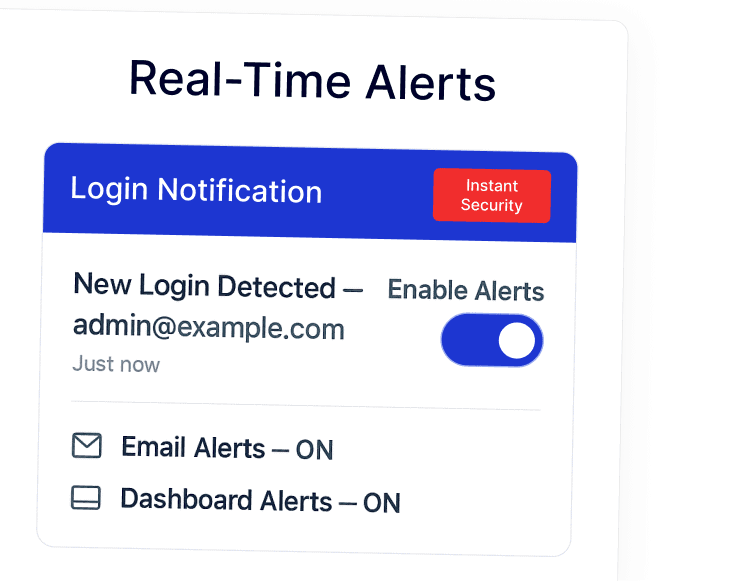
Real-Time Alerts

Know immediately when someone logs in.

real time alert

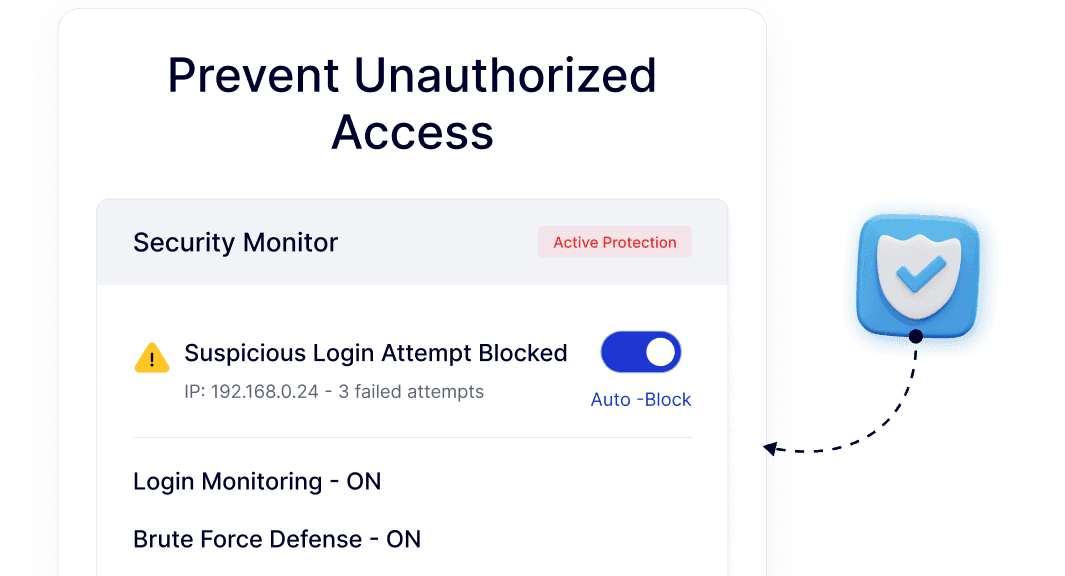
Prevent Unauthorized Access

Detect suspicious activity quickly.

prevent access

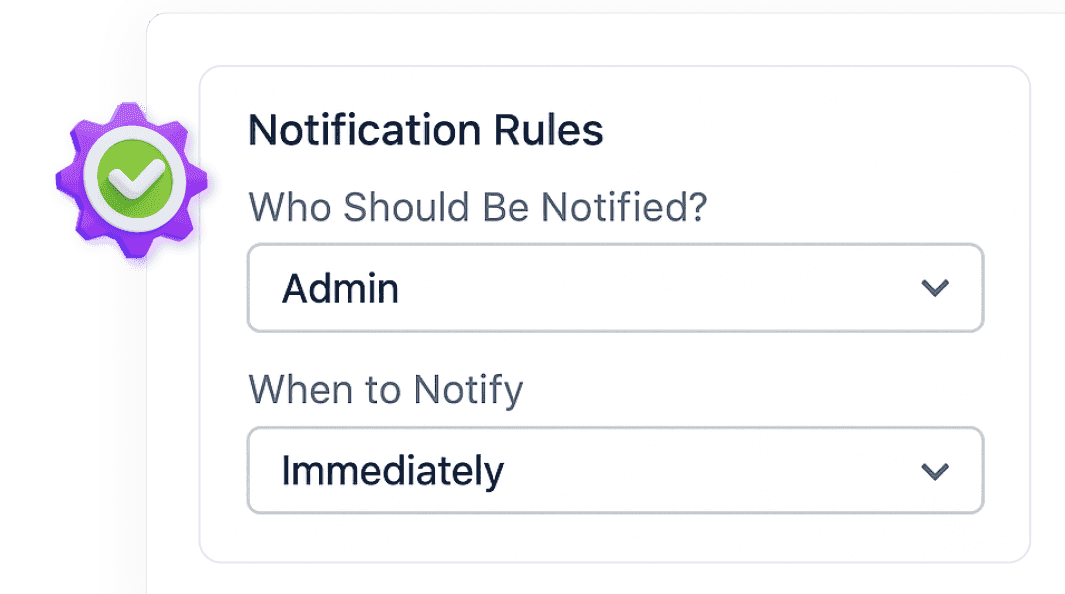
Flexible Control

Decide who gets notified and when.

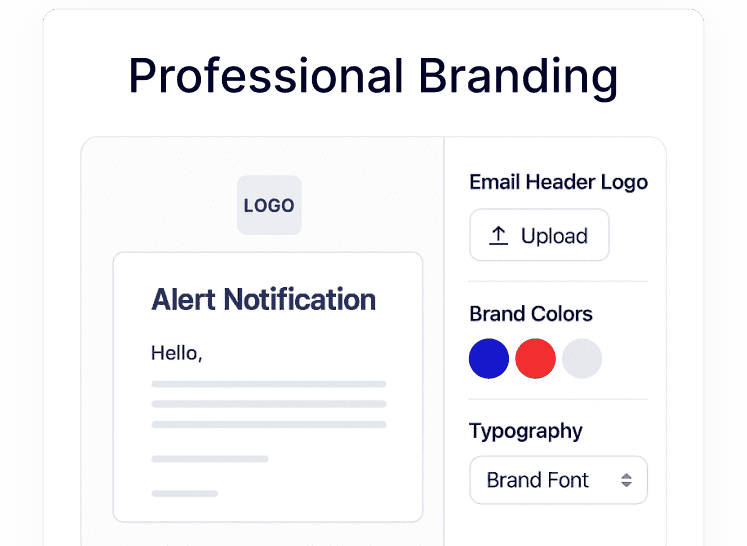
Professional Branding

Keep all alert emails consistent with your design.

branding

Watch How to Set Login Email Notifications in WordPress

YouTube video

Frequently Asked Questions

No. WordPress does not notify you when users log in. Nexter Extension adds login email notifications without needing a separate plugin.
No. Login email notifications are included as a module inside Nexter Extension, helping reduce the number of plugins you install.
Yes. You can send login alerts to specific roles like Admin, Editor, or Author based on how your site is managed.
Yes. It’s useful for sites with multiple users, editors, or client access where tracking logins helps maintain oversight.
Yes. You can adjust branding elements like logos and colors so login alert emails match your website or client brand.
No. The feature runs efficiently inside Nexter Extension and avoids the overhead of adding multiple single-purpose plugins.

More Extensions from Nexter

1000+ Pre-Designed Websites
Templates & Sections

View 1000+ WordPress Templates & Sections