Skip to content
Nexter Extension

Content Post Order in WordPress

Content Post Order in WordPress lets you reorder posts, pages, products, and media using drag and drop. No date changes or coding required.

stylist icon

Drag-and-drop Reordering for Posts and Pages

stylist icon

Easily Manage WooCommerce Product Order

stylist icon

No Coding Required for Custom Post Type Order

credit-card 1

No Credit Card Required

credit-card 1

No Credit Card Required

Creative Image

Why Should You Use Content Post Ordering in WordPress?

Full Control Over Content Post Order in WordPress

Easily arrange posts, pages, products, and media in the exact order you want using a simple drag-and-drop interface, without relying on publish dates.
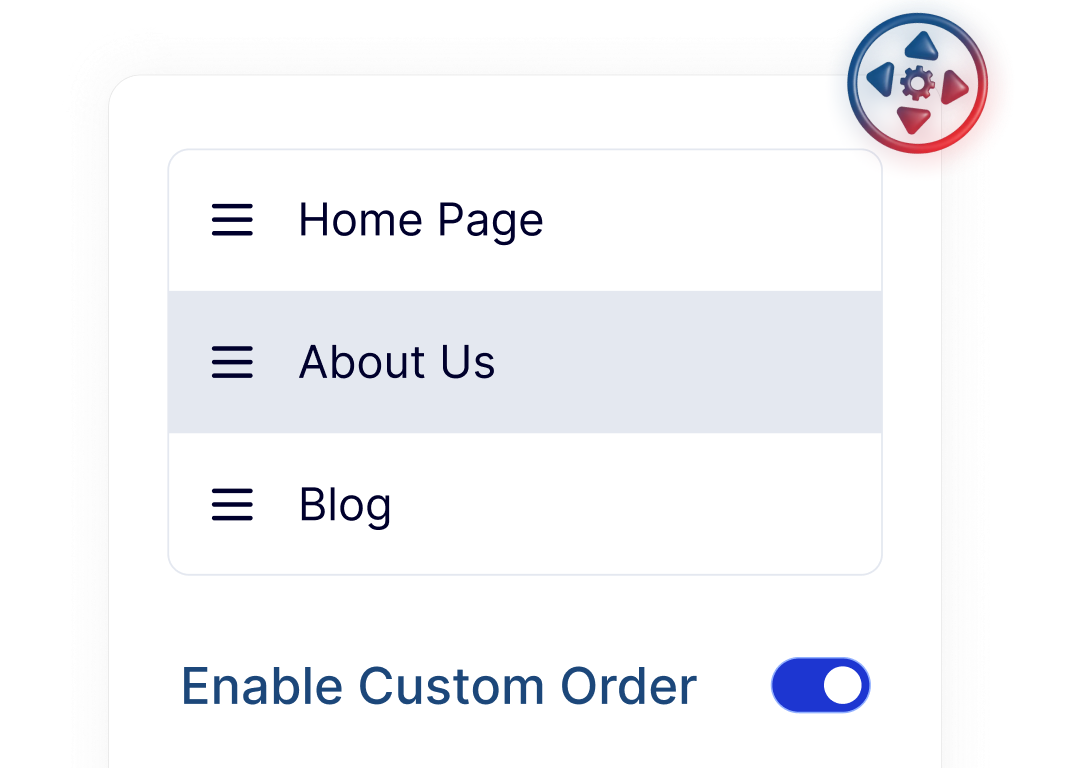
Improved Reading Flow for Blogs and Guides

Organize blog posts and content series in a logical sequence, making it easier for visitors to follow tutorials, stories, or multi-part articles.
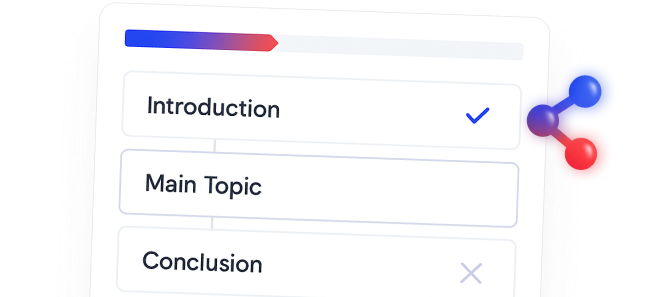
Flexible Product Ordering for WooCommerce Stores

Adjust the display order of WooCommerce products so important or featured items appear first, helping shoppers discover products more easily.

Saves Time When Managing and Updating Content

Your custom post order stays consistent even when content is updated or published, reducing the need for repeated manual adjustments.

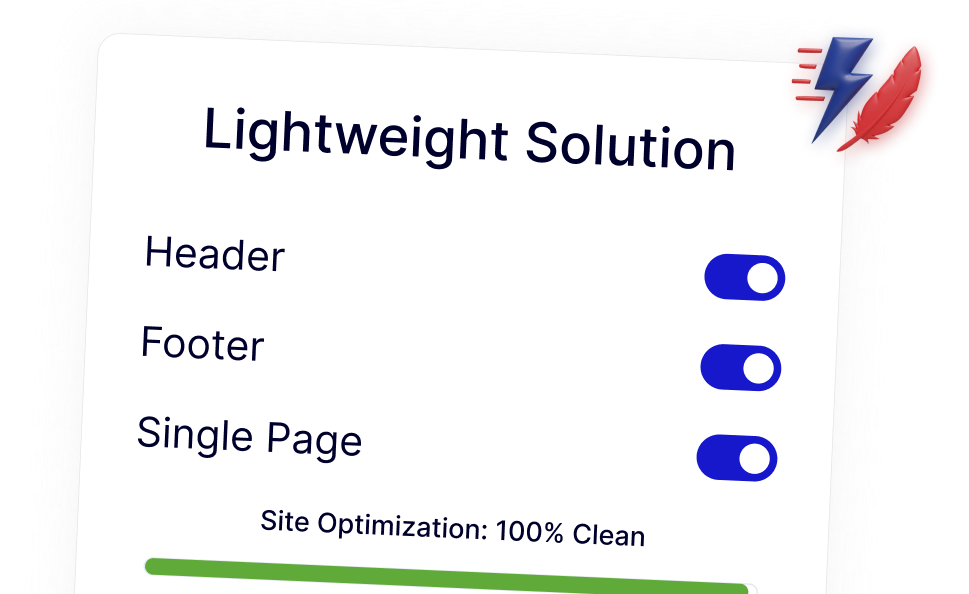
Lightweight Ordering That Fits Into WordPress Naturally

Works seamlessly with WordPress default queries, keeping your site fast, clean, and free from unnecessary extra plugins.
Watch How to Set Content Post Order in WordPress

Frequently Asked Questions

No. WordPress orders posts by publish date unless custom queries or plugins are used. Content Post Order adds manual ordering without altering core behavior.
Normally, yes, but Nexter Extension includes this as one modular feature, so you avoid installing and maintaining a separate plugin.
No. This feature does not modify publish dates or URLs, so search engine indexing remains unchanged.
Yes. You can drag and drop WooCommerce products to control how they appear in shop and category pages.
Yes. The ordering applies automatically to standard WordPress queries without custom coding.
Yes. It saves time across sites by removing manual fixes and reducing the number of plugins needed to manage content order.

More Extensions from Nexter

1000+ Pre-Designed Websites
Templates & Sections

1000+ Templates & Sections

View AI Powered WordPress Template

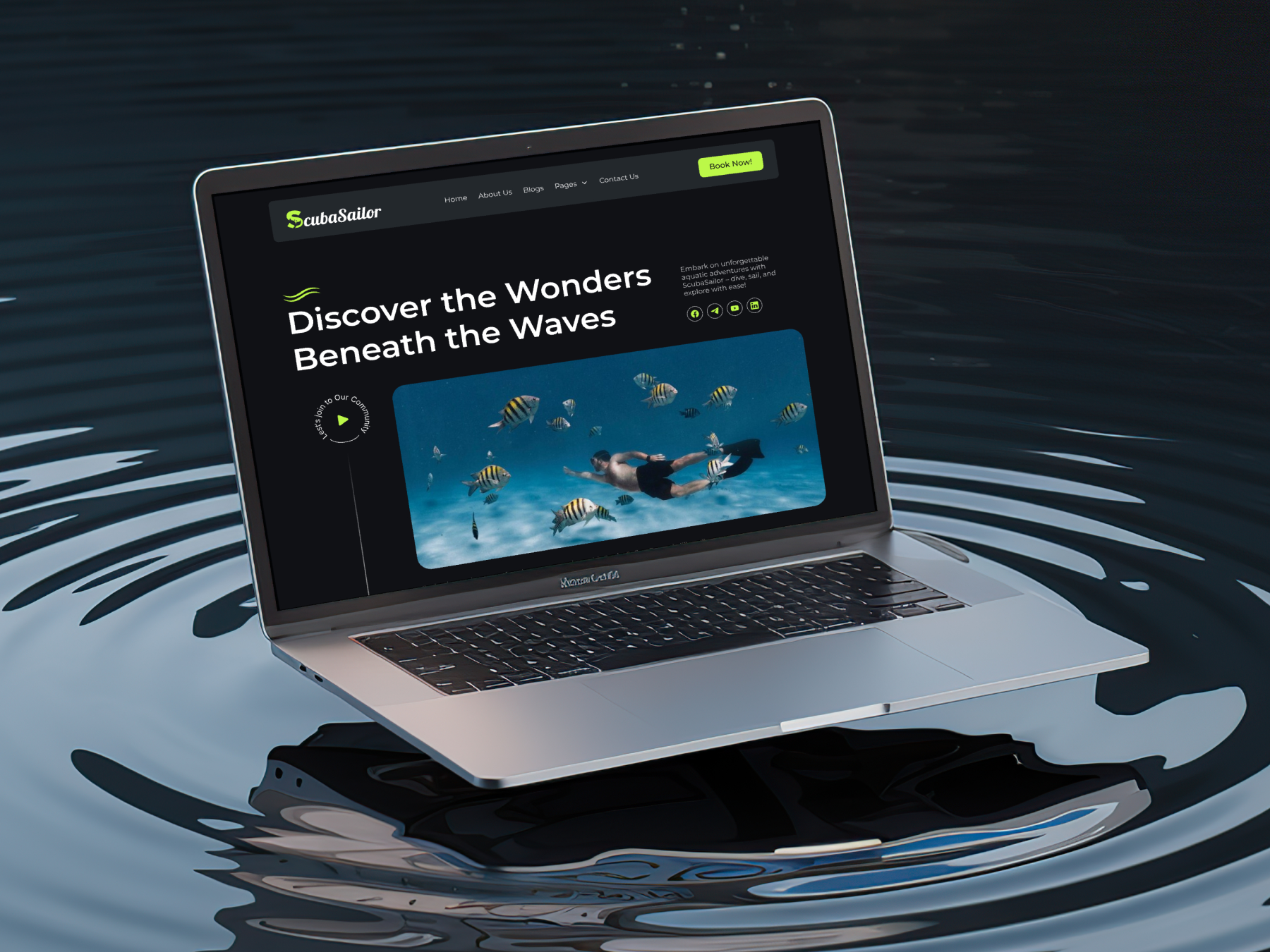
Pre-designed, ready-to-import Gutenberg templates and sections for every niche — build your next site in minutes, not days.

See all Demos
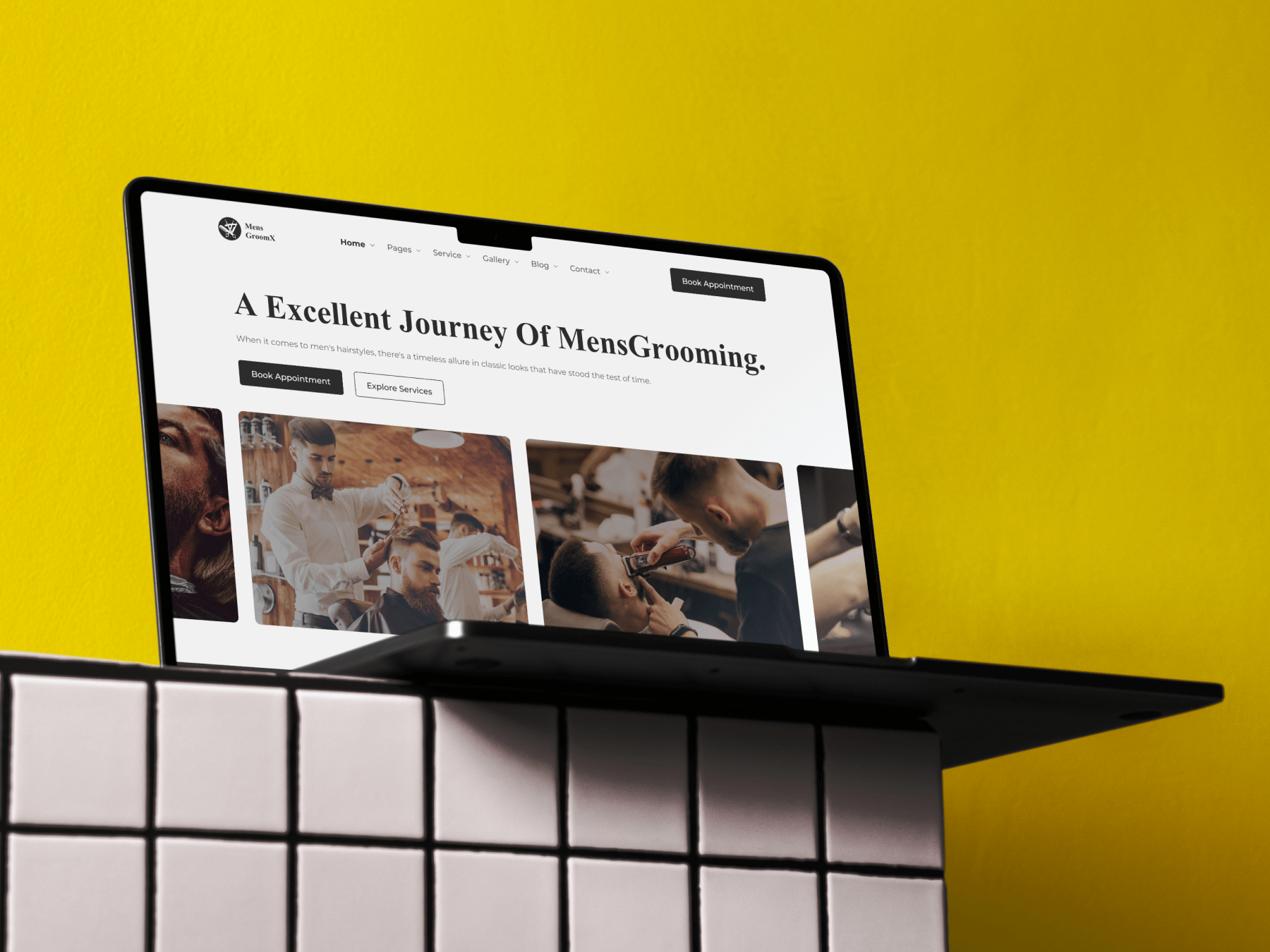
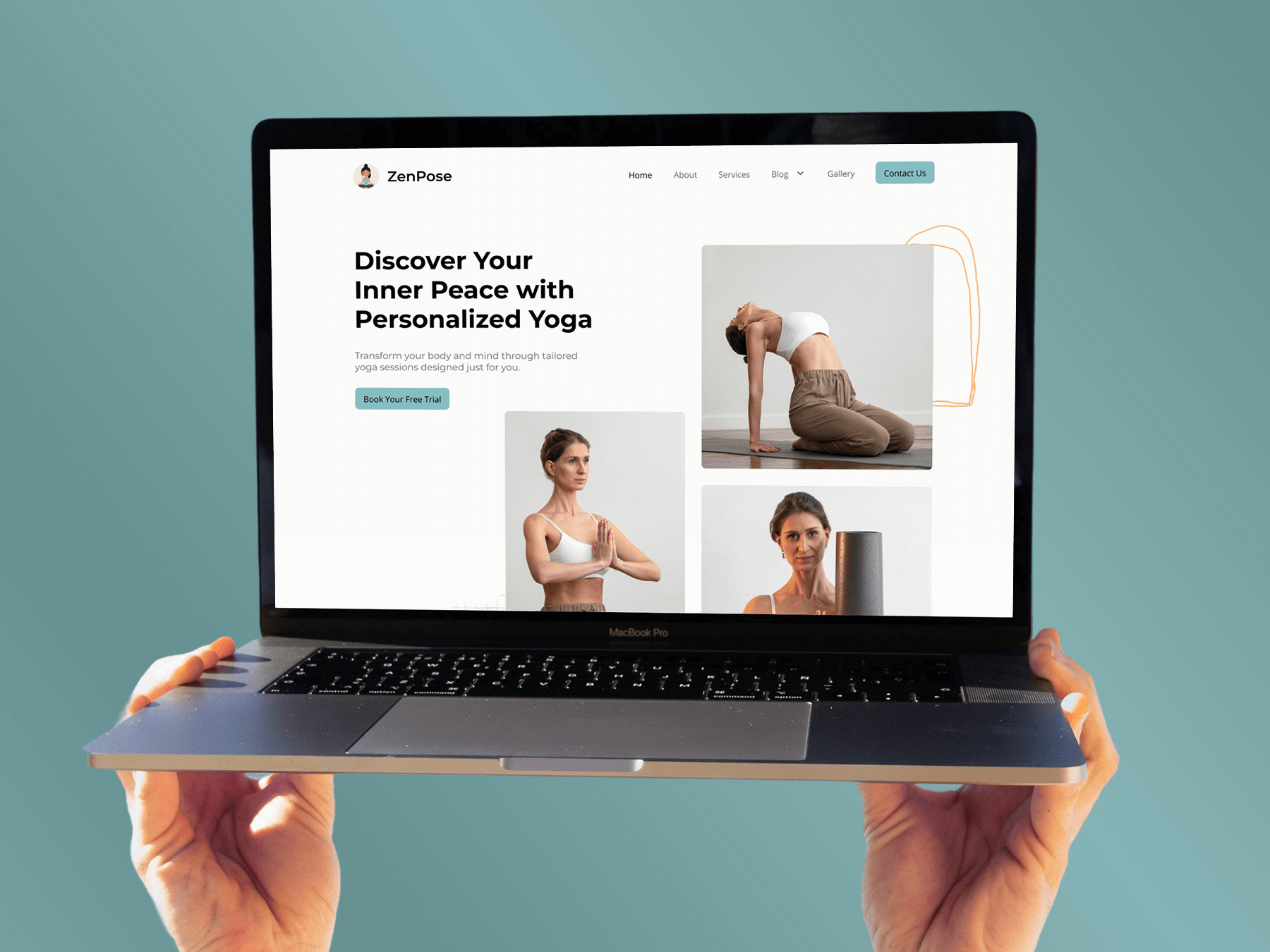
MensGroomX Prime template Medclinic Pro template ZenPose template

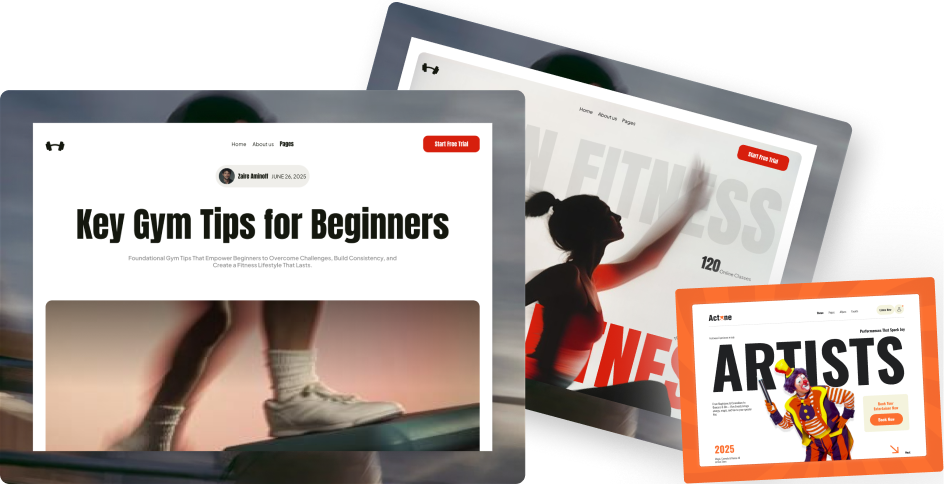
From Idea to Website with 1800+ Gutenberg Templates

Page Kits

AI Compatible

100+ Ready-to-Use Kits

Build Your Website Faster with AI

Build your website faster with AI-ready Gutenberg Page Kits designed for every niche. Import complete page sets, customize, and turn your ideas into a polished, professional website in minutes.

Sections

500+ sections

Build Pages with Ready-to-Use Sections

Bring your website ideas to life with professionally designed Gutenberg sections. Pick the sections you need, customize them your way, and build polished pages in less time.

Full Pages

1000+ Full Pages

Launch Complete Pages Faster

Build professional pages faster with ready-to-use Gutenberg templates designed for every niche. Choose a complete page, customize and layout to match your brand, and launch without starting from scratch.

Everything You Need to Build Better with Gutenberg Templates

Ready-to-Use Designs

Professionally designed templates that give you a strong starting point for any website or page.

Designs for Every Idea

Find professionally crafted layouts for business, creative, portfolio, agency, blog, eCommerce, and more.

Build Faster, Your Way

Import the design you need, customize it to match your brand, and launch without starting from scratch.