Nexter Extension

Two-Factor Authentication for WordPress

Two-Factor Authentication for WordPress adds email-based login protection, role-based control, and branded verification emails, all without the need to install another security plugin.

stylist icon

Protect Logins Beyond Passwords

stylist icon

Control Security by User Role

stylist icon

No Extra Security Plugins Needed

money-back-garanteee

60 Day Money-Back Guarantee

Guarantee-icon

60 Day Money-Back Guarantee

Creative Image

Key Benefits of Two-Factor Authentication (2FA)

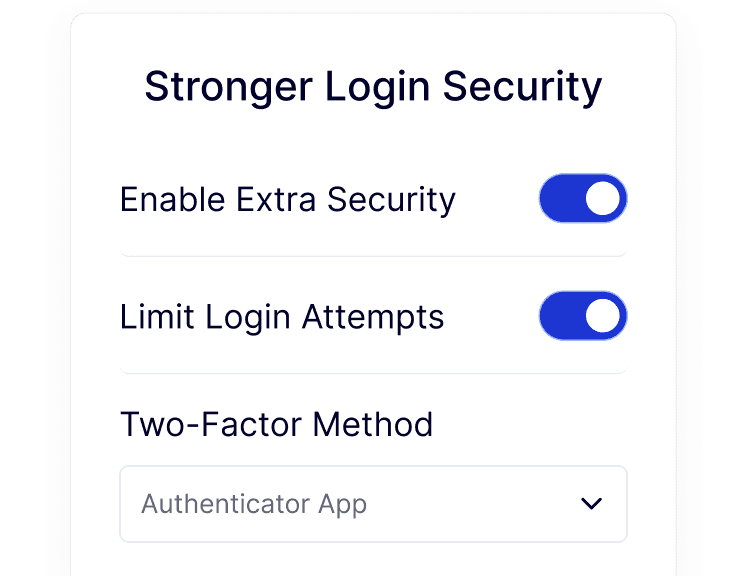
Stronger Login Security

Keep accounts safe even if passwords are compromised.

login security

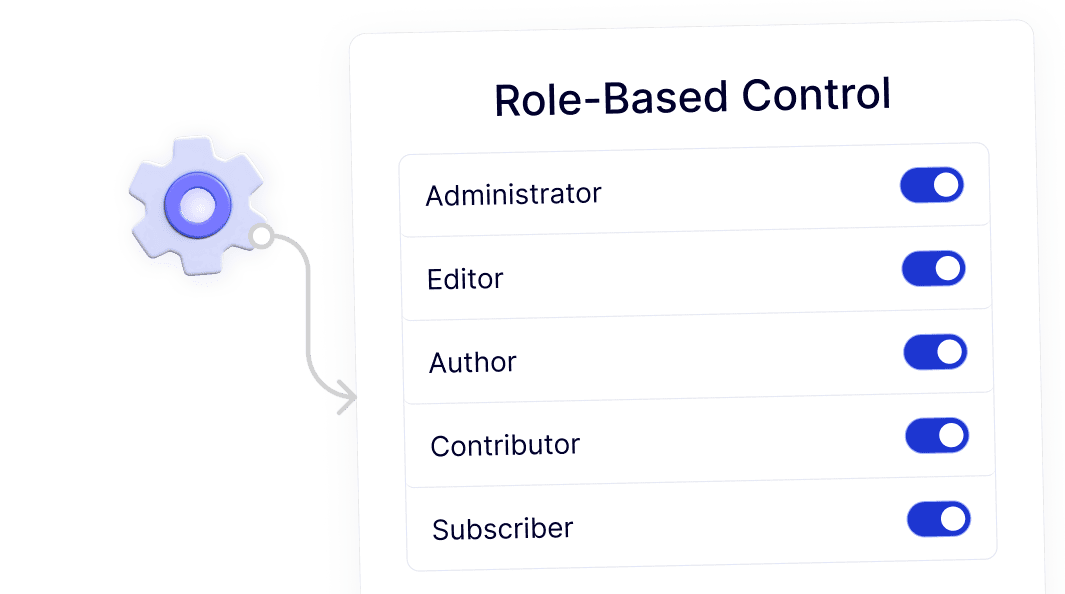
Role-Based Control

Apply 2FA only where needed.

role based control

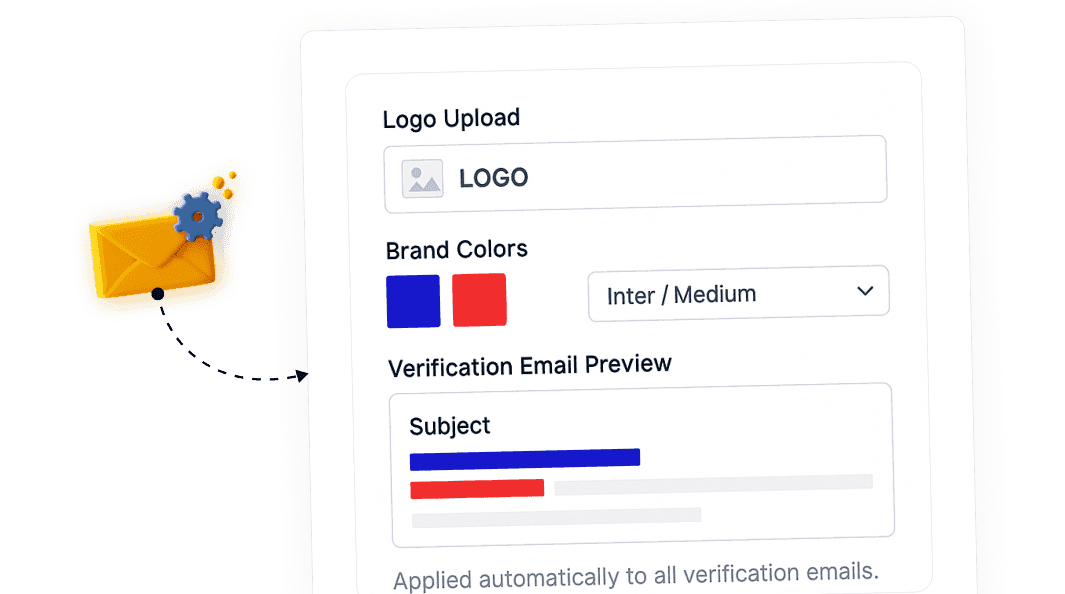
Custom Email Branding

Match verification emails with your brand style.

custom email branding

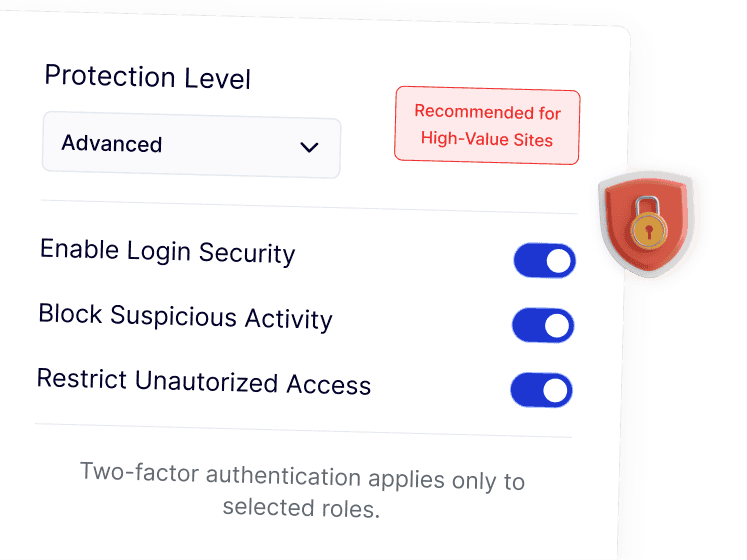
Pro-Level Protection

Ideal for eCommerce, membership, and client sites.

protection level

Watch How WordPress Two-Factor Authentication Works

YouTube video

Frequently Asked Questions

No. WordPress does not include built-in two-factor authentication. It requires either a plugin or a feature like the 2FA module inside Nexter Extension.
No. Two-Factor Authentication is available as part of Nexter Extension, so you avoid adding and managing a separate security plugin just for 2FA.
Yes. You can apply 2FA only to selected user roles such as Administrator, Editor, or Author, instead of forcing it on every user.
After entering the correct password, WordPress sends a verification code to the user’s email. Login is completed only after confirming that code.
For users without 2FA enabled, nothing changes. For protected roles, the extra email step adds minimal time but significantly improves security.
Yes. Having 2FA built into a single plugin helps agencies standardize login security across sites while reducing plugin count and ongoing maintenance.

More Extensions from Nexter

1000+ Pre-Designed Websites
Templates & Sections

View 1000+ WordPress Templates & Sections