Skip to content
Nexter Extension
employee-icon

Replace Media in WordPress

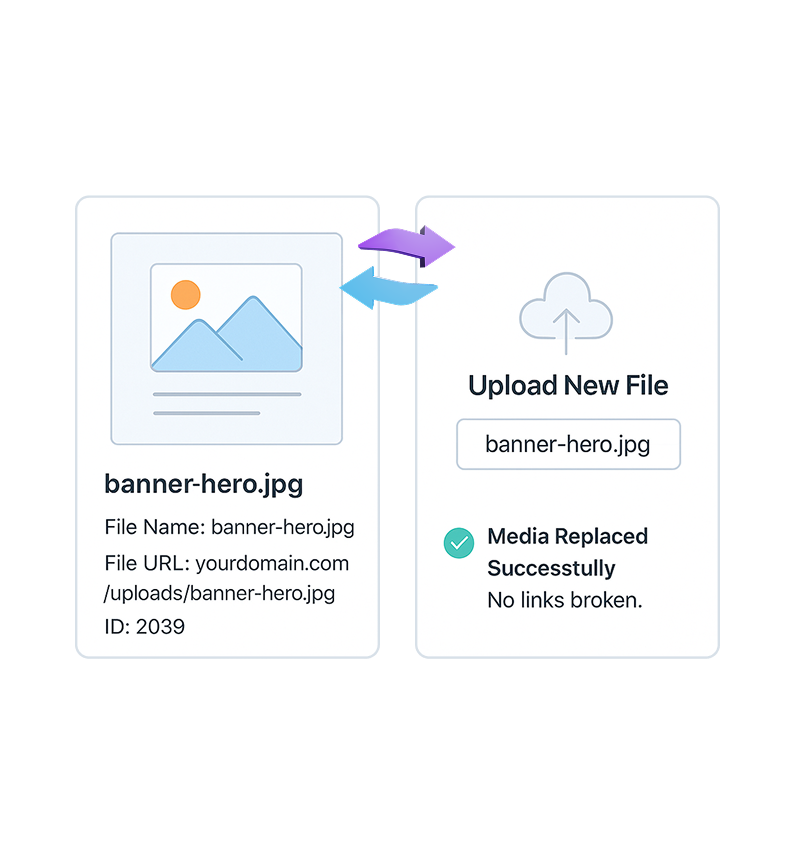
Replace Media in WordPress without changing URLs. Update images or files from Media Library while preserving links, redirects, and SEO rankings.

stylist icon

Replace Files Without Changing URLs

stylist icon

Prevents Broken Links and SEO Loss

stylist icon

Update Media Site-Wide From One Place

money-back-garanteee

30 Day Money-Back Guarantee

Guarantee-icon

30 Day Money-Back Guarantee

Creative Image

Why Should You Use Replace Media in WordPress?

Smooth Media Replacement Across Your Site

Replace images, videos, or documents directly from the Media Library. The updated file appears everywhere it’s already used, keeping your content visually consistent.
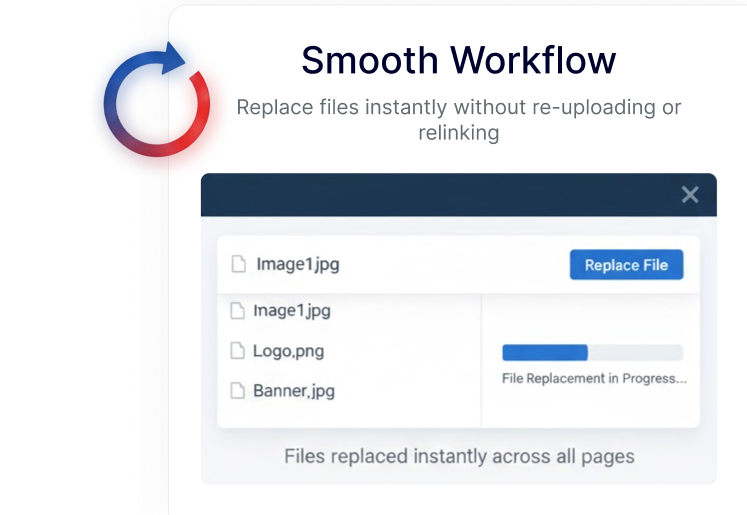
Preserve Media URLs for Stable SEO

Media files keep the same URL when replaced. This helps maintain search visibility, internal links, and external references without extra configuration.

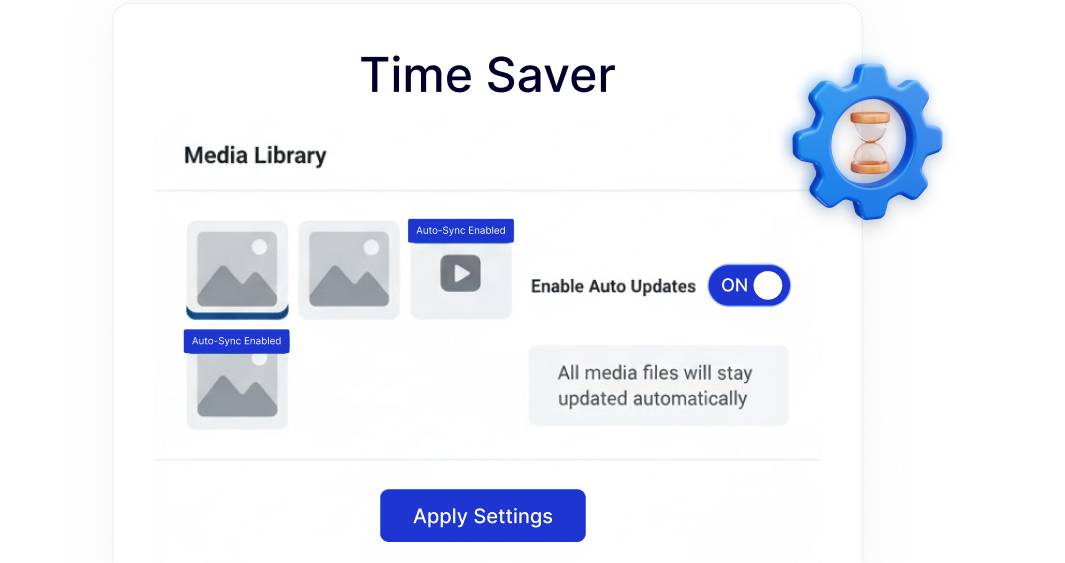
Faster Media Updates With Less Effort

Update a file once and let WordPress reflect the change across your site automatically, reducing repetitive tasks during content updates or redesigns.
Built-In Media Workflow Inside Nexter

Replace Media works as part of Nexter’s modular system, helping you manage media updates cleanly without relying on multiple single-purpose plugins.

Watch How to Replace Media in WordPress

Frequently Asked Questions

By default, WordPress creates a new file and URL. Nexter’s Replace Media feature lets you swap the file while keeping the same URL.
If the URL changes, it can break links and rankings. Replacing media while keeping the same URL avoids SEO and internal linking issues.
WordPress treats uploads as permanent files. It doesn’t include a native option to overwrite media, which is why users rely on plugins for this workflow.
Normally yes. Nexter includes Replace Media as one extension inside a larger plugin, reducing the need for multiple single-purpose plugins.
Yes. It saves time during redesigns, content updates, and client revisions by allowing fast, site-wide media updates without manual edits.
No. Since the media URL stays the same, existing links, embeds, and references continue to work as expected.

More Extensions from Nexter

1000+ Pre-Designed Websites
Templates & Sections

1000+ Templates & Sections

View AI Powered WordPress Template

Pre-designed, ready-to-import Gutenberg templates and sections for every niche — build your next site in minutes, not days.

See all Demos
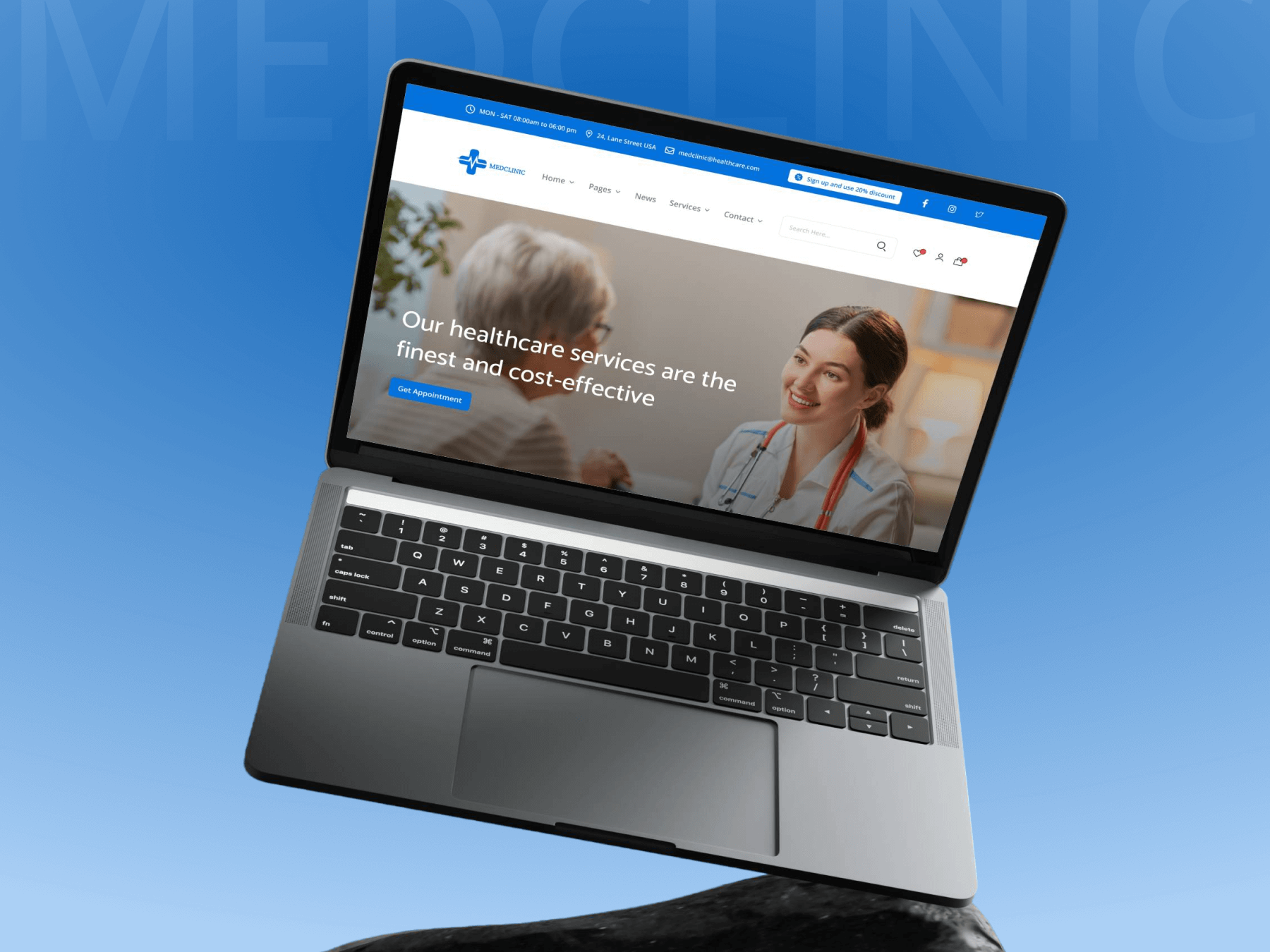
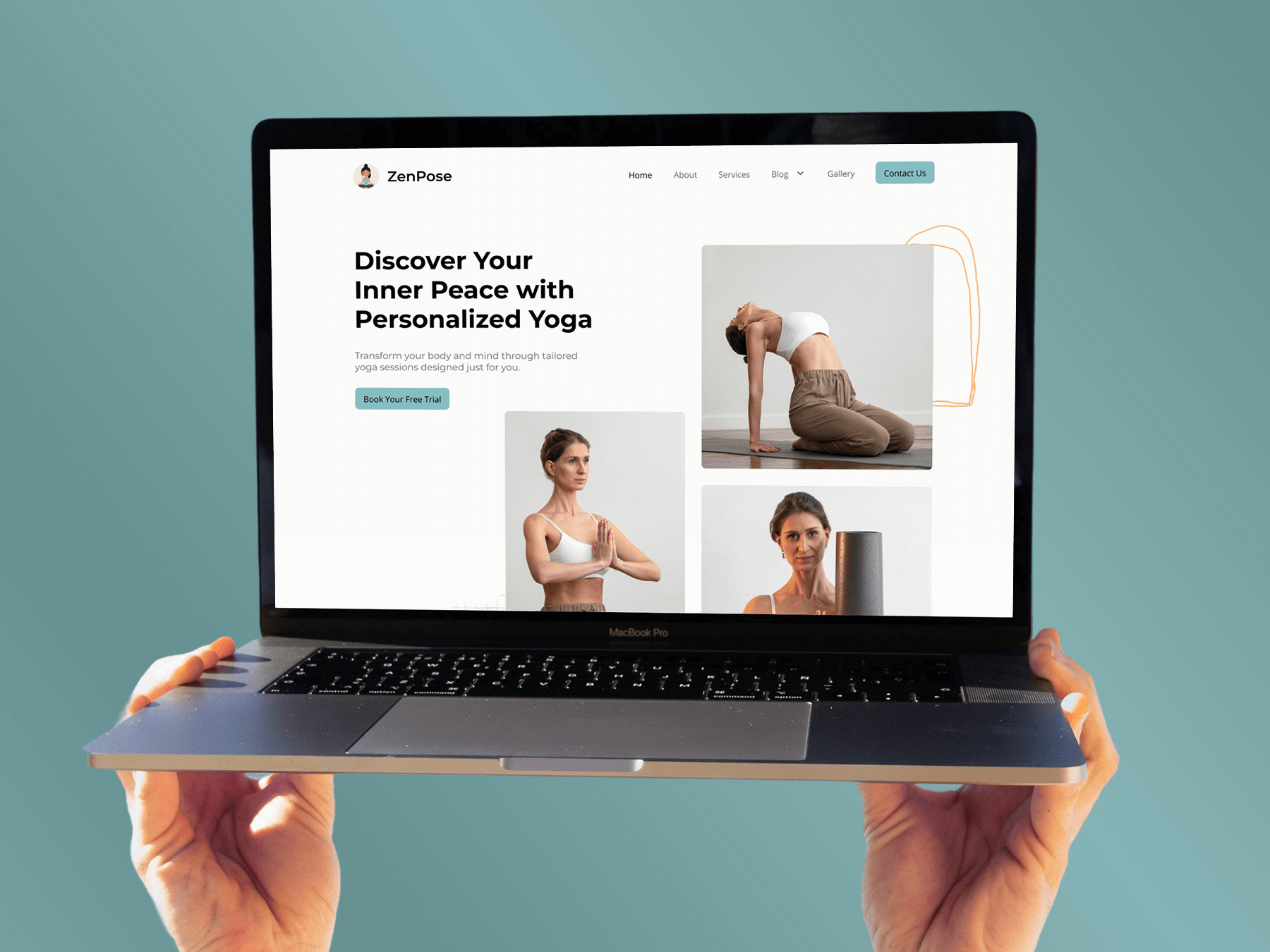
MensGroomX Prime template Medclinic Pro template ZenPose template

From Idea to Website with 1800+ Gutenberg Templates

Page Kits

AI Compatible

100+ Ready-to-Use Kits

Build Your Website Faster with AI

Build your website faster with AI-ready Gutenberg Page Kits designed for every niche. Import complete page sets, customize, and turn your ideas into a polished, professional website in minutes.

Sections

500+ sections

Build Pages with Ready-to-Use Sections

Bring your website ideas to life with professionally designed Gutenberg sections. Pick the sections you need, customize them your way, and build polished pages in less time.

Full Pages

1000+ Full Pages

Launch Complete Pages Faster

Build professional pages faster with ready-to-use Gutenberg templates designed for every niche. Choose a complete page, customize and layout to match your brand, and launch without starting from scratch.

Everything You Need to Build Better with Gutenberg Templates

Ready-to-Use Designs

Professionally designed templates that give you a strong starting point for any website or page.

Designs for Every Idea

Find professionally crafted layouts for business, creative, portfolio, agency, blog, eCommerce, and more.

Build Faster, Your Way

Import the design you need, customize it to match your brand, and launch without starting from scratch.