Skip to content
Nexter Extension

Redirect 404 Error Pages in WordPress

Redirect 404 Error Pages in WordPress to fix error links, reduce 404 errors, protect SEO, and send visitors to relevant pages without extra plugins.

stylist icon

Redirect All 404 Errors to Relevant Pages

stylist icon

Simplify Navigation With Automatic Redirections

stylist icon

Redirect Broken Links to Any Custom Page URL

money-back-garanteee

30 Day Money-Back Guarantee

Guarantee-icon

30 Day Money-Back Guarantee

Creative Image

Why Should You Redirect 404 Error Pages in WordPress?

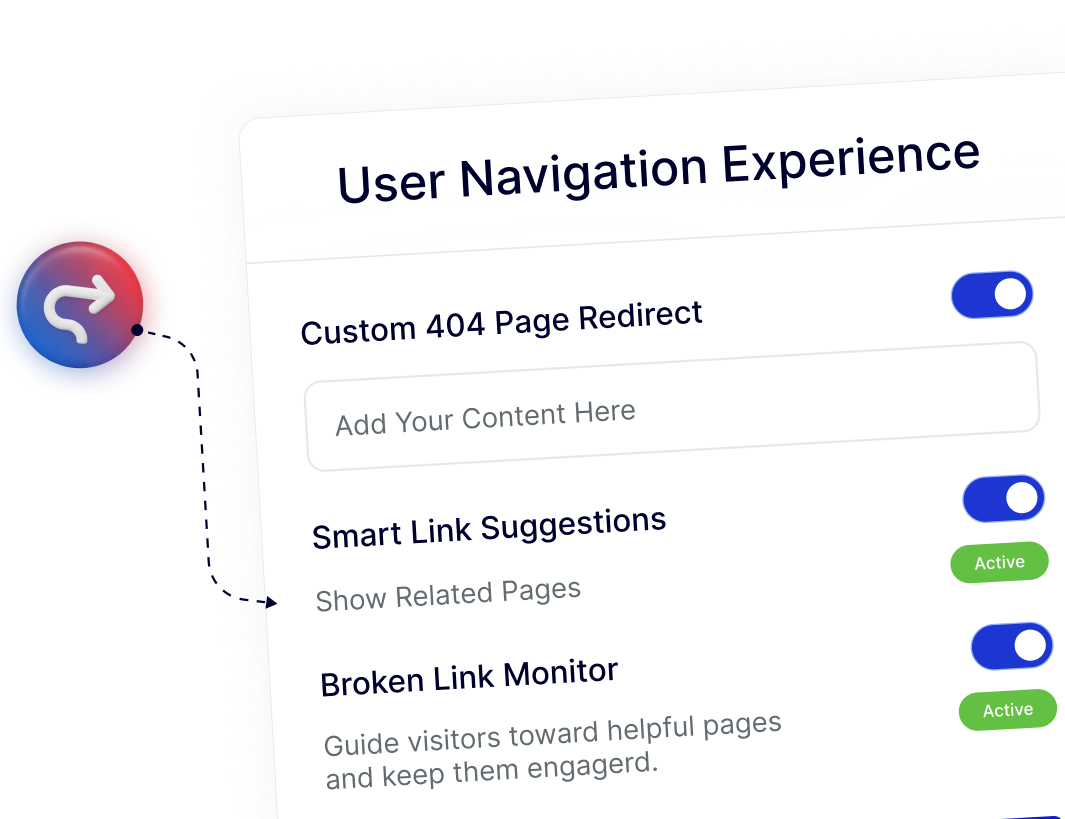
Smooth Navigation Even When Pages Are Missing

Visitors are guided from unavailable URLs to meaningful pages automatically, helping them continue browsing without interruptions or confusion.
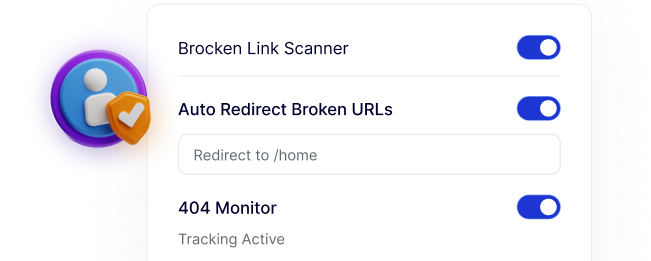
Search Engines See a Well-Maintained Site

Redirecting 404 URLs helps search engines discover valid pages instead of dead ends, supporting consistent crawling and stable search visibility.
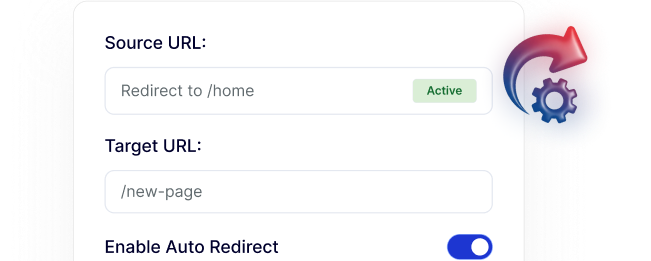
Quick Setup Without Technical Steps

404 redirects can be enabled and managed directly from the dashboard, making it easy to handle missing pages without touching code or server files.
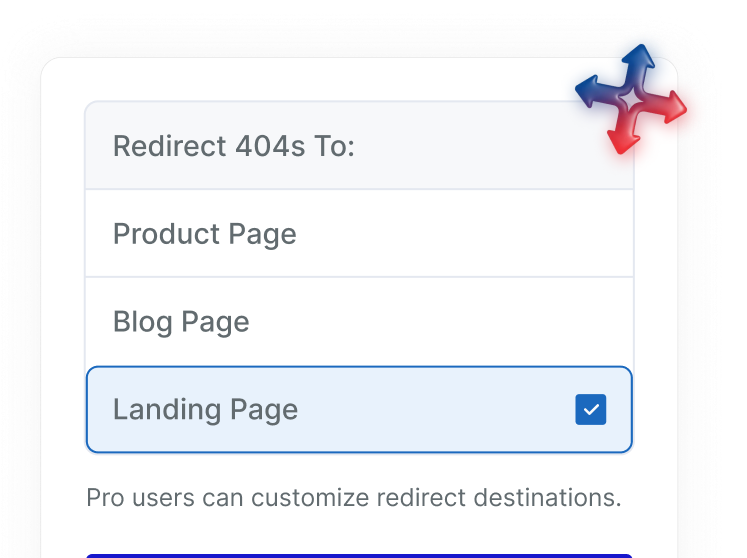
Choose the Right Destination for Every Redirect

Send visitors to the homepage, a blog post, a product page, or any custom URL, giving you flexibility to match intent and content relevance.
Keep Visitors Engaged Across Your Site

By guiding users to helpful pages instead of error screens, 404 redirects support longer sessions and smoother browsing experiences.

Frequently Asked Questions

Redirect 404 sends visitors from missing or broken URLs to a working page, instead of showing a default 404 error page.
No. WordPress shows a 404 error page but does not automatically redirect broken links unless a plugin or custom setup is used.
Usually yes, but Nexter Extension includes Redirect 404 as part of its modular system, avoiding the need for another standalone plugin.
Not always. Redirecting to relevant pages improves user experience and SEO more than sending everything to the homepage.
Yes, when used properly. Redirecting broken links helps reduce crawl errors and prevents negative SEO signals from repeated 404 responses.
Yes. Redirect 404 simplifies error handling across sites, saving setup time and reducing the need to manage multiple redirect plugins.

More Extensions from Nexter

1000+ Pre-Designed Websites
Templates & Sections

1000+ Templates & Sections

View AI Powered WordPress Template

Pre-designed, ready-to-import Gutenberg templates and sections for every niche — build your next site in minutes, not days.

See all Demos
MensGroomX Prime template Medclinic Pro template ZenPose template

From Idea to Website with 1800+ Gutenberg Templates

Page Kits

AI Compatible

100+ Ready-to-Use Kits

Build Your Website Faster with AI

Build your website faster with AI-ready Gutenberg Page Kits designed for every niche. Import complete page sets, customize, and turn your ideas into a polished, professional website in minutes.

Sections

500+ sections

Build Pages with Ready-to-Use Sections

Bring your website ideas to life with professionally designed Gutenberg sections. Pick the sections you need, customize them your way, and build polished pages in less time.

Full Pages

1000+ Full Pages

Launch Complete Pages Faster

Build professional pages faster with ready-to-use Gutenberg templates designed for every niche. Choose a complete page, customize and layout to match your brand, and launch without starting from scratch.

Everything You Need to Build Better with Gutenberg Templates

Ready-to-Use Designs

Professionally designed templates that give you a strong starting point for any website or page.

Designs for Every Idea

Find professionally crafted layouts for business, creative, portfolio, agency, blog, eCommerce, and more.

Build Faster, Your Way

Import the design you need, customize it to match your brand, and launch without starting from scratch.