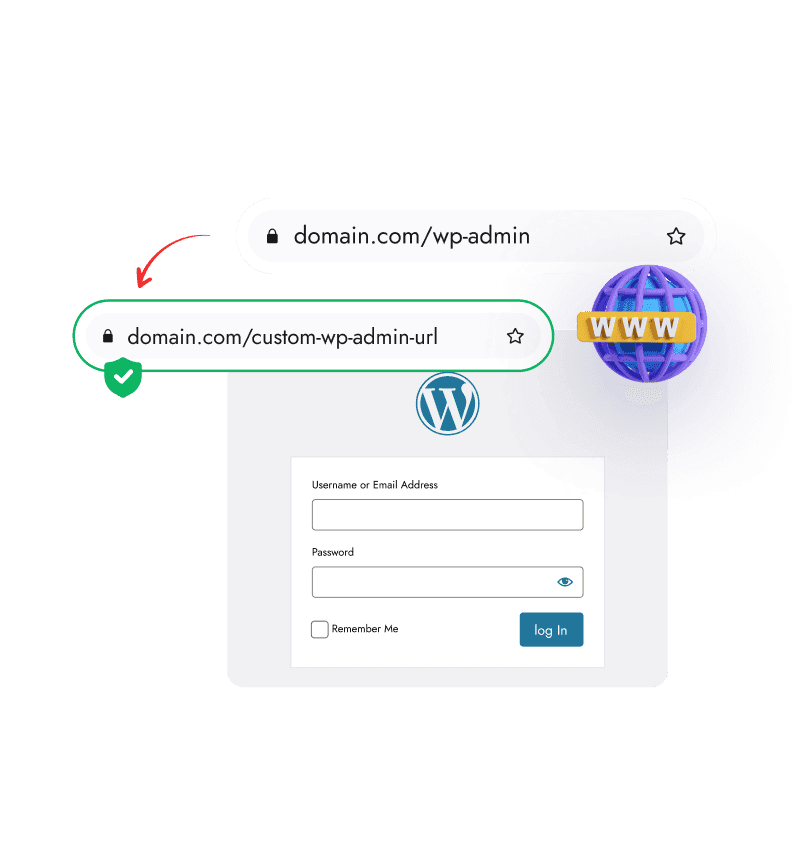
Why Should You Change WP Admin Login URL?
Faster Protection by Hiding the Default Login Path
WordPress sites use the same default login URL everywhere. Setting a custom WP admin login URL helps reduce automated bot traffic before it ever reaches your login screen.
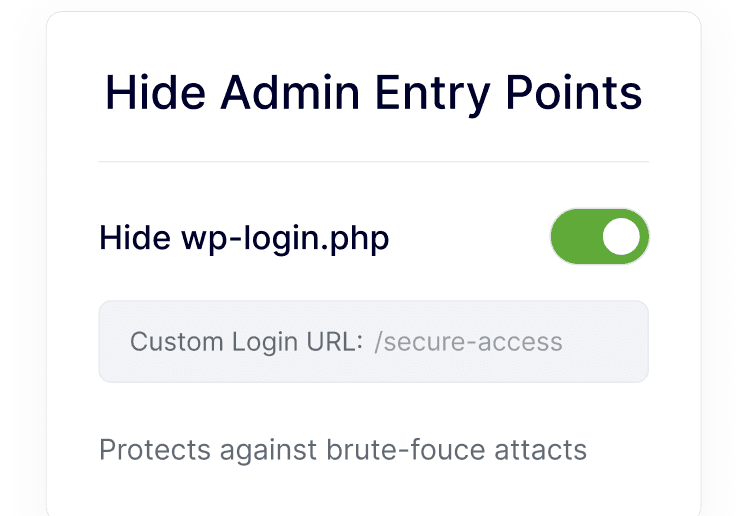
Lower Login Attack Exposure with a Custom URL
A custom login path limits who can even see your login page. This reduces unnecessary login attempts and works smoothly with other WordPress security controls.
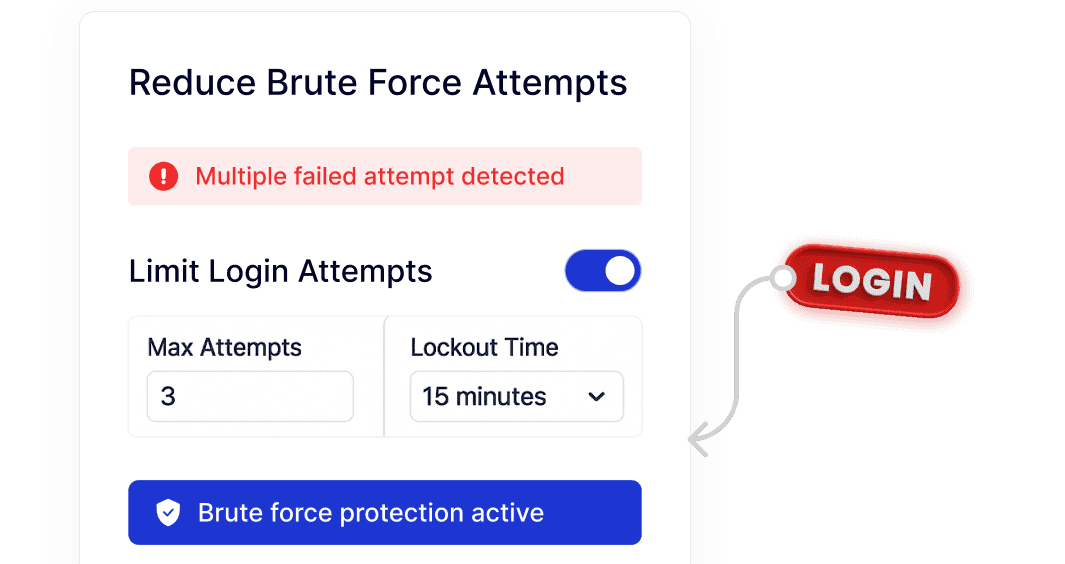
More Clarity and Control for Legitimate Users
Customizing the login access experience makes it easier for real users to know where to log in, especially on client sites or shared WordPress setups.
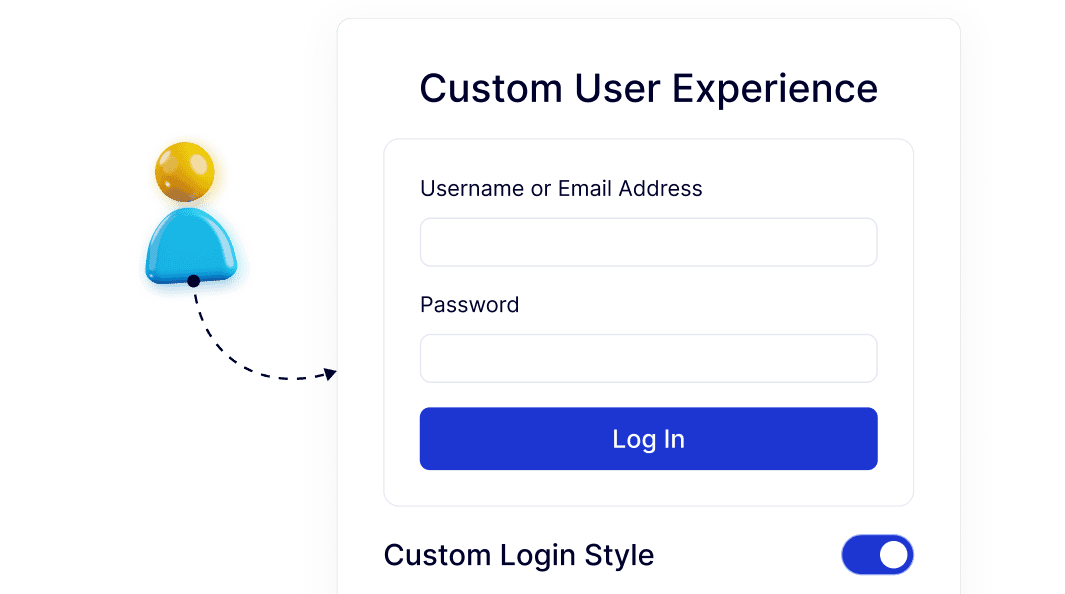
One Simple Setup Instead of Multiple Plugins
Changing the login URL, managing access behavior, and improving login flow are handled in one place. This avoids extra plugins and keeps WordPress easier to manage long term.