Skip to content
Nexter Extension

Disable Admin Settings in WordPress

Disable admin settings in WordPress with Nexter Extension. Hide widgets, notices, and the admin bar for a distraction-free, cleaner site experience.

stylist icon

Remove Dashboard Widgets for a Focused Workspace

stylist icon

Hide Admin Notices for Less Distraction

stylist icon

Disable Admin Bar on Frontend for Clean User Experience

credit-card 1

No Credit Card Required

credit-card 1

No Credit Card Required

Creative Image

Why Should You Disable Admin Settings in WordPress?

Cleaner Dashboard Interface for Daily Work

Keep only the dashboard widgets you actually use. Hide welcome panels and default widgets to create a focused WordPress admin experience that feels lighter and easier to manage.

Prevent Unwanted Changes in Admin Areas

Control access to sensitive admin settings like updates and configurations. This helps keep site setups consistent, especially when multiple users work inside the dashboard.

Streamlined Workflow for Site Management

Reduce visual noise from persistent admin notices and setup prompts. A calmer dashboard helps you move faster without distractions while managing pages, posts, and settings.

Professional Client Experience in WordPress

Present clients with a clean and simplified admin interface. Hidden widgets, notices, and admin bars make the dashboard easier to understand and more comfortable for non-technical users.

Enhanced Security and Control for Admin Settings

Limit visibility of specific admin components based on roles. This allows better control over who can see or interact with sensitive areas without modifying core WordPress files.

Watch How to Disable Admin Settings in WordPress

Frequently Asked Questions

Yes. You can hide or disable dashboard widgets using a plugin like Nexter Extension, without editing functions.php or writing custom code.
WordPress and plugins use admin notices to share updates and messages. Over time, these stack up and make the dashboard harder to use, especially on active sites.
Not necessarily. Nexter Extension lets you manage dashboard widgets, admin notices, welcome panels, and admin bars from one place instead of installing several small plugins.
No. Disabling admin settings only hides or restricts visibility in the dashboard. Your frontend and core site functionality remain unchanged.
Yes. Agencies and freelancers often use this to simplify dashboards for clients and limit access to sensitive settings without creating custom roles.
Yes. You can hide the WordPress admin bar on the frontend, backend, or both, depending on your workflow and user roles.

More Extensions from Nexter

1000+ Pre-Designed Websites
Templates & Sections

1000+ Templates & Sections

View AI Powered WordPress Template

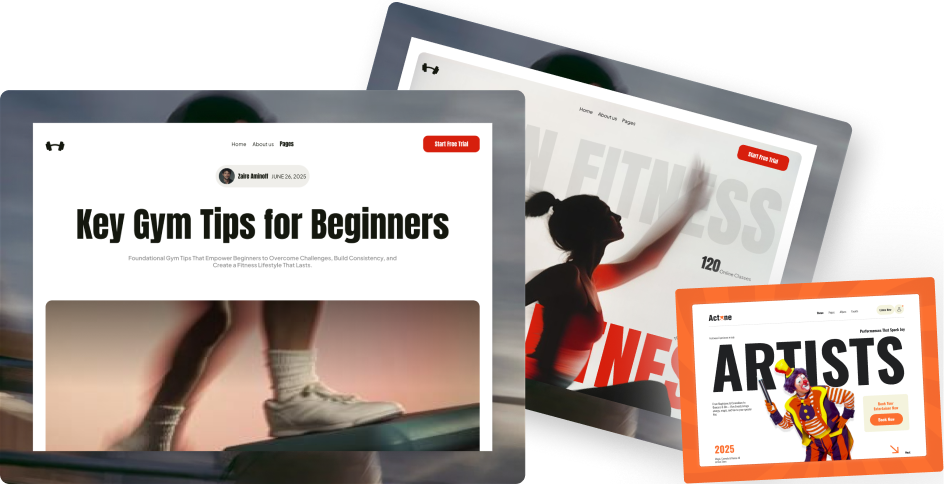
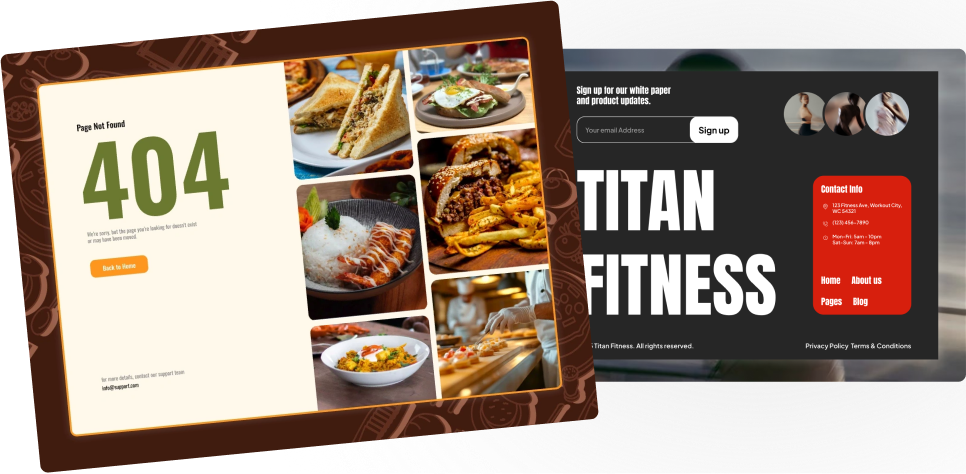
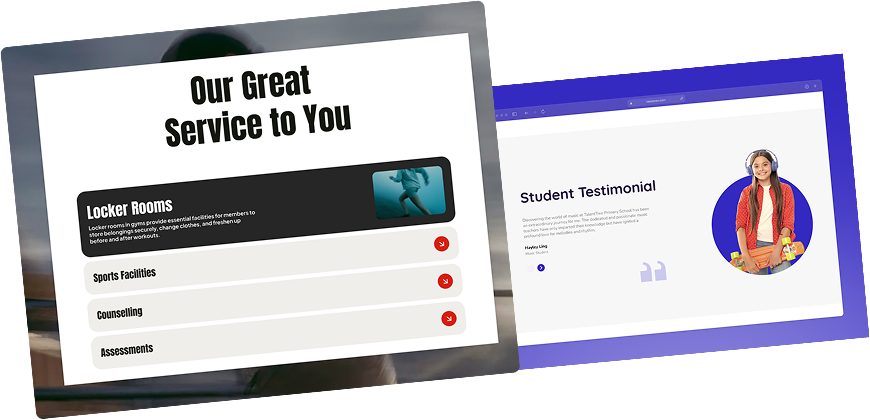
Pre-designed, ready-to-import Gutenberg templates and sections for every niche — build your next site in minutes, not days.

See all Demos
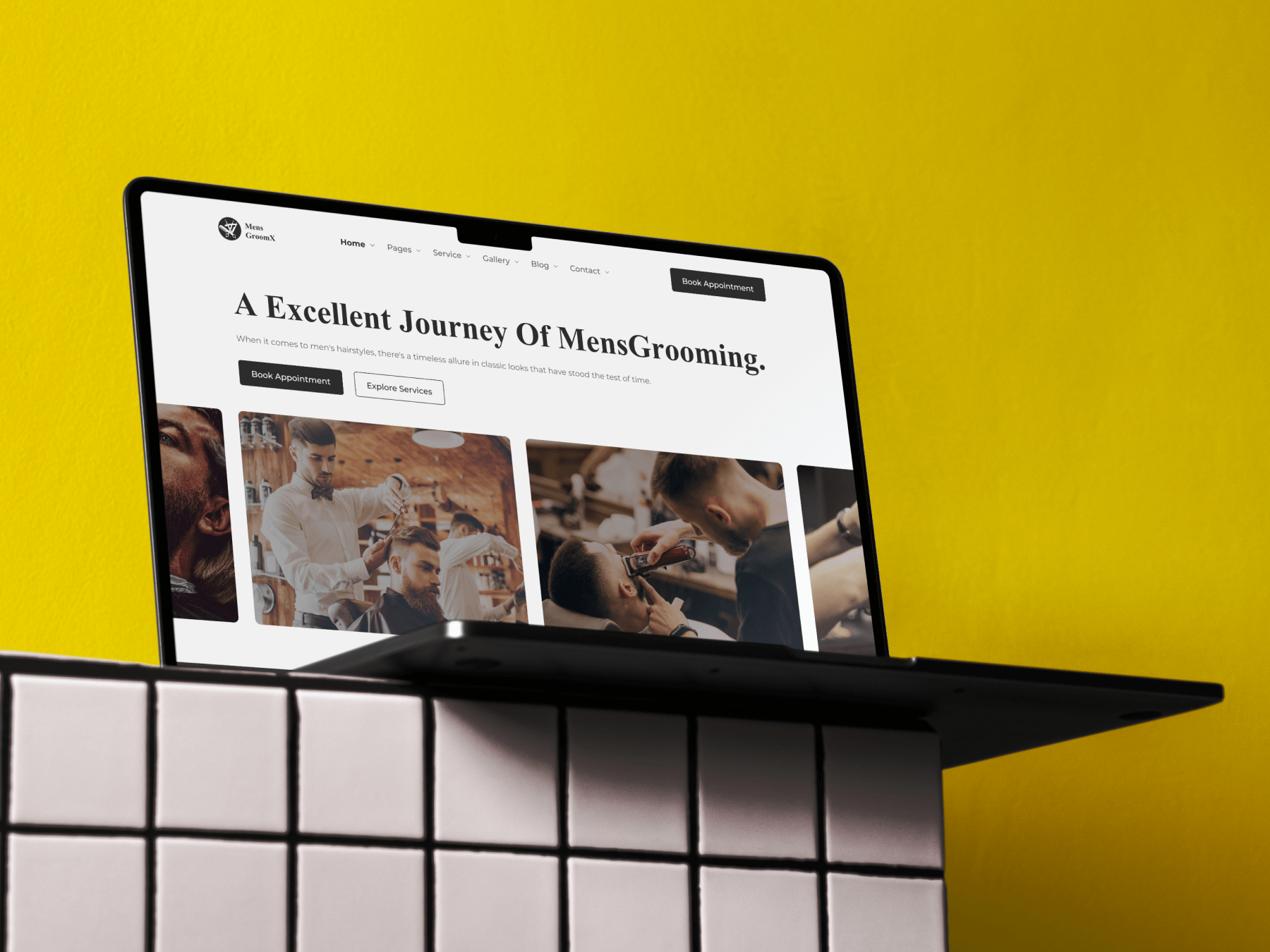
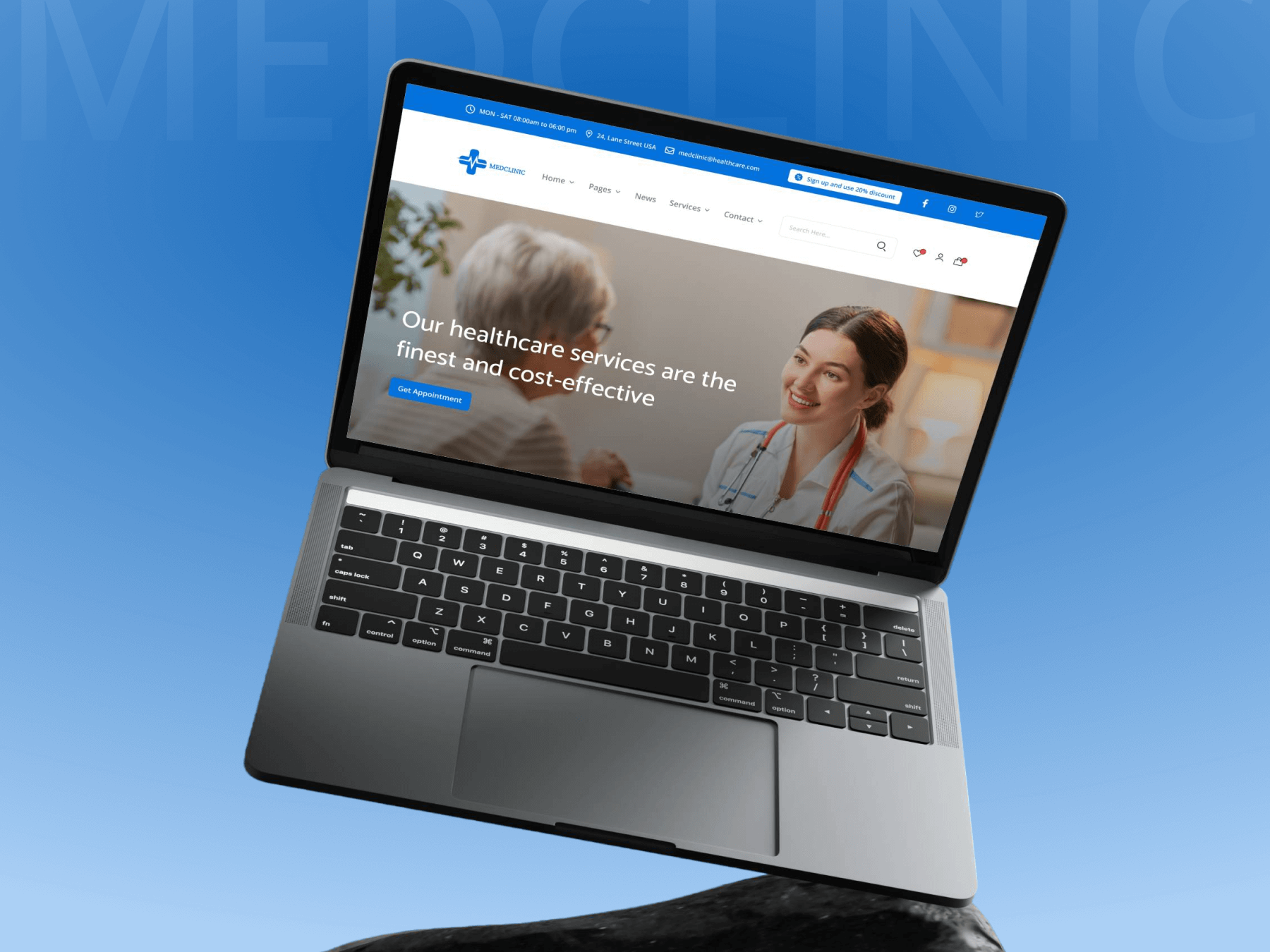
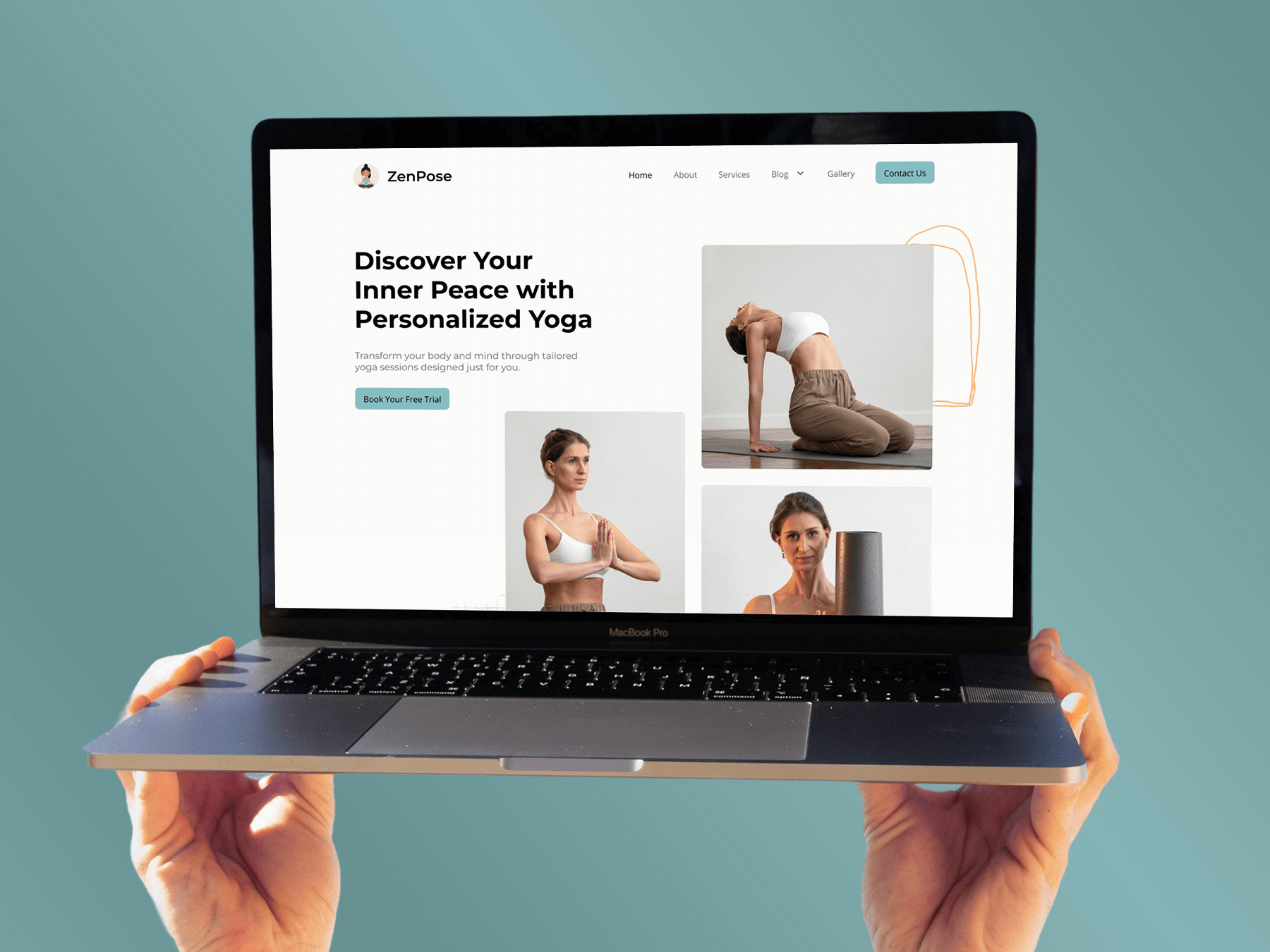
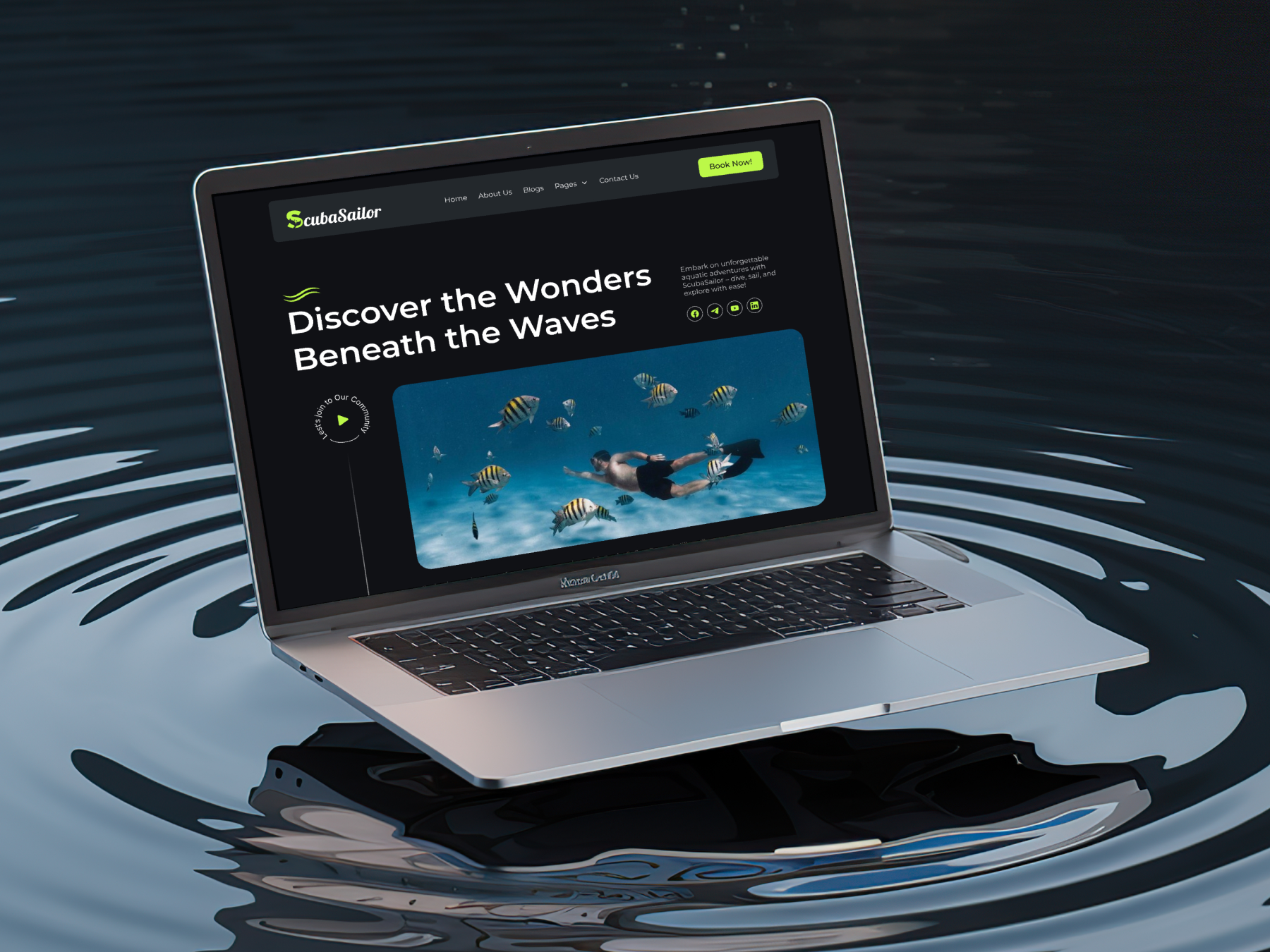
MensGroomX Prime template Medclinic Pro template ZenPose template

From Idea to Website with 1800+ Gutenberg Templates

Page Kits

AI Compatible

100+ Ready-to-Use Kits

Build Your Website Faster with AI

Build your website faster with AI-ready Gutenberg Page Kits designed for every niche. Import complete page sets, customize, and turn your ideas into a polished, professional website in minutes.

Sections

500+ sections

Build Pages with Ready-to-Use Sections

Bring your website ideas to life with professionally designed Gutenberg sections. Pick the sections you need, customize them your way, and build polished pages in less time.

Full Pages

1000+ Full Pages

Launch Complete Pages Faster

Build professional pages faster with ready-to-use Gutenberg templates designed for every niche. Choose a complete page, customize and layout to match your brand, and launch without starting from scratch.

Everything You Need to Build Better with Gutenberg Templates

Ready-to-Use Designs

Professionally designed templates that give you a strong starting point for any website or page.

Designs for Every Idea

Find professionally crafted layouts for business, creative, portfolio, agency, blog, eCommerce, and more.

Build Faster, Your Way

Import the design you need, customize it to match your brand, and launch without starting from scratch.