Skip to content
Nexter Extension

Rollback Manager for WordPress Plugins & Themes

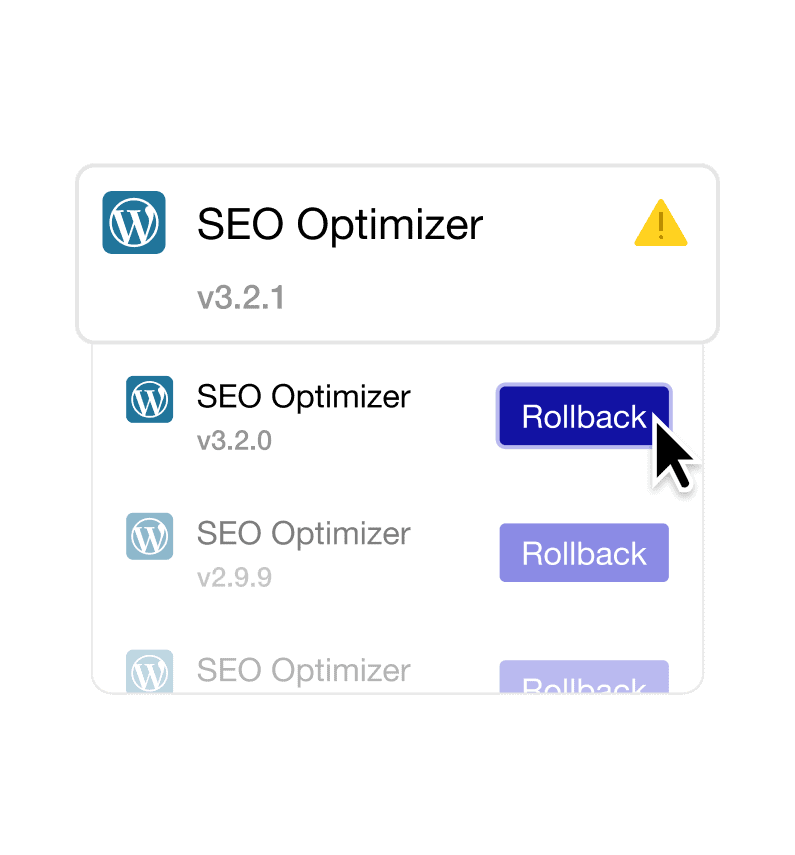
Rollback Manager for WordPress to rollback plugins or themes after an update. Pick a previous version from your dashboard and restore stability quickly.

stylist icon

Revert Plugin or Theme Updates in One Click

stylist icon

Fix Update Conflicts Without FTP or File Edits

stylist icon

Keep Sites Stable While You Test Versions

credit-card 1

No Credit Card Required

credit-card 1

No Credit Card Required

Creative Image

Why Should You Use Rollback Manager for WordPress?

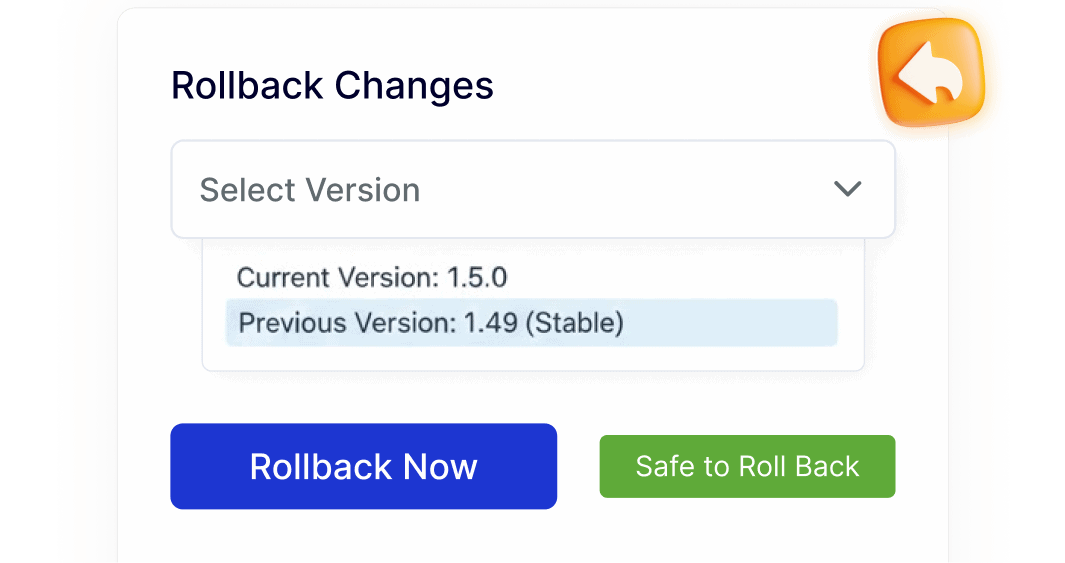
Restore Plugin Versions in One Click

Quickly switch back to a previously working plugin version directly from your WordPress dashboard. This keeps your site running smoothly without extra steps or tools.

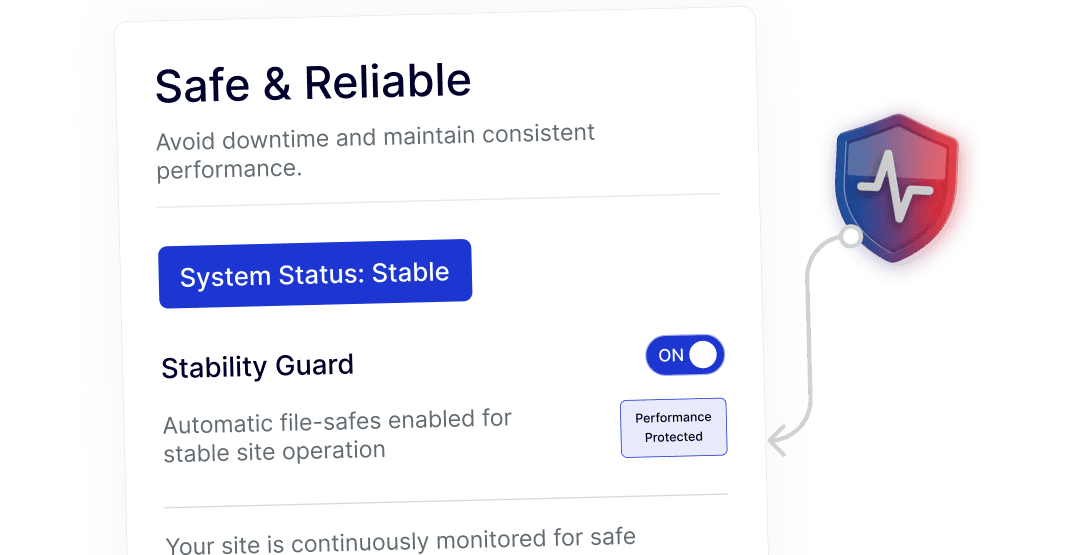
Keep Your Site Stable During Updates

Easily return to a stable plugin version whenever needed. This helps maintain consistent performance while you review or test newer updates.
Simple Rollback Without Technical Steps

Manage plugin versions without FTP access, file managers, or code edits. The entire rollback process stays inside WordPress, making it accessible for beginners and efficient for professionals.
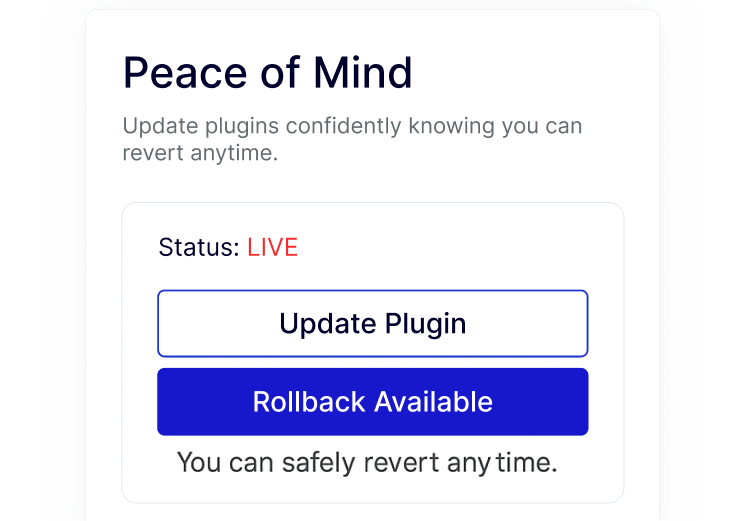
Confident Plugin Testing on Live Sites

Try new plugin updates knowing you can revert at any time. This allows safer testing on live or client sites without added stress or complex workflows.
Watch How to Rollback WordPress Plugins & Themes

Youtube video

Frequently Asked Questions

No. WordPress does not include a built-in way to roll back plugin versions. You usually need a separate plugin or manual file replacement. Nexter Extension adds this option directly to your dashboard.
With Nexter Extension, you don’t. The Rollback Manager is a built-in module, so you avoid installing and maintaining an extra rollback plugin.
You can instantly revert to the previous stable version using the Rollback Manager, restoring functionality without disabling the plugin or editing files.
Yes. Rolling back simply restores the earlier plugin version that was already working on your site, which is often safer than leaving a broken update active.
Yes. It’s especially useful for agencies managing many sites, as it saves time, reduces emergency fixes, and avoids repeated plugin installations.
In most cases, plugin settings and content remain unchanged. The rollback only switches the plugin version to a previous release.

More Extensions from Nexter

1000+ Pre-Designed Websites
Templates & Sections

1000+ Templates & Sections

View AI Powered WordPress Template

Pre-designed, ready-to-import Gutenberg templates and sections for every niche — build your next site in minutes, not days.

See all Demos
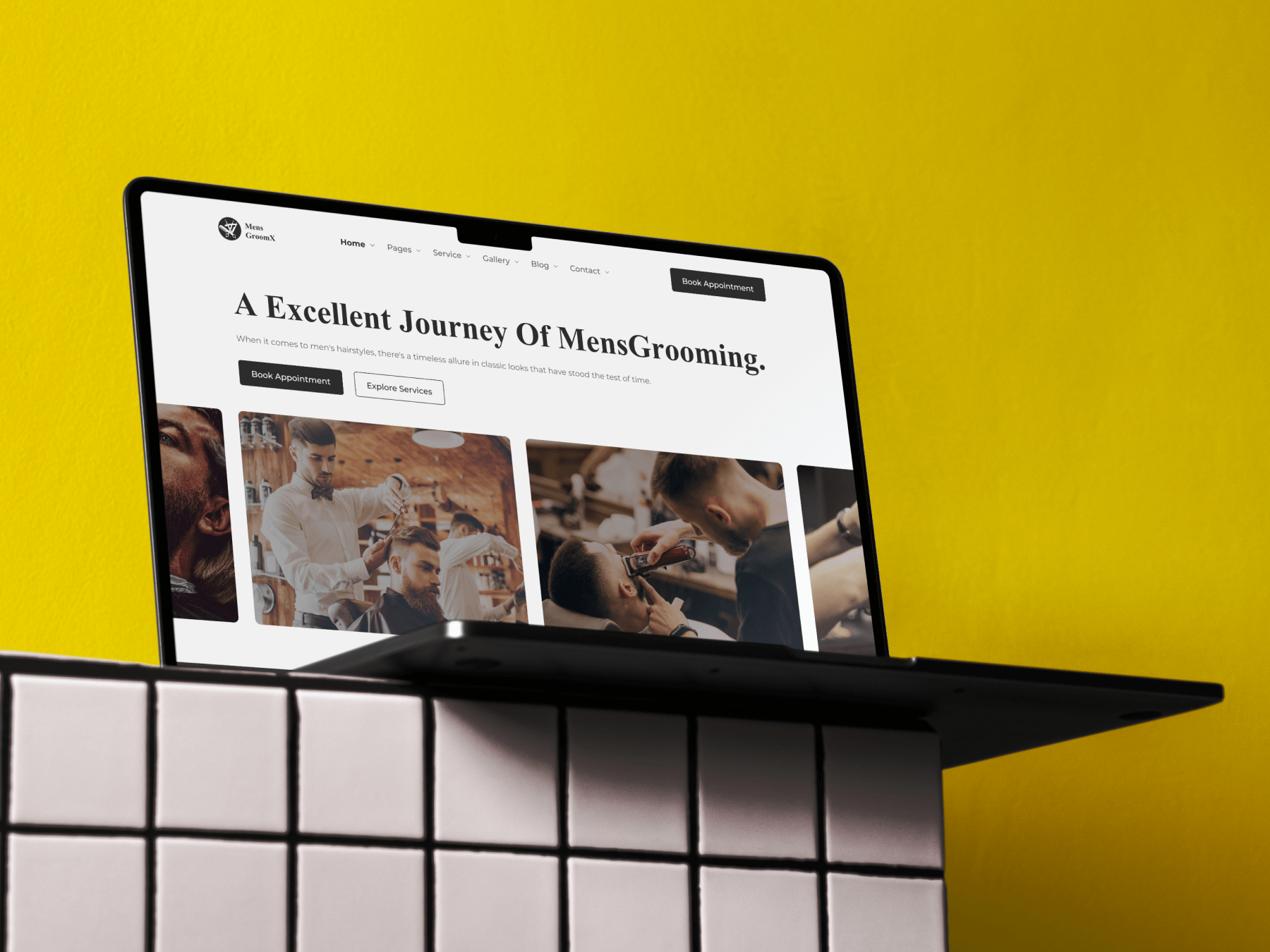
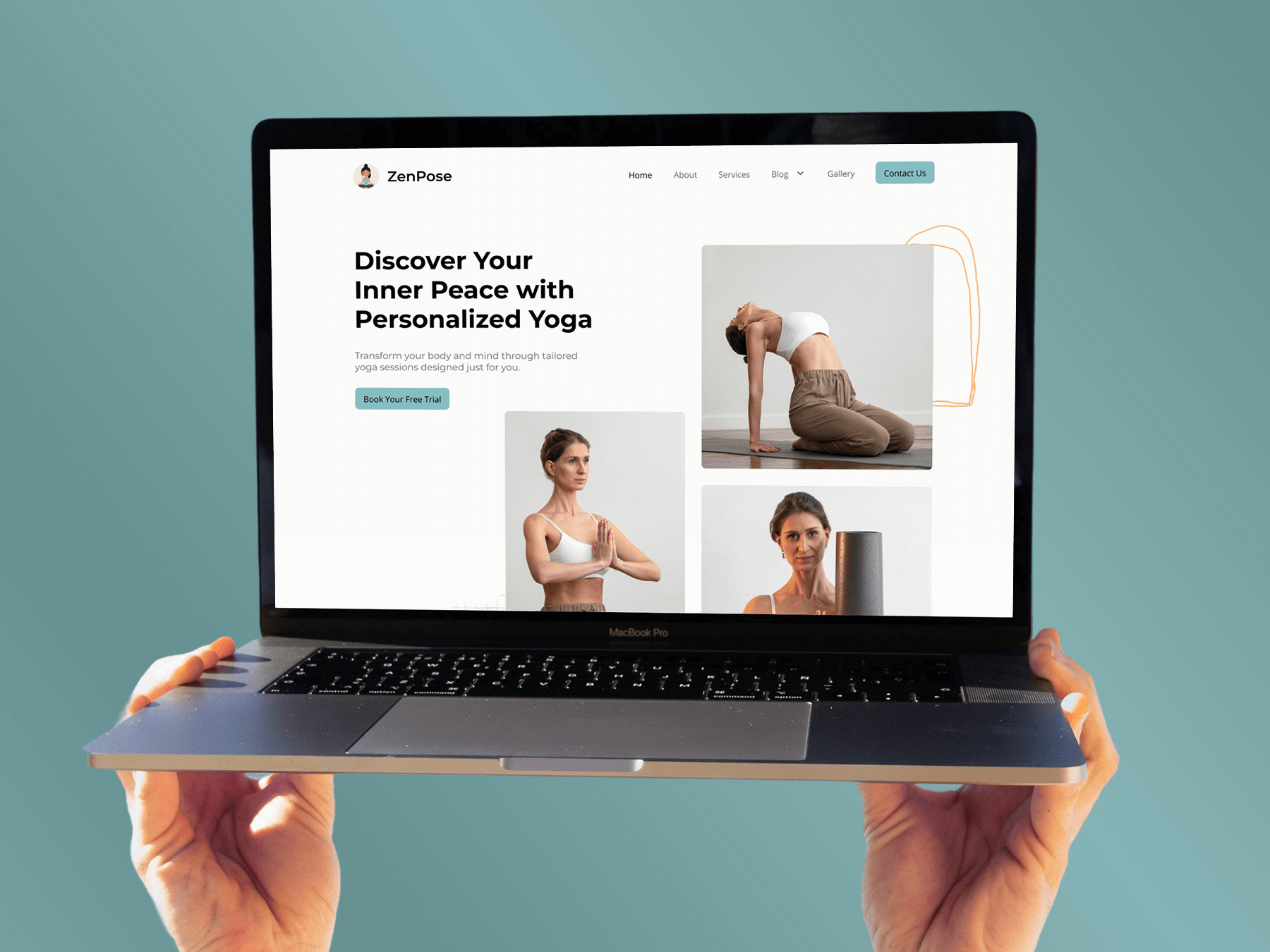
MensGroomX Prime template Medclinic Pro template ZenPose template

From Idea to Website with 1600+ Gutenberg Templates

Page Kits

AI Compatible

100+ Ready-to-Use Kits

Build Your Website Faster with AI

Build your website faster with AI-ready Gutenberg Page Kits designed for every niche. Import complete page sets, customize, and turn your ideas into a polished, professional website in minutes.

Sections

500+ sections

Build Pages with Ready-to-Use Sections

Bring your website ideas to life with professionally designed Gutenberg sections. Pick the sections you need, customize them your way, and build polished pages in less time.

Full Pages

1000+ Full Pages

Launch Complete Pages Faster

Build professional pages faster with ready-to-use Gutenberg templates designed for every niche. Choose a complete page, customize and layout to match your brand, and launch without starting from scratch.

Everything You Need to Build Better with Gutenberg Templates

Ready-to-Use Designs

Professionally designed templates that give you a strong starting point for any website or page.

Designs for Every Idea

Find professionally crafted layouts for business, creative, portfolio, agency, blog, eCommerce, and more.

Build Faster, Your Way

Import the design you need, customize it to match your brand, and launch without starting from scratch.