Skip to content
Nexter Extension

Regenerate Thumbnails in WordPress

Regenerate thumbnails in WordPress to fix cropped images and wrong sizes. Update Media Library thumbnails, WooCommerce images, and custom sizes after theme changes.

stylist icon

Fix Incorrect Image Sizes Site-Wide

stylist icon

Regenerate WooCommerce and Custom Thumbnails

stylist icon

Update Old Uploads to New Sizes Due to Theme Change

credit-card 1

No Credit Card Required

credit-card 1

No Credit Card Required

Creative Image

Why Should You Regenerate Thumbnails in WordPress?

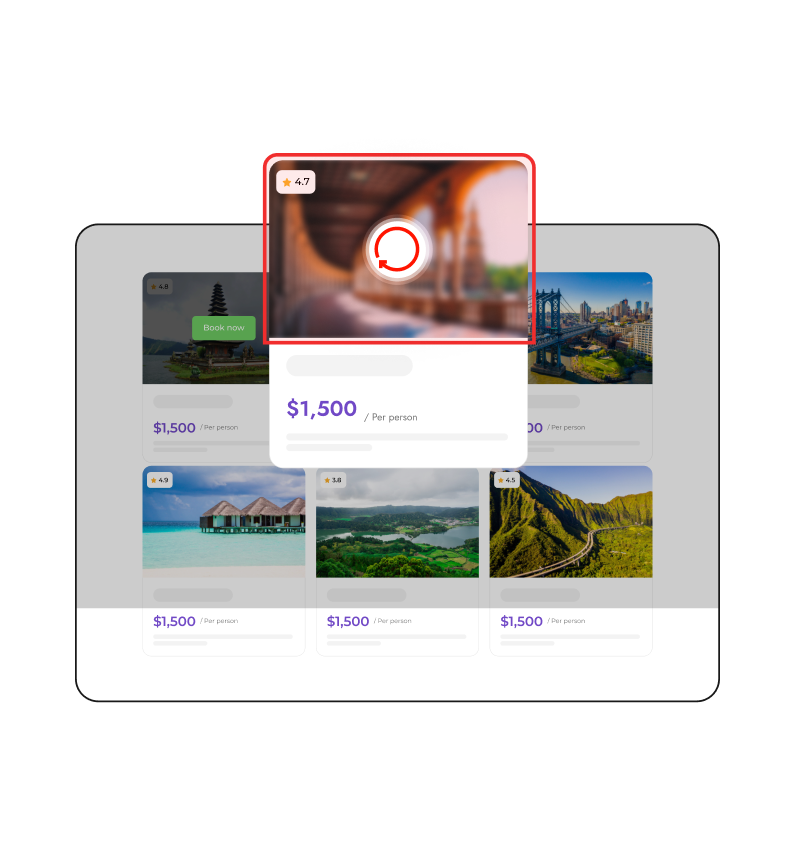
Consistent Image Display Across All Devices

Regenerate thumbnails to keep images looking clean and proportionate across desktops, tablets, and mobiles, even after theme or layout updates.
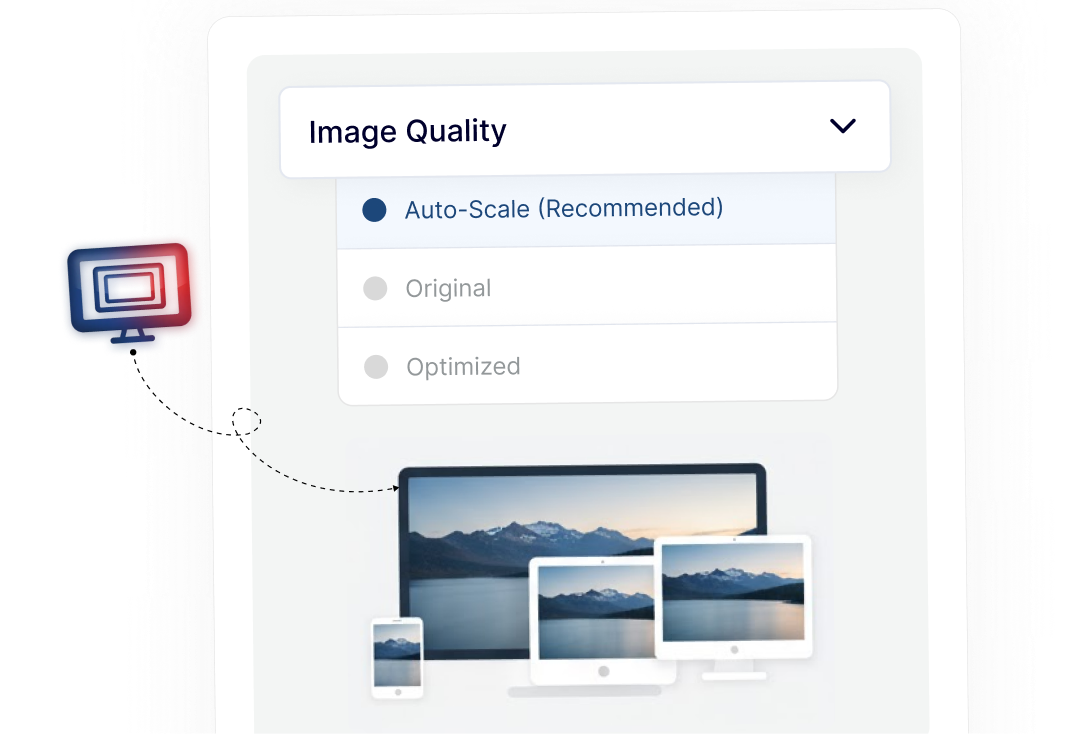
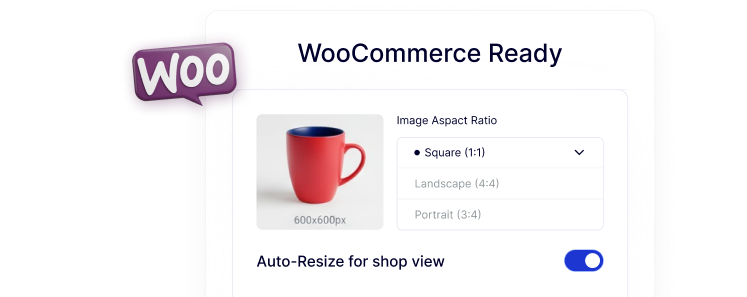
WooCommerce Images Sized Correctly Everywhere

Ensure product images fit perfectly on shop, category, and product pages by regenerating WooCommerce-specific thumbnail sizes.
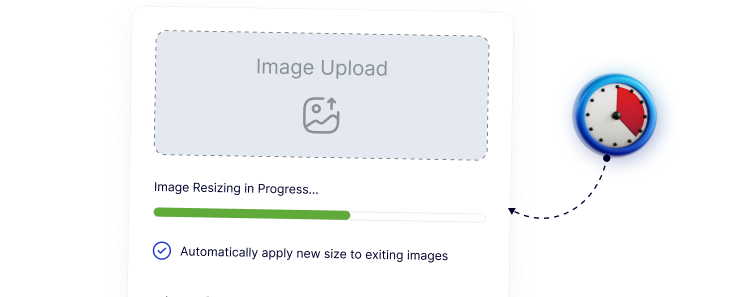
Update Image Sizes Without Reuploading Files

Apply new thumbnail dimensions to existing images in bulk, saving time and keeping your media library intact.
Clear, Sharp Thumbnails for Better User Experience

Regenerate missing or outdated image sizes so thumbnails remain crisp and visually consistent throughout your site.

Simple and Safe Bulk Regeneration Process

Regenerate selected image sizes or all thumbnails with clear progress tracking, making it easy for beginners and reliable for agencies.

Watch How to Regenerate Thumbnails in WordPress

Frequently Asked Questions

Themes define image sizes. When you switch themes, existing images don’t update automatically, so thumbnails must be regenerated to match the new sizes.
No. WordPress creates image sizes only at upload time. Existing images stay unchanged unless you manually regenerate thumbnails.
Normally, yes, but Nexter Extension includes thumbnail regeneration as part of a single modular plugin, reducing the need for extra tools.
No. Regeneration only recreates image sizes based on existing originals. The original uploaded image remains untouched.
Yes. The process runs with progress tracking, making it suitable for large sites and agencies managing multiple WordPress installs.
Yes. It regenerates WooCommerce-specific image sizes so product images display correctly across shop and product layouts.

More Extensions from Nexter

1000+ Pre-Designed Websites
Templates & Sections

1000+ Templates & Sections

View AI Powered WordPress Template

Pre-designed, ready-to-import Gutenberg templates and sections for every niche — build your next site in minutes, not days.

See all Demos
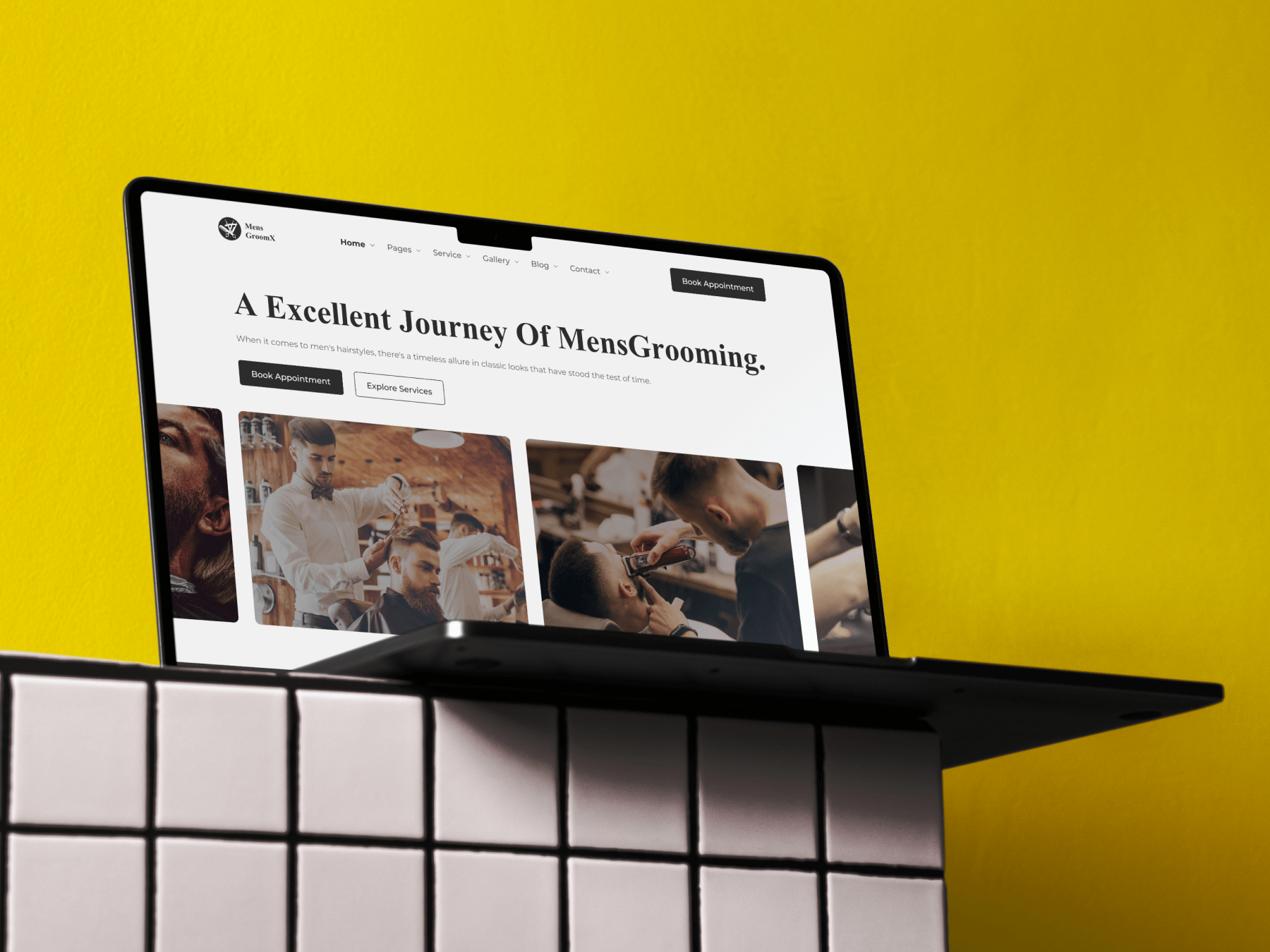
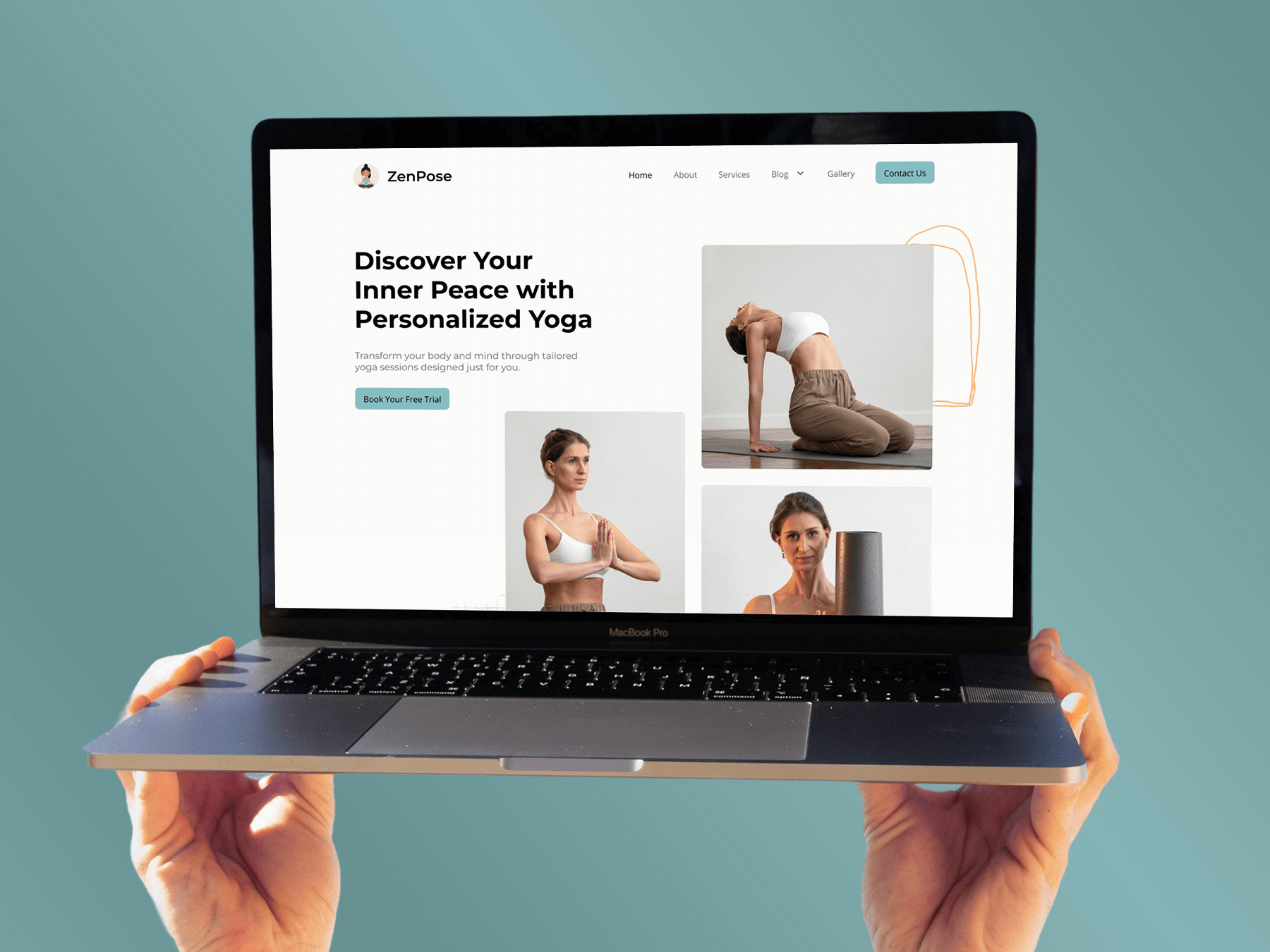
MensGroomX Prime template Medclinic Pro template ZenPose template

From Idea to Website with 1800+ Gutenberg Templates

Page Kits

AI Compatible

100+ Ready-to-Use Kits

Build Your Website Faster with AI

Build your website faster with AI-ready Gutenberg Page Kits designed for every niche. Import complete page sets, customize, and turn your ideas into a polished, professional website in minutes.

Sections

500+ sections

Build Pages with Ready-to-Use Sections

Bring your website ideas to life with professionally designed Gutenberg sections. Pick the sections you need, customize them your way, and build polished pages in less time.

Full Pages

1000+ Full Pages

Launch Complete Pages Faster

Build professional pages faster with ready-to-use Gutenberg templates designed for every niche. Choose a complete page, customize and layout to match your brand, and launch without starting from scratch.

Everything You Need to Build Better with Gutenberg Templates

Ready-to-Use Designs

Professionally designed templates that give you a strong starting point for any website or page.

Designs for Every Idea

Find professionally crafted layouts for business, creative, portfolio, agency, blog, eCommerce, and more.

Build Faster, Your Way

Import the design you need, customize it to match your brand, and launch without starting from scratch.