Skip to content
Nexter Extension

One-Click Enable WordPress Debug Mode

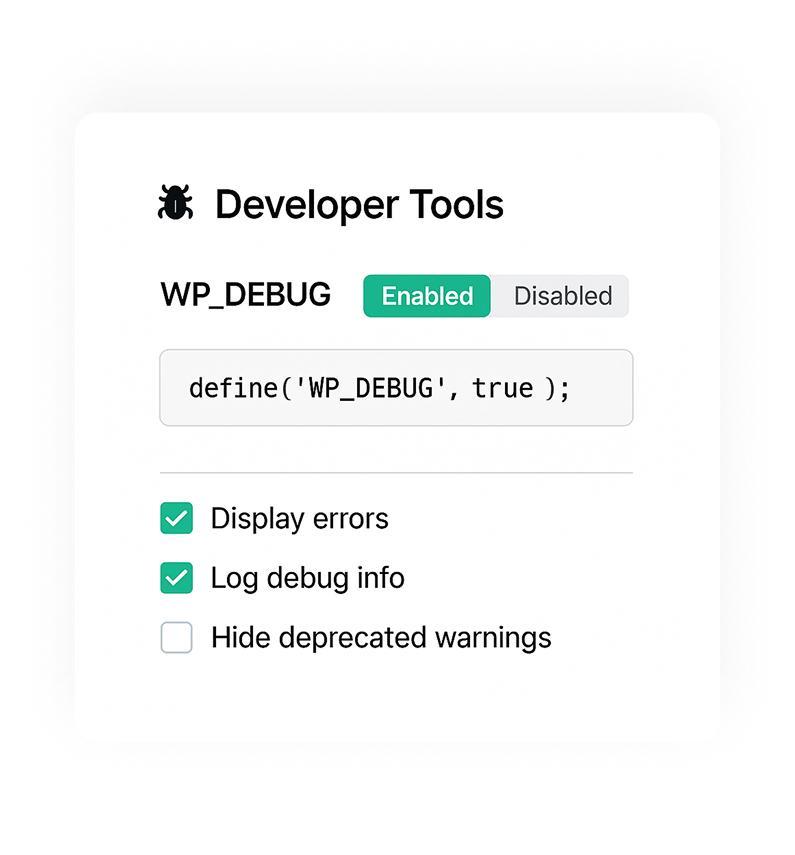
WP Debug Mode: Developer Mode toggle to enable WP_DEBUG, show PHP errors, and write debug.log without editing wp-config.php.

stylist icon

Turn WP_DEBUG On or Off Instantly

stylist icon

View Errors Without Touching wp-config.php

stylist icon

Safe Debugging for Live Sites

credit-card 1

No Credit Card Required

credit-card 1

No Credit Card Required

Creative Image

Why Should You Use Developer Mode in WordPress?

Enable WordPress Debug Mode in One Click

Quickly turn WP_DEBUG on or off from the dashboard. This keeps debugging simple and avoids manual configuration steps.
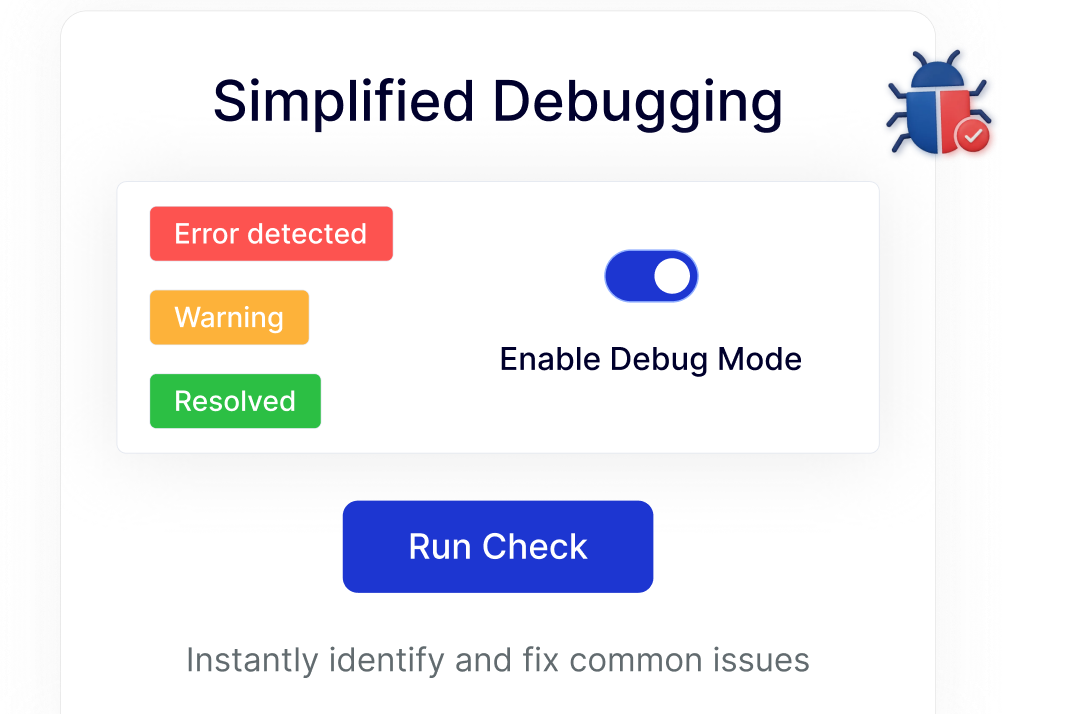
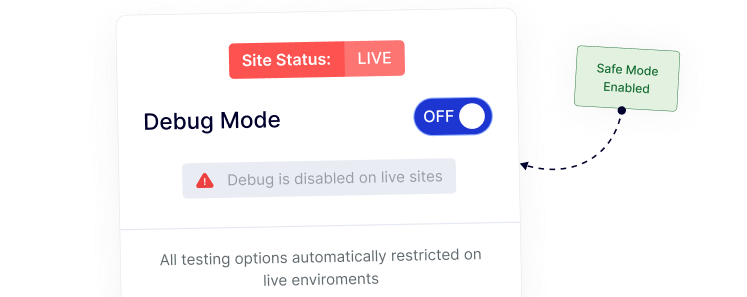
Safe Debugging Controls for Live Sites

Manage debug mode responsibly by keeping it disabled on production sites, helping maintain a clean experience for visitors.
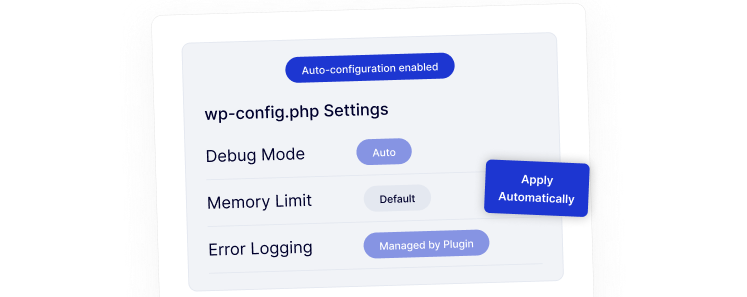
Configure wp-config Settings Automatically

No need to manually edit wp-config.php.
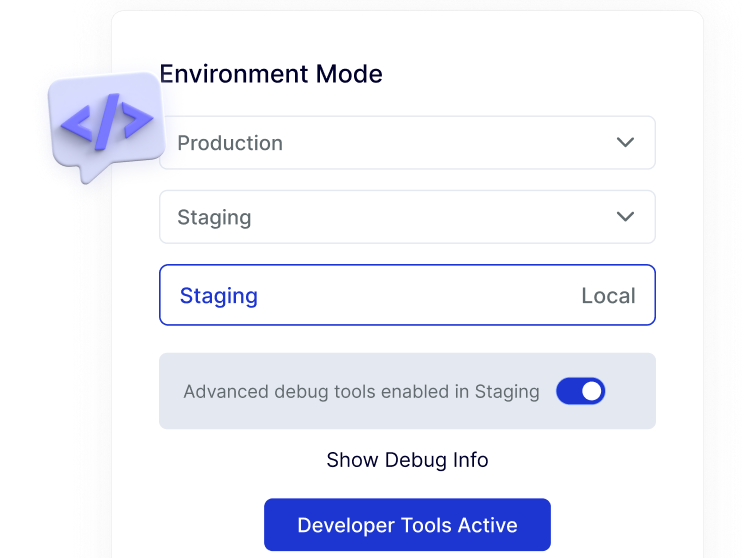
Developer-Friendly Workflow for Staging and Local Sites

Switch debug mode on for staging or local environments with ease, fitting naturally into common WordPress development workflows.
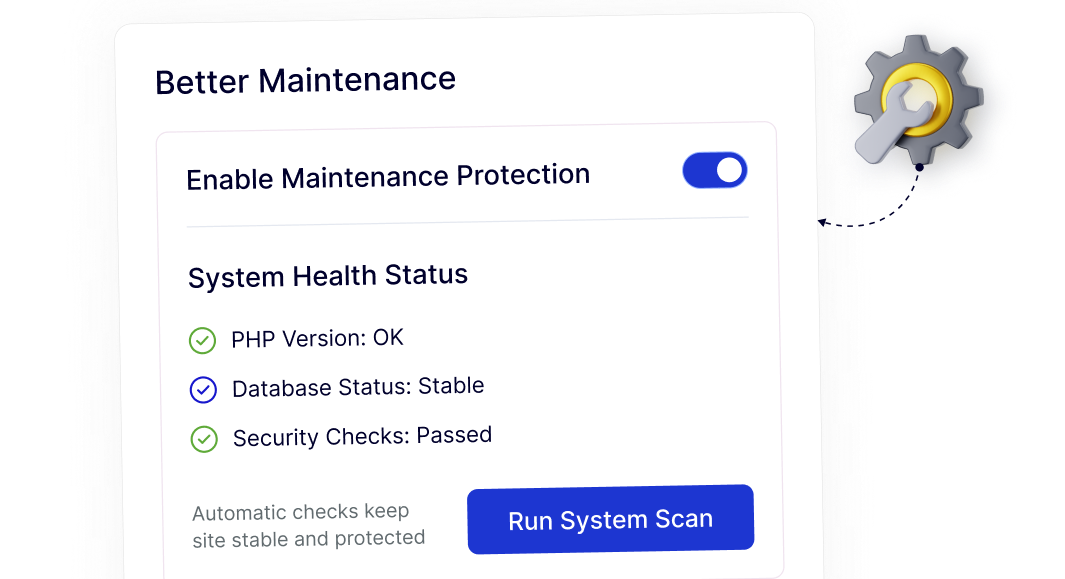
Cleaner Maintenance With Controlled Debug Settings

Centralized debug controls help keep your site organized over time, reducing overlooked settings and simplifying ongoing maintenance.
Frequently Asked Questions

WP Debug Mode helps identify PHP errors, warnings, and notices so you can troubleshoot plugin, theme, or custom code issues during development.
By default, yes. Nexter Extension removes that step by letting you toggle WP_DEBUG directly from the WordPress dashboard.
Debug mode should not be active on live sites because it can expose errors publicly. Nexter helps prevent this by disabling debug mode on production environments.
Yes. A one-click toggle reduces the risk of syntax errors or misconfigured files, making debugging safer for beginners.
Normally, users install small plugins for tasks like this. Nexter Extension includes debug mode as one module, reducing plugin clutter.
Yes. Agencies save time by enabling or disabling debug mode quickly across staging and local environments without manual file changes.

More Extensions from Nexter

1000+ Pre-Designed Websites
Templates & Sections

1000+ Templates & Sections

View AI Powered WordPress Template

Pre-designed, ready-to-import Gutenberg templates and sections for every niche — build your next site in minutes, not days.

See all Demos
MensGroomX Prime template Medclinic Pro template ZenPose template

From Idea to Website with 1800+ Gutenberg Templates

Page Kits

AI Compatible

100+ Ready-to-Use Kits

Build Your Website Faster with AI

Build your website faster with AI-ready Gutenberg Page Kits designed for every niche. Import complete page sets, customize, and turn your ideas into a polished, professional website in minutes.

Sections

500+ sections

Build Pages with Ready-to-Use Sections

Bring your website ideas to life with professionally designed Gutenberg sections. Pick the sections you need, customize them your way, and build polished pages in less time.

Full Pages

1000+ Full Pages

Launch Complete Pages Faster

Build professional pages faster with ready-to-use Gutenberg templates designed for every niche. Choose a complete page, customize and layout to match your brand, and launch without starting from scratch.

Everything You Need to Build Better with Gutenberg Templates

Ready-to-Use Designs

Professionally designed templates that give you a strong starting point for any website or page.

Designs for Every Idea

Find professionally crafted layouts for business, creative, portfolio, agency, blog, eCommerce, and more.

Build Faster, Your Way

Import the design you need, customize it to match your brand, and launch without starting from scratch.