Why Should You Use Code Snippets for WordPress?
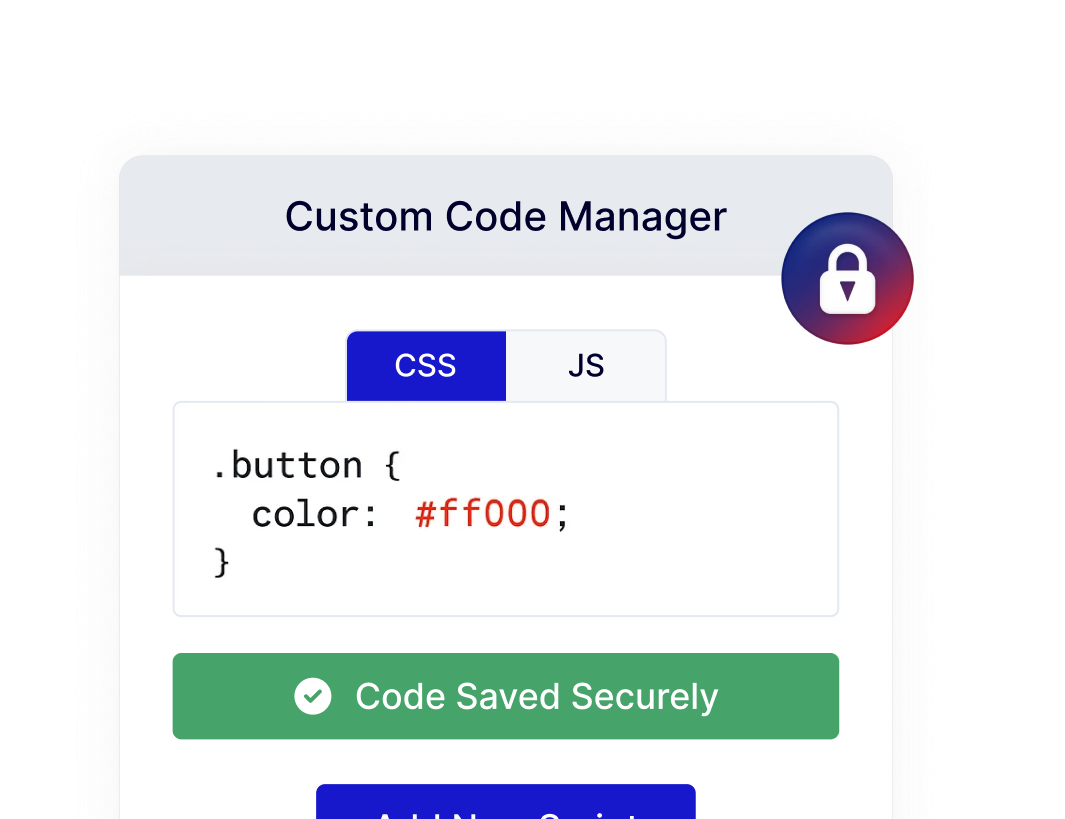
Add Custom Code Safely Inside WordPress
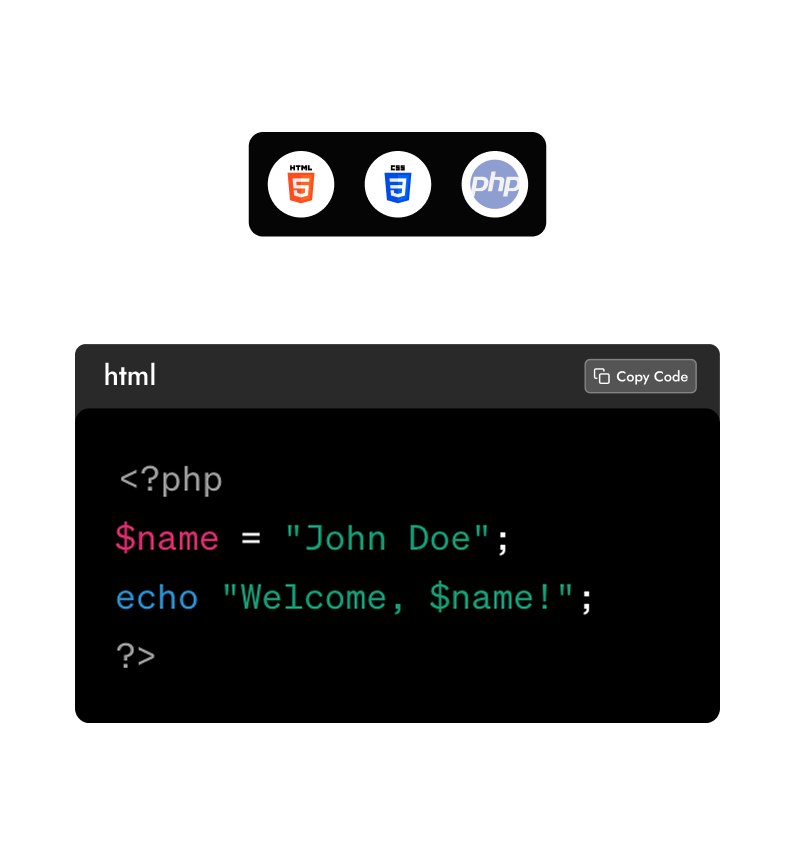
Insert PHP, HTML, CSS, or JavaScript directly from the WordPress dashboard without editing theme or child theme files, keeping updates smooth and worry-free.
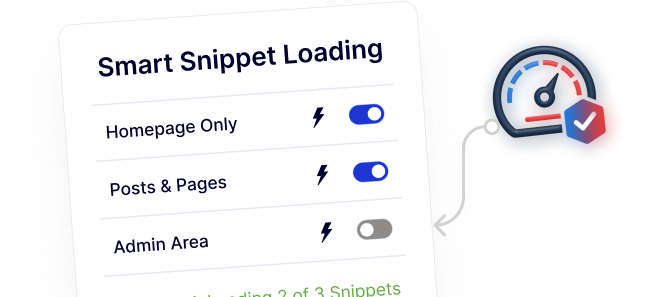
Load Code Only Where It’s Needed
Apply smart conditions to ensure snippets run only on selected pages, posts, or admin areas, helping maintain fast and efficient site performance.
Keep All Your Code Well Organized
Manage snippets using tags, notes, and import/export options, making it easy to maintain, reuse, and review custom code over time.

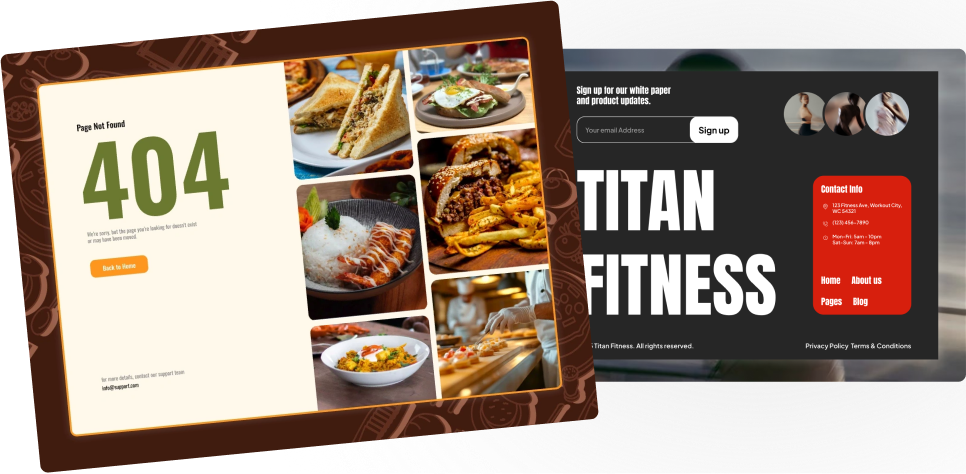
Place Code Exactly Where It Belongs
Add snippets via shortcodes, CSS selectors, or automatic header and footer placement, giving full control without manual file handling.

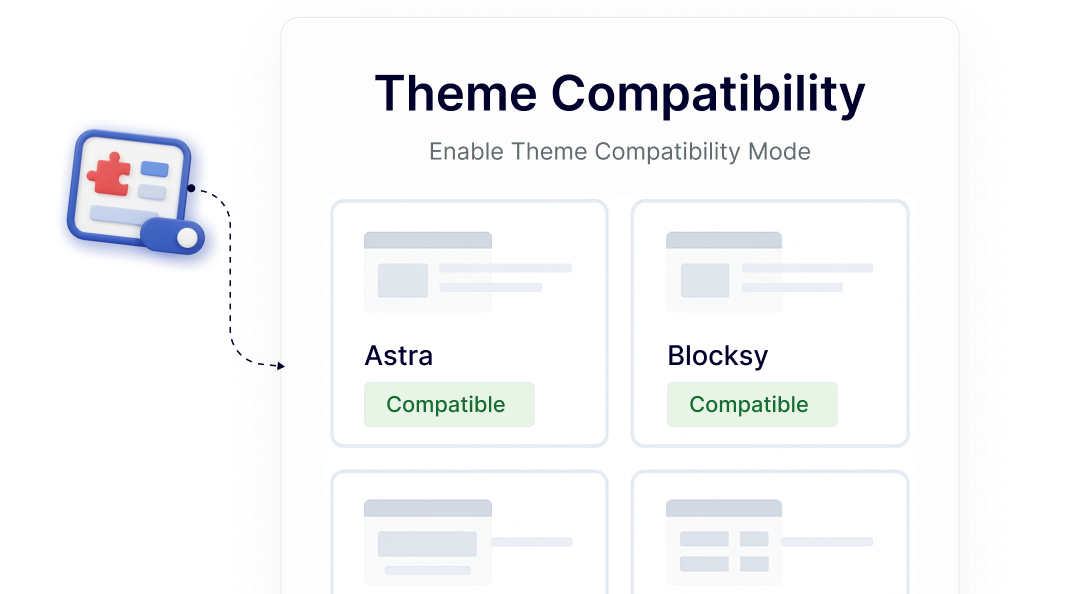
Works Seamlessly With Any Theme or Builder
Use code snippets confidently across all WordPress themes and page builders while maintaining layout stability and compatibility.