Skip to content
Nexter Extension

Adobe Fonts Integration for WordPress

Adobe Fonts Integration for WordPress lets you connect Adobe fonts using a Project ID and apply premium fonts site-wide without extra plugins or code.

stylist icon

Use Premium Adobe Fonts in WordPress

stylist icon

No Manual Font Files or CSS

stylist icon

Central Font Control Across the Site

credit-card 1

No Credit Card Required

credit-card 1

No Credit Card Required

Creative Image

Why Should You Integrate Adobe Fonts in WordPress?

Flexible Typography with Adobe Fonts in WordPress

Easily expand your design options by accessing thousands of Adobe Fonts directly in WordPress.
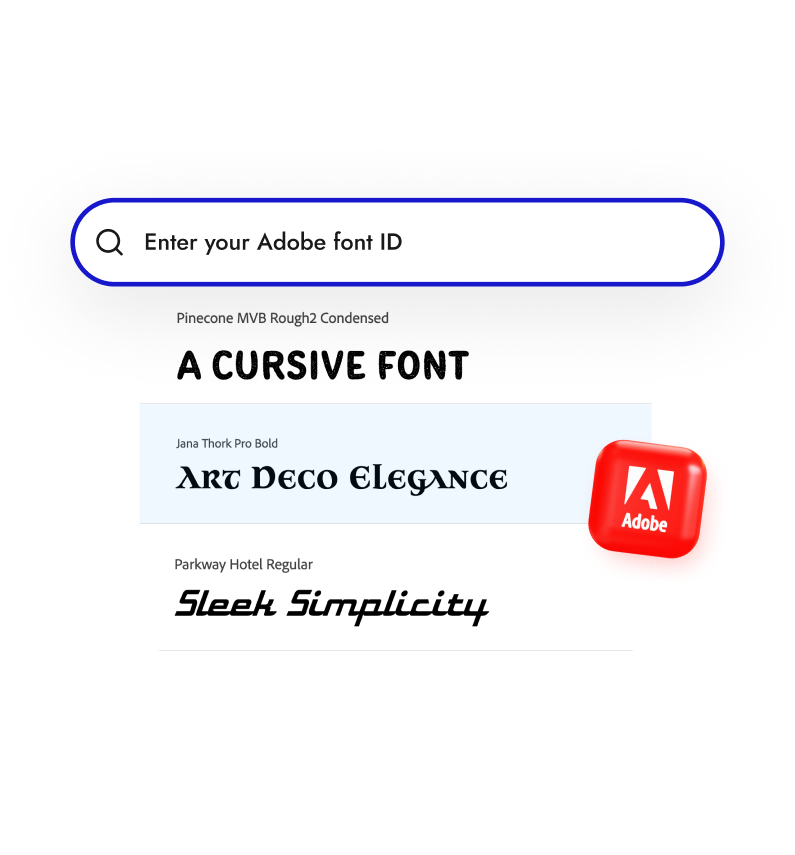
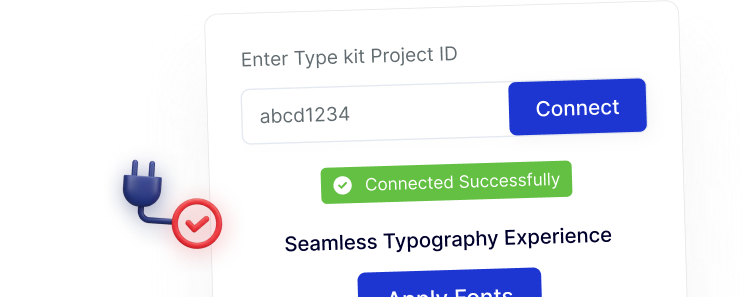
Simple Adobe Fonts Connection Using Project ID

Connect your Adobe account using a single Project ID. The setup stays quick and straightforward, making it easy to start using premium fonts without extra configuration steps.
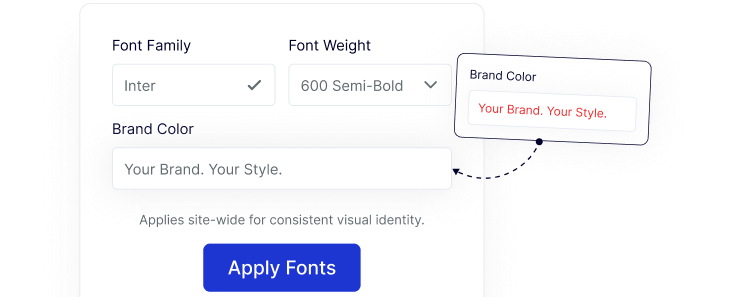
Consistent Fonts Across Your Entire Website

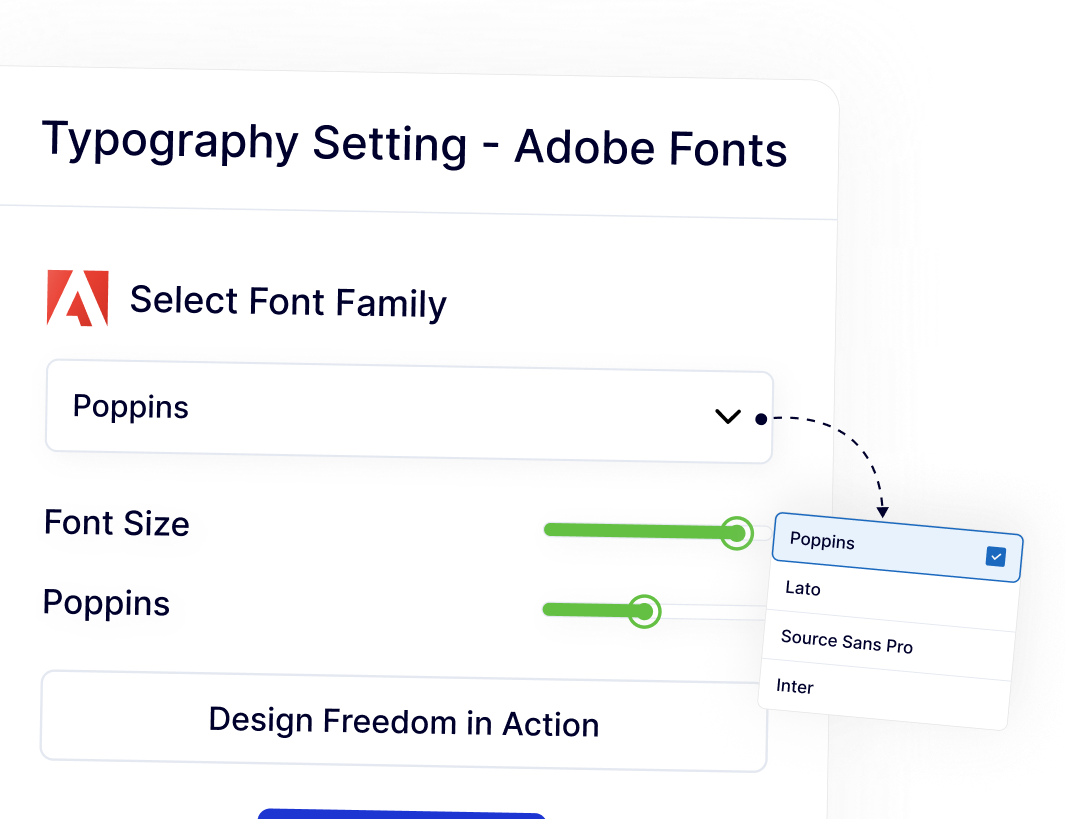
Apply Adobe Fonts site-wide or to specific elements to keep typography consistent across pages, posts, and layouts.
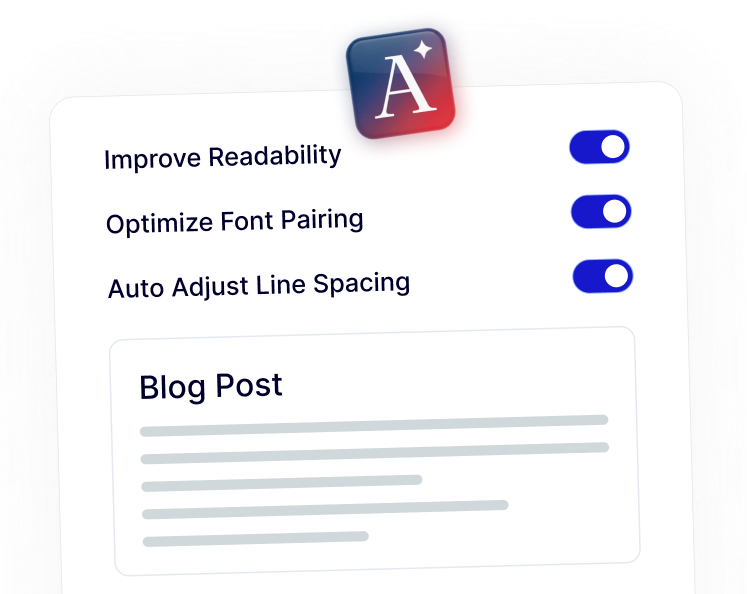
Improved Readability with Professionally Designed Fonts

Using Adobe fonts helps improve text clarity, spacing, and overall comfort for readers on blogs, landing pages, and long-form content.
Polished Design That Supports Your Brand Identity

Adobe Fonts help your website feel professional and well-crafted, whether it’s a business site, portfolio, or client project.

Watch How to Add Adobe Fonts in WordPress

Frequently Asked Questions

Normally yes. Nexter Extension includes Adobe Fonts Integration as one module, so you don’t need to install or manage another standalone plugin.
You connect your Adobe Typekit account using a Project ID. No scripts, no theme files, and no custom code are required.
Yes. You can apply fonts globally or limit them to specific elements, depending on your design needs.
WordPress focuses on core publishing features. Font services like Adobe Fonts require external integration, which is why plugins handle this functionality.
Yes. Agencies benefit from faster setup, consistent typography, and fewer plugins to maintain across multiple client websites.
Your site will fall back to default or theme fonts. No content breaks, and no layout data is lost.

More Extensions from Nexter

1000+ Pre-Designed Websites
Templates & Sections

1000+ Templates & Sections

View AI Powered WordPress Template

Pre-designed, ready-to-import Gutenberg templates and sections for every niche — build your next site in minutes, not days.

See all Demos
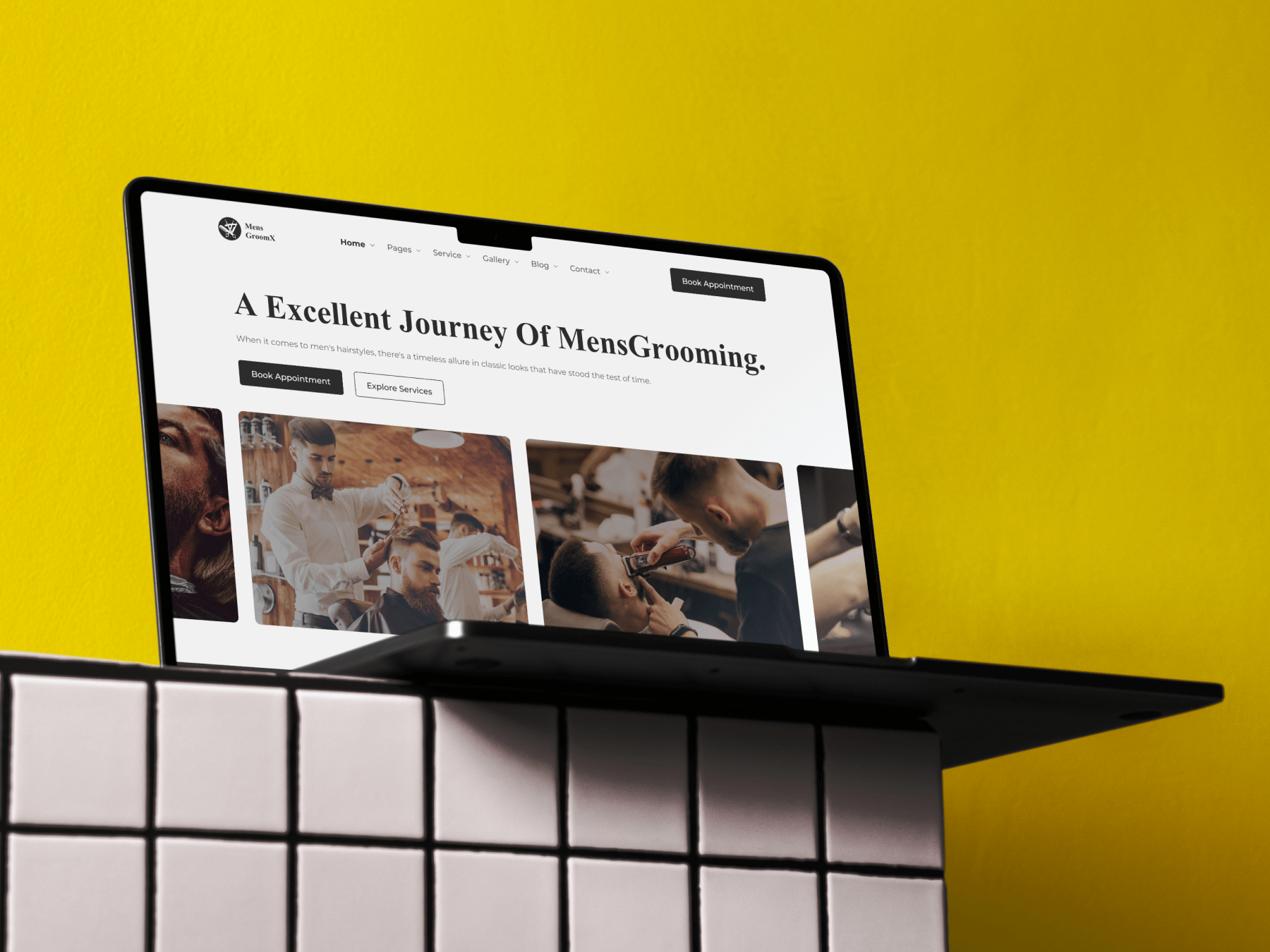
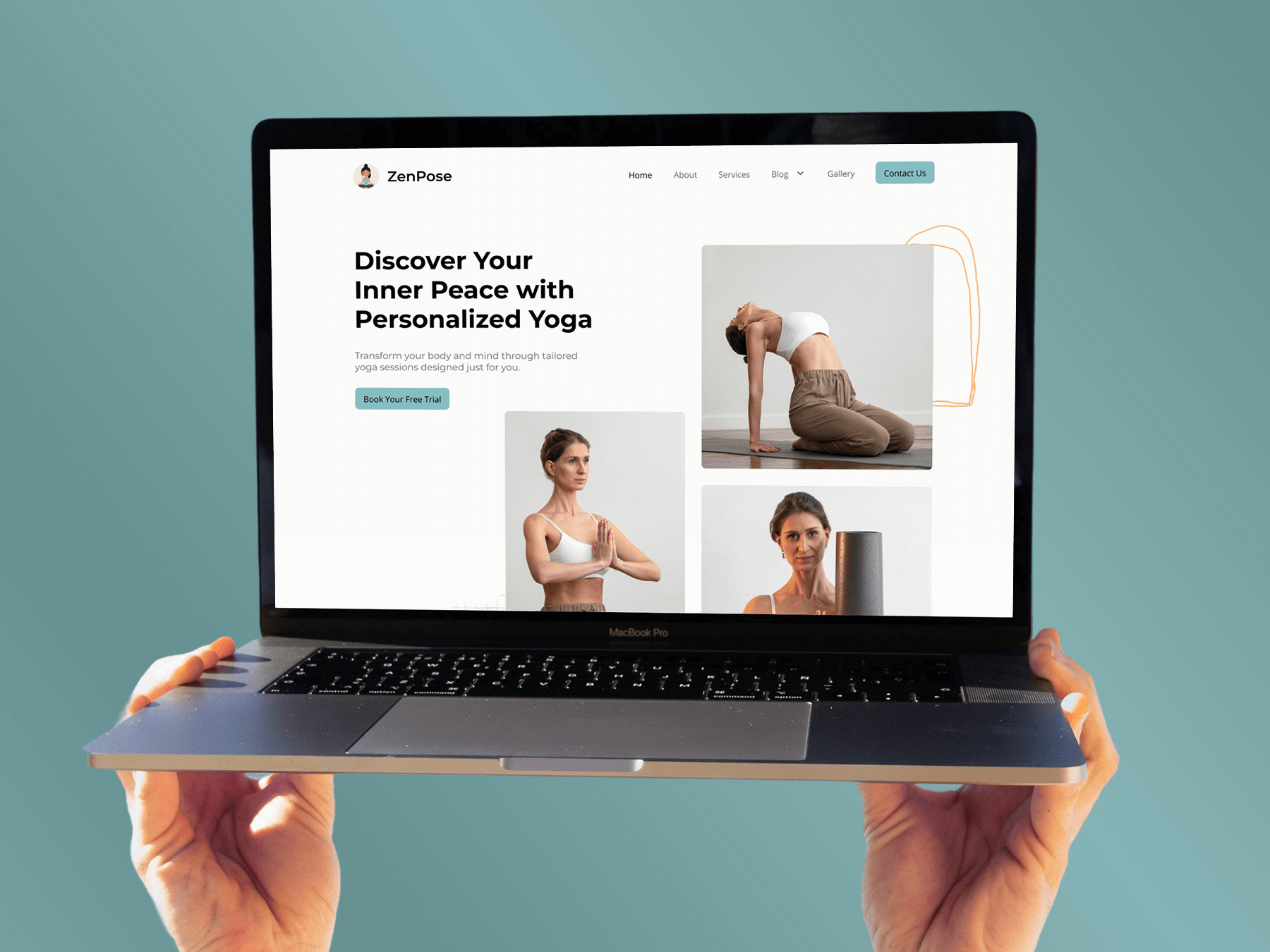
MensGroomX Prime template Medclinic Pro template ZenPose template

From Idea to Website with 1800+ Gutenberg Templates

Page Kits

AI Compatible

100+ Ready-to-Use Kits

Build Your Website Faster with AI

Build your website faster with AI-ready Gutenberg Page Kits designed for every niche. Import complete page sets, customize, and turn your ideas into a polished, professional website in minutes.

Sections

500+ sections

Build Pages with Ready-to-Use Sections

Bring your website ideas to life with professionally designed Gutenberg sections. Pick the sections you need, customize them your way, and build polished pages in less time.

Full Pages

1000+ Full Pages

Launch Complete Pages Faster

Build professional pages faster with ready-to-use Gutenberg templates designed for every niche. Choose a complete page, customize and layout to match your brand, and launch without starting from scratch.

Everything You Need to Build Better with Gutenberg Templates

Ready-to-Use Designs

Professionally designed templates that give you a strong starting point for any website or page.

Designs for Every Idea

Find professionally crafted layouts for business, creative, portfolio, agency, blog, eCommerce, and more.

Build Faster, Your Way

Import the design you need, customize it to match your brand, and launch without starting from scratch.