Skip to content
Nexter Extension

Heartbeat Control in WordPress

Heartbeat Control in WordPress to reduce server load and high CPU usage. Change Heartbeat frequency in admin, editor, or frontend for better performance.

stylist icon

Reduce Dashboard CPU Usage and Requests

stylist icon

Set Different Rates for Admin and Editor

stylist icon

Improve Performance on Shared Hosting

credit-card 1

No Credit Card Required

credit-card 1

No Credit Card Required

Creative Image

Why Should You Use Heartbeat Control in WordPress?

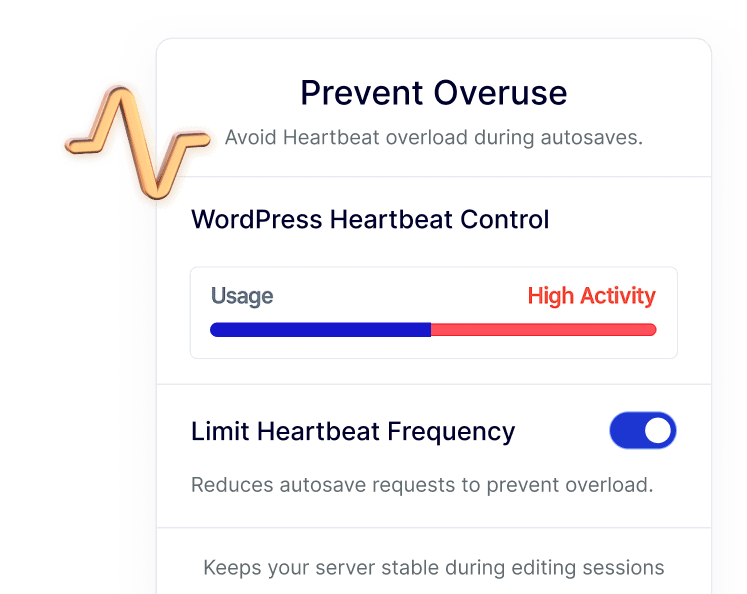
Optimize Server Resources with Controlled Heartbeat Activity

WordPress Heartbeat runs regular background requests to manage autosaves and sessions. Heartbeat Control lets you fine-tune how often these requests run, helping your server work more efficiently.
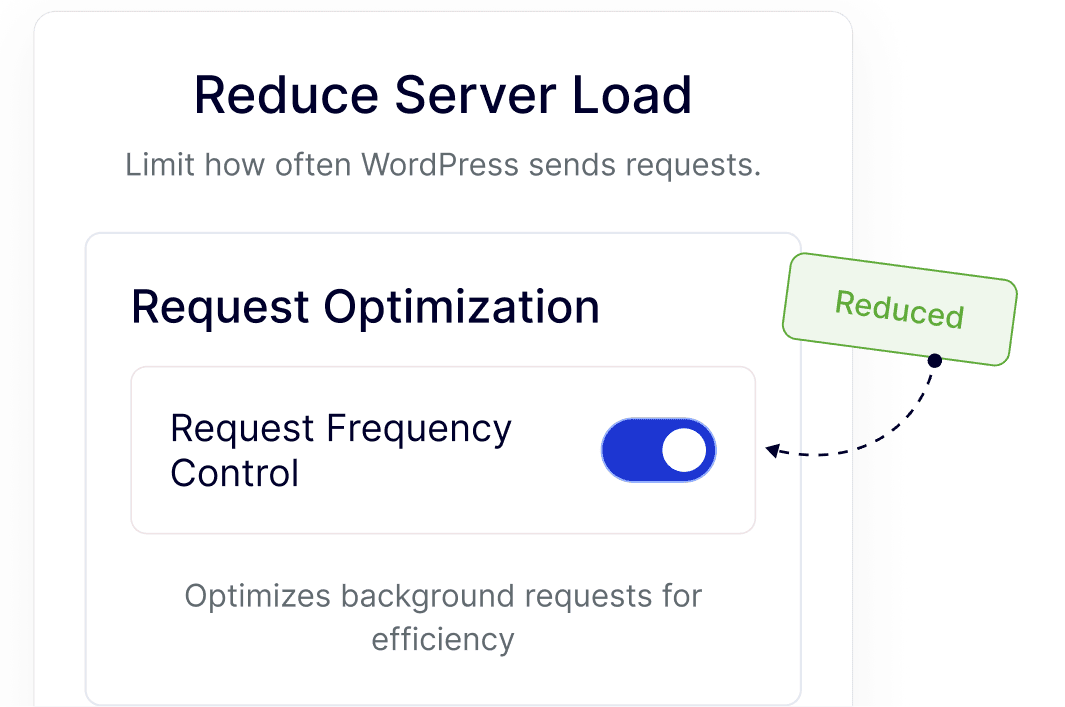
Keep the WordPress Dashboard Smooth and Responsive

By managing Heartbeat frequency, admin screens stay faster and easier to use, especially on content-heavy dashboards or sites with frequent logins.
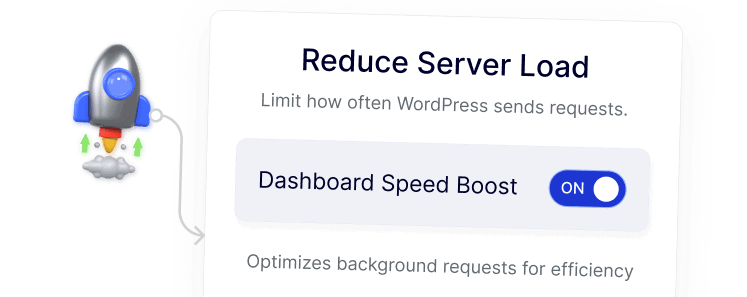
Maintain Stable Performance on Shared or VPS Hosting

Adjusting Heartbeat activity helps WordPress sites run reliably on limited hosting resources, reducing strain while keeping core features intact.
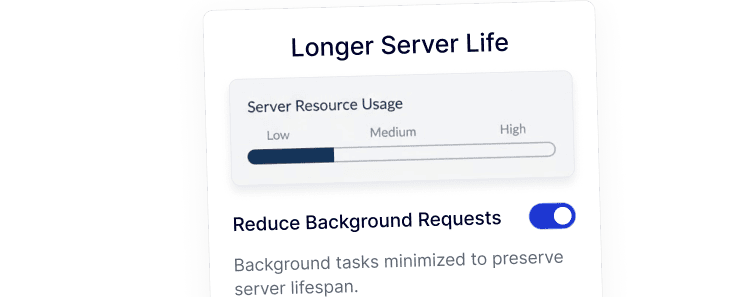
Improve Editing Experience During Content Updates

Heartbeat Control balances autosaves and background checks during post editing, resulting in a smoother editor experience without unnecessary slowdowns.
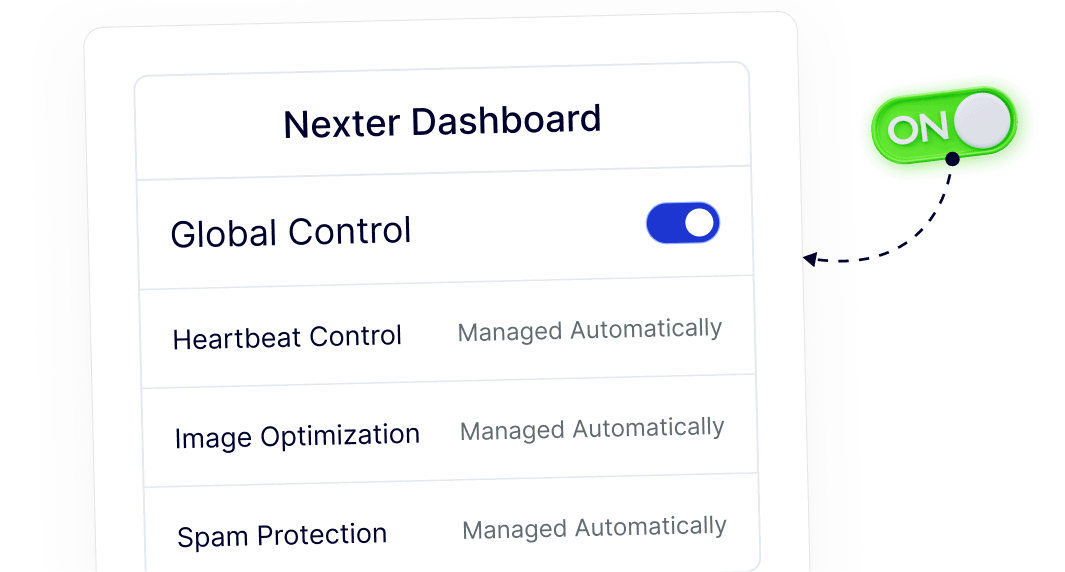
Centralize Heartbeat Settings Inside Nexter Dashboard

Heartbeat Control is managed directly from the Nexter dashboard, allowing you to handle background behavior without installing or maintaining a separate plugin.
Frequently Asked Questions

The Heartbeat API is a background system WordPress uses for autosaves, post locking, and session management by sending regular AJAX requests to the server.
Heartbeat runs frequently by default, even when idle. On shared or low-resource hosting, these repeated requests can significantly increase CPU usage.
Yes. You can safely adjust or disable Heartbeat in specific areas like the admin dashboard, post editor, or frontend without breaking core functionality.
Normally, yes. With Nexter Extension, Heartbeat Control is included as a module, avoiding the need to install and maintain an extra plugin.
Autosave still works when Heartbeat is limited. The feature allows controlled frequency rather than fully removing essential editor behavior.
Yes. It helps agencies reduce server load across many WordPress sites while managing everything from one dashboard, saving time and maintenance effort.

More Extensions from Nexter

1000+ Pre-Designed Websites
Templates & Sections

1000+ Templates & Sections

View AI Powered WordPress Template

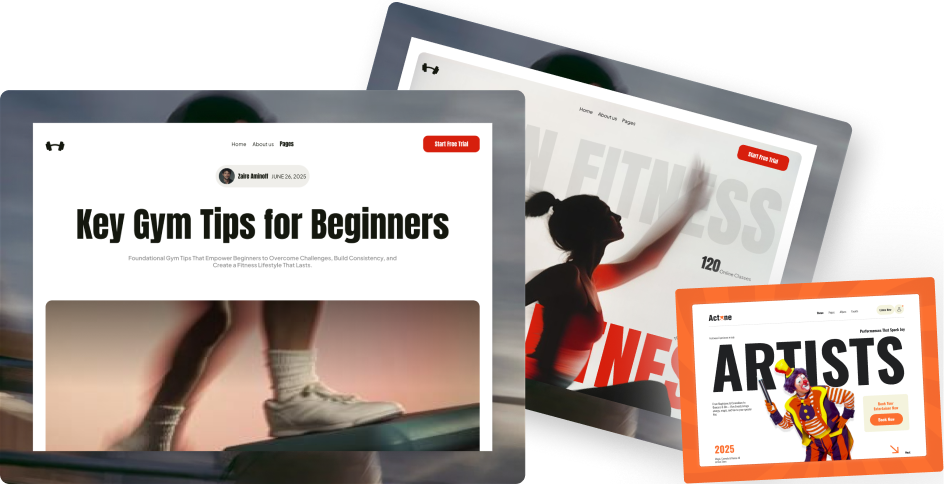
Pre-designed, ready-to-import Gutenberg templates and sections for every niche — build your next site in minutes, not days.

See all Demos
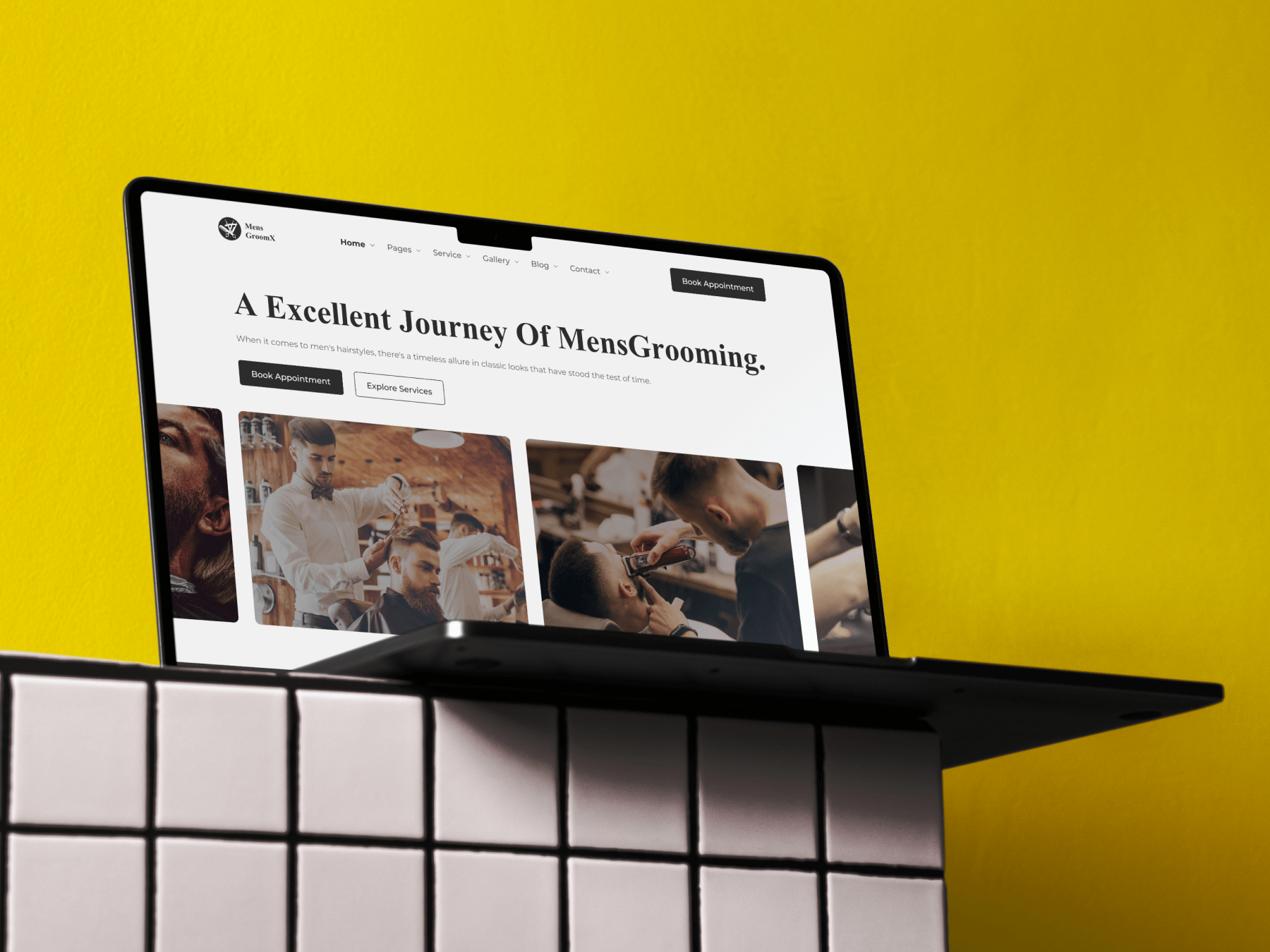
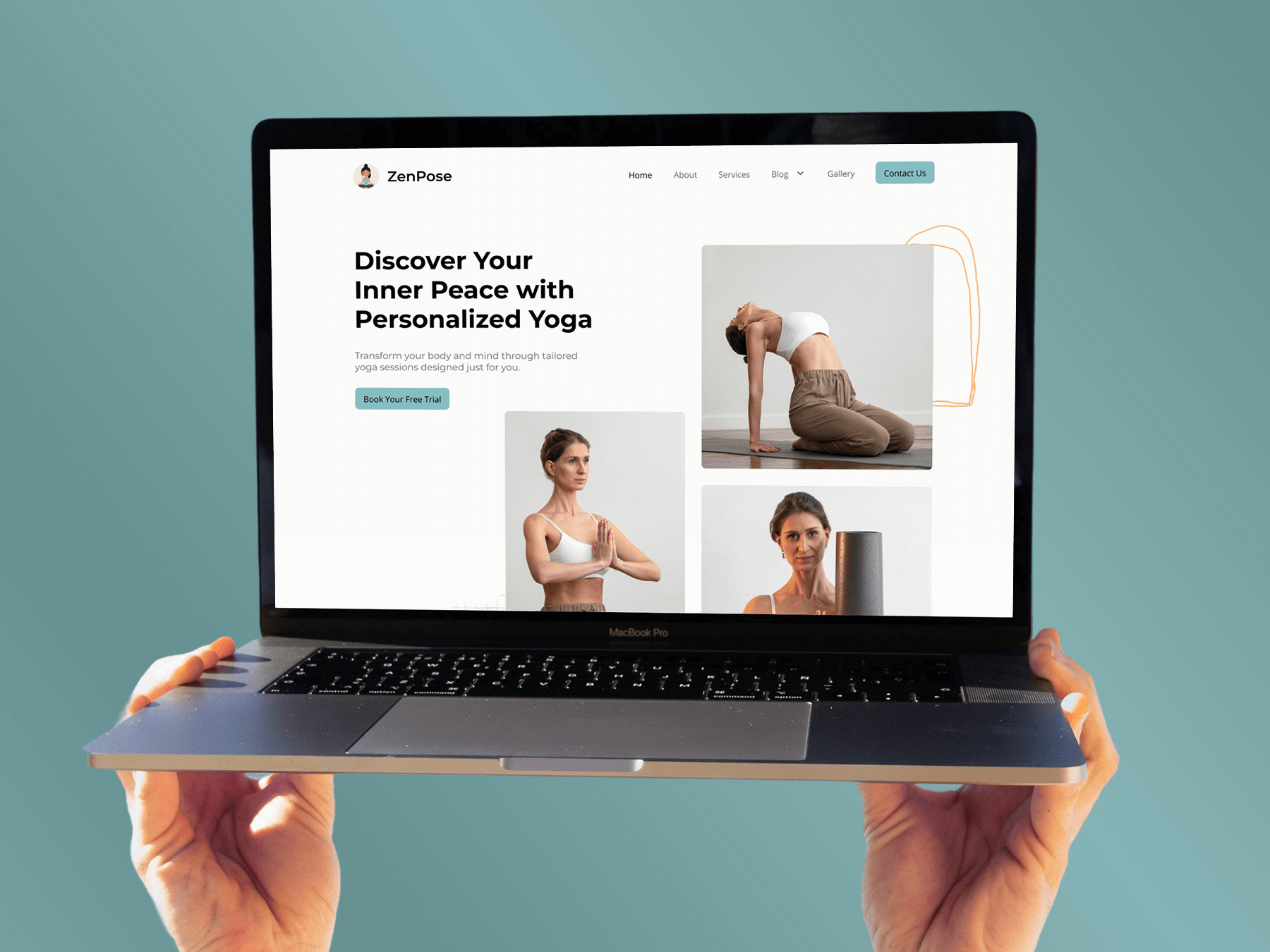
MensGroomX Prime template Medclinic Pro template ZenPose template

From Idea to Website with 1800+ Gutenberg Templates

Page Kits

AI Compatible

100+ Ready-to-Use Kits

Build Your Website Faster with AI

Build your website faster with AI-ready Gutenberg Page Kits designed for every niche. Import complete page sets, customize, and turn your ideas into a polished, professional website in minutes.

Sections

500+ sections

Build Pages with Ready-to-Use Sections

Bring your website ideas to life with professionally designed Gutenberg sections. Pick the sections you need, customize them your way, and build polished pages in less time.

Full Pages

1000+ Full Pages

Launch Complete Pages Faster

Build professional pages faster with ready-to-use Gutenberg templates designed for every niche. Choose a complete page, customize and layout to match your brand, and launch without starting from scratch.

Everything You Need to Build Better with Gutenberg Templates

Ready-to-Use Designs

Professionally designed templates that give you a strong starting point for any website or page.

Designs for Every Idea

Find professionally crafted layouts for business, creative, portfolio, agency, blog, eCommerce, and more.

Build Faster, Your Way

Import the design you need, customize it to match your brand, and launch without starting from scratch.