









Why Should Keep A Clean Admin Bar in WordPress?
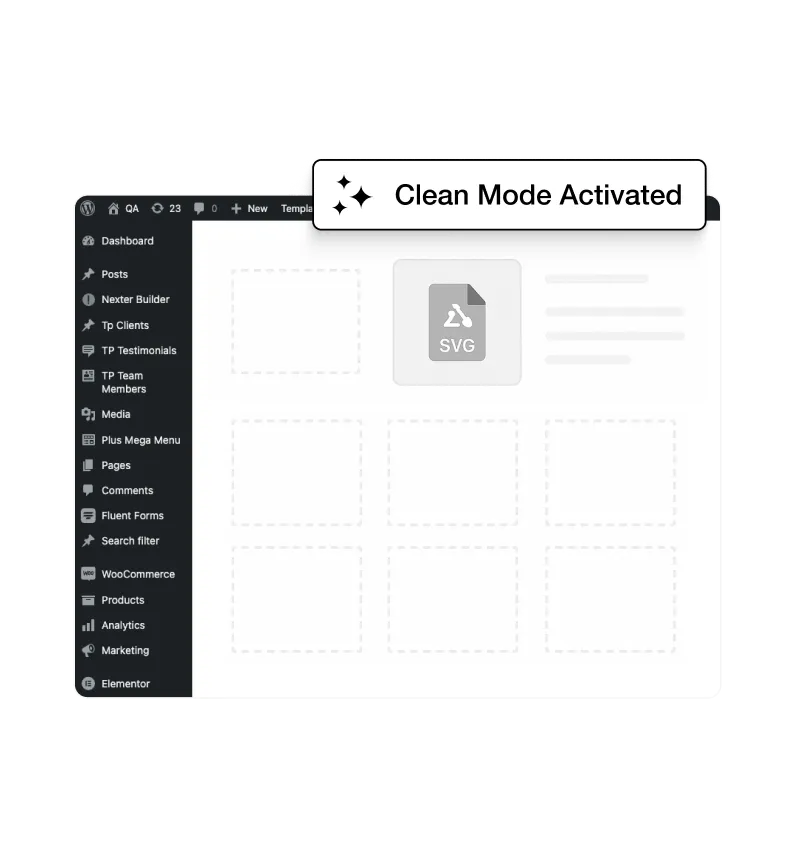
Decluttered Admin Bar for Daily WordPress Work
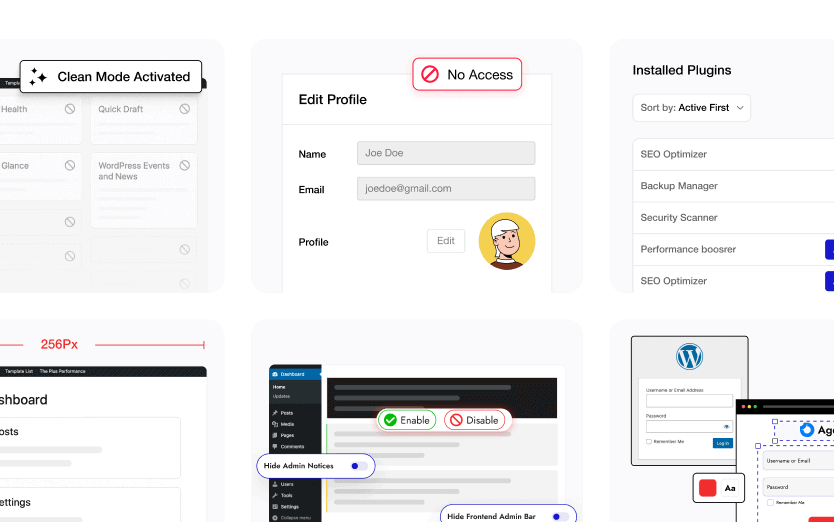
The admin bar stays clean by showing only useful shortcuts, helping you focus on content, settings, and tasks without visual noise.
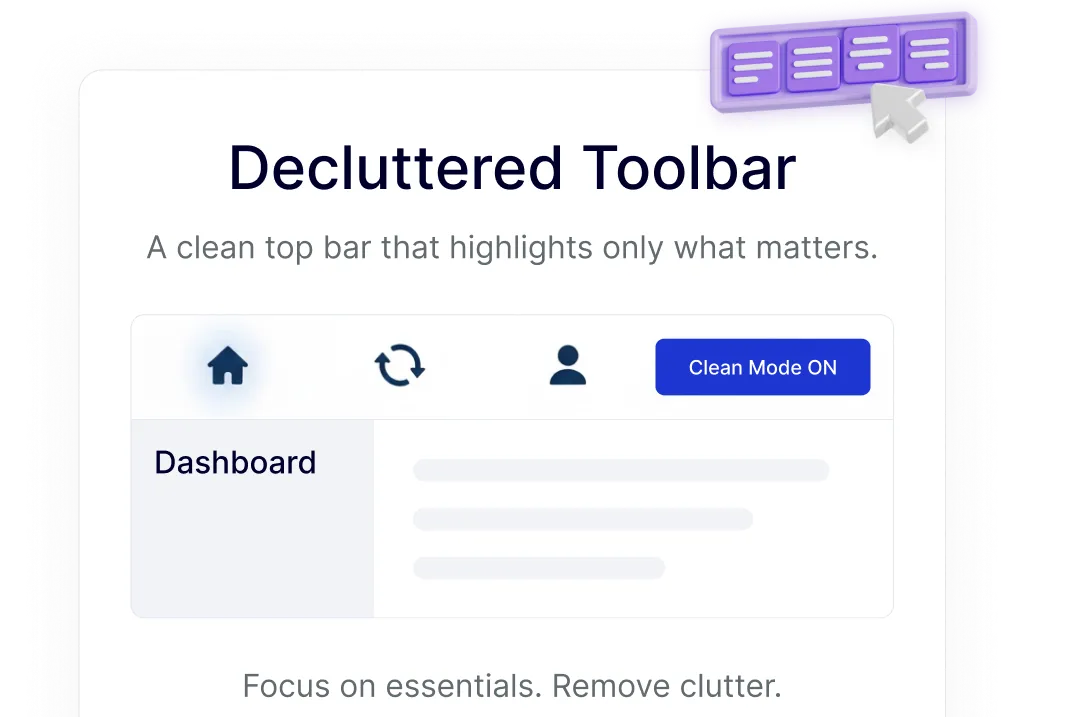
Professional Admin Toolbar for Client Sites
A minimal, polished admin bar creates a more professional WordPress dashboard experience, especially when handing sites over to clients.
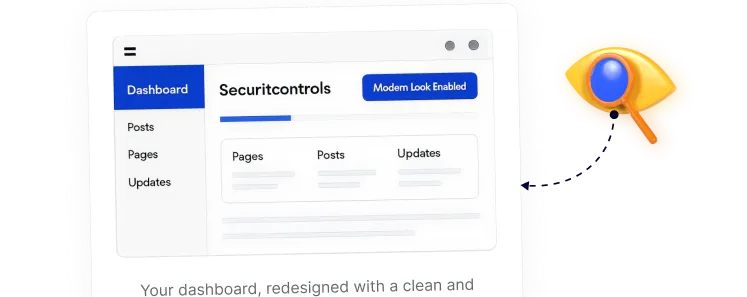
Faster Navigation in the WordPress Dashboard
With fewer items in the admin bar, common actions become easier to find, making everyday navigation feel quicker and more intentional.
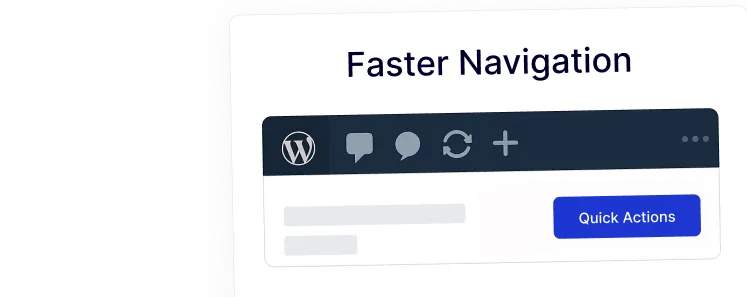
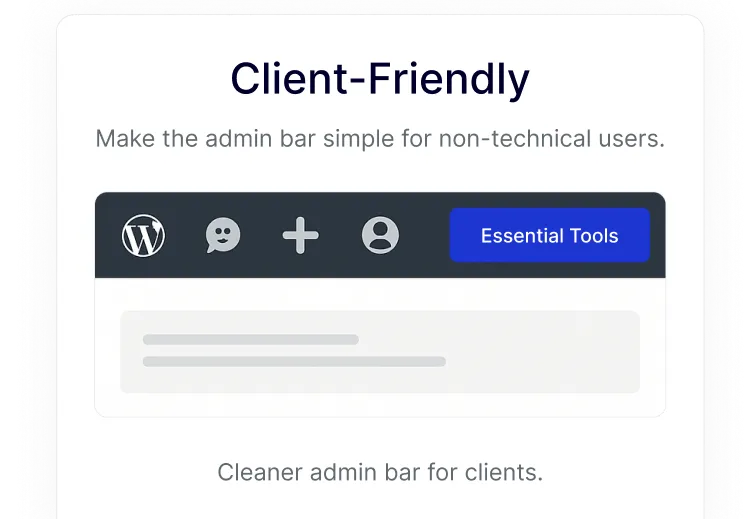
Client-Friendly Admin Bar for Non-Technical Users
Simplifying the admin bar makes WordPress easier to understand for clients, editors, and beginners who don’t need advanced options.
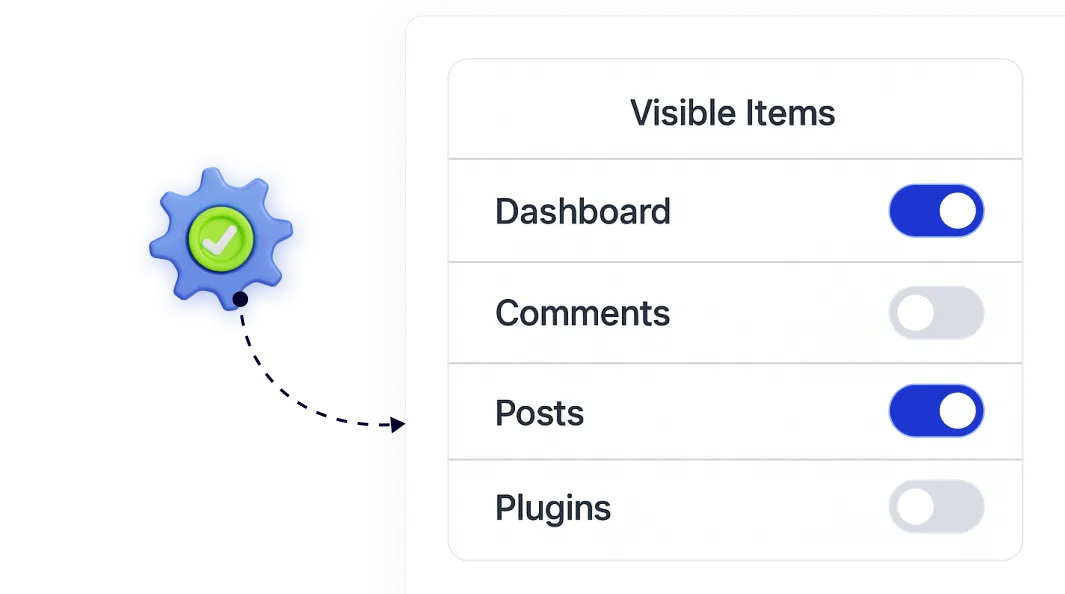
Customizable Control Over Visible Admin Bar Items
Choose exactly which admin bar items stay visible, so your WordPress toolbar matches how you actually manage your site.