Nexter Extension
employee-icon

Clean User Profile in WordPress

Easily Clean User Profile in WordPress with the Nexter Extension. Hide irrelevant fields and simplify the dashboard for a professional editing experience.

stylist icon

Hide Unused Profile Fields for A Cleaner Dashboard

stylist icon

Customize Visibility for Different User Roles

stylist icon

Improve User Experience for Admins and Clients

money-back-garanteee

60 Day Money-Back Guarantee

Guarantee-icon

60 Day Money-Back Guarantee

Creative Image

Why Should You Clean User Profile in WordPress?

Simplify the Dashboard Experience for Better Focus

Clear out the noise in the WordPress user profile to keep profile management simple and distraction-free for every user level.
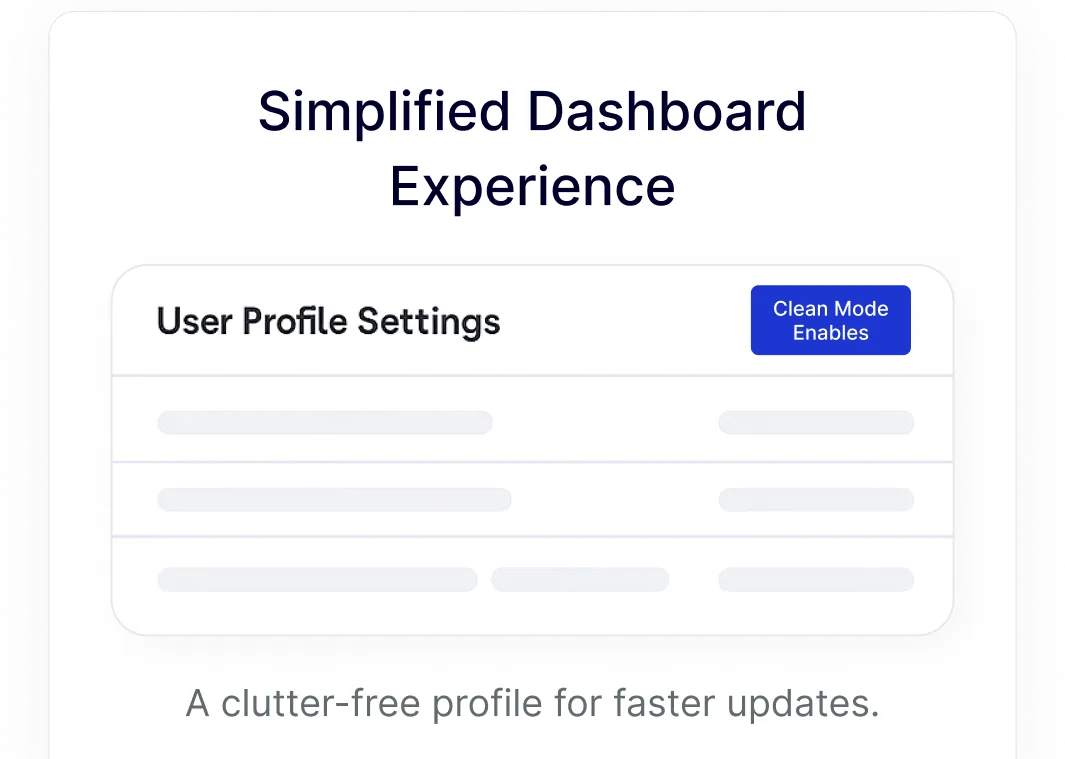
user profile clean

Enhance Client Usability with Custom Interfaces

Provide a tailored experience for client websites by showing only the necessary tools they need to manage their own content effectively.
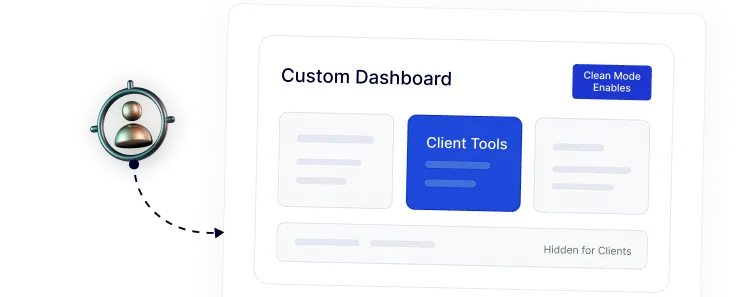
enhanced client usability

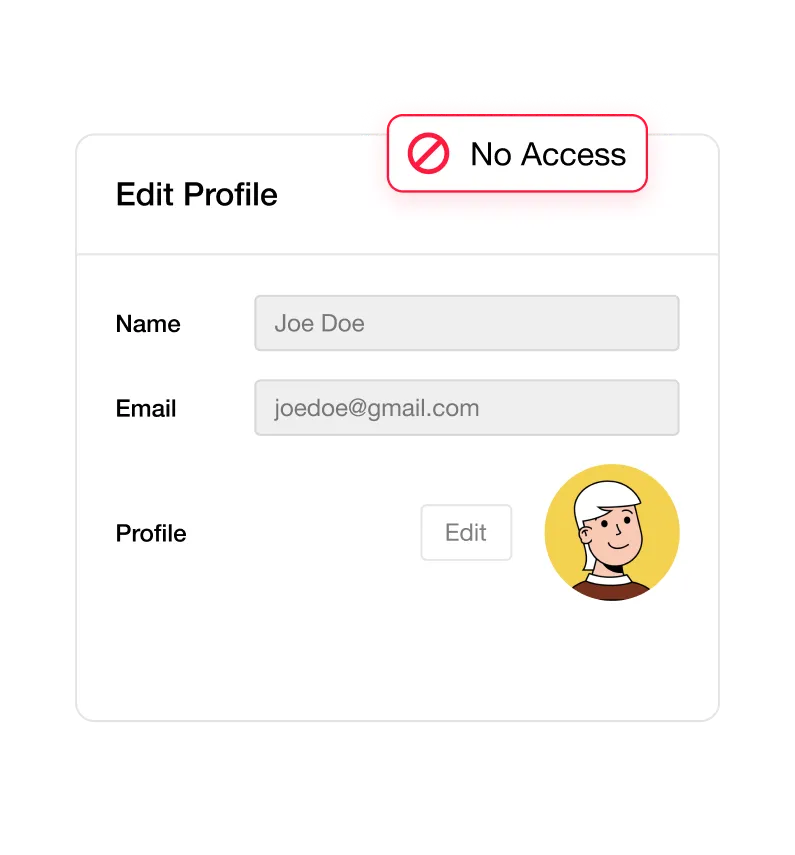
Reduce User Confusion by locking Advanced Settings

Prevent accidental changes to critical site configurations by restricting access to advanced profile settings for contributors, authors, and clients.
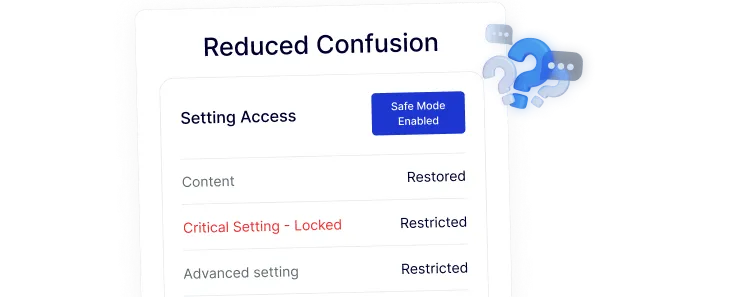
reduced confusion

Build a Professional-Looking Backend for your Brand

Replace the generic WordPress look with a polished, branded admin panel that builds trust and maintains a high-end feel for your clients.
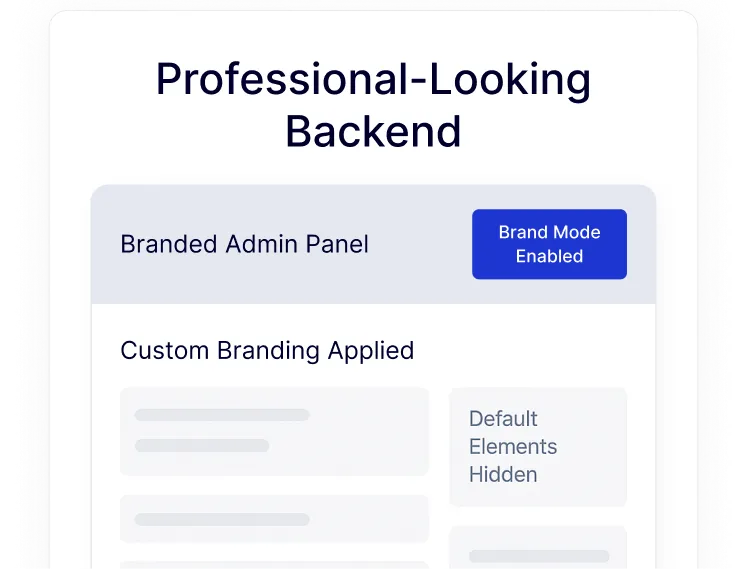
looking backend

Enable Faster User Management with Streamlined Actions

Improve admin efficiency by organizing user data and statuses into a clear, actionable view that allows for much quicker profile updates.
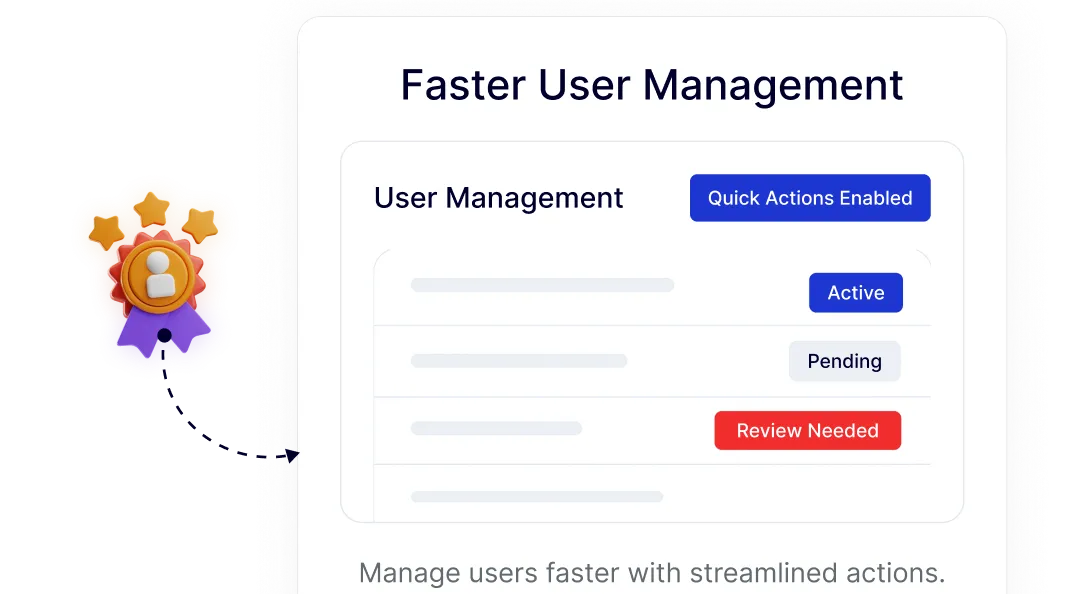
faster user management

Watch How to Clean User Profile in WordPress

YouTube video

Frequently Asked Questions

By default, WordPress includes legacy fields and social links that most modern websites no longer use. This creates a cluttered interface that can overwhelm clients and new users. Using a cleanup tool allows you to remove these distractions without writing custom code.
Yes, customizing visibility based on user roles is essential for security and usability. With Nexter Extension, you can ensure that Editors or Authors only see what is relevant to them, while Admins retain full access to all settings.
Many users install separate plugins for branding, hiding fields, and role management. Nexter Extension solves this by including these features in one modular tool, reducing the total plugin count on your site and lowering maintenance needs.
Hiding fields improves "security through simplicity." By preventing non-technical users or clients from seeing or editing sensitive profile settings, you significantly reduce the risk of accidental site misconfigurations or unauthorized changes.
Clients often find the standard WordPress backend intimidating. A simplified, branded profile area makes the site feel like a premium, custom-built product rather than a generic template, leading to fewer support requests and higher client satisfaction.
The data remains intact within the WordPress database. The User Profile Clean feature simply hides the interface elements from the dashboard. If you ever need to restore them, you can simply toggle the visibility back on.

More Extensions from Nexter

1000+ Pre-Designed Websites
Templates & Sections

View 1000+ WordPress Templates & Sections