


Nexter Extension

Taxonomy (Term) Order In WordPress


Reorganize your categories and tags with the Taxonomy (Term) Order feature for WordPress and WooCommerce. Easily drag & drop categories, tags, brands, and product taxonomies for better navigation and SEO.

stylist icon

Drag & drop to reorder categories, tags, brands, and product taxonomies.

stylist icon

Works for blogs, WooCommerce, and custom post types.

stylist icon

Syncs instantly on WP-Admin and the frontend.

money-back-garanteee

60 Day Money-Back Guarantee

Guarantee-icon

60 Day Money-Back Guarantee

Creative Image

Key Benefits of Taxonomy (Term) Order

Better Navigation

Highlight your most important categories.

better navigation

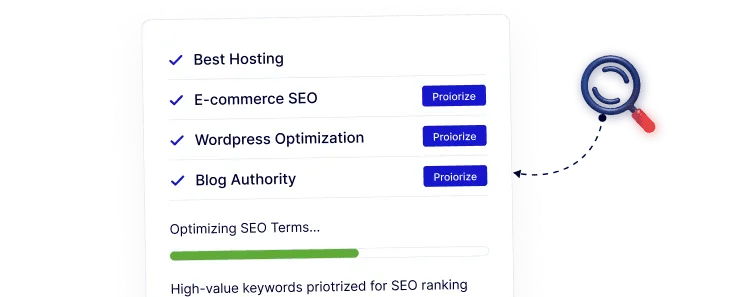
SEO Advantage

Prioritize high-value terms for search engines.

seo advantage

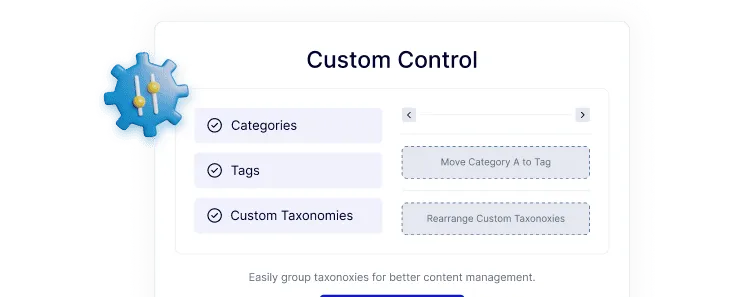
Custom Control

Organize taxonomies to match your strategy.

custom control

Improved UX

Help visitors find products or posts faster.

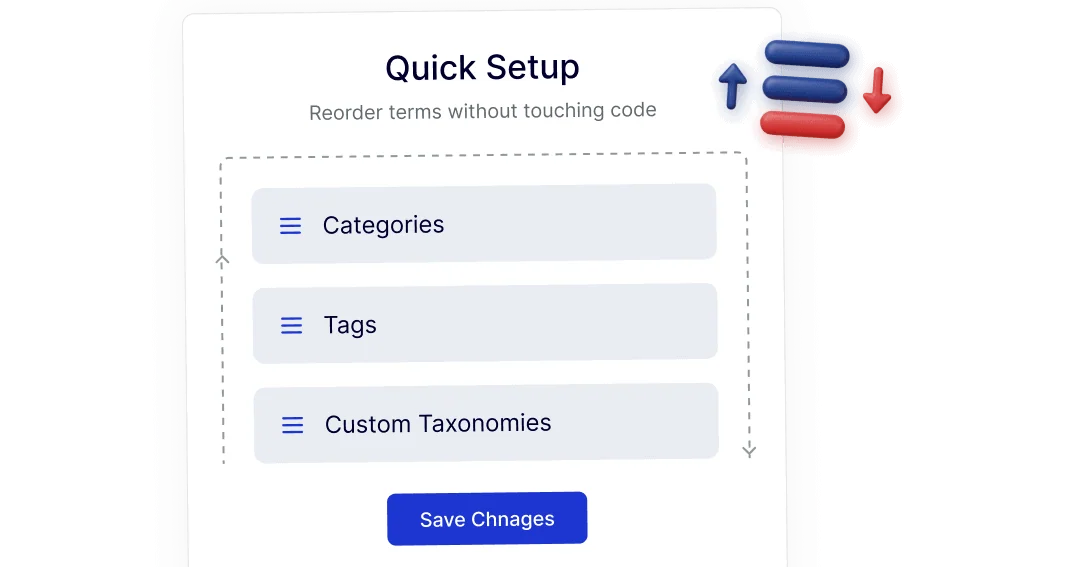
Quick Setup

Reorder terms without touching code.

quick setup

Frequently Asked Questions

WordPress automatically orders taxonomy terms alphabetically or by ID. Manual ordering isn’t included, which is why a dedicated solution is needed.
Normally yes, but Nexter Extension includes Taxonomy (Term) Order as one module, reducing the need for separate plugins.
It doesn’t change URLs or rankings directly, but clearer category structure improves navigation, internal linking, and crawl clarity.
Yes. You can reorder WooCommerce categories, product tags, brands, and other custom product taxonomies.
No. It uses WordPress’s native taxonomy system, so existing themes and menus continue working as expected.
Yes. It saves time by providing consistent term ordering across blogs, stores, and custom post types from one plugin.

More Extensions from Nexter

1000+ Pre-Designed Websites
Templates & Sections

View 1000+ WordPress Templates & Sections