

Nexter Extension

Display Active Plugins First In WordPress

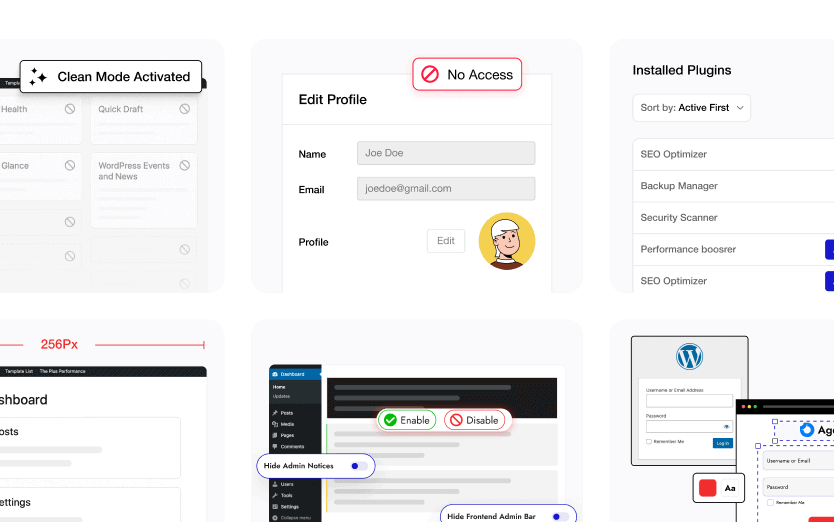
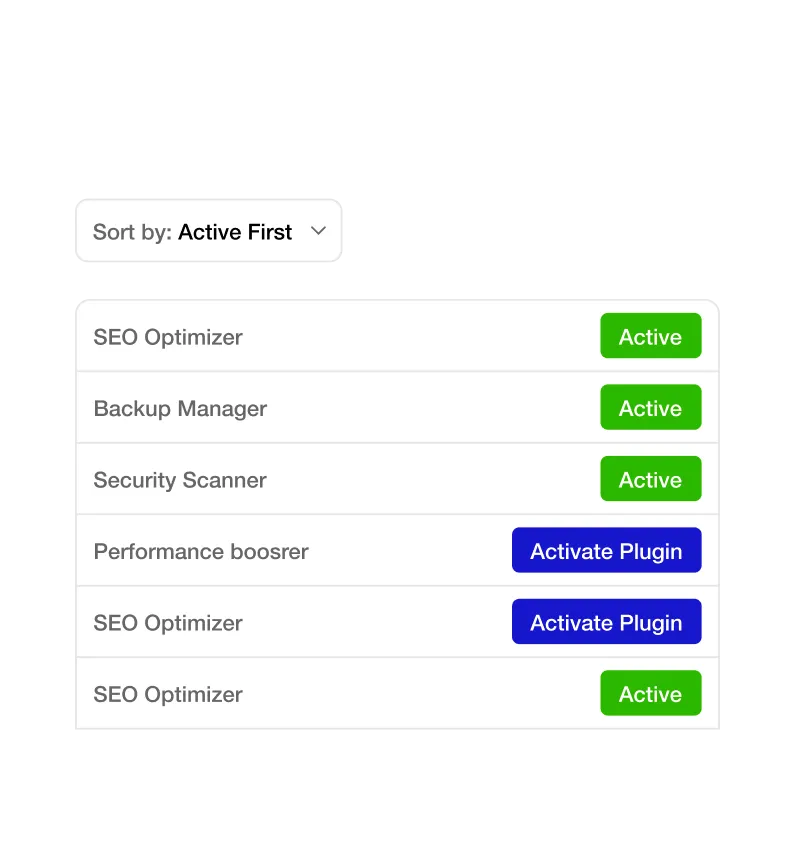
Manage WordPress plugins easily with the Display Active Plugins First feature in Nexter Extension. This feature automatically brings all active plugins to the top of your list, making updates, maintenance, and troubleshooting faster than ever.

stylist icon

Automatically list active plugins at the top of the plugins page.

stylist icon

Instantly view which plugins are active without searching manually.

stylist icon

Simplify plugin management, updates, and debugging.

money-back-garanteee

60 Day Money-Back Guarantee

Guarantee-icon

60 Day Money-Back Guarantee

Creative Image

Key Benefits of Display Active Plugins First

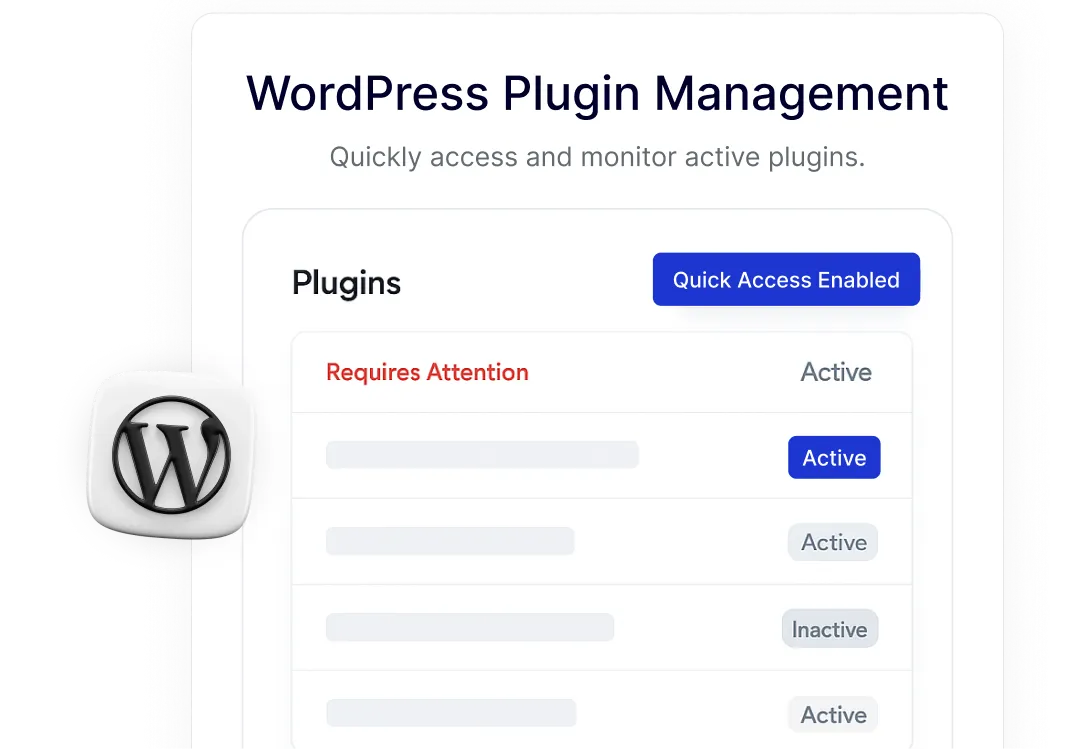
WordPress Plugin Management

Quickly access and monitor active plugins.

wordPress plugin management

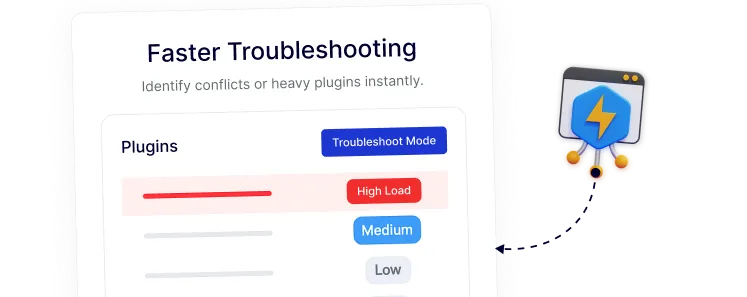
Faster Troubleshooting

Identify conflicts or heavy plugins instantly.

Faster troubleshooting

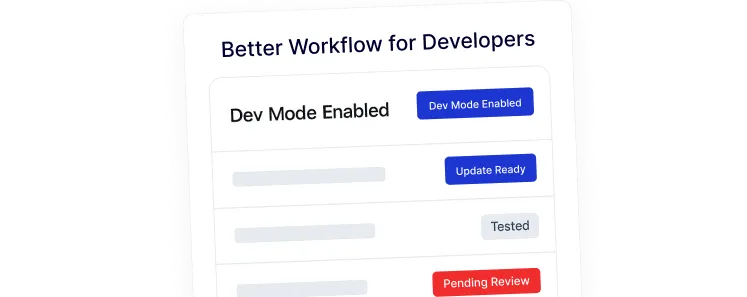
Better Workflow for Developers

Streamline plugin updates and testing.

Better Workflow for Developers

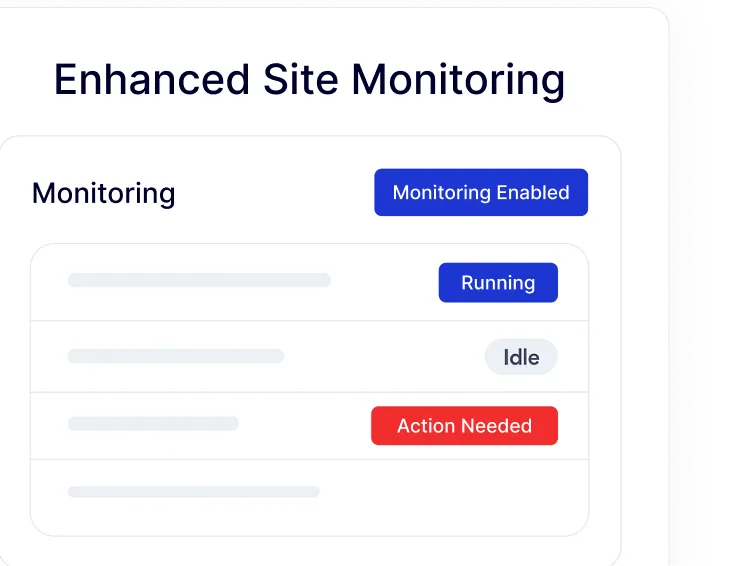
Enhanced Site Monitoring

Keep track of what’s running on your site.

monitoring

User-Friendly Dashboard

Ideal for beginners and developers alike.

action

Frequently Asked Questions

Standard WordPress displays plugins alphabetically. While functional for a few tools, it becomes inefficient as your site grows. Nexter Extension adds this missing logic to prioritize your active tools for better accessibility.
You don’t need a dedicated, single-purpose plugin. Nexter Extension includes this as a lightweight module alongside dozens of other site-improving tools, helping you reduce your total plugin count.
No. This feature is built to be lightweight and only affects how the plugin list is displayed in the dashboard. It does not run on the front end, ensuring your site speed remains unaffected.
Yes. For agencies, time is the highest cost. Automatically sorting active plugins allows your team to jump into any site and immediately understand the active stack without manual searching or filtering.
Your inactive plugins remain safely on your site; they are simply moved below the active ones. This keeps your workspace clean while ensuring you can still access or delete dormant plugins whenever you need to.
Yes. Because Nexter Extension is modular, you can toggle the "Display Active Plugins First" feature on or off. You only keep the enhancements you actually use, keeping your backend clean and fast.

More Extensions from Nexter

1000+ Pre-Designed Websites
Templates & Sections

View 1000+ WordPress Templates & Sections