
Nexter Extension

Disable Icons in WordPress

Disable Icons in WordPress to stop unused Elementor icons, Font Awesome, and icon libraries loading, reduce CSS/JS weight, and speed up pages.

stylist icon

Remove Unused Icon Libraries for Faster Load

stylist icon

Cut Extra CSS and JS Requests

stylist icon

Improve Elementor Performance on Every Page

credit-card 1

No Credit Card Required

credit-card 1

No Credit Card Required

Creative Image

Why Should You Disable Icons in WordPress?

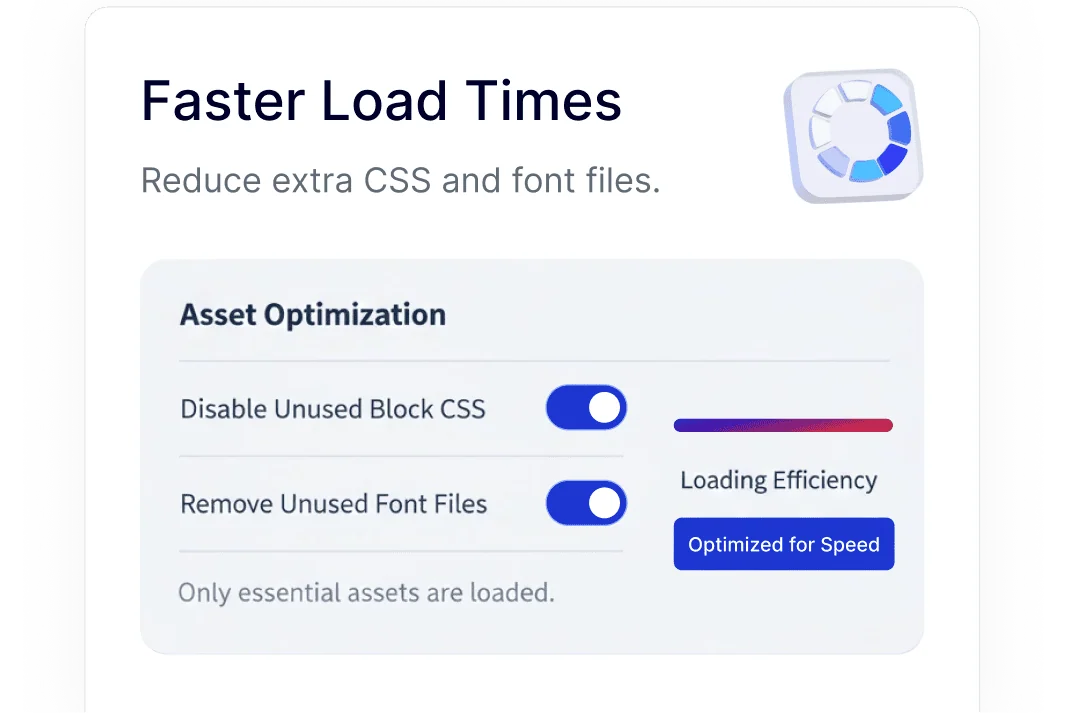
Icon Loading Only When Needed

Elementor and WordPress include icon libraries to support many design options. This feature lets you load only the icon libraries your site actually uses, keeping front-end assets focused and efficient.
faster load

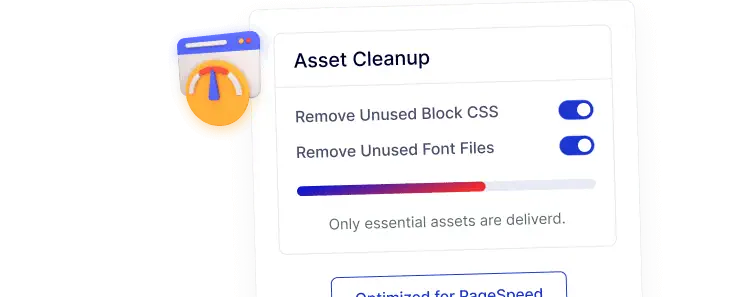
Better PageSpeed Scores with Fewer Assets

By skipping unused icon CSS and JS files, your pages load with fewer requests. This helps improve Google PageSpeed and Core Web Vitals using settings already built into Nexter.
better pagespeed

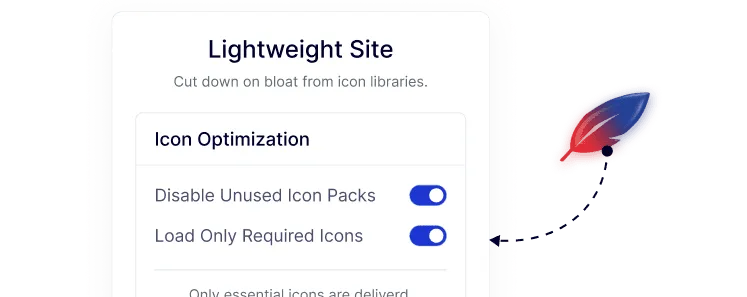
Cleaner, Lightweight Front-End Output

Reducing unnecessary icon libraries keeps your site lighter and more streamlined. This is especially helpful for blogs, landing pages, and business sites that don’t rely heavily on icons.
lightweight site

Fewer External Requests for Privacy-Friendly Sites

Keeping icon assets local and controlled helps limit third-party requests. This supports privacy-focused setups and aligns well with GDPR-conscious WordPress sites.
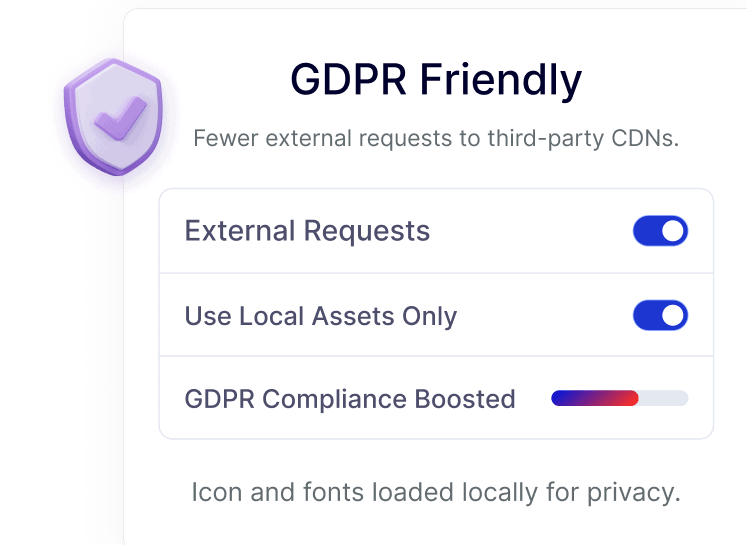
gdrp friendly

Simple Dashboard Control for Icon Management

Manage icon loading directly from the Nexter dashboard. With a clear on/off option, beginners save time and agencies can standardize performance settings across multiple sites.
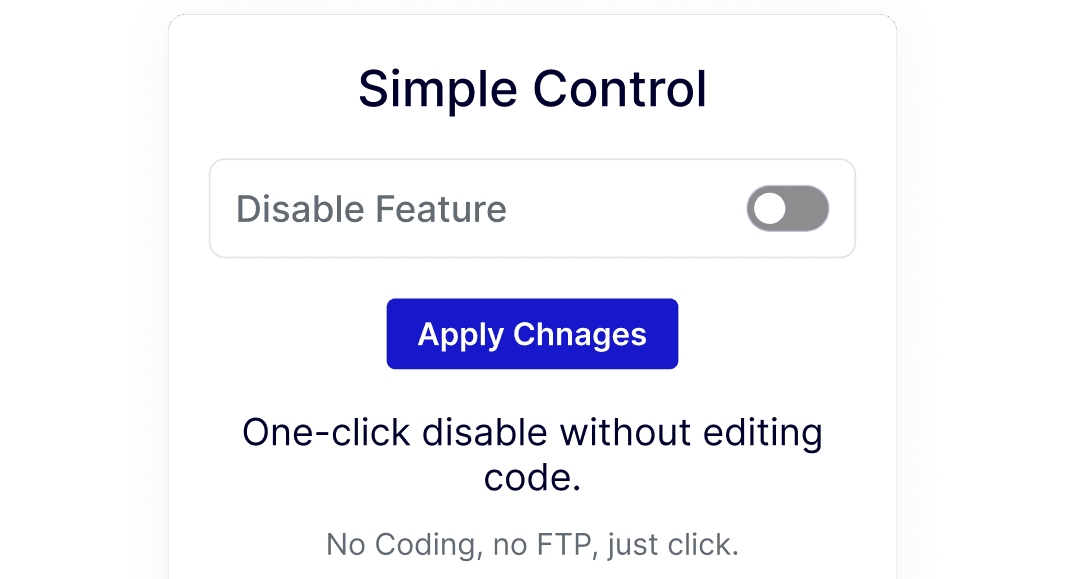
simple control

Watch How to Disable Icons in WordPress

YouTube video

Frequently Asked Questions

Yes, if your site doesn’t actively use Font Awesome icons. The Disable Icons feature ensures the library is not loaded, reducing unused CSS and JS without affecting other content.
Themes and page builders like Elementor include icon libraries for flexibility. WordPress doesn’t check whether they’re used, so they load on every page unless manually disabled.
Only icons that rely on the disabled libraries will stop showing. If you’re not using Elementor icons or Font Awesome, your layout and content remain unaffected.
No. Nexter Extension includes icon disabling as part of its modular setup, reducing the need for multiple small optimization plugins.
Yes. Agencies can quickly disable unused icon libraries across sites, saving setup time and reducing long-term maintenance overhead.
Removing unused icon CSS and JS reduces page weight and render-blocking assets, which can positively impact loading performance and Core Web Vitals metrics.

More Extensions from Nexter

1000+ Pre-Designed Websites
Templates & Sections

View 1000+ WordPress Templates & Sections