









Why Should You Disable Admin Settings in WordPress?
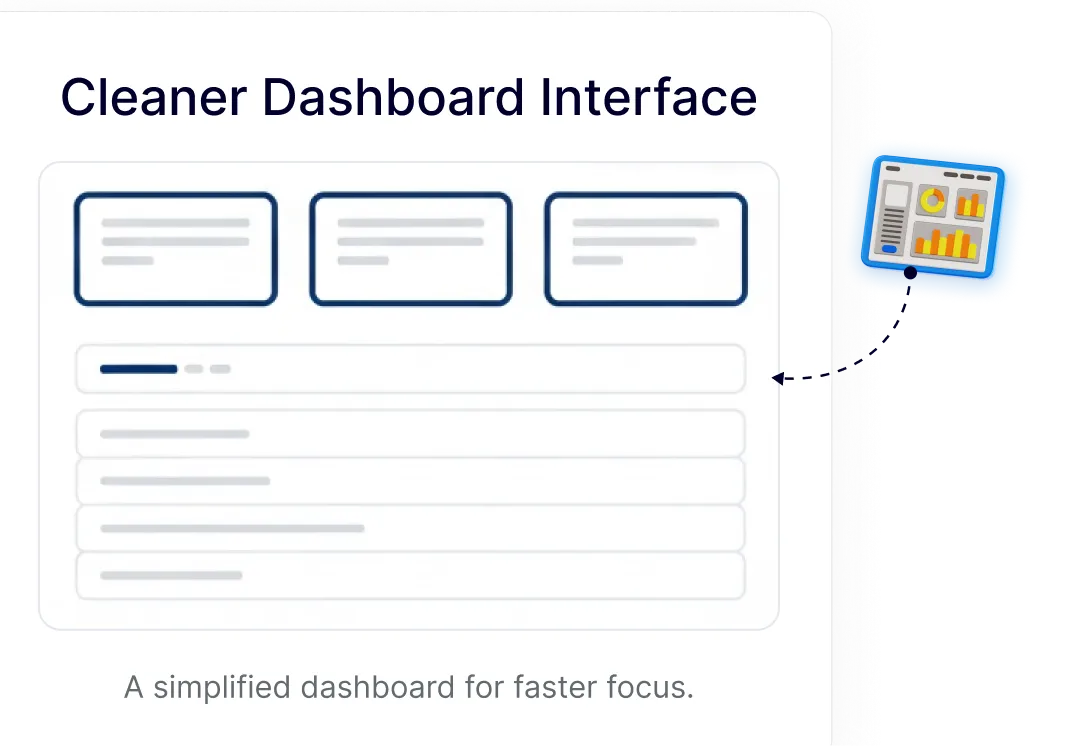
Cleaner Dashboard Interface for Daily Work
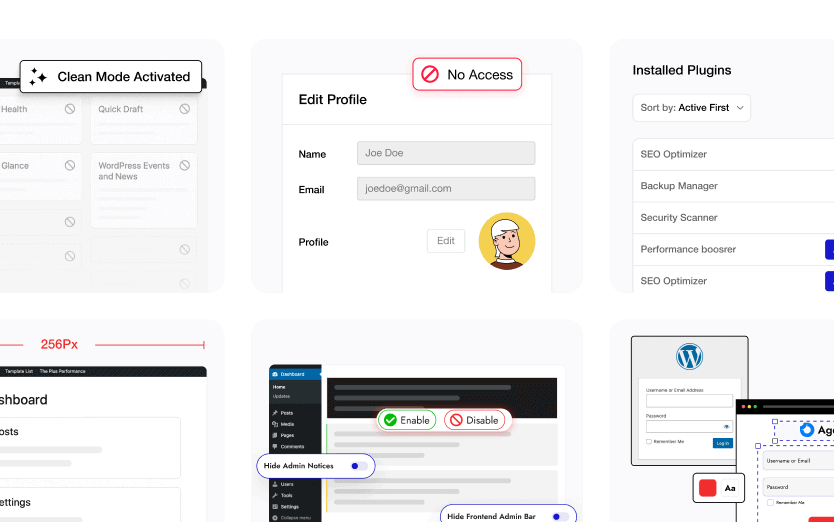
Keep only the dashboard widgets you actually use. Hide welcome panels and default widgets to create a focused WordPress admin experience that feels lighter and easier to manage.
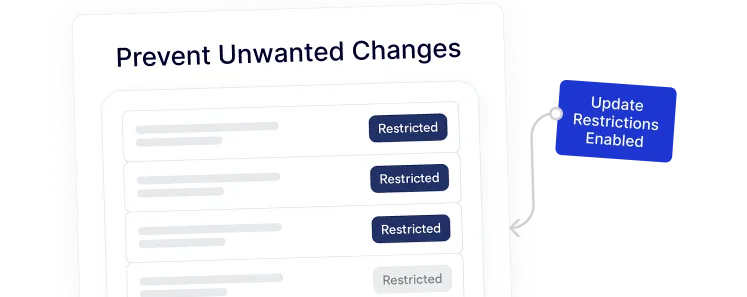
Prevent Unwanted Changes in Admin Areas
Control access to sensitive admin settings like updates and configurations. This helps keep site setups consistent, especially when multiple users work inside the dashboard.
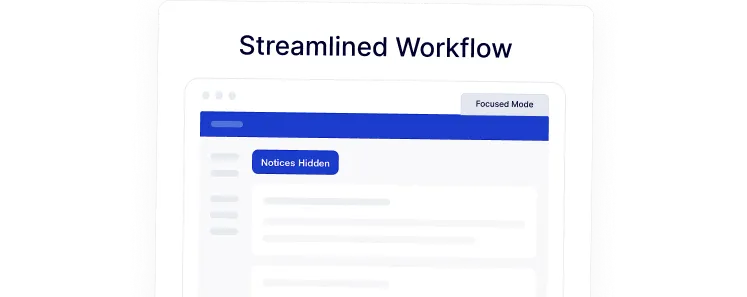
Streamlined Workflow for Site Management
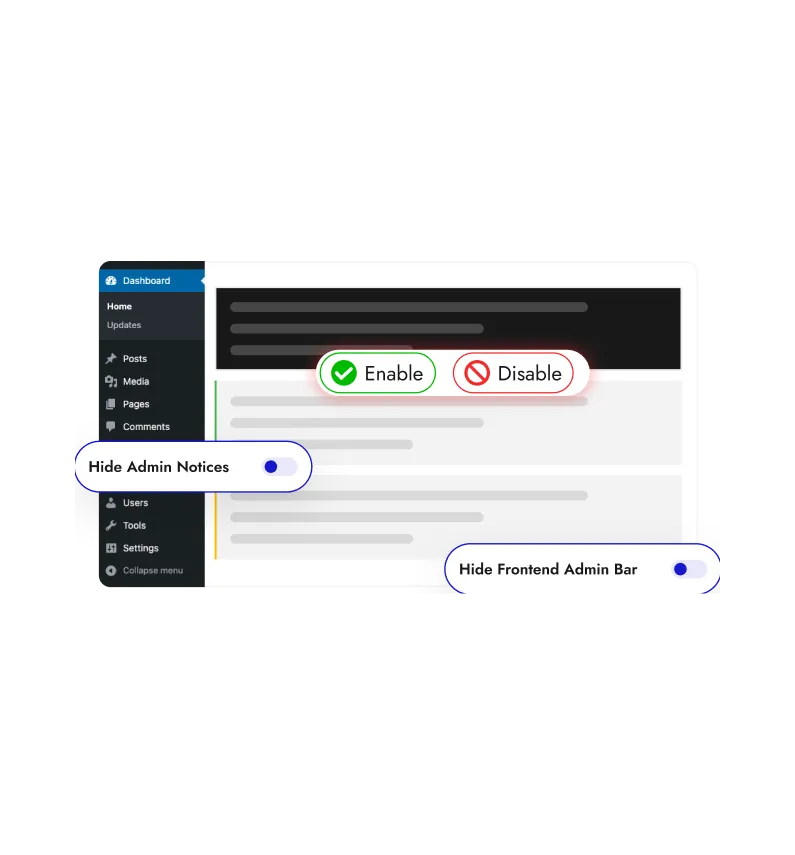
Reduce visual noise from persistent admin notices and setup prompts. A calmer dashboard helps you move faster without distractions while managing pages, posts, and settings.
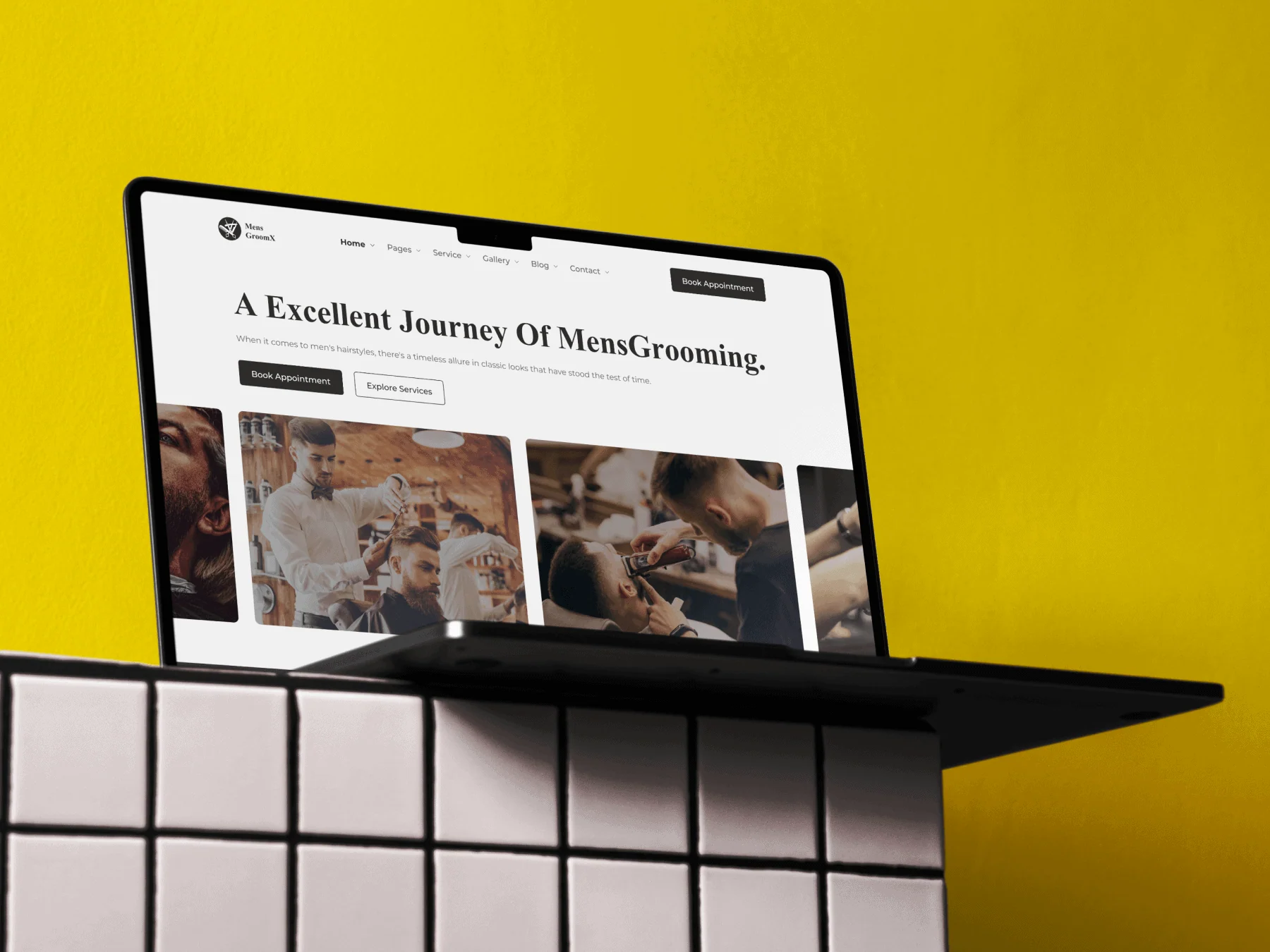
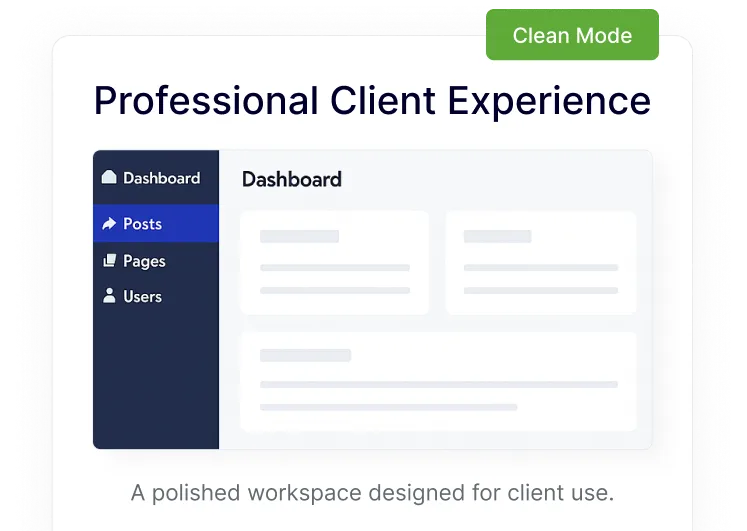
Professional Client Experience in WordPress
Present clients with a clean and simplified admin interface. Hidden widgets, notices, and admin bars make the dashboard easier to understand and more comfortable for non-technical users.
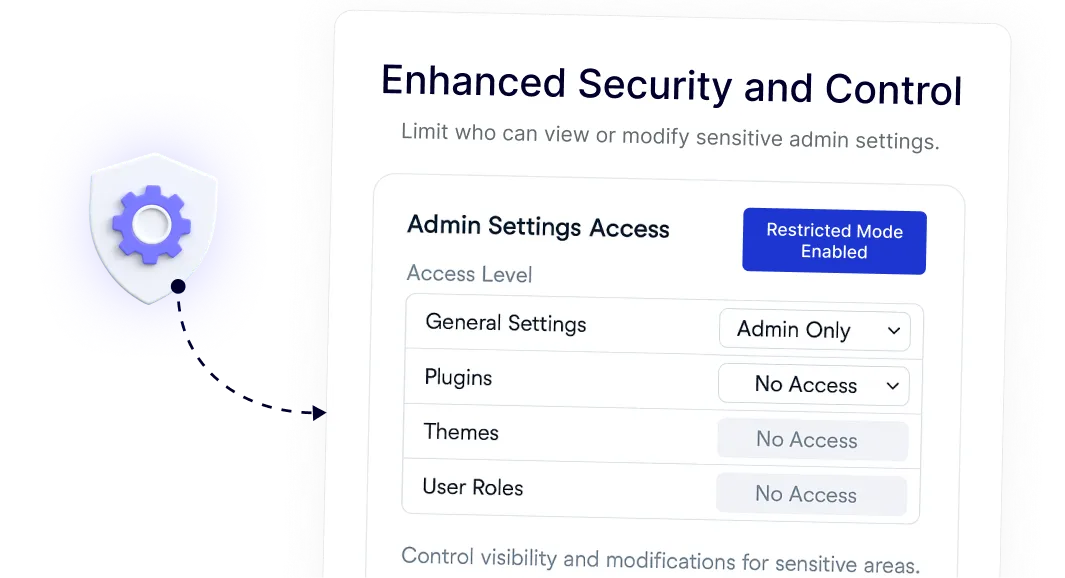
Enhanced Security and Control for Admin Settings
Limit visibility of specific admin components based on roles. This allows better control over who can see or interact with sensitive areas without modifying core WordPress files.