









Why Should You Organize Admin Menu in WordPress?
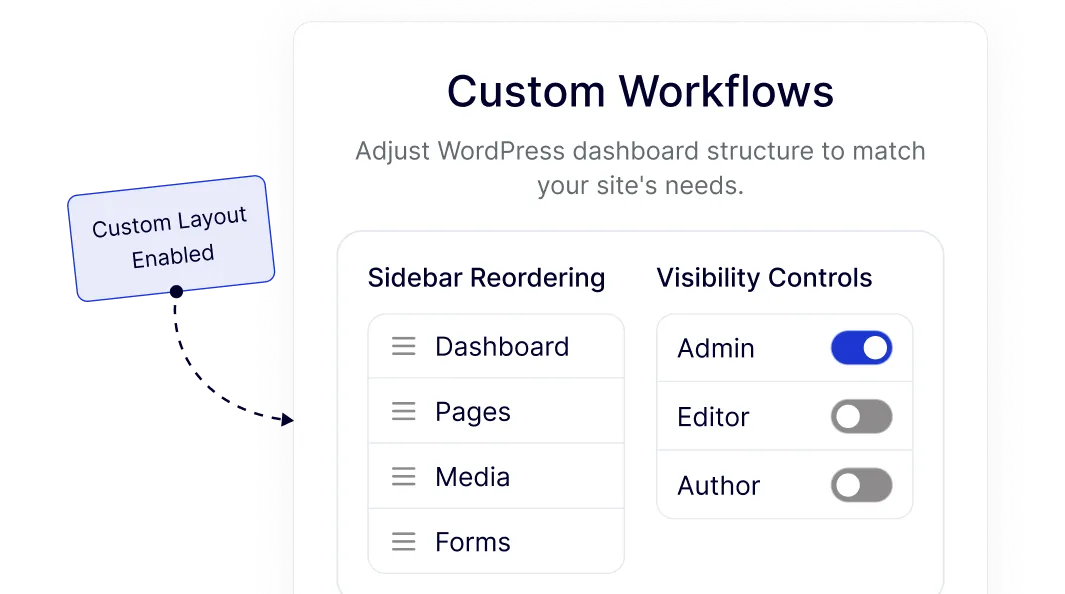
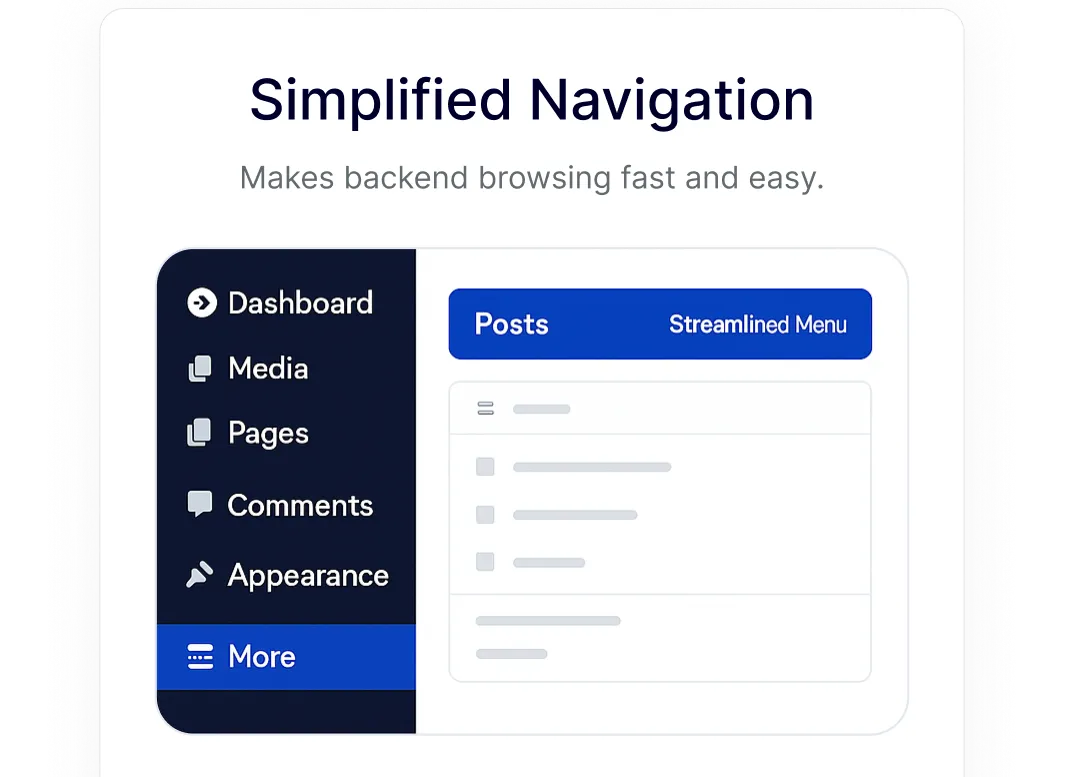
Simplified Navigation for Busy WordPress Dashboards
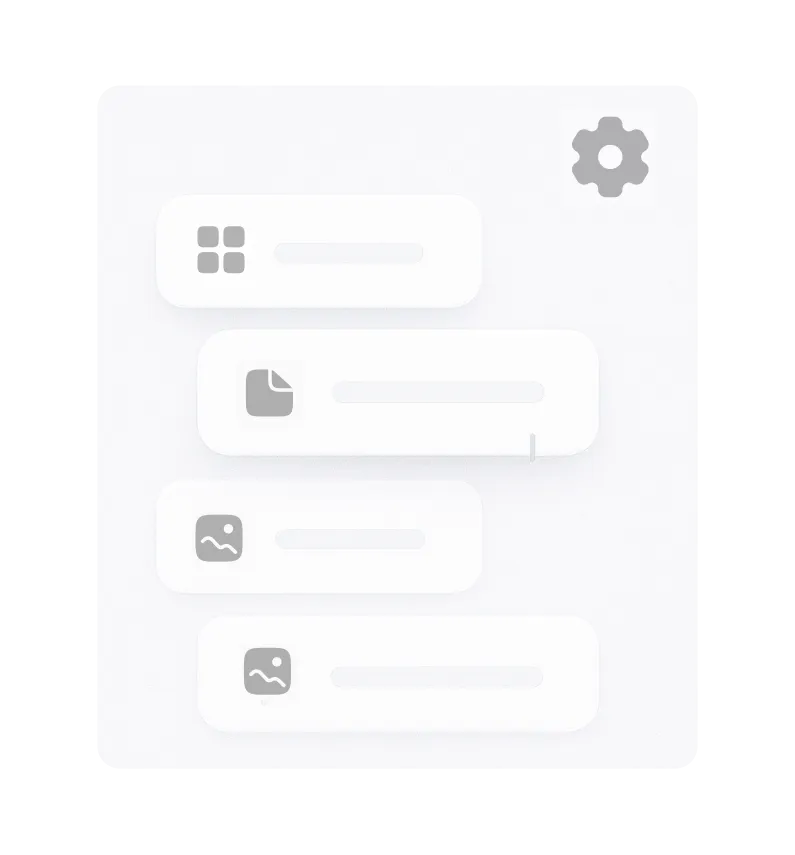
Organize your WordPress admin menu so important sections are easier to find. Reordering menus helps reduce time spent searching, especially on content-heavy or plugin-rich sites.
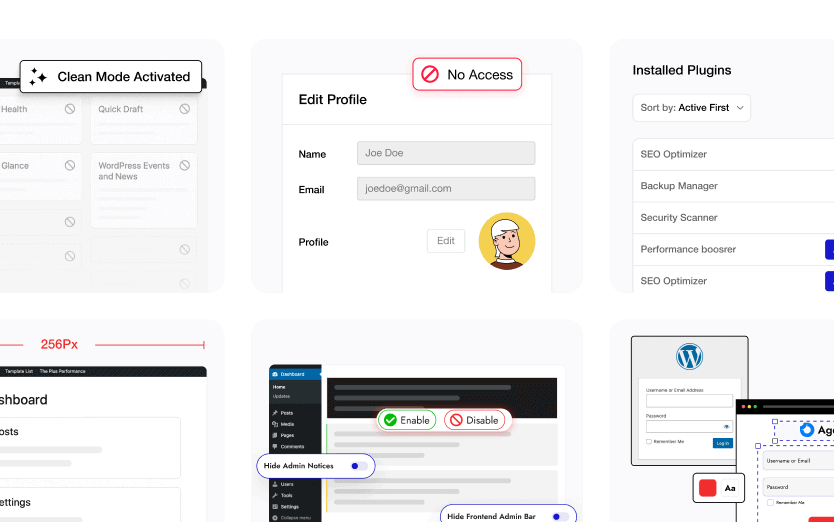
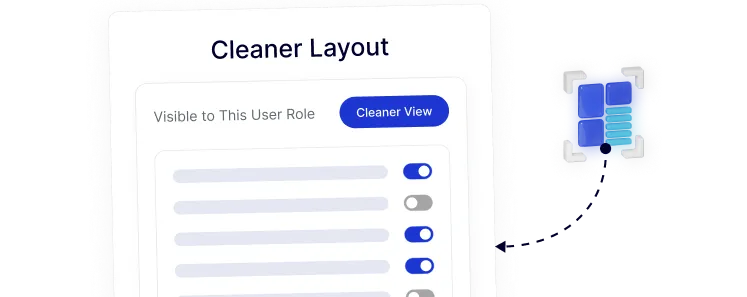
Cleaner Admin Layout for Role-Based Access
Show only the menu items that matter to each user role. This keeps the WordPress dashboard clear and focused for editors, authors, or clients without overwhelming them.
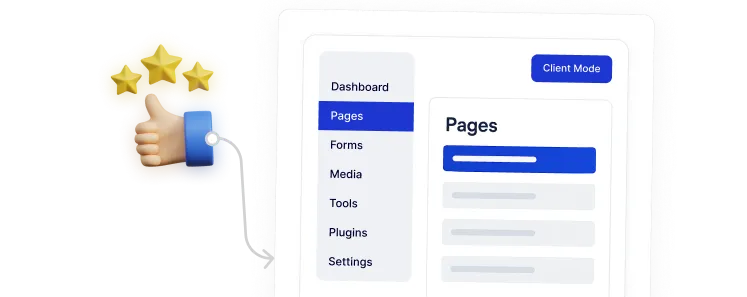
Clear Client-Facing Menus for Handover Sites
Rename menu labels and hide advanced options to create a WordPress admin experience that feels simple and understandable for non-technical clients.
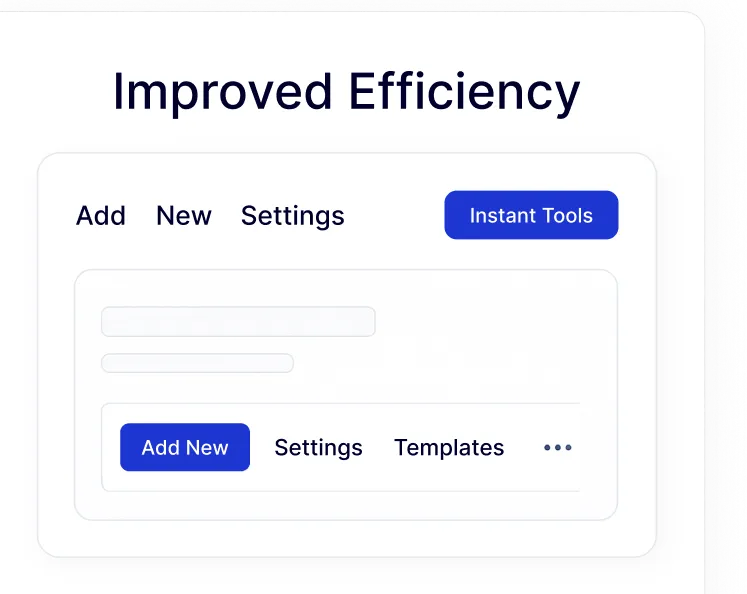
Faster Daily Workflows with Organized Menus
Access frequently used tools quickly by arranging the admin menu to match how you actually work inside WordPress, reducing friction in everyday tasks.
Custom Admin Workflows for Different Site Needs
Adjust the WordPress dashboard structure to fit your project, whether it’s a blog, business site, or multi-author setup, using flexible menu organization controls.