






































Display Conditional Rules For WordPress


Good Morning,it’s Wednesday.👋
Scroll down to Explore the Power of Display Rules byline.

visitor

Date and Time
Single Page
Archive Page
Language
URL
Shortcode
Advanced Custom Fields

Dynamic
Custom Fields
Multiple Browser comes with multiple visual issues, set it all using Display Rules based on Browser Type.
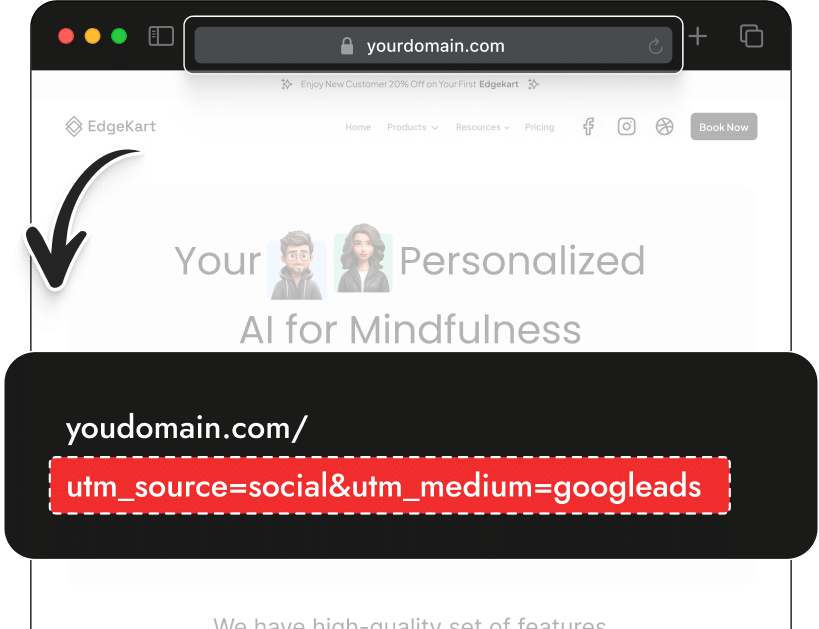
URL Parameters
& Strings.
Powerful Display Rules for every marketer, where you can show or hide content based on UTM Parameters or URL Strings. Test by clicking on the button below.
Shortcode
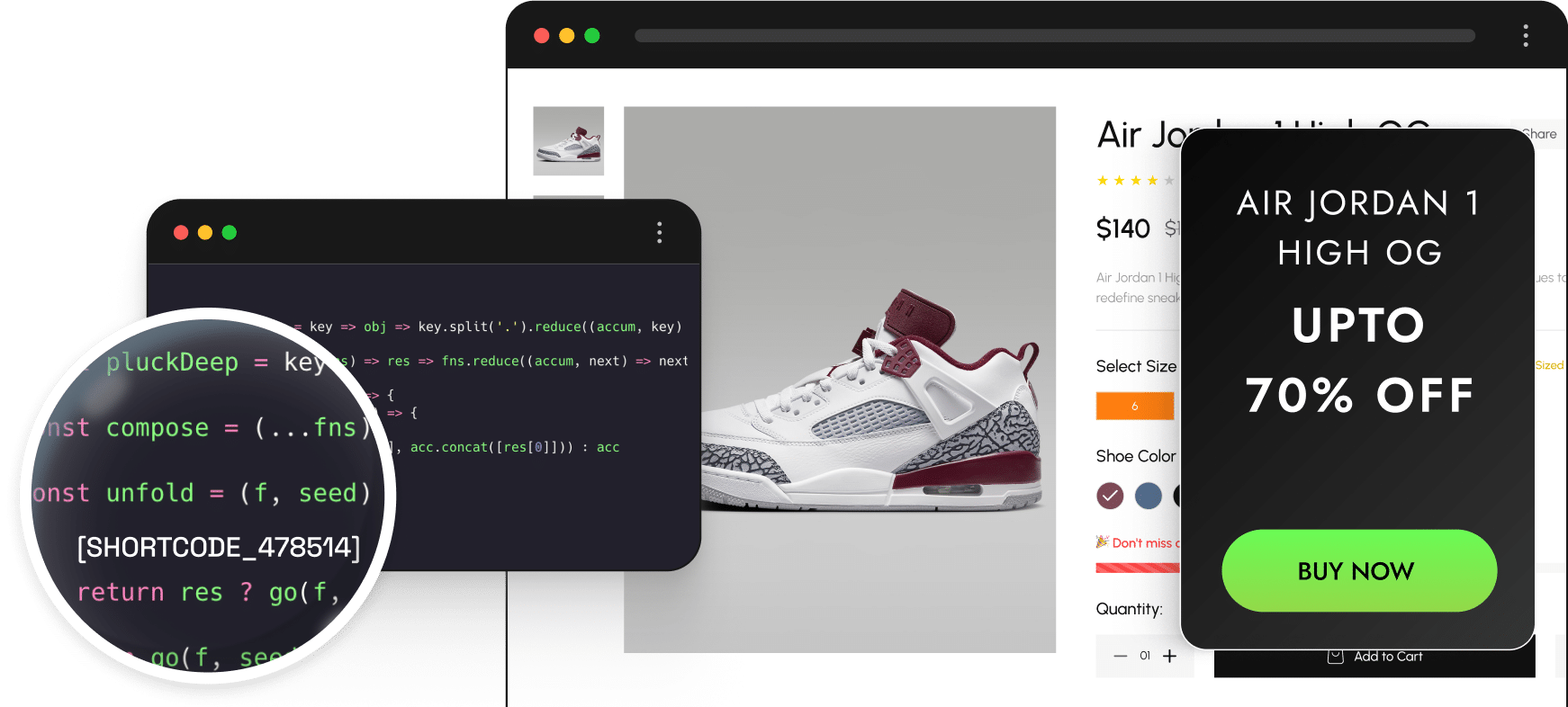
Use plugins or themes that use shortcodes for galleries, audio players, forms & more? We’ve got you covered. Easily show/hide your content with any supported display condition.

Display Conditions for
Visitor
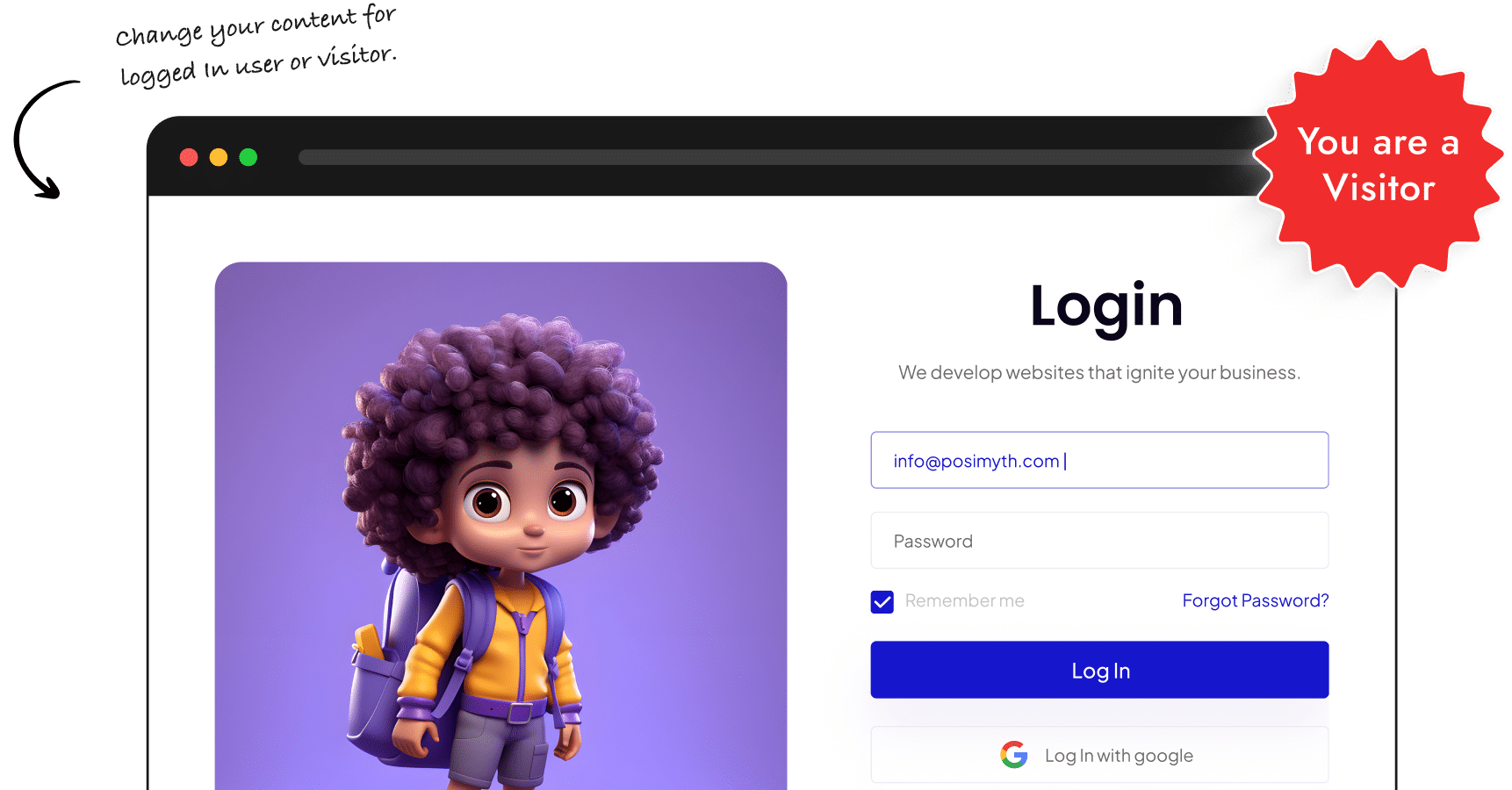
Show custom content based on visitor details like Login Status, User Role, Operating System and Browser. You can also combine them together to create your custom visibility rule for WordPress blocks.
Operating System.
Show custom content based on visitor details like Login Status, User Role, Operating System and Browser. You can also combine them together to create your custom visibility rule for WordPress blocks.

Windows

MAC

Android

IOS

Linux

Chrome Os
Visitor Login Status
Show custom content based on visitor details like Login Status, User Role, Operating System and Browser. You can also combine them together to create your custom visibility rule for WordPress blocks.
Visitor’s Browser
Choose from any of the popular browsers to set conditions to fully control the content your website visitors see. Show or hide specific WordPress blocks or entire sections. Tailor your visitor experience.

Chrome

Safari

Firefox

Opera

Edge
Time of the Day
Easily set specific intervals (fully customizable) during which you want to display or hide page content.
Day of The Week.
Want to let your website visitors know your support team is away during the weekend? All that and more in just a few clicks – display custom content based on the days of the week.







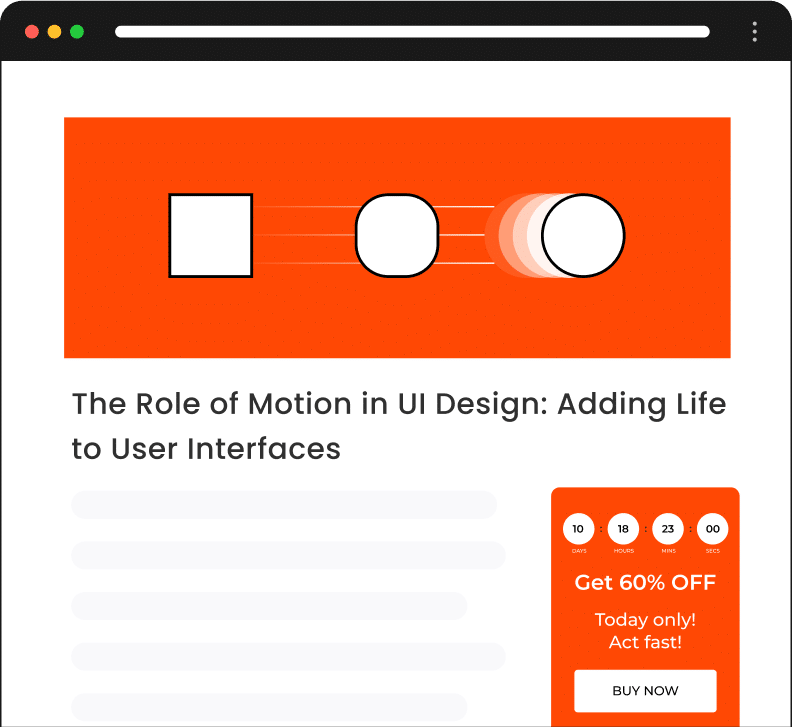
Single Page
Easily show & hide WordPress blocks on an individual page (or set of pages).

Page

Post

Static Page

Post Type

Term
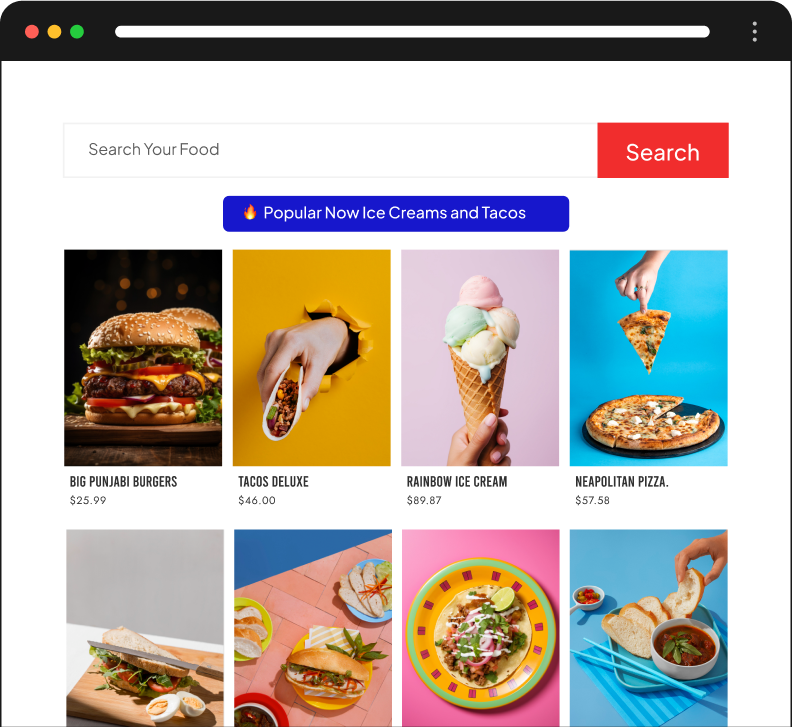
Archive Page
Easily show & hide WordPress blocks on an individual page (or set of pages).

Taxonomy
Term
Post Type

Date

Author

Search

Key Features
of Display Conditional

Read How it Works

Watch How it Works

Related Blocks


1600+ Pre-Designed Websites
Templates & Sections
View AI Powered WordPress Template
Pre-designed, ready-to-import Gutenberg templates and sections for every niche — build your next site in minutes, not days.
See all Demos


MensGroomX Prime | Gutenberg Template Kit
Medclinic Pro | Gutenberg Template Kit

Byte-Boutique Zen | Gutenberg Template Kit
ZenPose | Gutenberg Template Kit
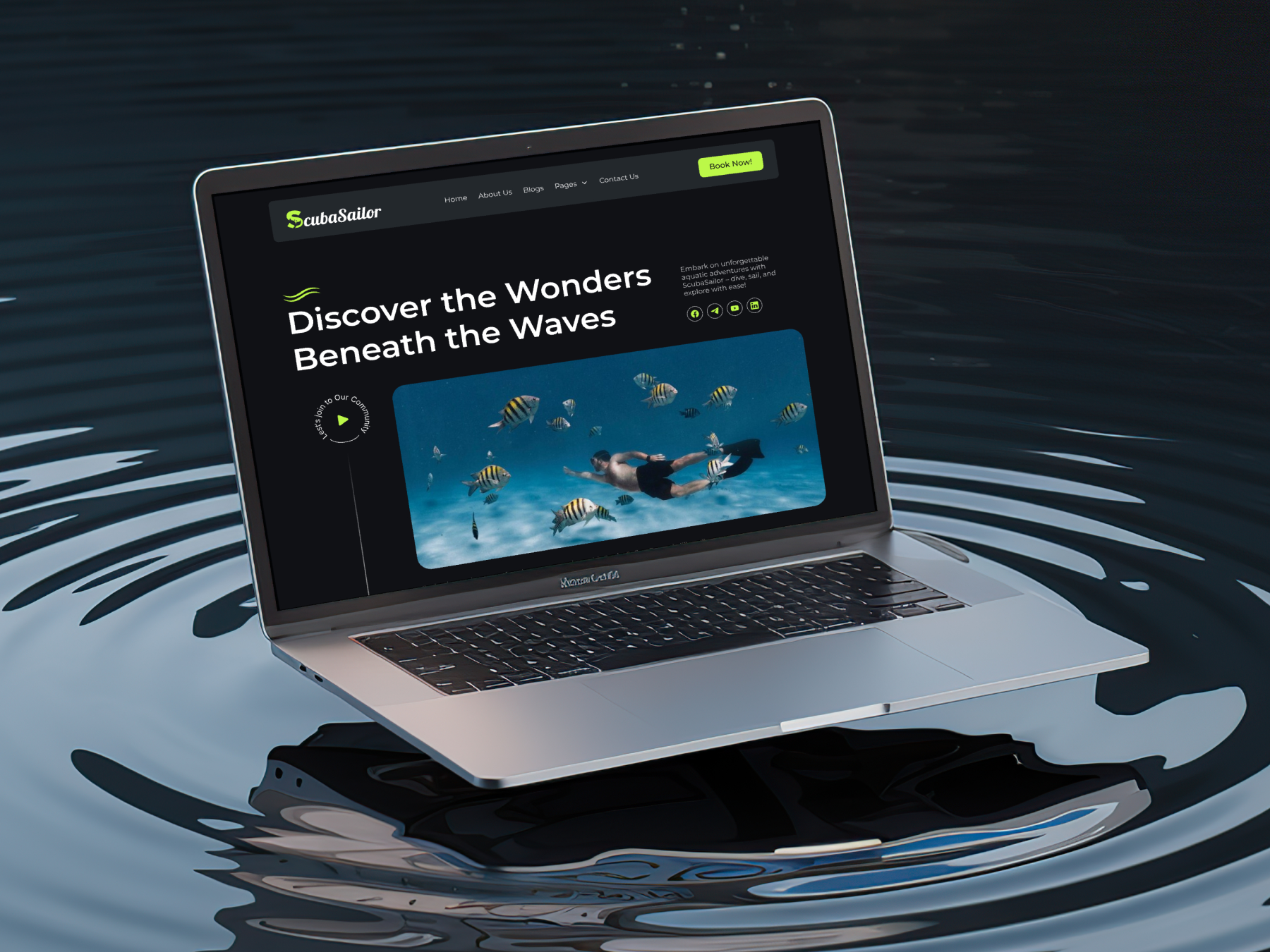
ScubaSailor | Gutenberg Template Kit
From Idea to Website with 1600+ Gutenberg Templates
Build Your Website Faster with AI
Build your website faster with AI-ready Gutenberg Page Kits designed for every niche. Import complete page sets, customize, and turn your ideas into a polished, professional website in minutes.
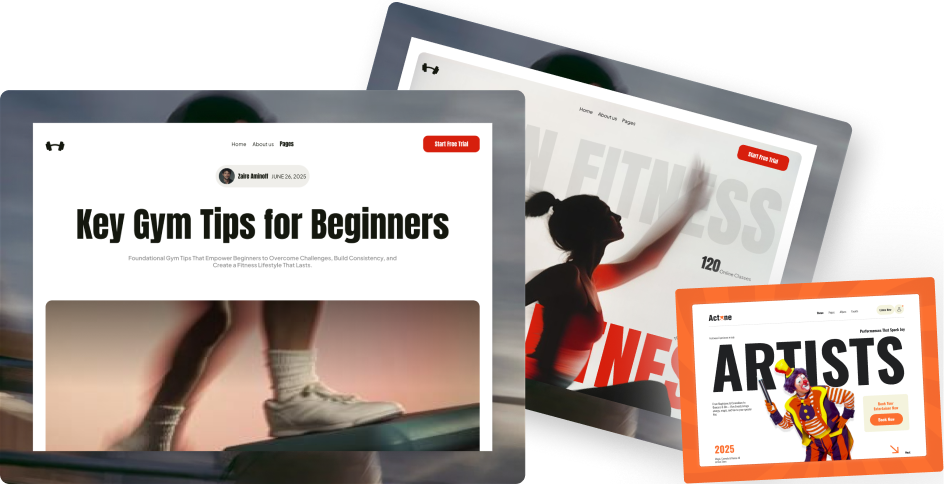
Build Pages with Ready-to-Use Sections
Bring your website ideas to life with professionally designed Gutenberg sections. Pick the sections you need, customize them your way, and build polished pages in less time.
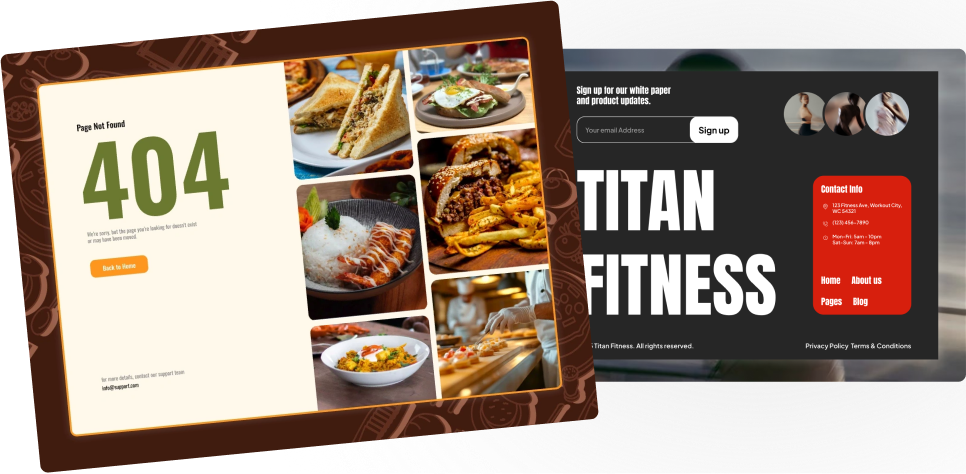
Launch Complete Pages Faster
Build professional pages faster with ready-to-use Gutenberg templates designed for every niche. Choose a complete page, customize and layout to match your brand, and launch without starting from scratch.
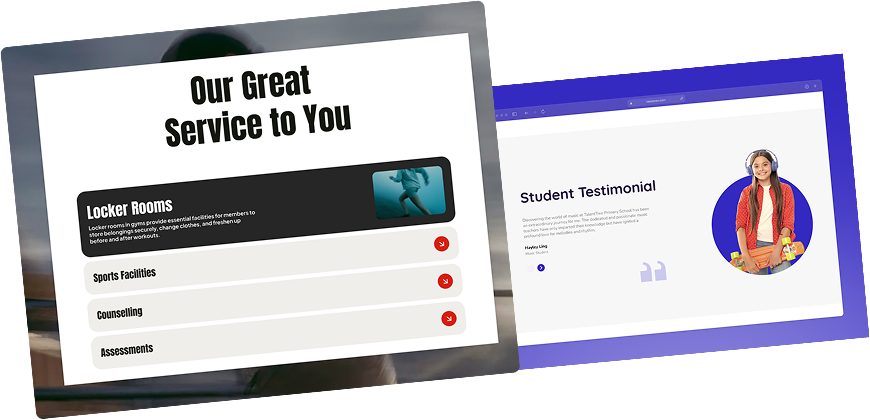
Everything You Need to Build Better with Gutenberg Templates
Ready-to-Use Designs
Professionally designed templates that give you a strong starting point for any website or page.
Designs for Every Idea
Find professionally crafted layouts for business, creative, portfolio, agency, blog, eCommerce, and more.
Build Faster, Your Way
Import the design you need, customize it to match your brand, and launch without starting from scratch.
Frequently Asked Questions
localhost
10.0.0.0/8
172.16.0.0/12
192.168.0.0/16
yourdomain.dev
yourdomain.local
yourdomain.xyz
dev.yourdomain.TLDs
staging.yourdomain.TLDs
Got More Questions? We've Got Your Back!
If you have any questions regarding Nexter products, feel free to connect with us via live chat. Our team will reply soon.
🔥 200+ Upgraded to Nexter PRO in Just 7 Days
Get 120+ WordPress Blocks with Nexter Today!
