




























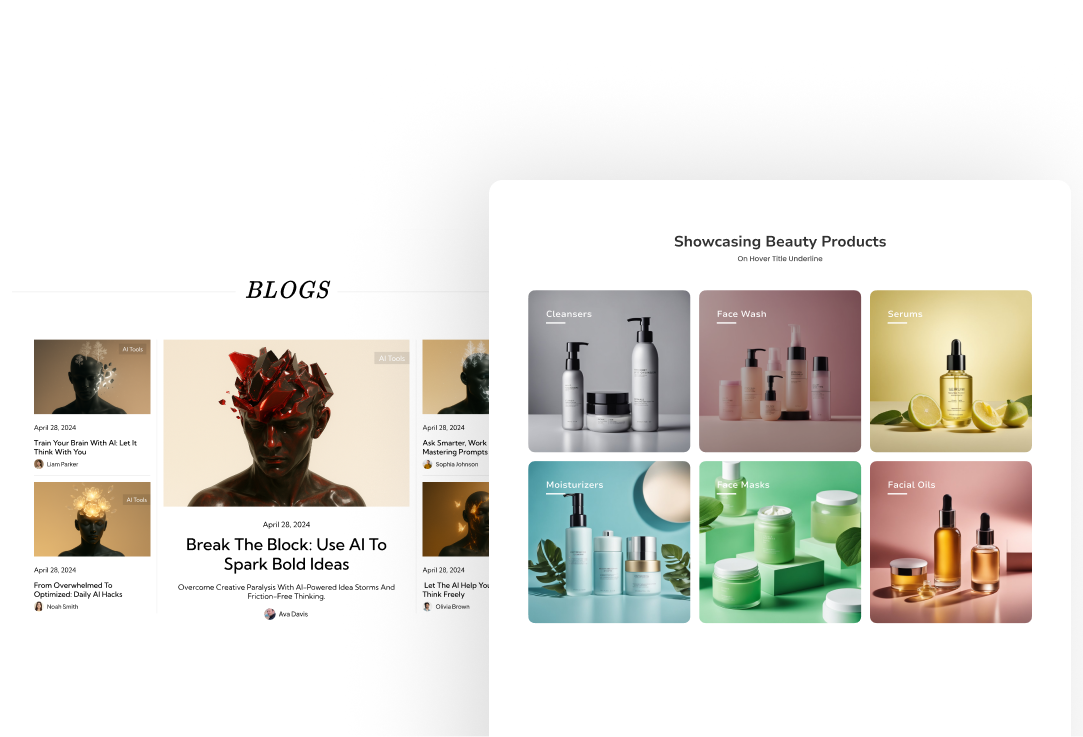


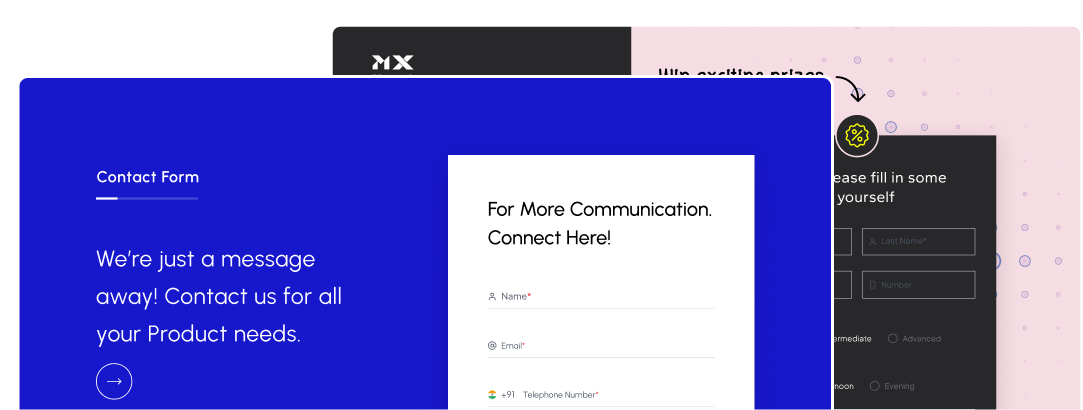

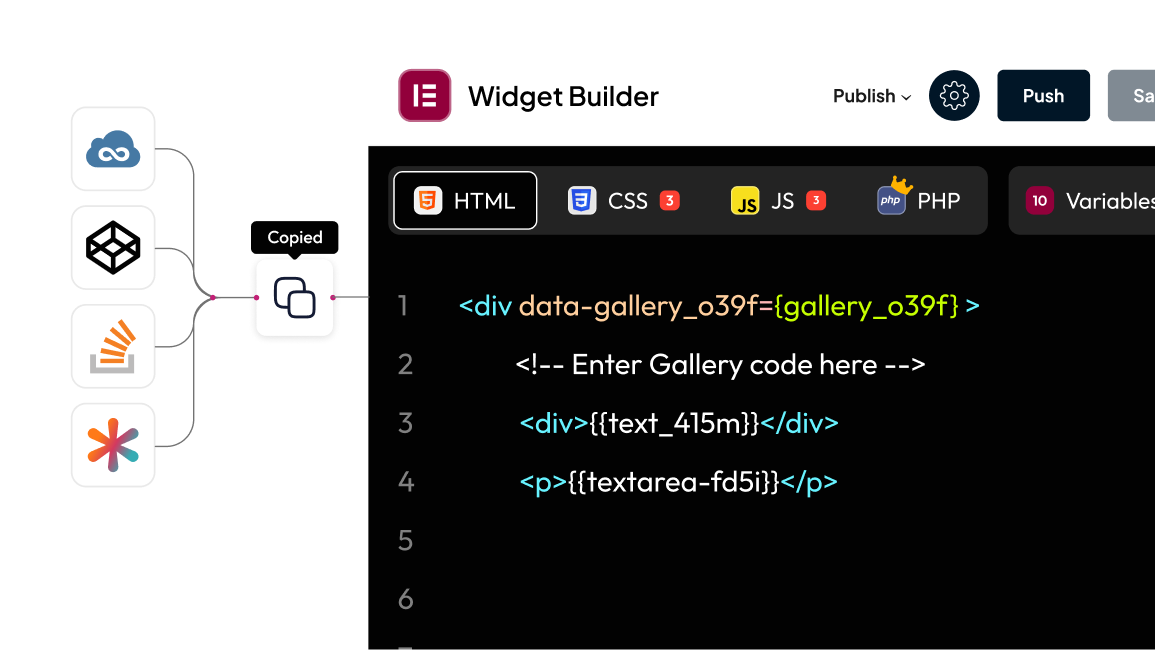


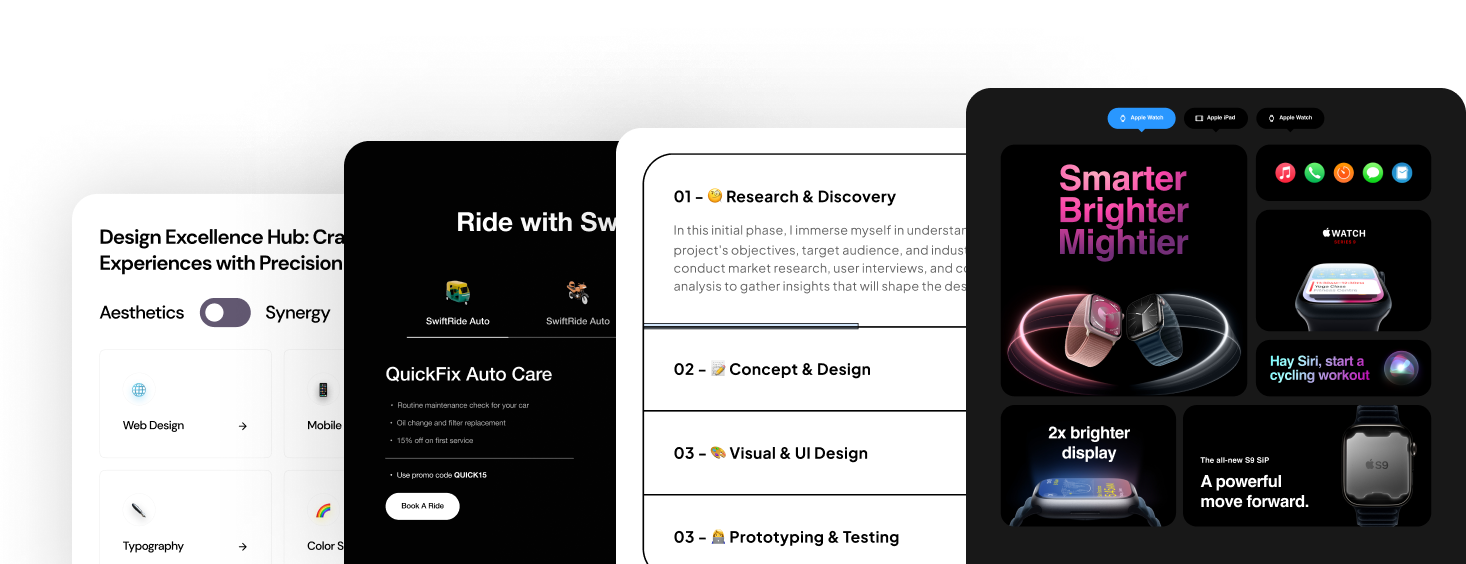


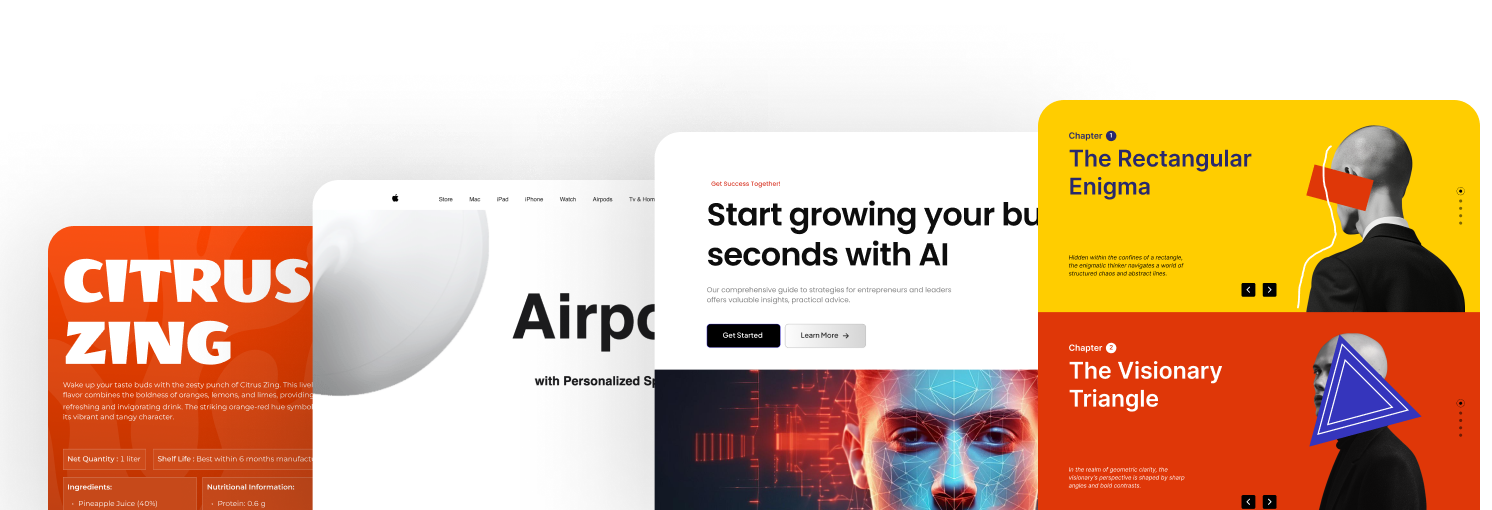


Easily create and customize navigation menus for your WordPress site with this user-friendly plugin. Choose from horizontal or vertical layouts, add multi-level dropdowns, and ensure a seamless experience on all devices with its responsive design.

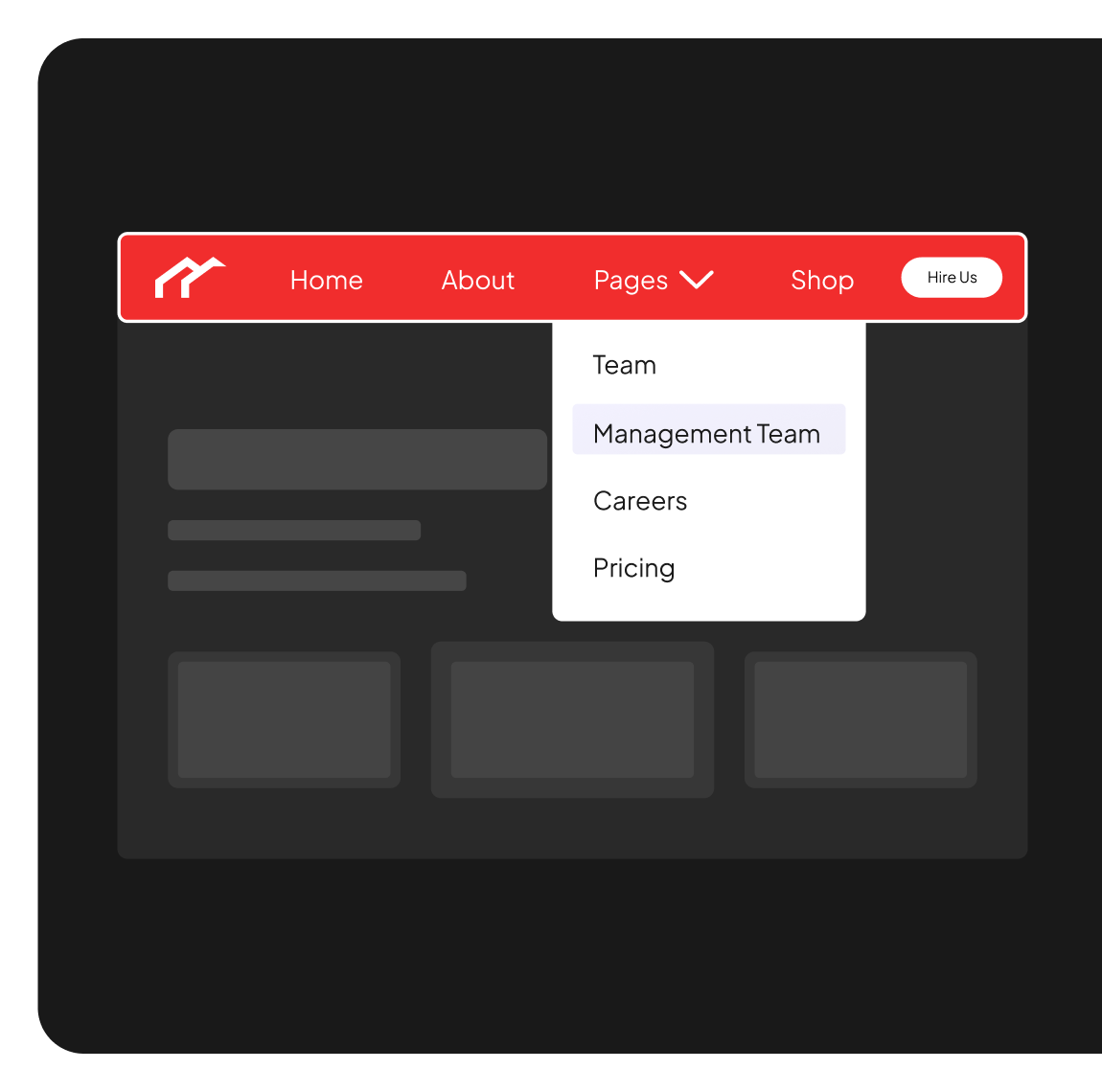
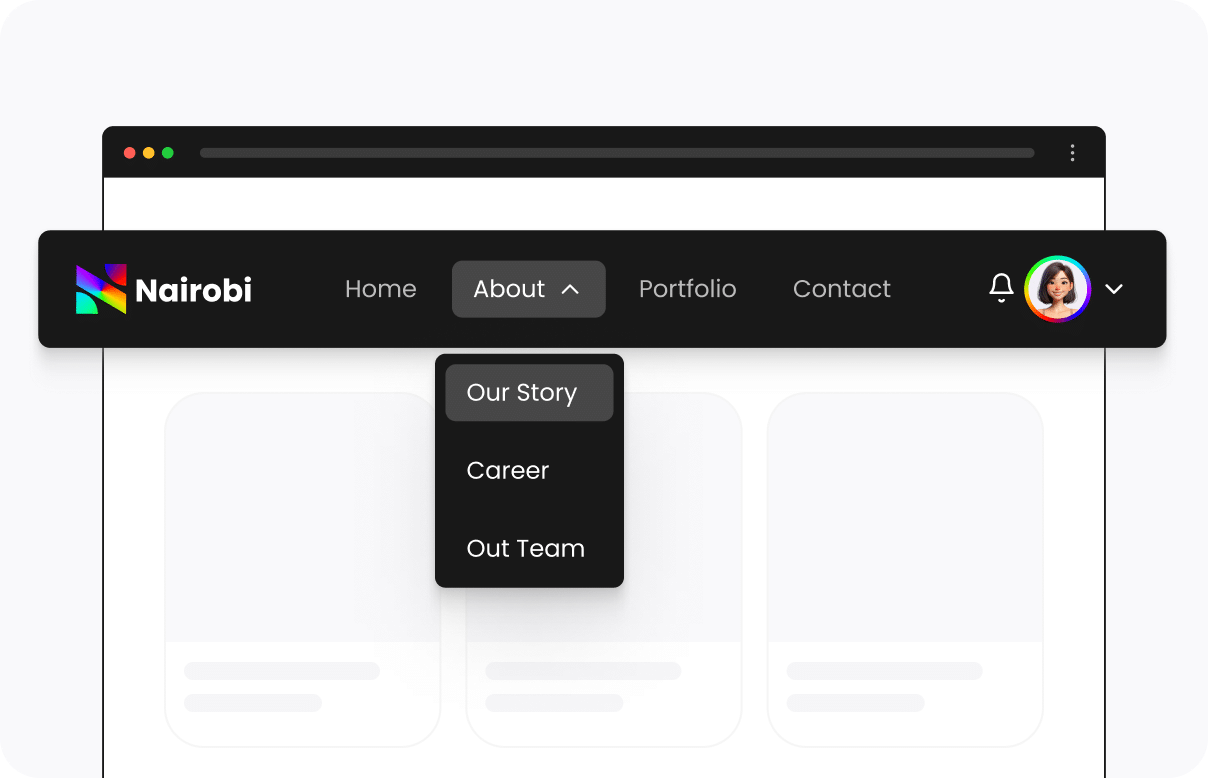
Horizontal WordPress Navigation Menu
Create an WordPress Horizontal Navigation Dropdown Menu effortlessly, featuring multiple effects and dropdown designs. Personalize your menu with custom links tailored to your needs.
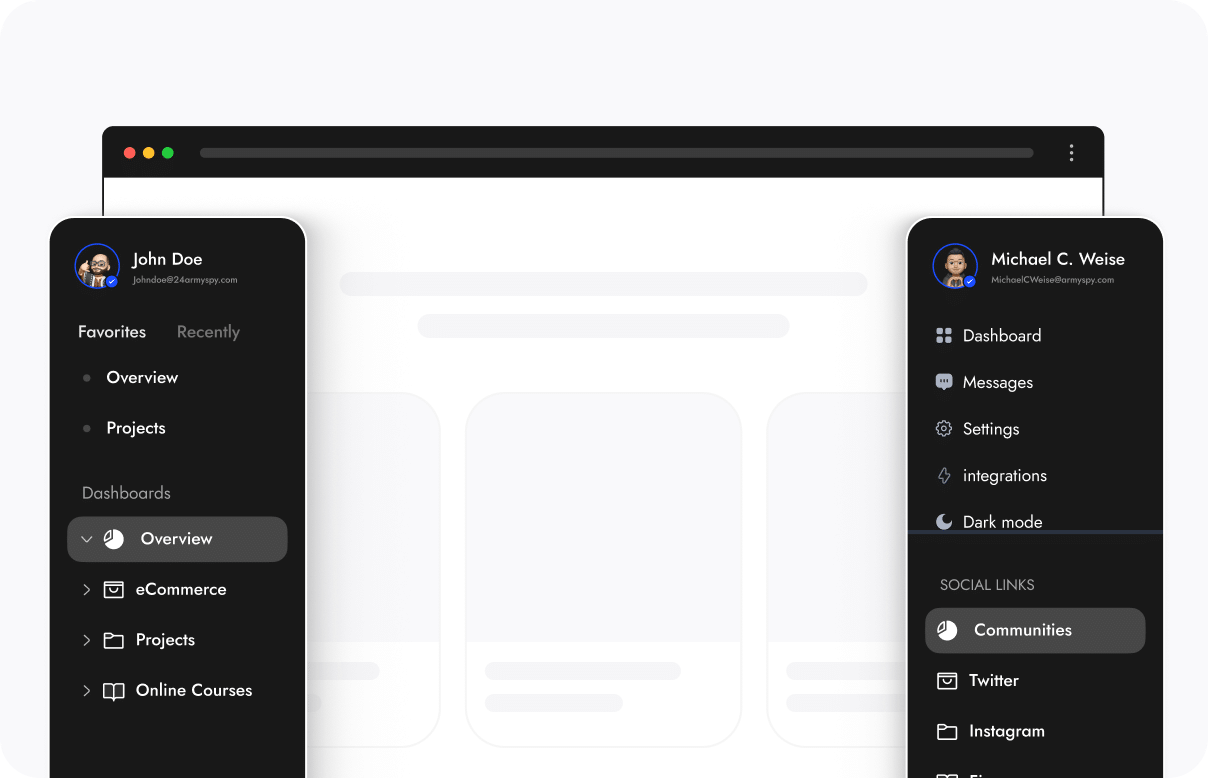
Vertical WordPress Navigation Menu
Easily build a Vertical Navigation Menu with WordPress, complete with customizable dropdown designs and multiple effects. Personalize your menu by adding custom links to enhance user navigation with dashboard approach.

Key Features
of Navigation Menu

Read How it Works


Build Faster with Block Recipes
Build This Block From a Recipe
Copy a recipe and your AI assistant builds it in Gutenberg.
Looking for a different block?
Browse the Block Recipe Library


1000+ Pre-Designed Websites
Templates & Sections
1000+ Templates & Sections
View AI Powered WordPress Template
Pre-designed, ready-to-import Gutenberg templates and sections for every niche — build your next site in minutes, not days.
See all Demos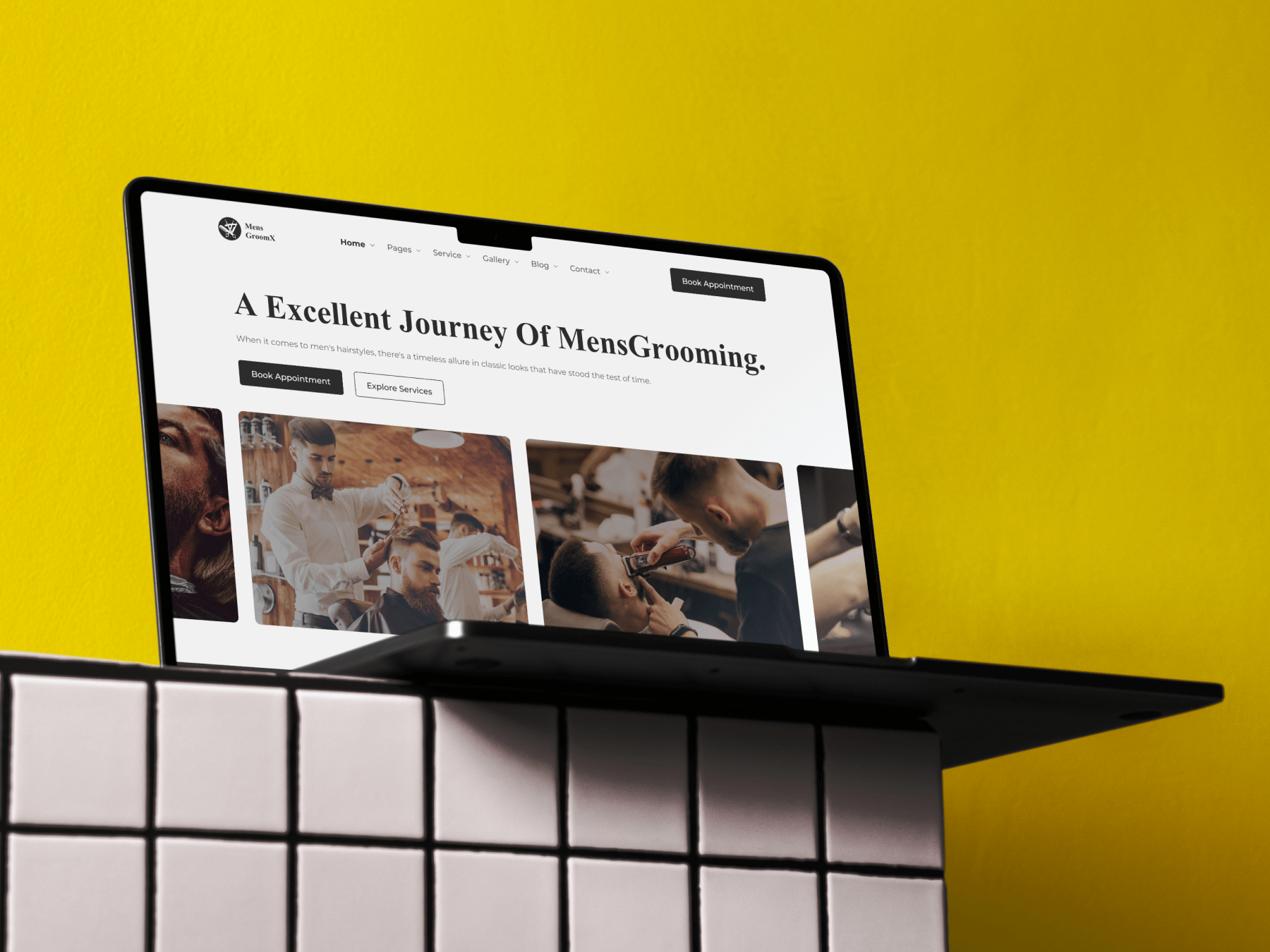

MensGroomX Prime | Gutenberg Template Kit
Medclinic Pro | Gutenberg Template Kit
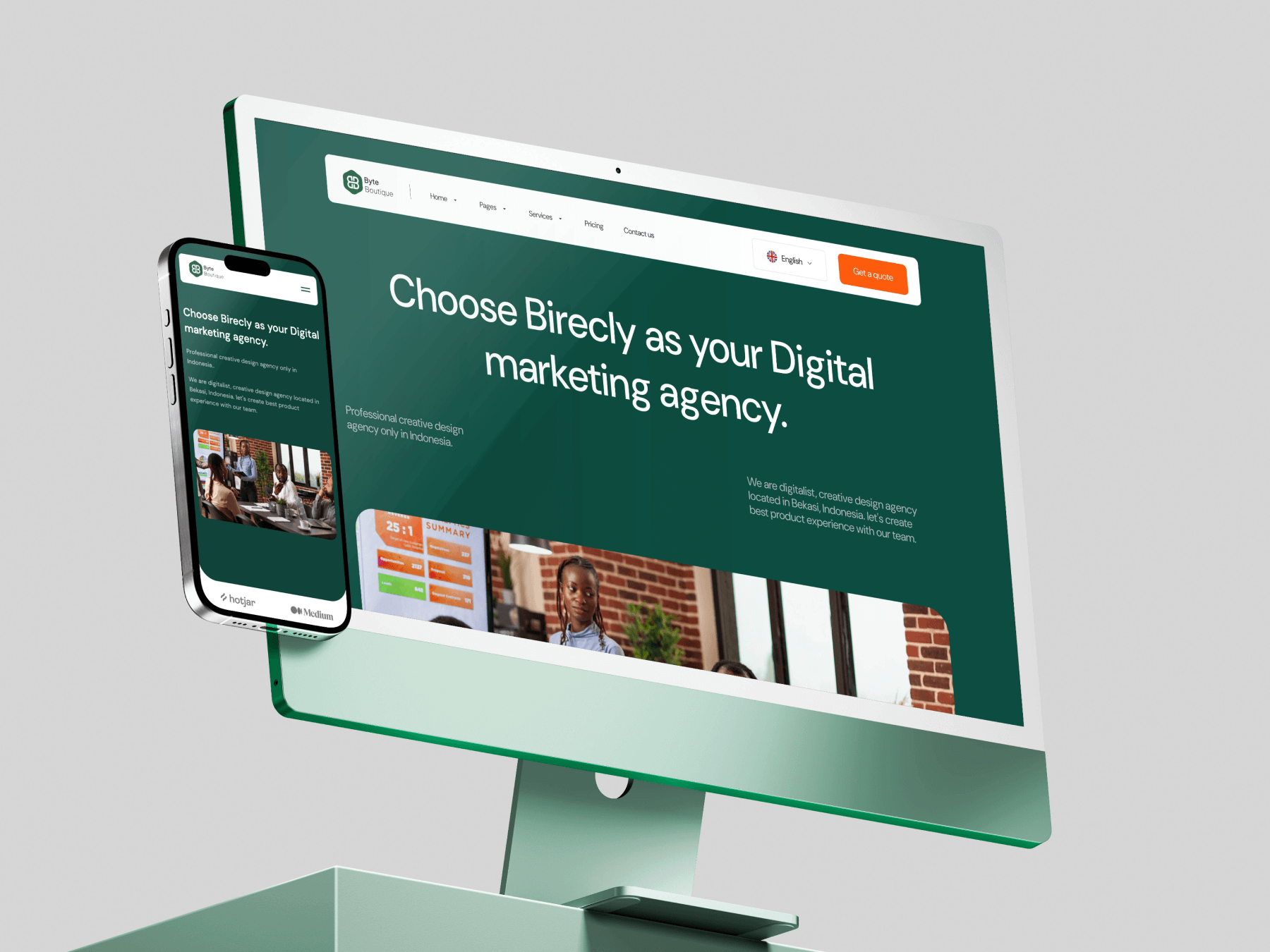
Byte-Boutique Zen | Gutenberg Template Kit
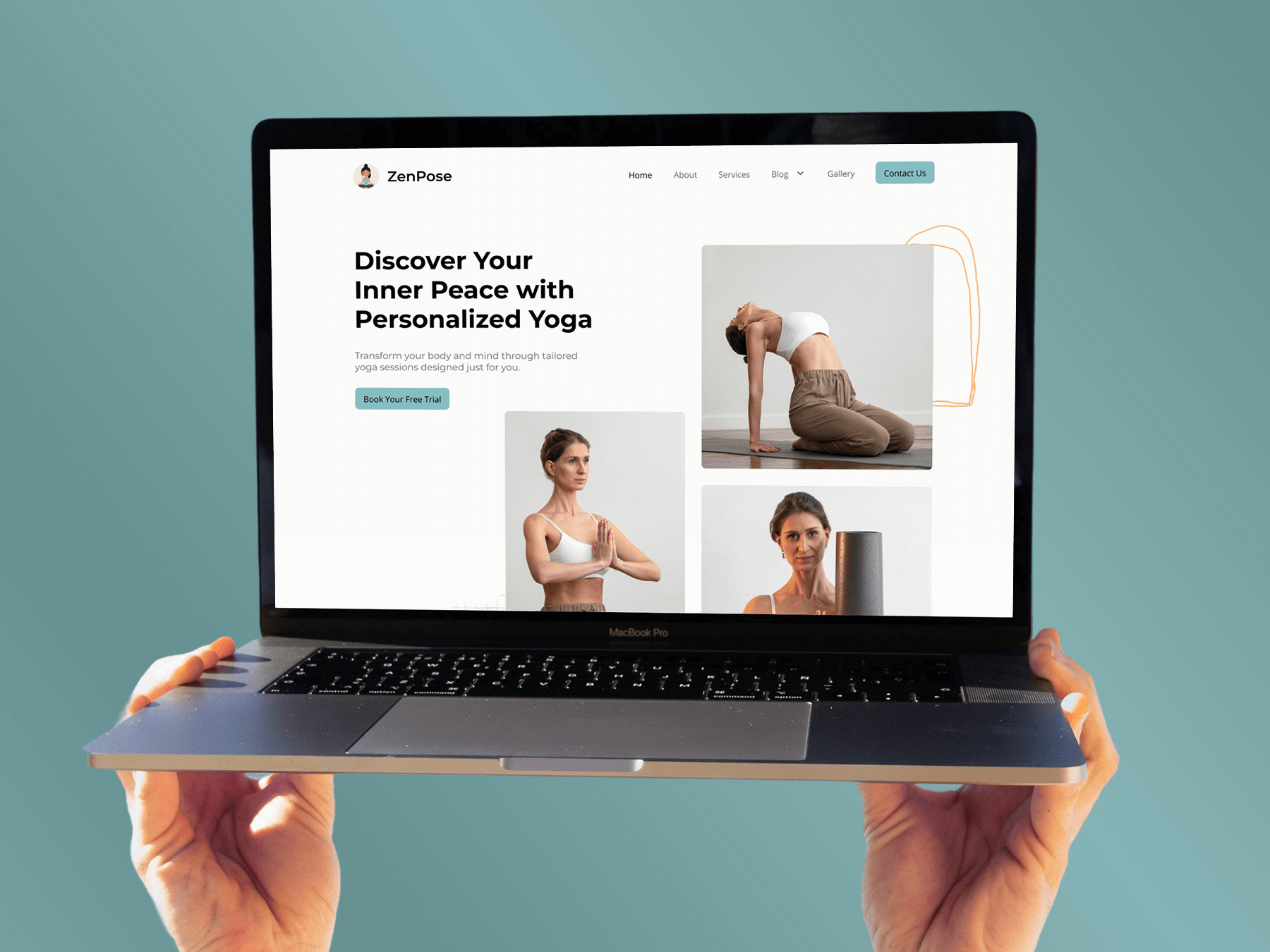
ZenPose | Gutenberg Template Kit
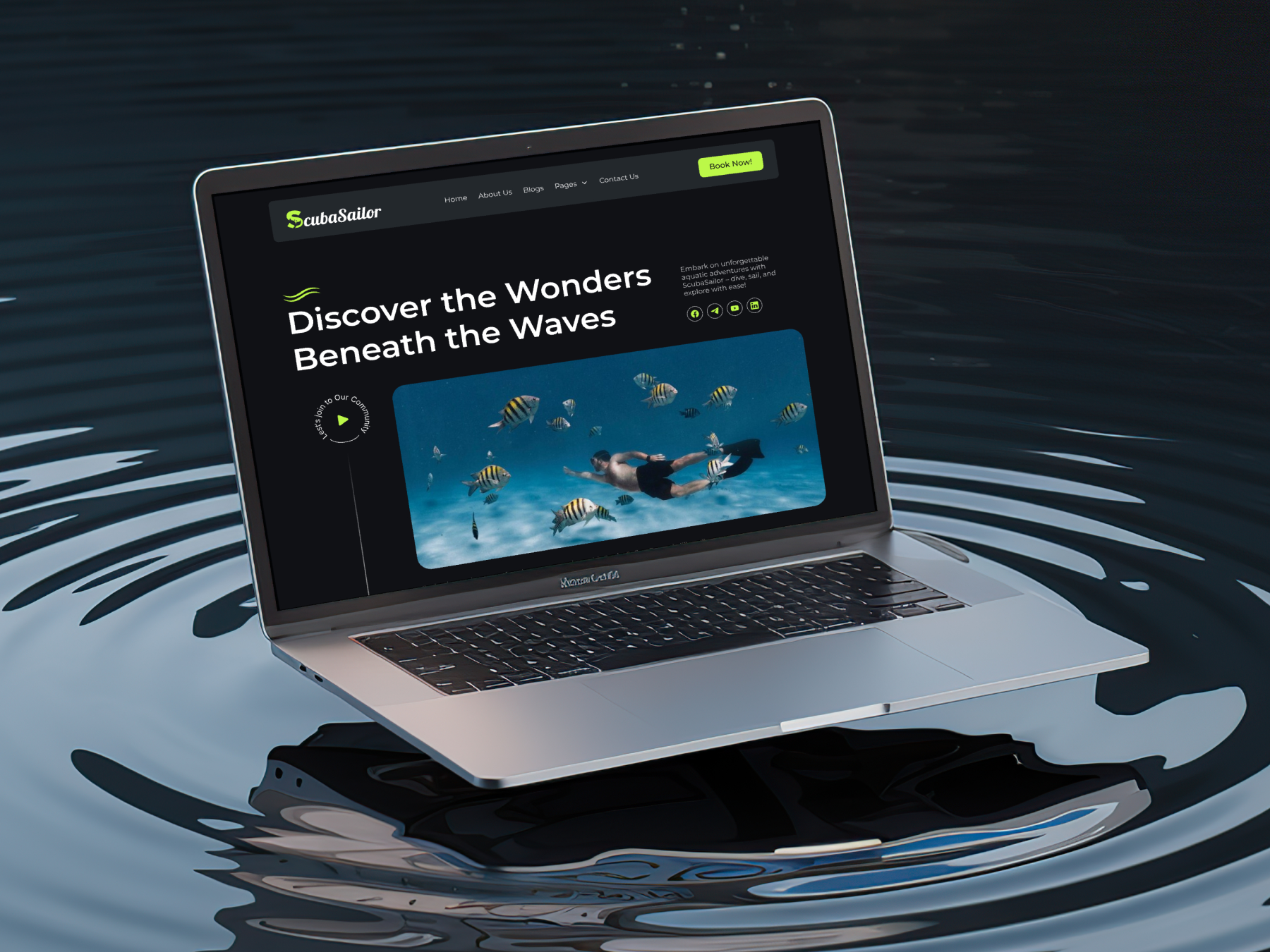
ScubaSailor | Gutenberg Template Kit
From Idea to Website with 1600+ Gutenberg Templates
Page Kits
Build Your Website Faster with AI
Build your website faster with AI-ready Gutenberg Page Kits designed for every niche. Import complete page sets, customize, and turn your ideas into a polished, professional website in minutes.
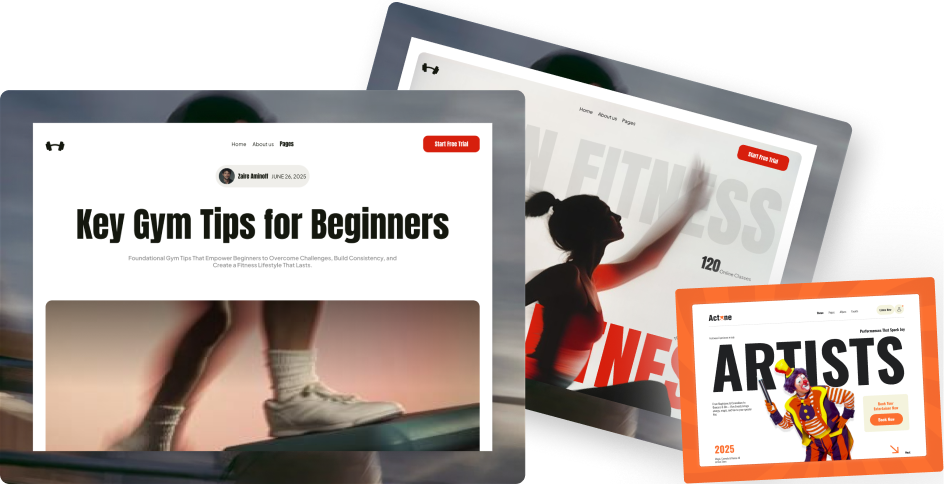
Sections
Build Pages with Ready-to-Use Sections
Bring your website ideas to life with professionally designed Gutenberg sections. Pick the sections you need, customize them your way, and build polished pages in less time.
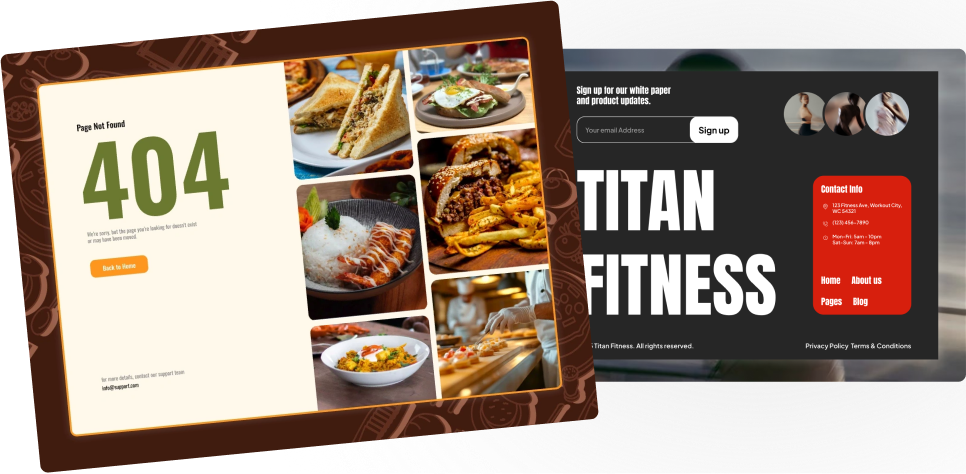
Full Pages
Launch Complete Pages Faster
Build professional pages faster with ready-to-use Gutenberg templates designed for every niche. Choose a complete page, customize and layout to match your brand, and launch without starting from scratch.
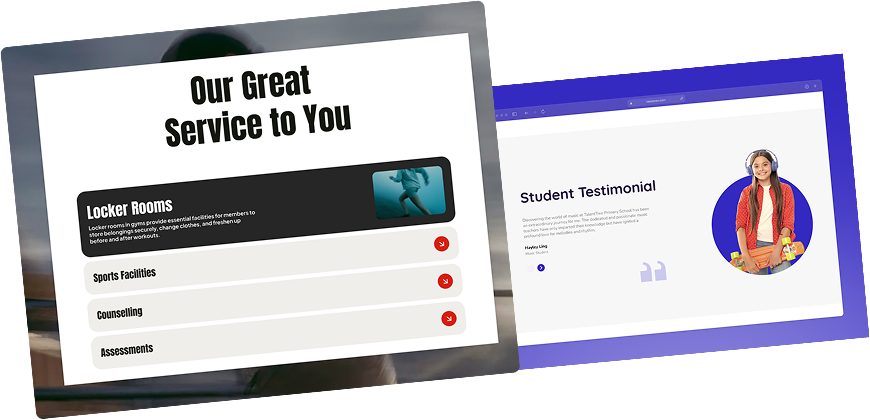
Everything You Need to Build Better with Gutenberg Templates
Ready-to-Use Designs
Professionally designed templates that give you a strong starting point for any website or page.
Designs for Every Idea
Find professionally crafted layouts for business, creative, portfolio, agency, blog, eCommerce, and more.
Build Faster, Your Way
Import the design you need, customize it to match your brand, and launch without starting from scratch.
Frequently Asked Questions
Not all but the most popular ones, currently it is compatible with Elementor Page Builder & Gutenberg Block Editor We have plans to add more to the list soon. If you face any issues, feel free to submit a ticket on our helpdesk.
Absolutely, you can upgrade your plan by just paying the difference between the amounts. Visit your Store Store Dashboard → Purchase History → View Licences → View Upgrade and select the plan you wish to upgrade.
You will receive an email prior to the expiry date for license renewal. If you miss that, then your license won't be active, after which you won't receive any updates and premium support at the helpdesk. Be rest assured, your site will remain intact with all its widgets. But do note, we recommend updating to the latest one, as we actively release new versions with better compatibility with PHP, Gutenberg & security updates.
All AI Abilities are included with every Nexter plan - Starter, Professional, Studio, and the Agency Bundle. Connect any MCP-compatible AI (Claude, Cursor, VS Code, Windsurf, Cline) and start building pages by prompt.
Yes, you can use the license on local-host and staging sites unlimited times, regardless of the limited website plan.
Do note, staging sites will be considered only if they:
localhost
10.0.0.0/8
172.16.0.0/12
192.168.0.0/16
yourdomain.dev
yourdomain.local
yourdomain.xyz
dev.yourdomain.TLDs
staging.yourdomain.TLDs
localhost
10.0.0.0/8
172.16.0.0/12
192.168.0.0/16
yourdomain.dev
yourdomain.local
yourdomain.xyz
dev.yourdomain.TLDs
staging.yourdomain.TLDs
Got More Questions? We've Got Your Back!
If you have any questions regarding Nexter products, feel free to connect with us via live chat. Our team will reply soon.
🔥 200+ Upgraded to Nexter PRO in Just 7 Days
Get 90+ WordPress Blocks with Nexter Today!

