









Why Should You Use Heartbeat Control in WordPress?
Optimize Server Resources with Controlled Heartbeat Activity
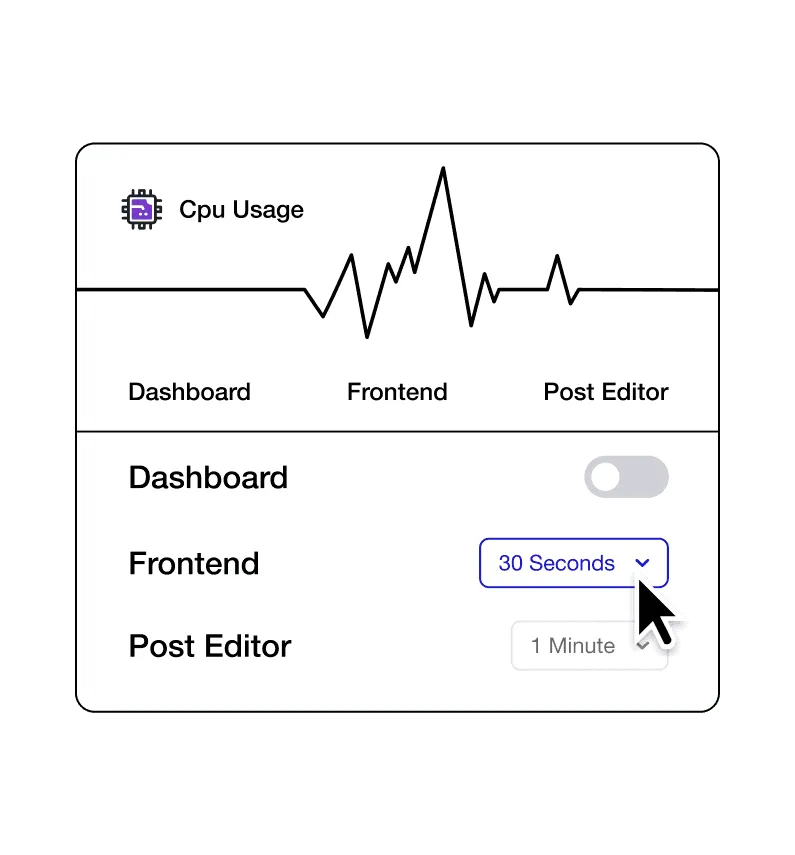
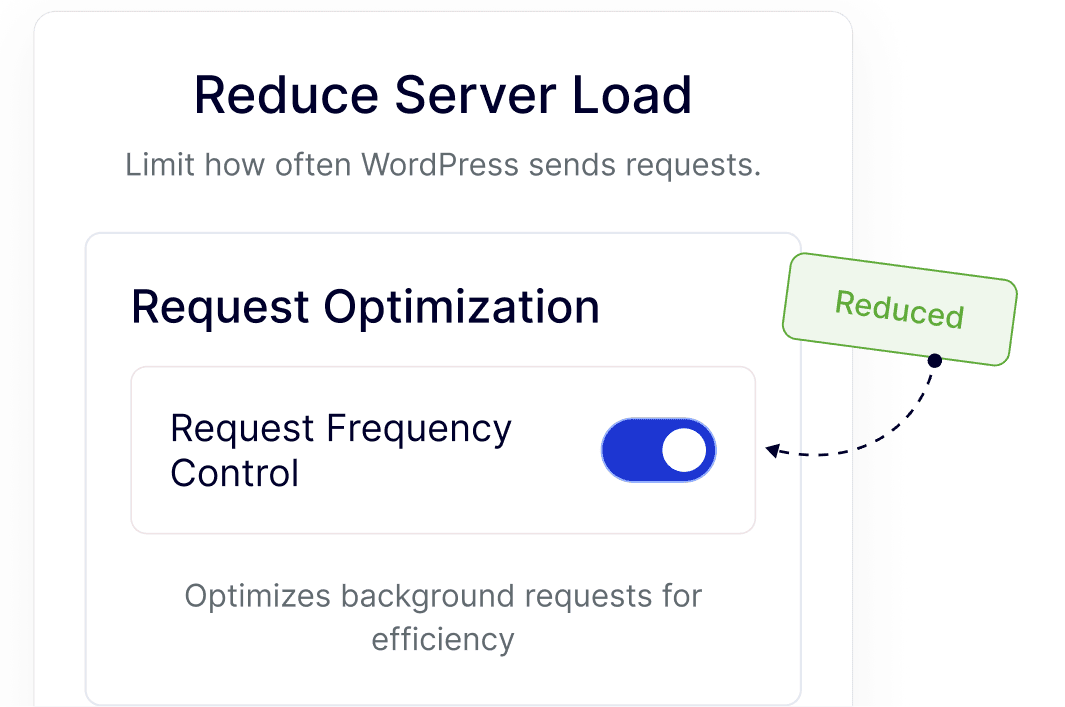
WordPress Heartbeat runs regular background requests to manage autosaves and sessions. Heartbeat Control lets you fine-tune how often these requests run, helping your server work more efficiently.
Keep the WordPress Dashboard Smooth and Responsive
By managing Heartbeat frequency, admin screens stay faster and easier to use, especially on content-heavy dashboards or sites with frequent logins.
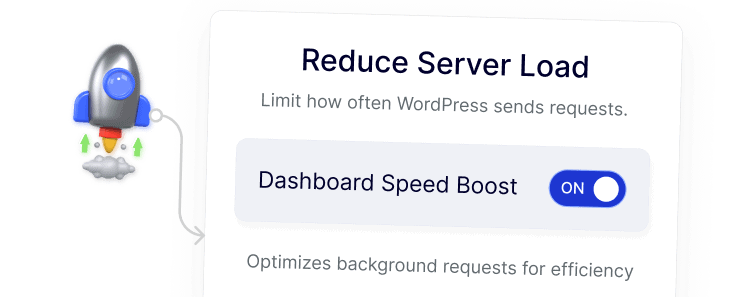
Maintain Stable Performance on Shared or VPS Hosting
Adjusting Heartbeat activity helps WordPress sites run reliably on limited hosting resources, reducing strain while keeping core features intact.
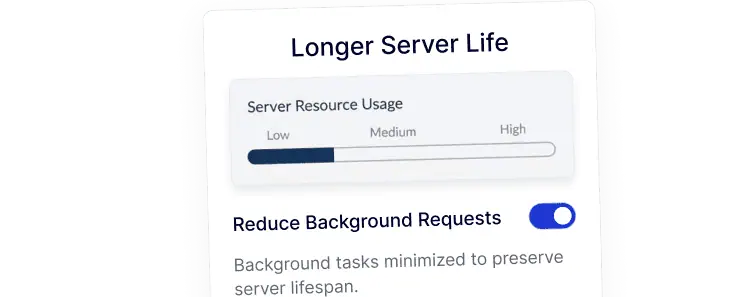
Improve Editing Experience During Content Updates
Heartbeat Control balances autosaves and background checks during post editing, resulting in a smoother editor experience without unnecessary slowdowns.
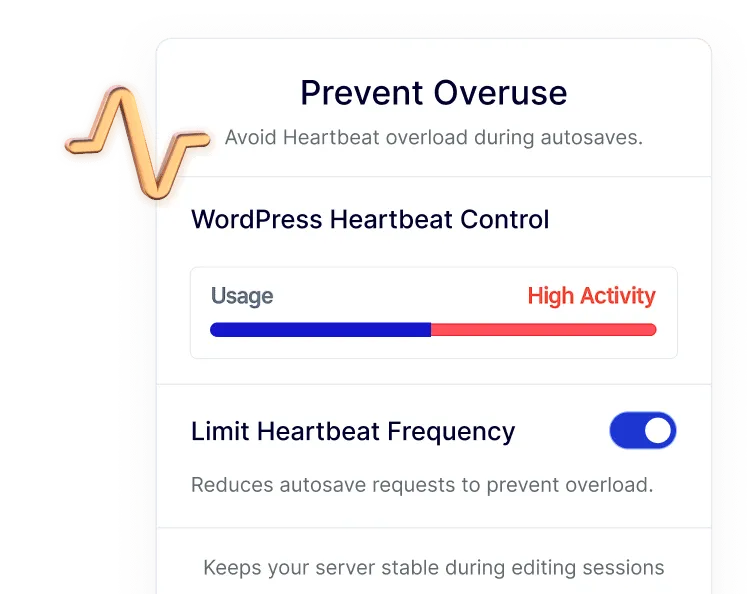
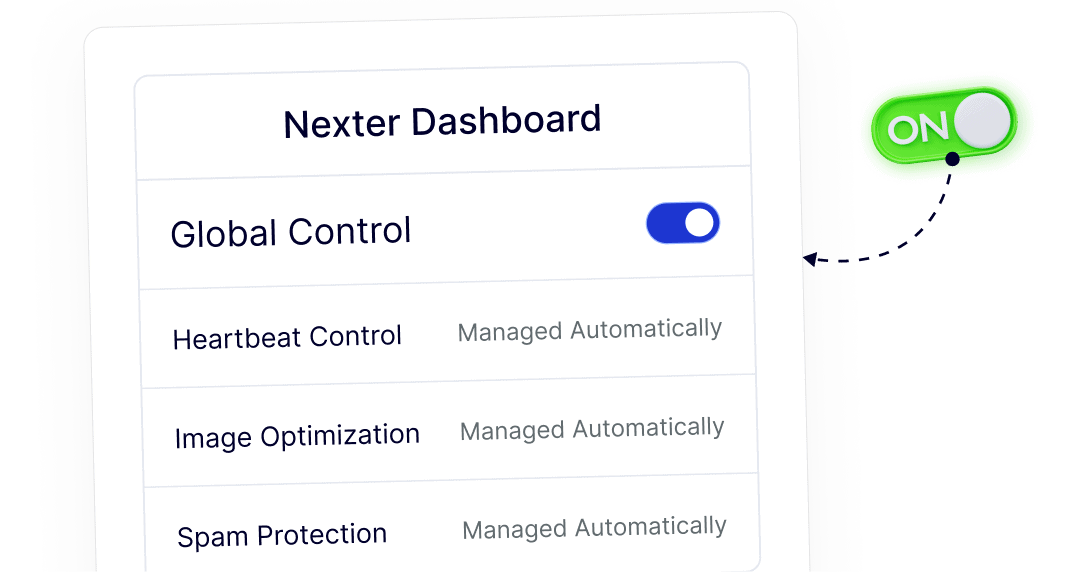
Centralize Heartbeat Settings Inside Nexter Dashboard
Heartbeat Control is managed directly from the Nexter dashboard, allowing you to handle background behavior without installing or maintaining a separate plugin.