









Why Should You Use Rollback Manager for WordPress?
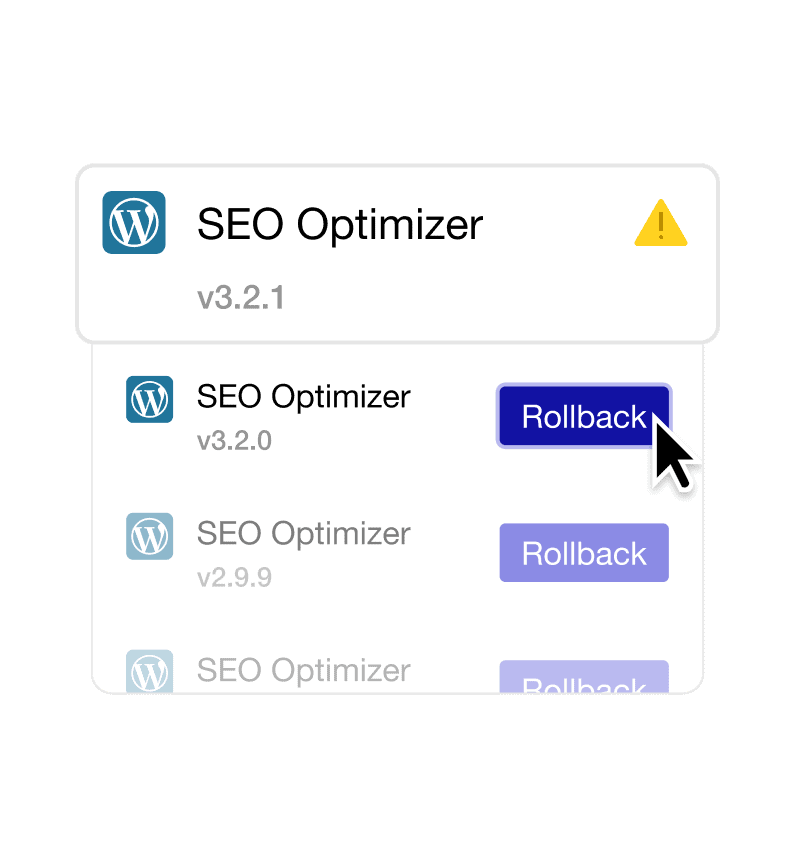
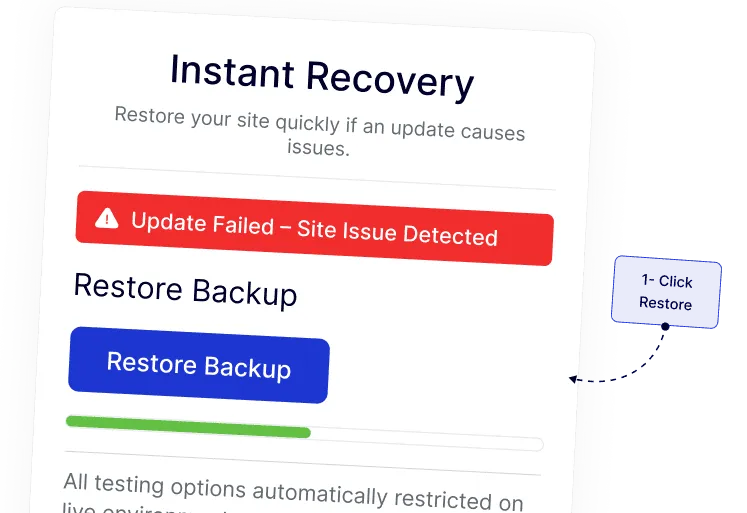
Restore Plugin Versions in One Click
Quickly switch back to a previously working plugin version directly from your WordPress dashboard. This keeps your site running smoothly without extra steps or tools.
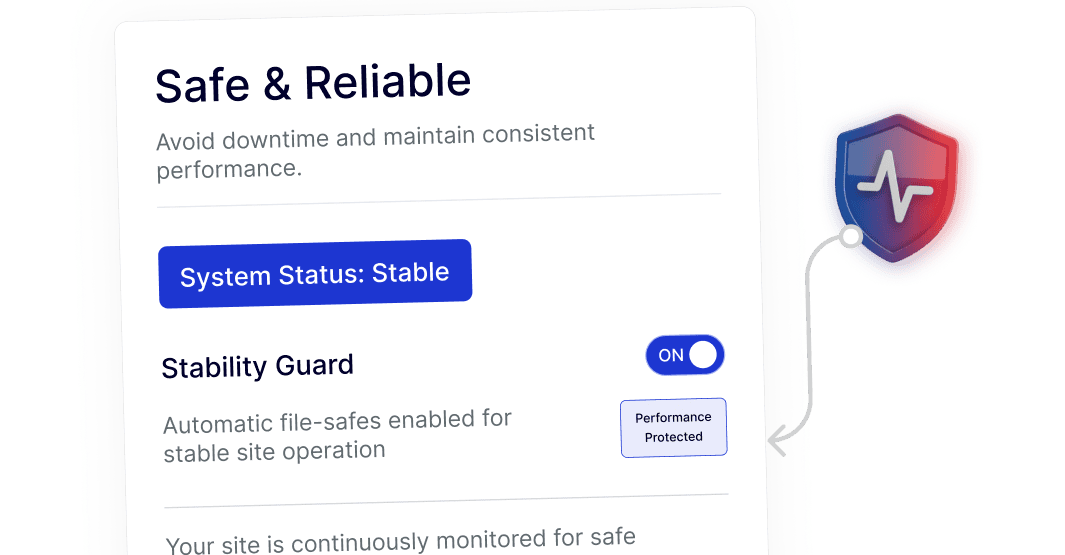
Keep Your Site Stable During Updates
Easily return to a stable plugin version whenever needed. This helps maintain consistent performance while you review or test newer updates.
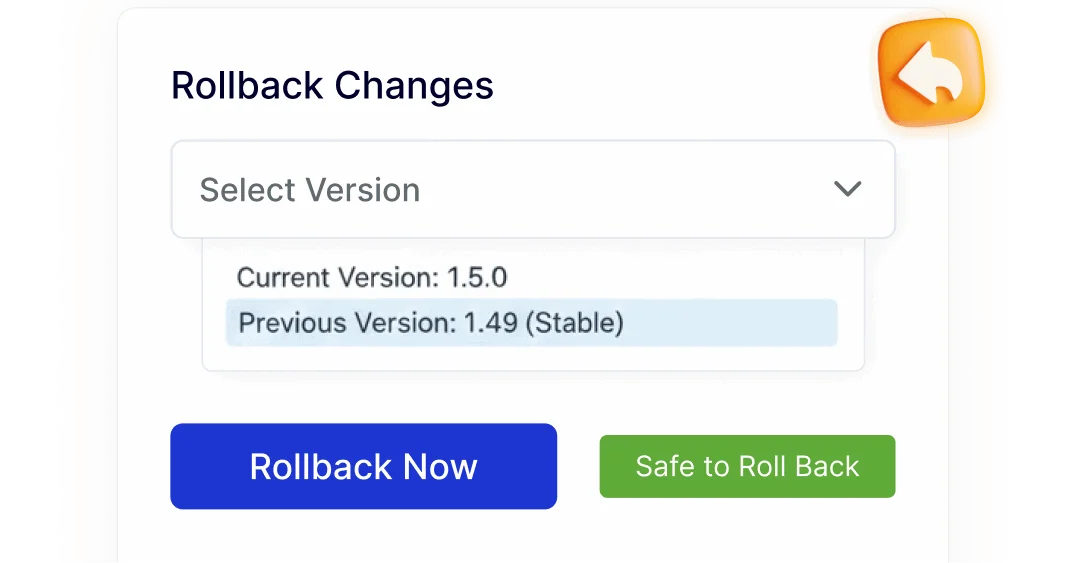
Simple Rollback Without Technical Steps
Manage plugin versions without FTP access, file managers, or code edits. The entire rollback process stays inside WordPress, making it accessible for beginners and efficient for professionals.
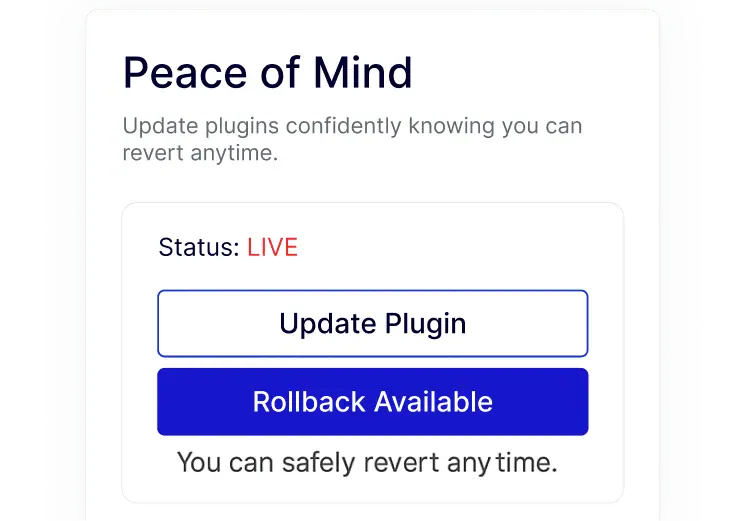
Confident Plugin Testing on Live Sites
Try new plugin updates knowing you can revert at any time. This allows safer testing on live or client sites without added stress or complex workflows.