Nexter Extension

Limit Failed Login Attempts in WordPress

Limit Login Attempts for WordPress to block brute force attacks, lock failed logins, auto-block IPs, and secure your WordPress login without extra plugins.

stylist icon

Stops brute force login attacks

stylist icon

Blocks repeat failed login attempts

stylist icon

Whitelist trusted IP addresses

money-back-garanteee

60 Day Money-Back Guarantee

Guarantee-icon

60 Day Money-Back Guarantee

Creative Image

Why Should You Limit Login Attempts in WordPress?

Protect WordPress Login from Brute Force Attacks

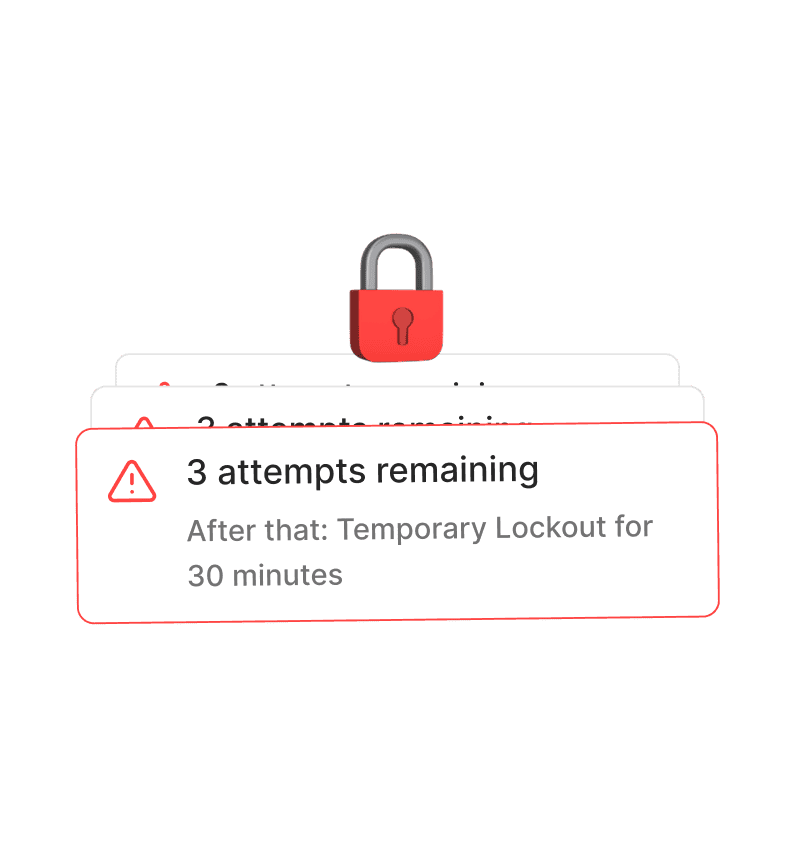
Repeated login attempts slow your site and put accounts at risk. Limit Login Attempts blocks attackers after failed logins to keep your WordPress login secure.
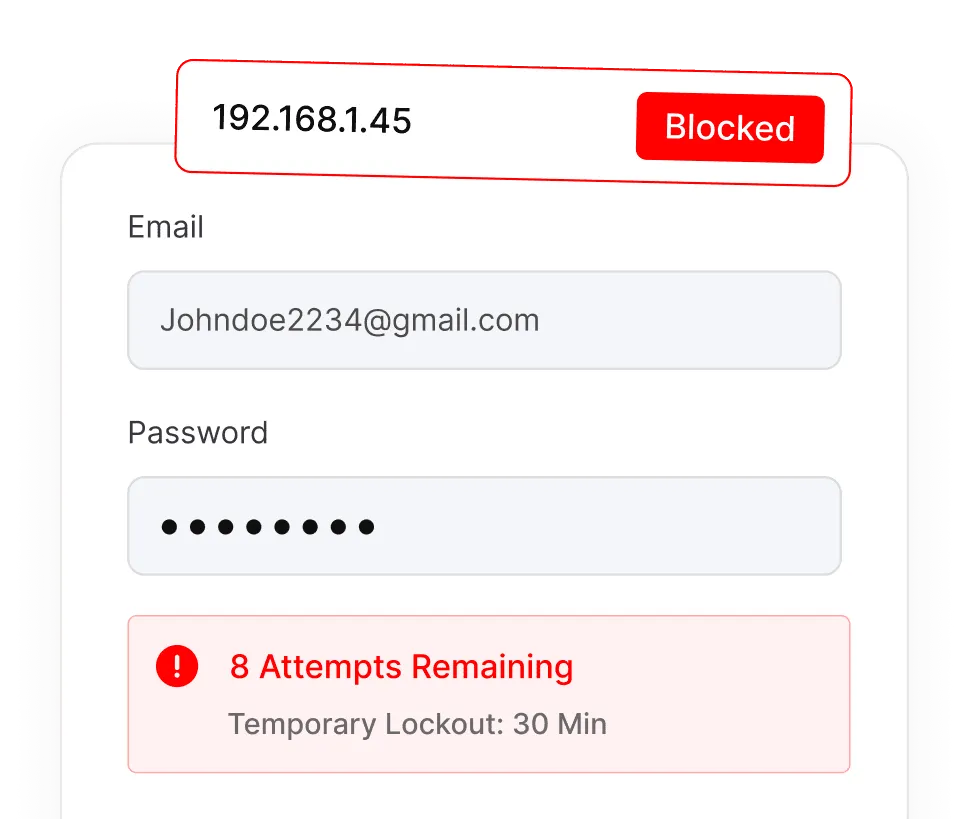
Protects Against

Control Login Security without Extra Plugins

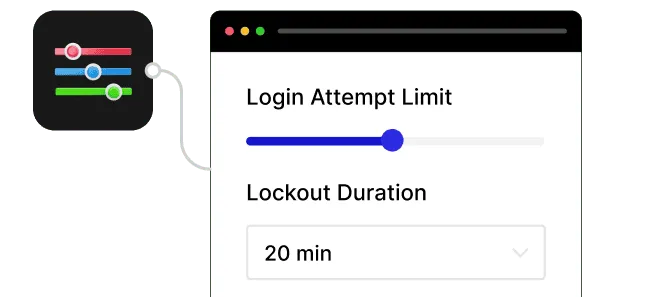
Set login attempt limits and lockout durations inside Nexter Extension, avoiding multiple security plugins and keeping WordPress maintenance simple.

Customizable Security

Peace of Mind

Keeps your site safe from repeated intrusion attempts without constant manual monitoring.
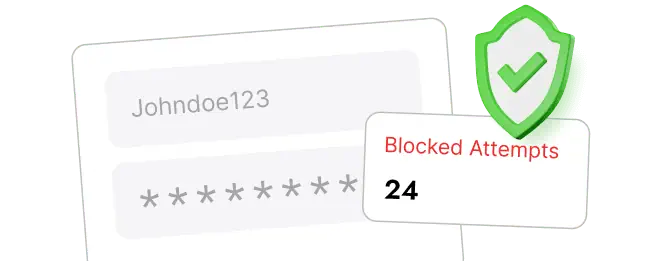
Peace of Mind

Automatically Block and Track Suspicious IPs

Every blocked IP is logged so you can see where attacks come from, helping you monitor brute force login attempts without manual checking.
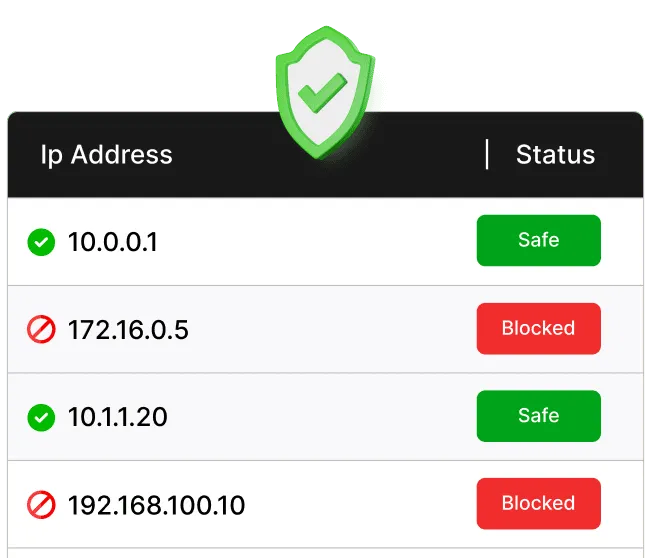
IP Logging

Whitelist Trusted IPs without Losing Access

Safelist your own or team IPs so legitimate users never get locked out, even when strict login attempt limits are enabled.
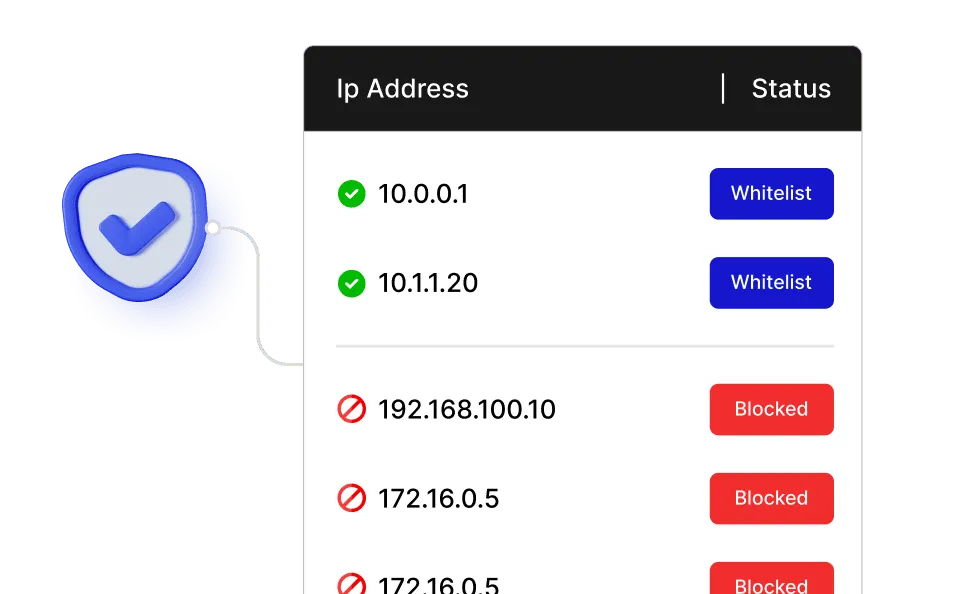
Avoid Locking

Watch How to Limit Login Attempts for WordPress

YouTube video

Frequently Asked Questions

WordPress allows unlimited login attempts by default, which makes it vulnerable to brute force attacks. Limiting attempts helps prevent unauthorized access.
No. WordPress does not restrict failed login attempts out of the box. This feature adds that missing protection layer.
Not if you’re using Nexter Extension. The feature is built in, so you avoid installing and managing another standalone security plugin.
You can whitelist trusted IPs and control lockout rules, so genuine users and team members don’t lose access.
Yes. Agencies can apply consistent login protection across sites without adding multiple plugins, reducing setup time and maintenance.
No. Blocking repeated failed logins can actually reduce server load caused by brute force attacks.

More Extensions from Nexter

1000+ Pre-Designed Websites
Templates & Sections

View 1000+ WordPress Templates & Sections