
Nexter Extension

Heartbeat Control in WordPress

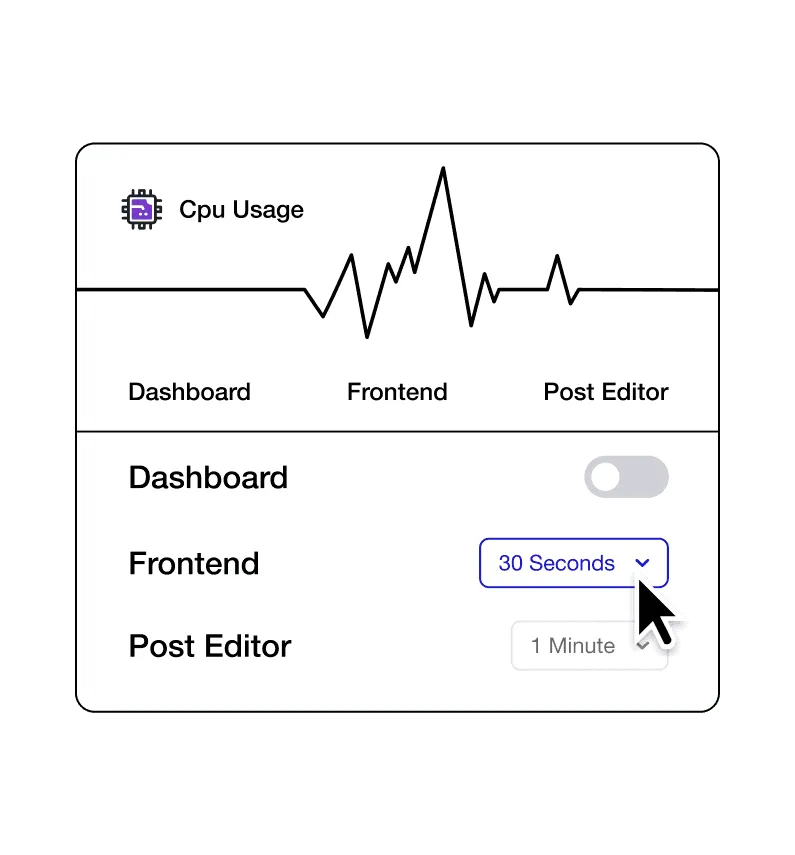
Heartbeat Control in WordPress to reduce server load and high CPU usage. Change Heartbeat frequency in admin, editor, or frontend for better performance.

stylist icon

Reduce Dashboard CPU Usage and Requests

stylist icon

Set Different Rates for Admin and Editor

stylist icon

Improve Performance on Shared Hosting

credit-card 1

No Credit Card Required

credit-card 1

No Credit Card Required

Creative Image

Why Should You Use Heartbeat Control in WordPress?

Optimize Server Resources with Controlled Heartbeat Activity

WordPress Heartbeat runs regular background requests to manage autosaves and sessions. Heartbeat Control lets you fine-tune how often these requests run, helping your server work more efficiently.
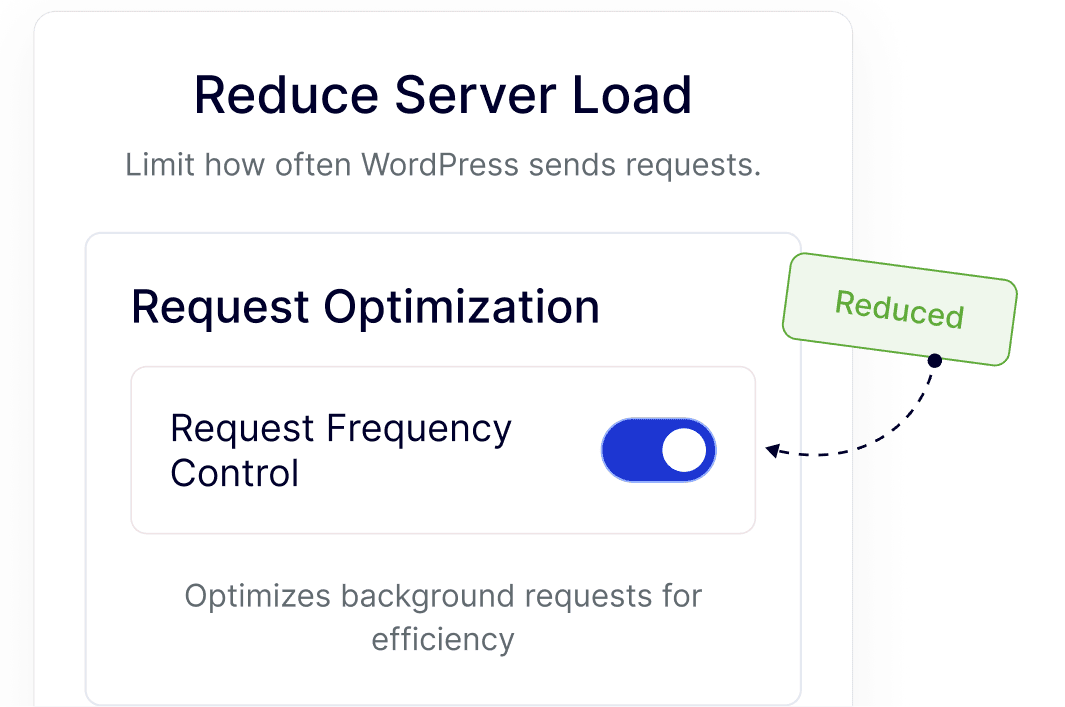
reduce erver load

Keep the WordPress Dashboard Smooth and Responsive

By managing Heartbeat frequency, admin screens stay faster and easier to use, especially on content-heavy dashboards or sites with frequent logins.
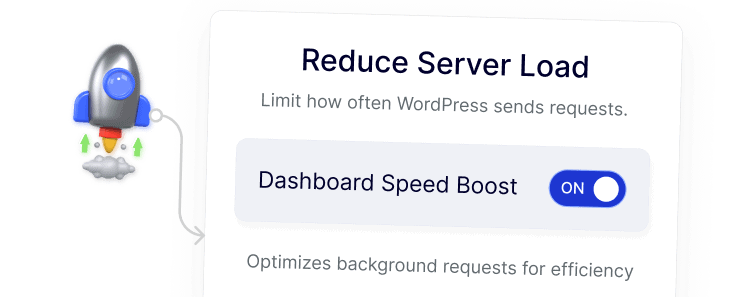
boost performance

Maintain Stable Performance on Shared or VPS Hosting

Adjusting Heartbeat activity helps WordPress sites run reliably on limited hosting resources, reducing strain while keeping core features intact.
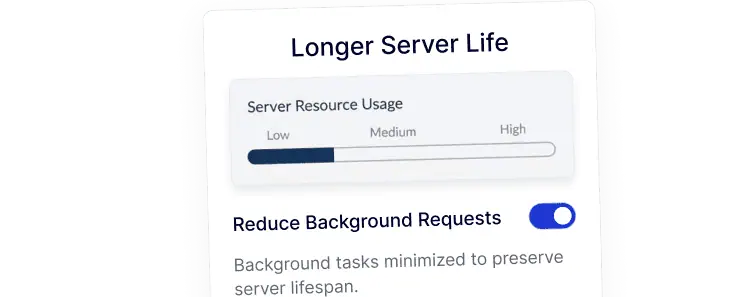
longer server life

Improve Editing Experience During Content Updates

Heartbeat Control balances autosaves and background checks during post editing, resulting in a smoother editor experience without unnecessary slowdowns.
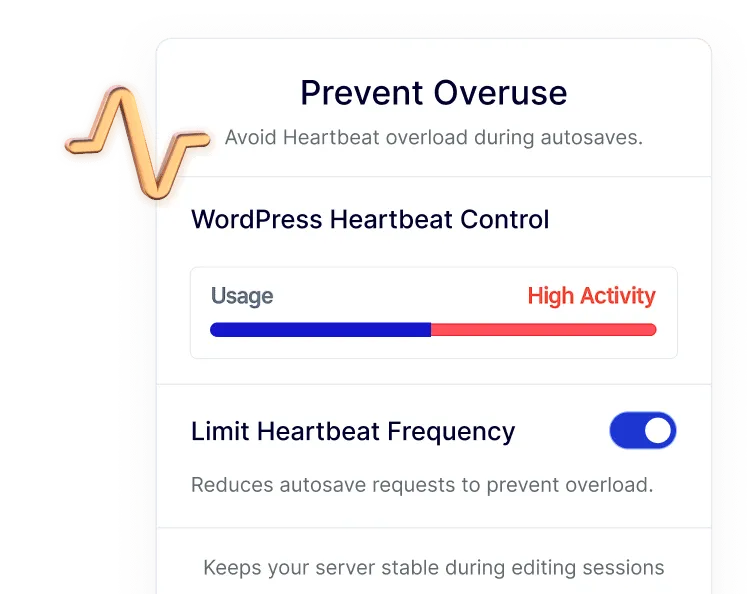
prevent overuse

Centralize Heartbeat Settings Inside Nexter Dashboard

Heartbeat Control is managed directly from the Nexter dashboard, allowing you to handle background behavior without installing or maintaining a separate plugin.
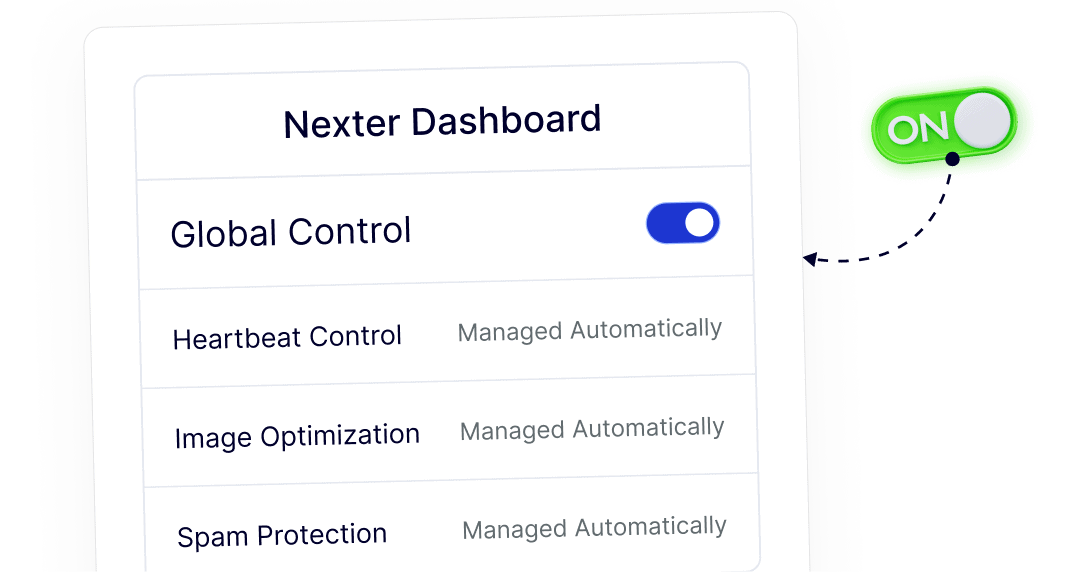
simple setup

Frequently Asked Questions

The Heartbeat API is a background system WordPress uses for autosaves, post locking, and session management by sending regular AJAX requests to the server.
Heartbeat runs frequently by default, even when idle. On shared or low-resource hosting, these repeated requests can significantly increase CPU usage.
Yes. You can safely adjust or disable Heartbeat in specific areas like the admin dashboard, post editor, or frontend without breaking core functionality.
Normally, yes. With Nexter Extension, Heartbeat Control is included as a module, avoiding the need to install and maintain an extra plugin.
Autosave still works when Heartbeat is limited. The feature allows controlled frequency rather than fully removing essential editor behavior.
Yes. It helps agencies reduce server load across many WordPress sites while managing everything from one dashboard, saving time and maintenance effort.

More Extensions from Nexter

1000+ Pre-Designed Websites
Templates & Sections

View 1000+ WordPress Templates & Sections