Nexter Extension

Disable Image Sizes in WordPress

Disable Image Sizes in WordPress to stop unused thumbnails, save server space, reduce image processing, and speed up media uploads easily.

stylist icon

Disable Default WordPress Image Sizes Like medium_large or 1536px.

stylist icon

Faster Uploads by Reducing Image Processing

stylist icon

Disable Sizes Added by Themes and Plugins

credit-card 1

No Credit Card Required

credit-card 1

No Credit Card Required

Creative Image

Why Should You Disable Image Sizes in WordPress?

Create Only the Image Sizes Your Site Actually Uses

WordPress generates multiple image sizes by default to support different layouts. This feature helps you limit image generation to only the sizes your site needs, keeping uploads efficient and purposeful.
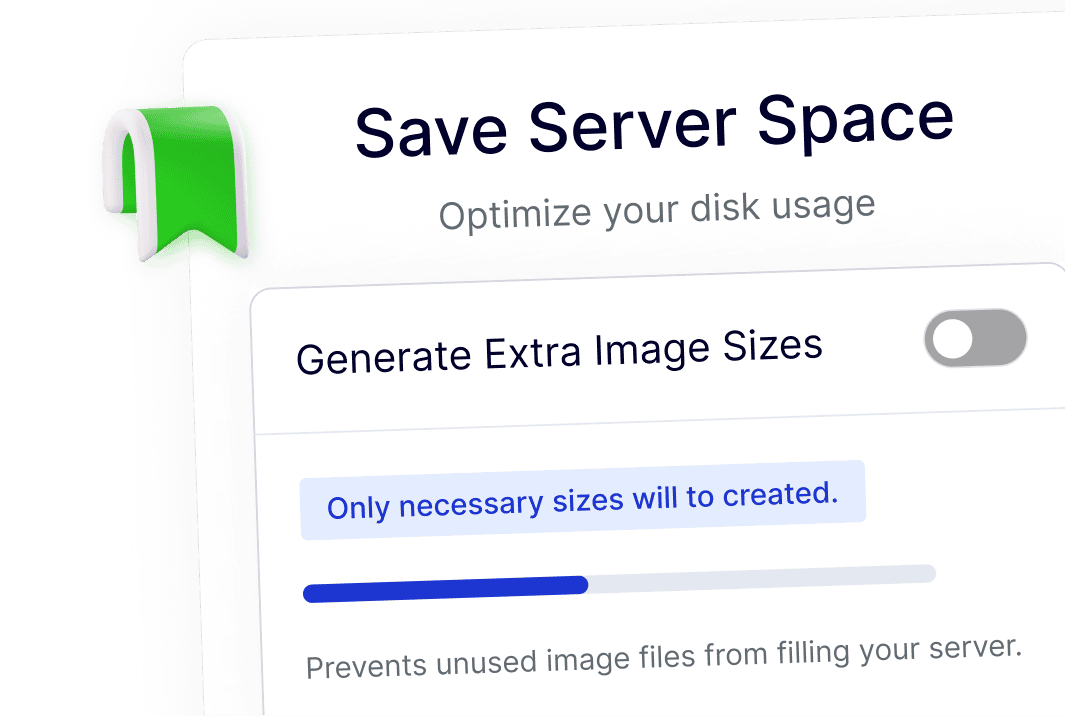
save server space

Improve Image Upload Speed on All Sites

Fewer image sizes mean less processing during uploads. This results in faster image uploads, smoother workflows, and reduced server load for blogs, business sites, and WooCommerce stores.
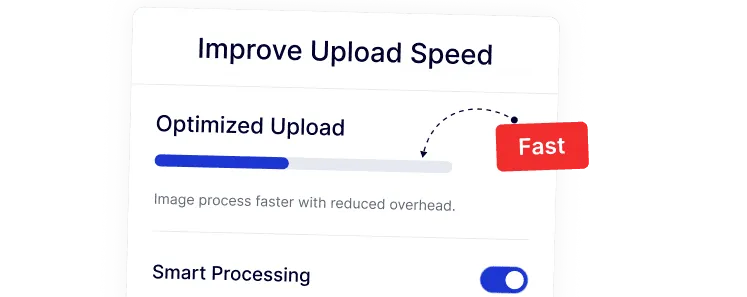
improve upload speed

Reduce Ongoing Storage Usage Over Time

As your media library grows, unused image sizes quietly add to storage usage. Disabling extra image sizes helps control disk space naturally as new images are uploaded.
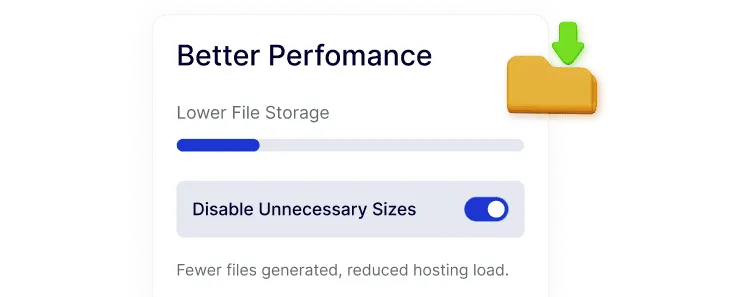
better performance

Keep the Media Library Organized and Simple

When only necessary image sizes are created, the Media Library stays easier to browse and manage. This is especially helpful for beginners, content teams, and multi-author sites.
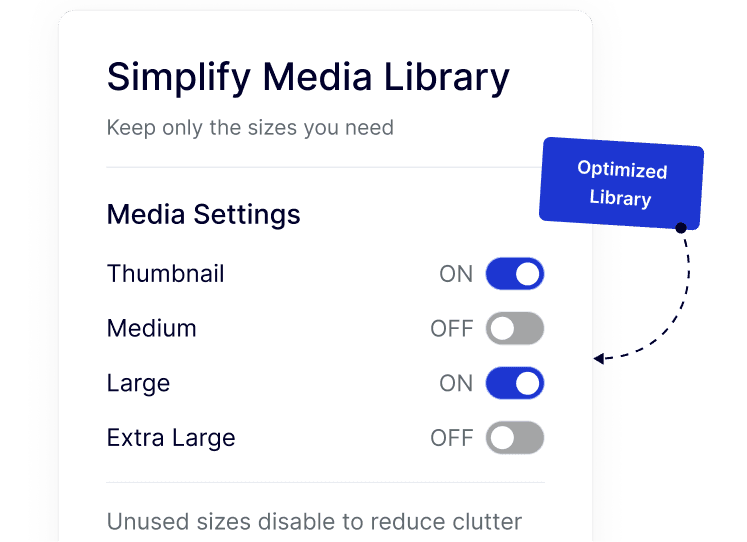
simply media

Control Image Sizes From One Central Setting

Nexter lets you manage default, theme, and plugin-added image sizes together without custom code or extra plugins.
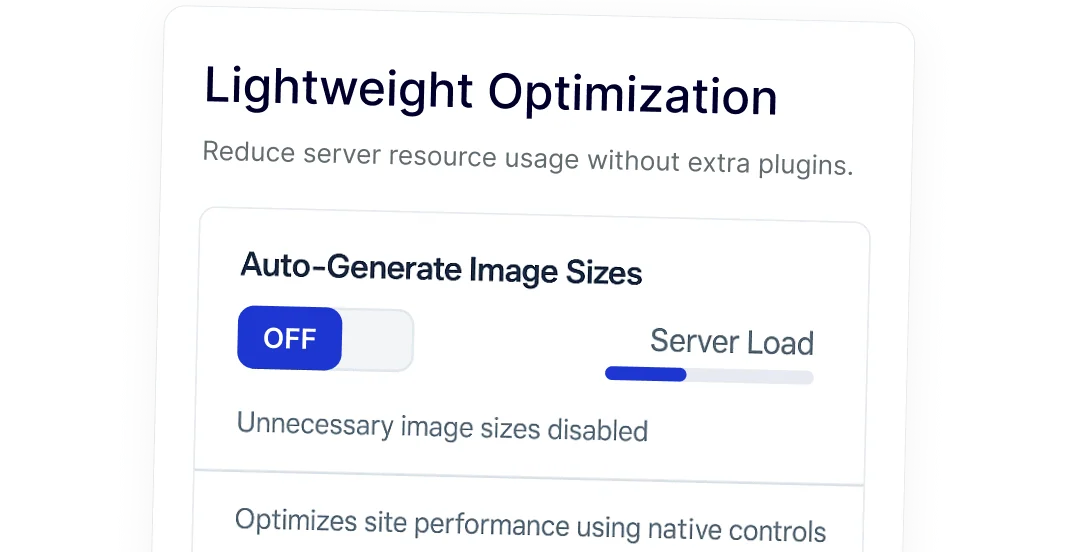
light optimization

Watch How to Disable Image Sizes

YouTube video

Frequently Asked Questions

WordPress generates multiple image sizes to support different themes, layouts, and devices. Over time, themes and plugins add more sizes, many of which are never actually used.
Yes. You can disable image sizes that your theme or plugins don’t use. This prevents future uploads from creating unnecessary thumbnails without affecting existing images.
No, as long as you keep the sizes your theme actively uses. Nexter helps you disable only unused sizes, so layouts and featured images continue to work normally.
Many users install small plugins just for this task. Nexter Extension includes this feature as part of a larger toolkit, reducing plugin count and ongoing maintenance.
Yes. You can disable unused WooCommerce image sizes to reduce storage usage and speed up product image uploads, especially on stores with large catalogs.
Absolutely. Agencies benefit from faster setup, consistent image handling, and lower hosting costs across multiple WordPress sites using a single plugin.

More Extensions from Nexter

1000+ Pre-Designed Websites
Templates & Sections

View 1000+ WordPress Templates & Sections