









Why Should You Disable Gutenberg in WordPress?
Smooth Editing With Your Preferred Editor
Work comfortably with the Classic Editor or your favorite page builder, without Gutenberg screens interrupting your editing process.

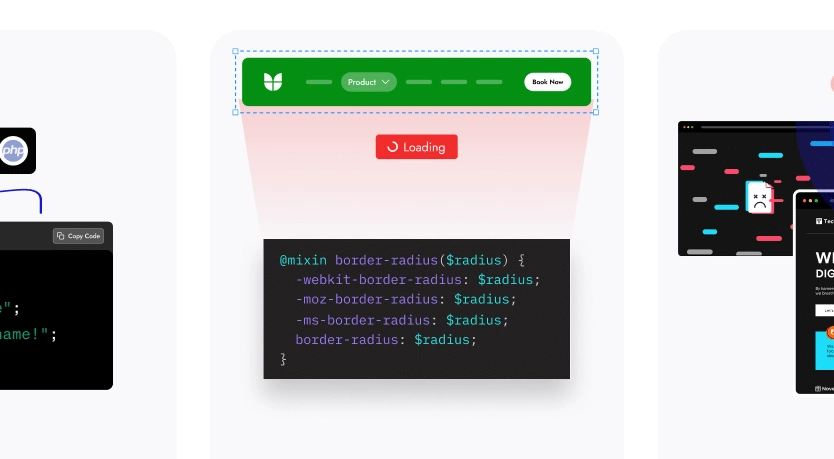
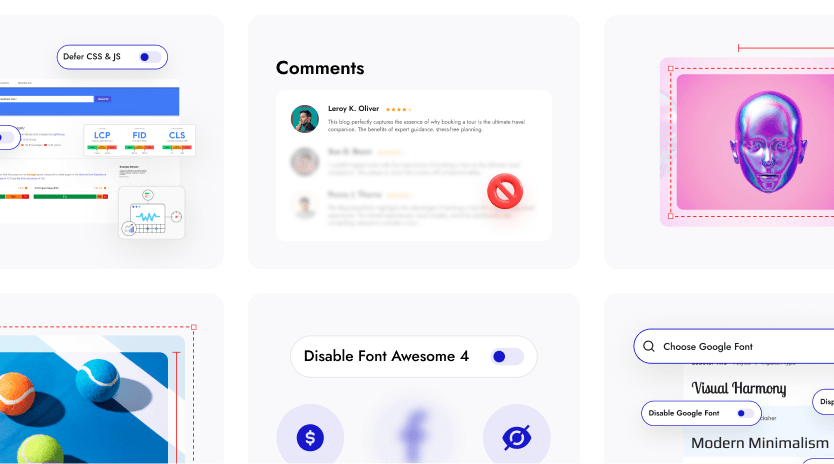
Lighter Pages With Optimized Block Styles
Keep your frontend clean by loading only the styles you need, helping pages stay fast and uncluttered.

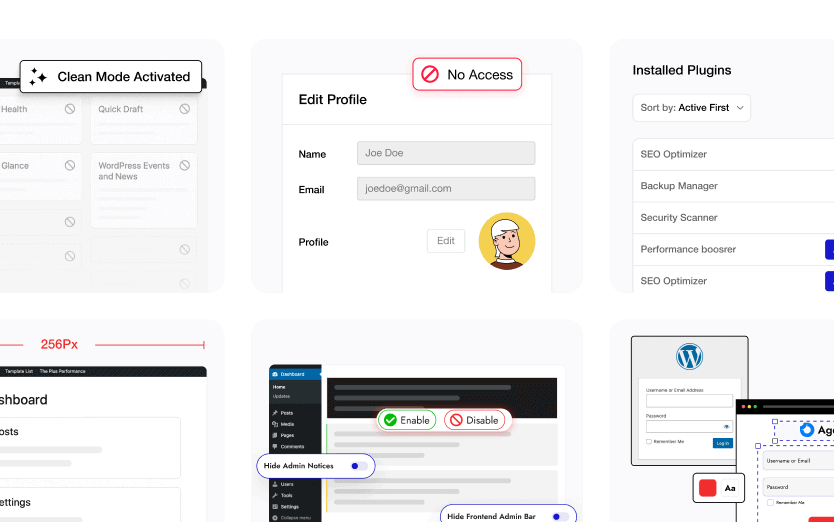
Cleaner Dashboard Focused on Daily Tasks
Maintain a streamlined WordPress dashboard by keeping only the editing tools and screens you actually use.
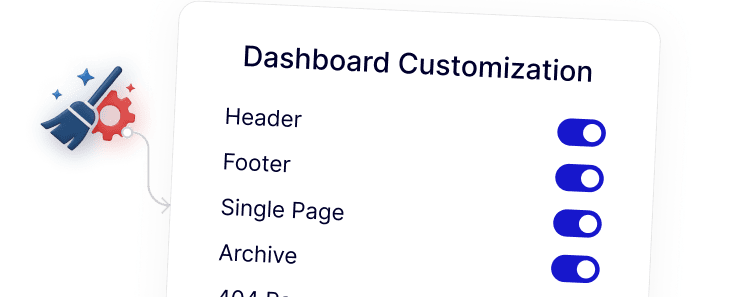
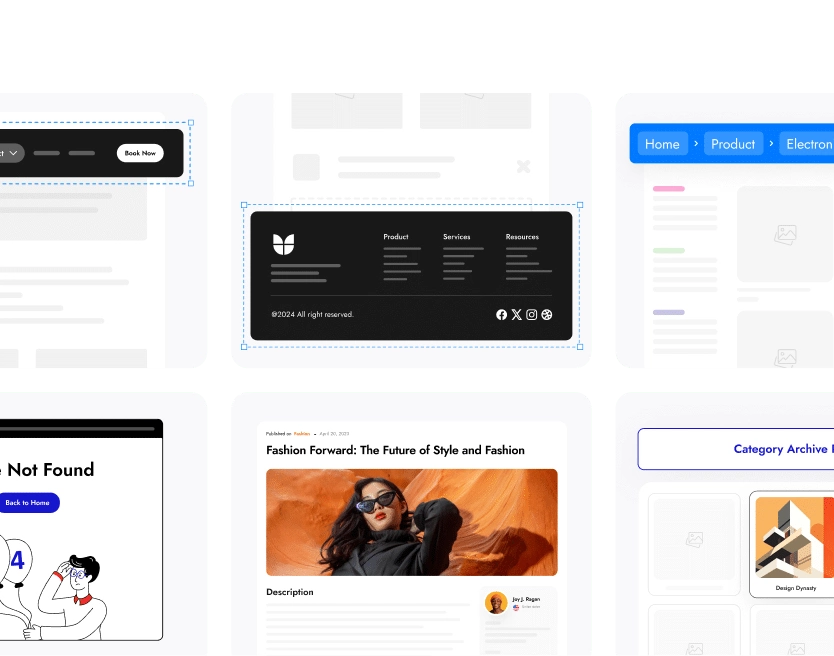
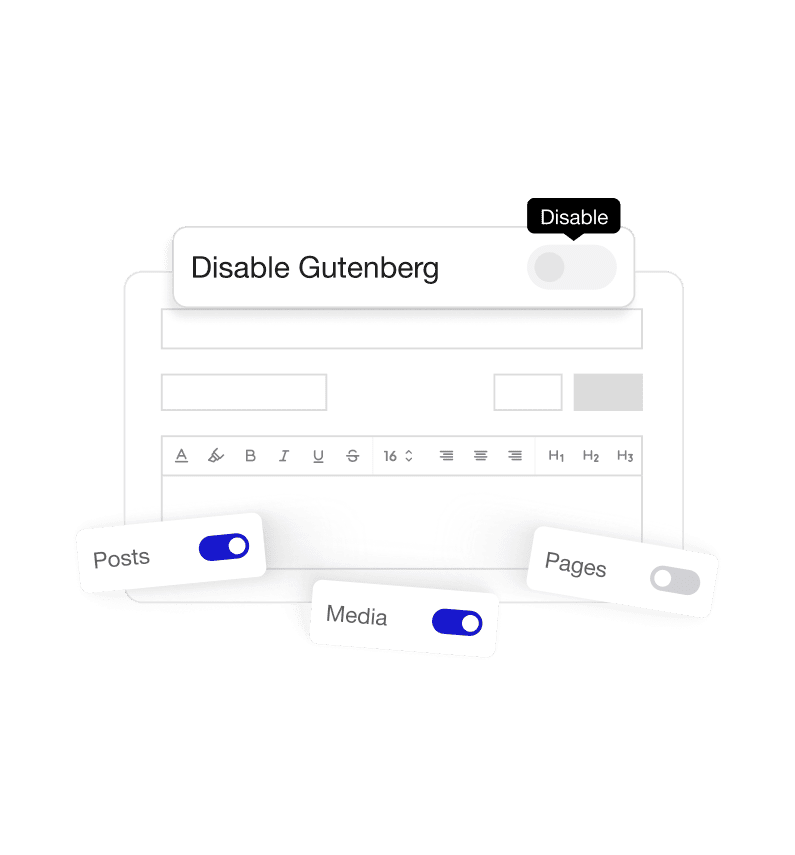
Flexible Control Over Where Gutenberg Runs
Choose exactly where Gutenberg is active: on posts, pages, or across the site. So your editor setup matches your workflow.
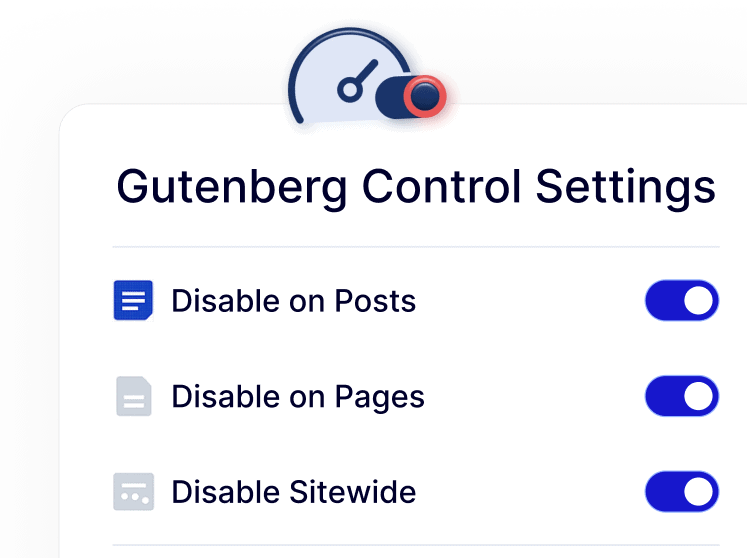
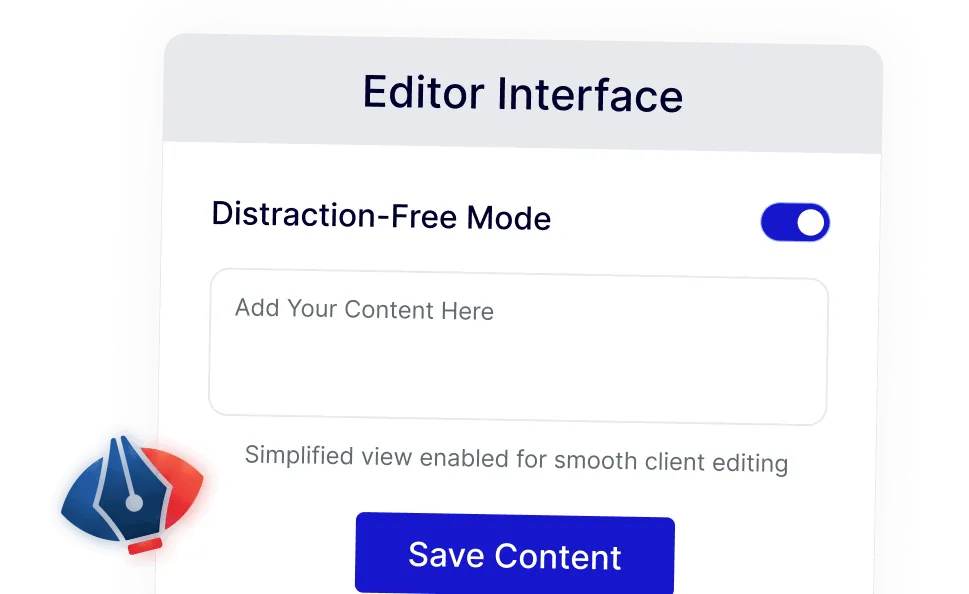
Simple Editing Experience for Teams and Clients
Offer a distraction-free editor that’s easy for clients, authors, and non-technical users to work with confidently.