










Why Should You Use Content Post Ordering in WordPress?
Full Control Over Content Post Order in WordPress
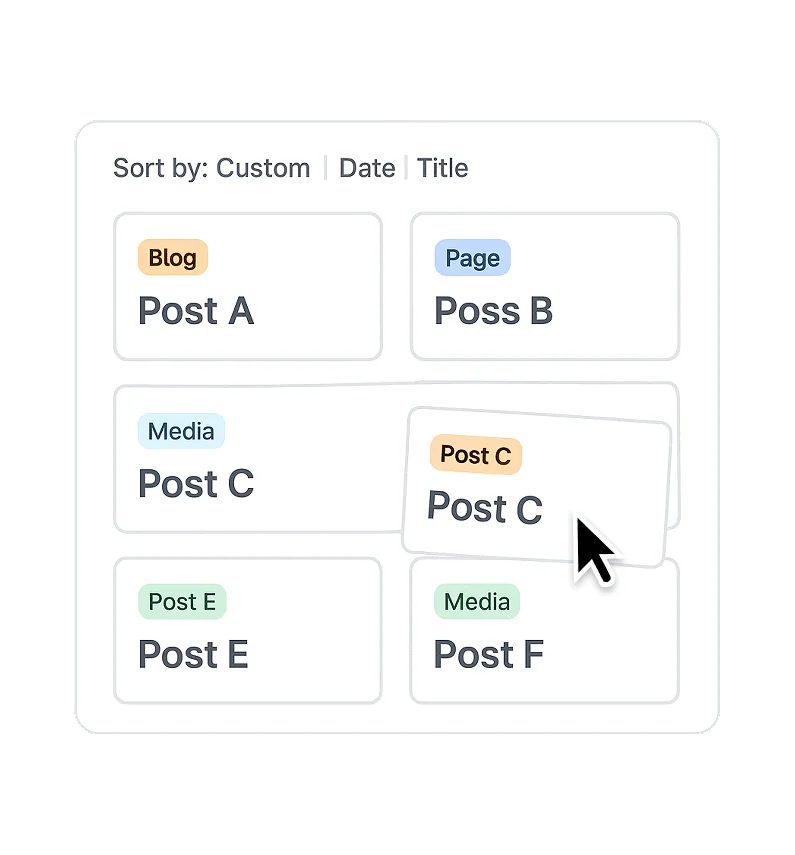
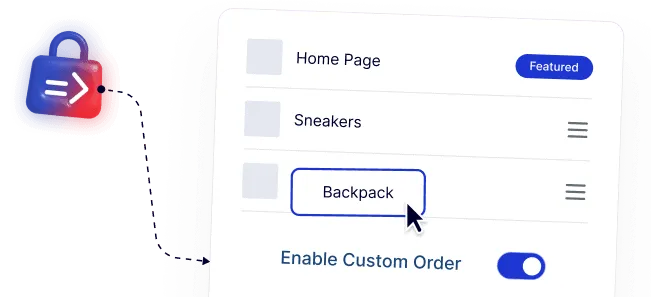
Easily arrange posts, pages, products, and media in the exact order you want using a simple drag-and-drop interface, without relying on publish dates.
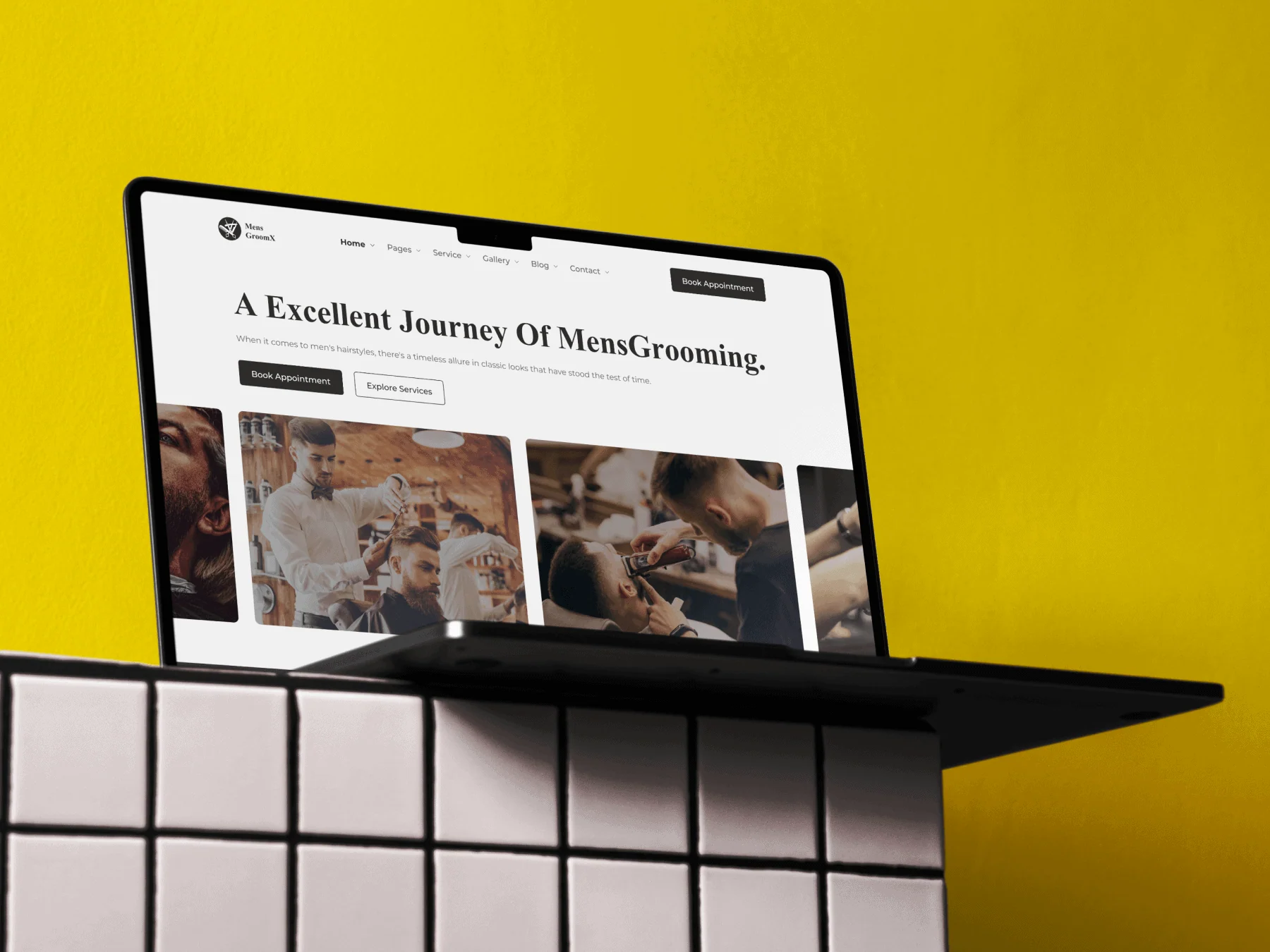
Improved Reading Flow for Blogs and Guides
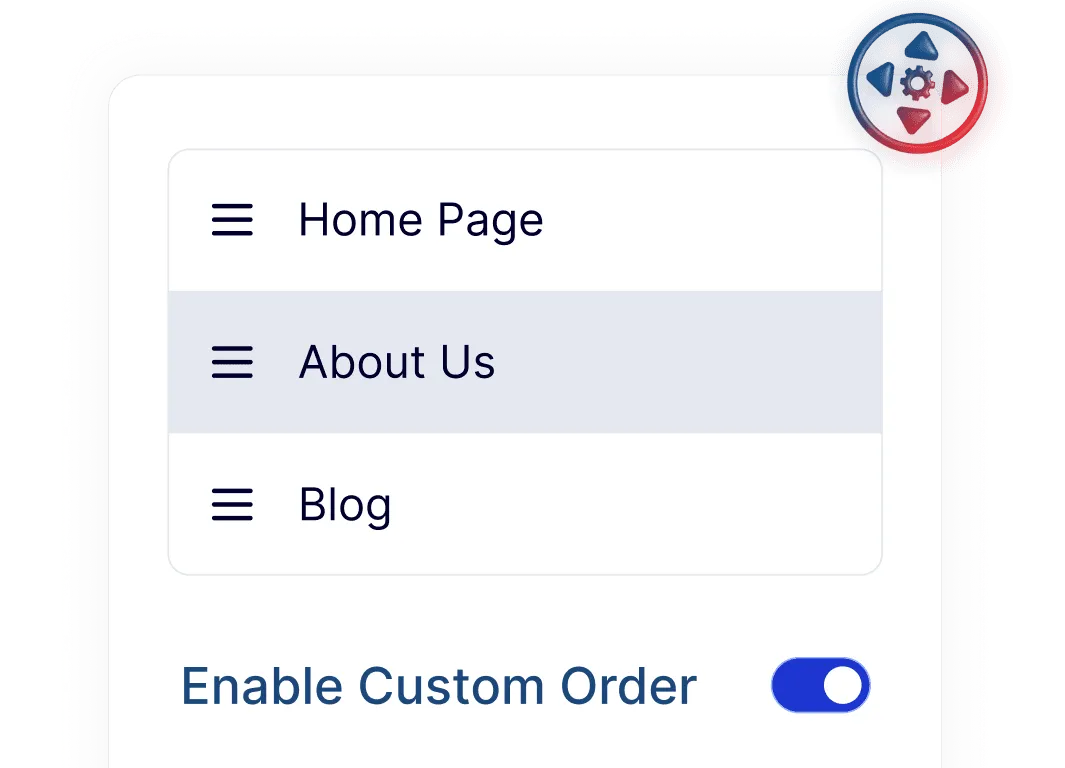
Organize blog posts and content series in a logical sequence, making it easier for visitors to follow tutorials, stories, or multi-part articles.

Flexible Product Ordering for WooCommerce Stores
Adjust the display order of WooCommerce products so important or featured items appear first, helping shoppers discover products more easily.
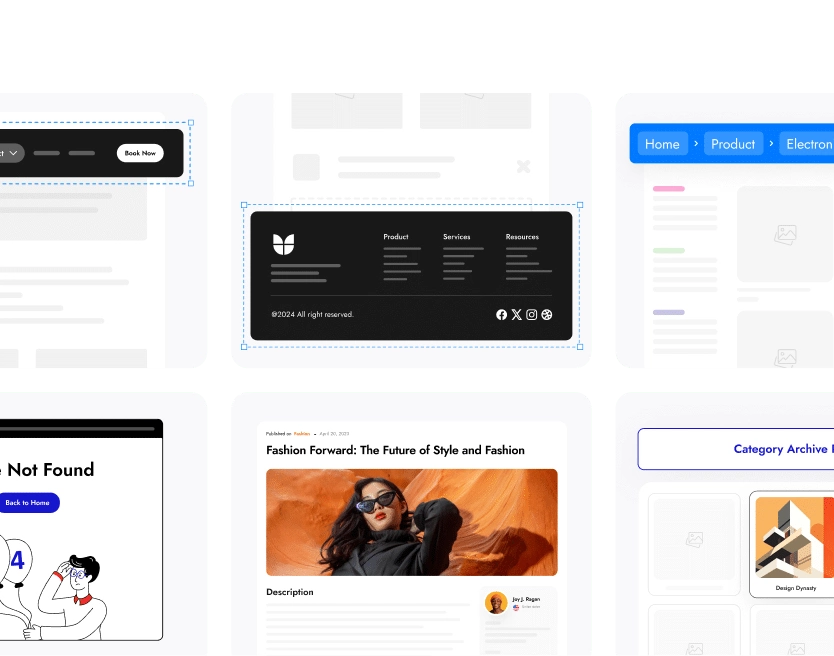
Saves Time When Managing and Updating Content
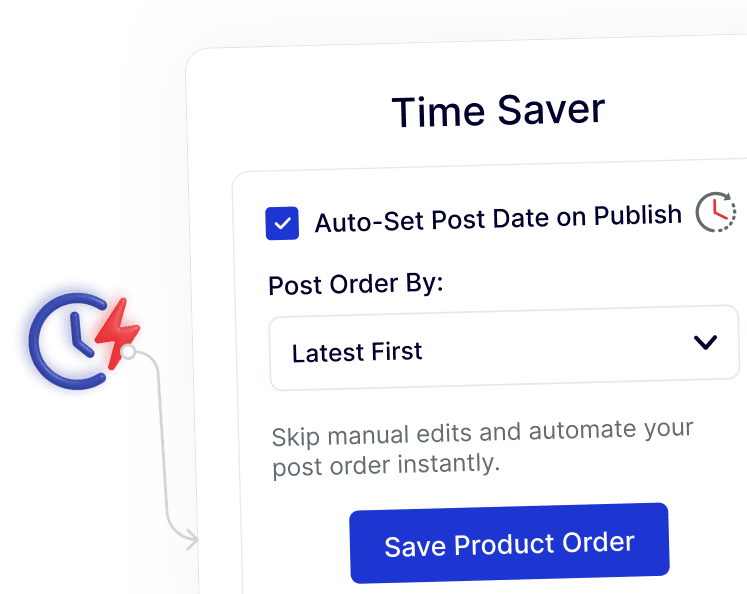
Your custom post order stays consistent even when content is updated or published, reducing the need for repeated manual adjustments.
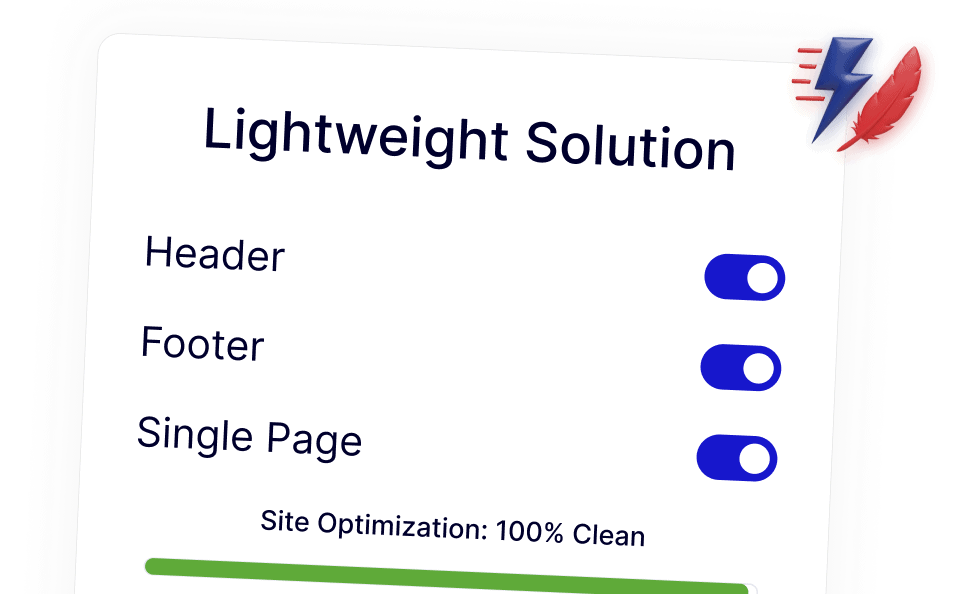
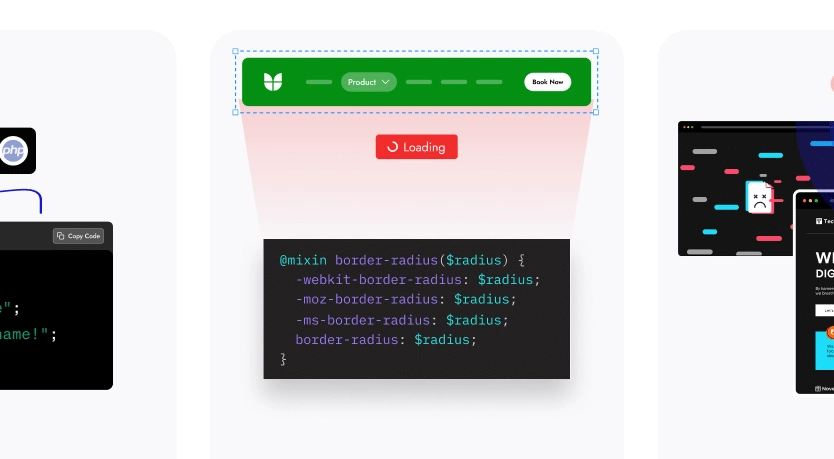
Lightweight Ordering That Fits Into WordPress Naturally
Works seamlessly with WordPress default queries, keeping your site fast, clean, and free from unnecessary extra plugins.