
Nexter Extension

Bulk Text & URL Replacement in WordPress

Bulk Text & URL Replacement in WordPress to safely search, preview, and replace URLs or text site-wide. Ideal for HTTPS migration, rebranding, and broken links.

stylist icon

Replace URLs and Text Across the Entire Website

stylist icon

Preview Changes Before Applying

stylist icon

Update Content Without Database Edits

credit-card 1

No Credit Card Required

credit-card 1

No Credit Card Required

Creative Image

Why Should You Use Bulk Text & URL Replacement in WordPress?

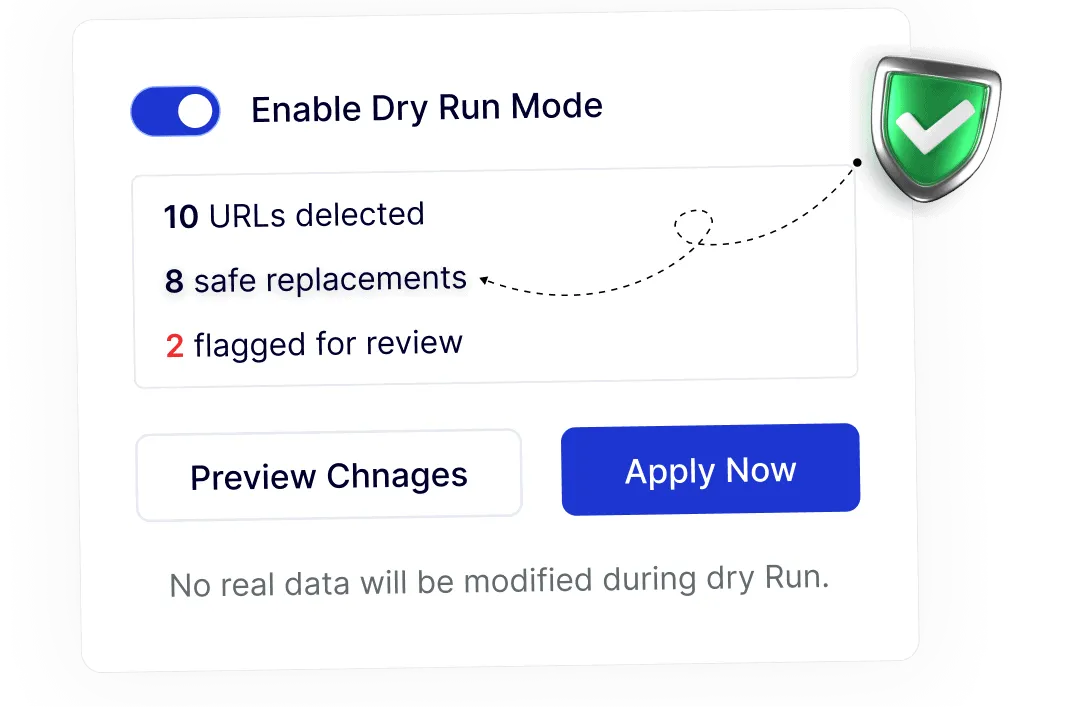
Preview Changes Confidently Before Updating Content

Dry Run mode lets you review text and URL replacements in advance, helping you apply updates with clarity and confidence across your WordPress site.
safe accurate

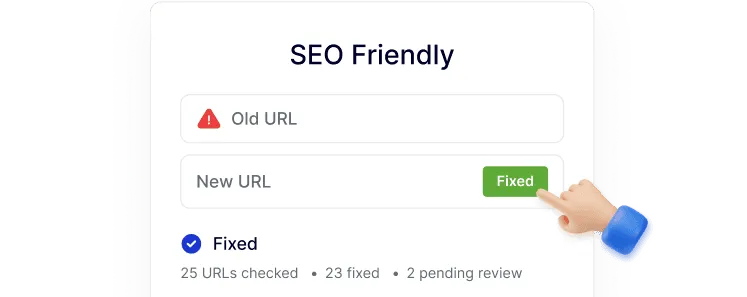
Fix Broken URLs Without SEO Loss

Fix broken or outdated URLs site-wide.
seo friendly

Smooth Domain and HTTPS Transitions

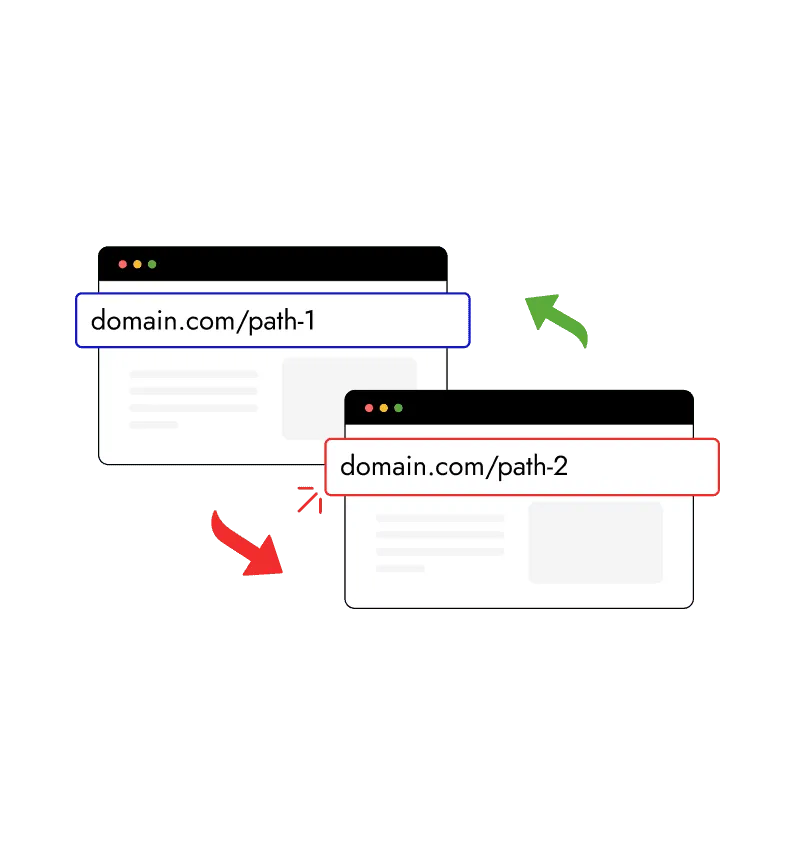
Easily replace URLs during domain changes or HTTP to HTTPS migrations, helping your site stay organized and search-friendly after updates.
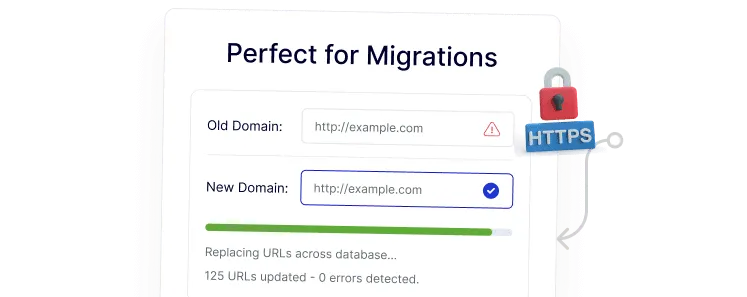
perfect for migrations

Built-In Checks for Clean Replacements

Automatic validation helps ensure replacements follow proper URL and content rules, keeping your WordPress data structured and reliable.
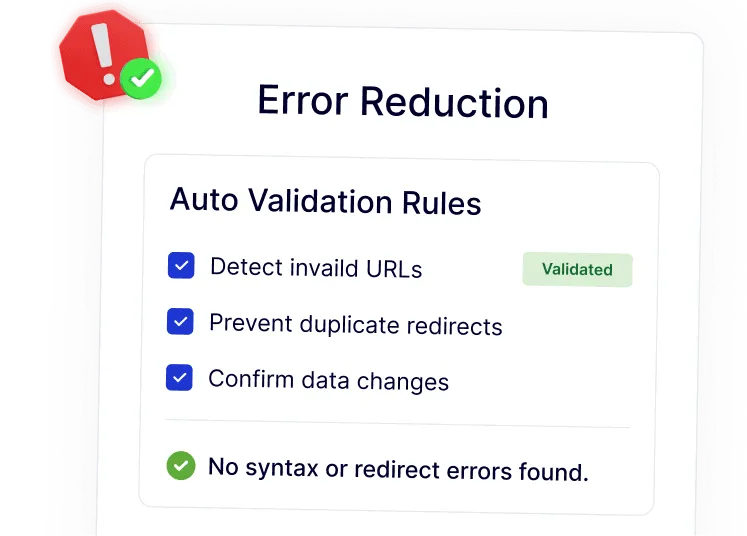
error reduction

Save Time on Repeated Text Updates

Quickly replace recurring text across large amounts of content, making rebranding and content updates faster and easier to manage.
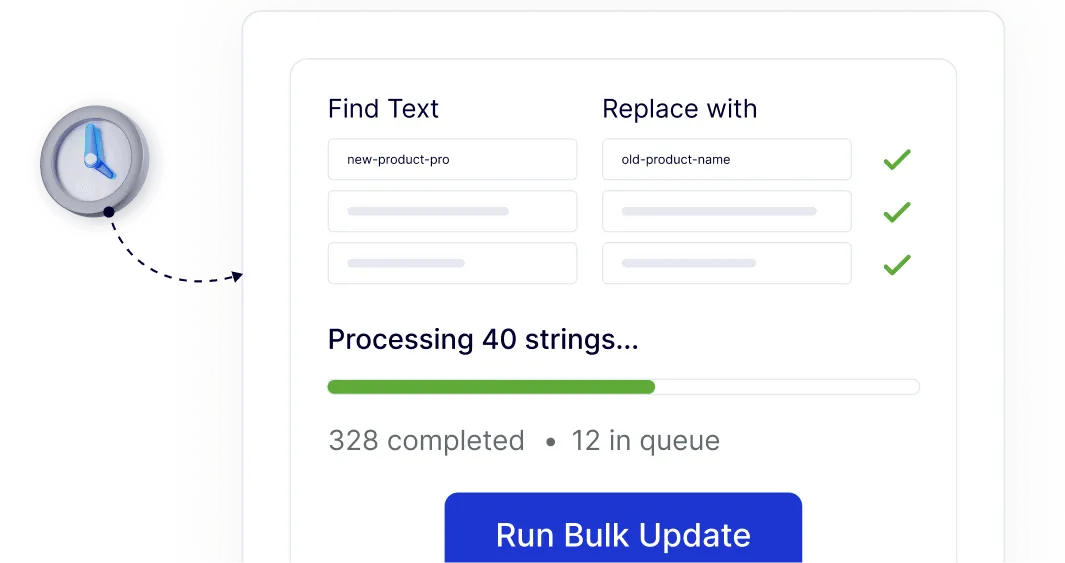
huge time saver

Watch How to Replace Bulk Text & URL in WordPress

YouTube video

Frequently Asked Questions

No. WordPress does not offer a safe site-wide text or URL replacement feature. This is why plugins like Nexter Extension include controlled bulk replacement tools.
It can be risky without previews. Using Dry Run mode allows you to review changes first, reducing the chance of broken links or incorrect replacements.
Normally yes, but Nexter Extension includes this as one module, reducing the need for multiple single-purpose plugins.
Yes. Bulk URL replacement is commonly used to update HTTP links to HTTPS across all WordPress content after migration.
Yes. The feature works across posts, pages, and registered custom post types, which is useful for larger or dynamic sites.
Yes. Agencies save time by avoiding manual edits and reducing errors during migrations, rebrands, or bulk content updates.

More Extensions from Nexter

1000+ Pre-Designed Websites
Templates & Sections

View 1000+ WordPress Templates & Sections