









Why Should You Integrate Adobe Fonts in WordPress?
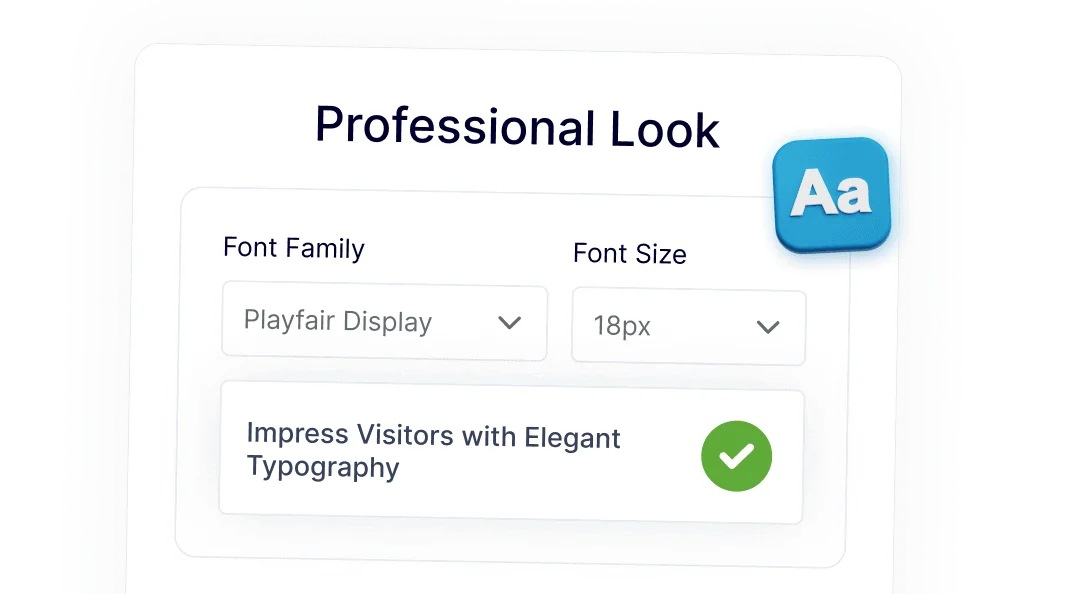
Flexible Typography with Adobe Fonts in WordPress
Easily expand your design options by accessing thousands of Adobe Fonts directly in WordPress.
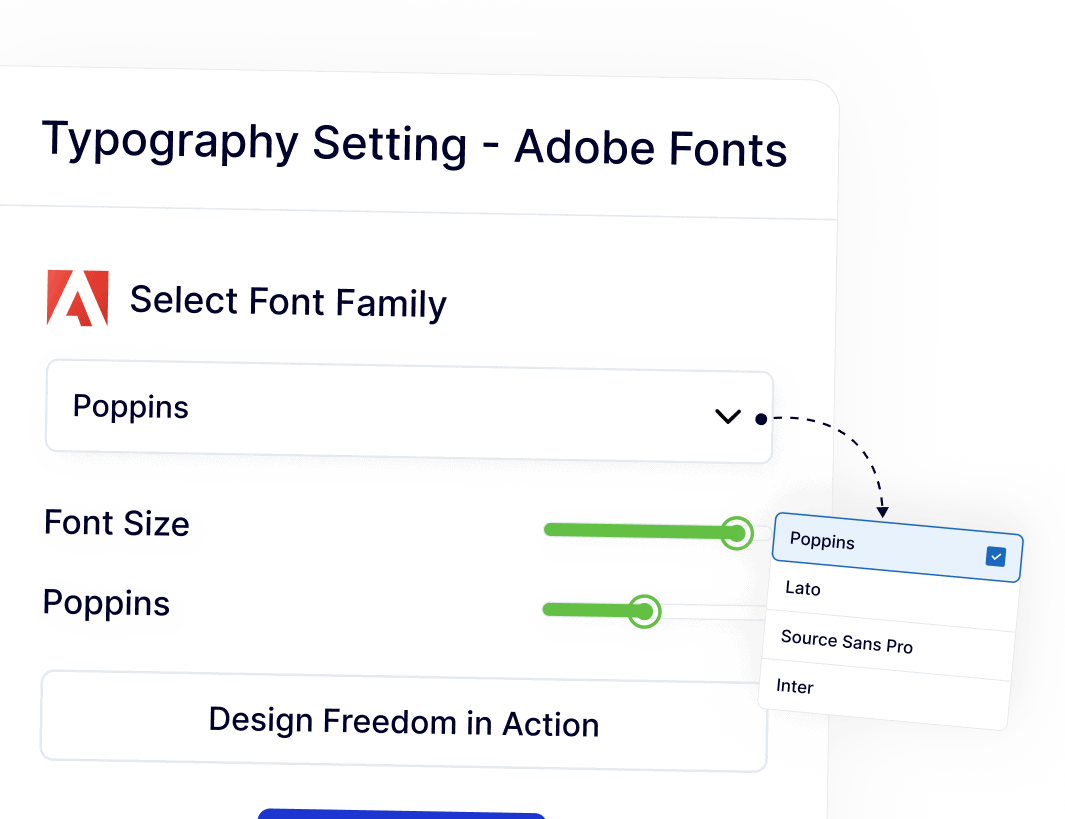
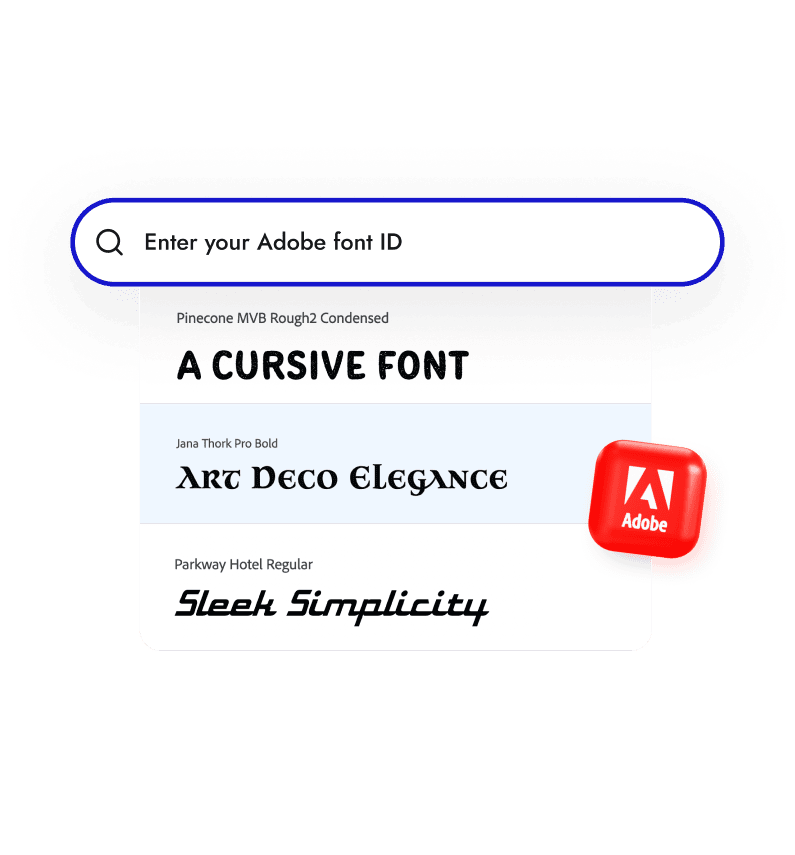
Simple Adobe Fonts Connection Using Project ID
Connect your Adobe account using a single Project ID. The setup stays quick and straightforward, making it easy to start using premium fonts without extra configuration steps.

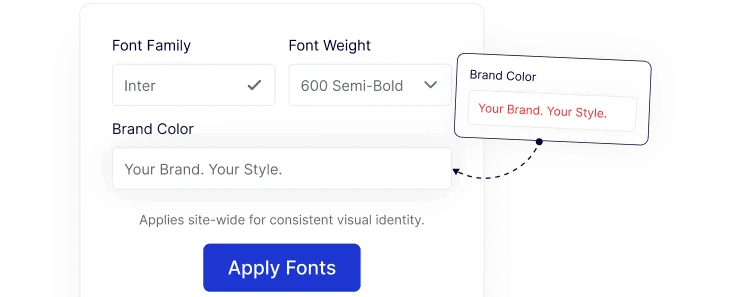
Consistent Fonts Across Your Entire Website
Apply Adobe Fonts site-wide or to specific elements to keep typography consistent across pages, posts, and layouts.
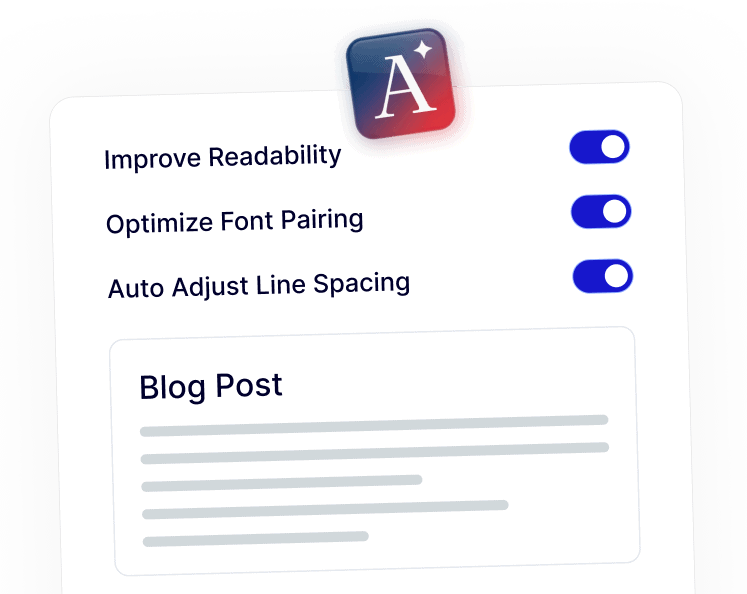
Improved Readability with Professionally Designed Fonts
Using Adobe fonts helps improve text clarity, spacing, and overall comfort for readers on blogs, landing pages, and long-form content.
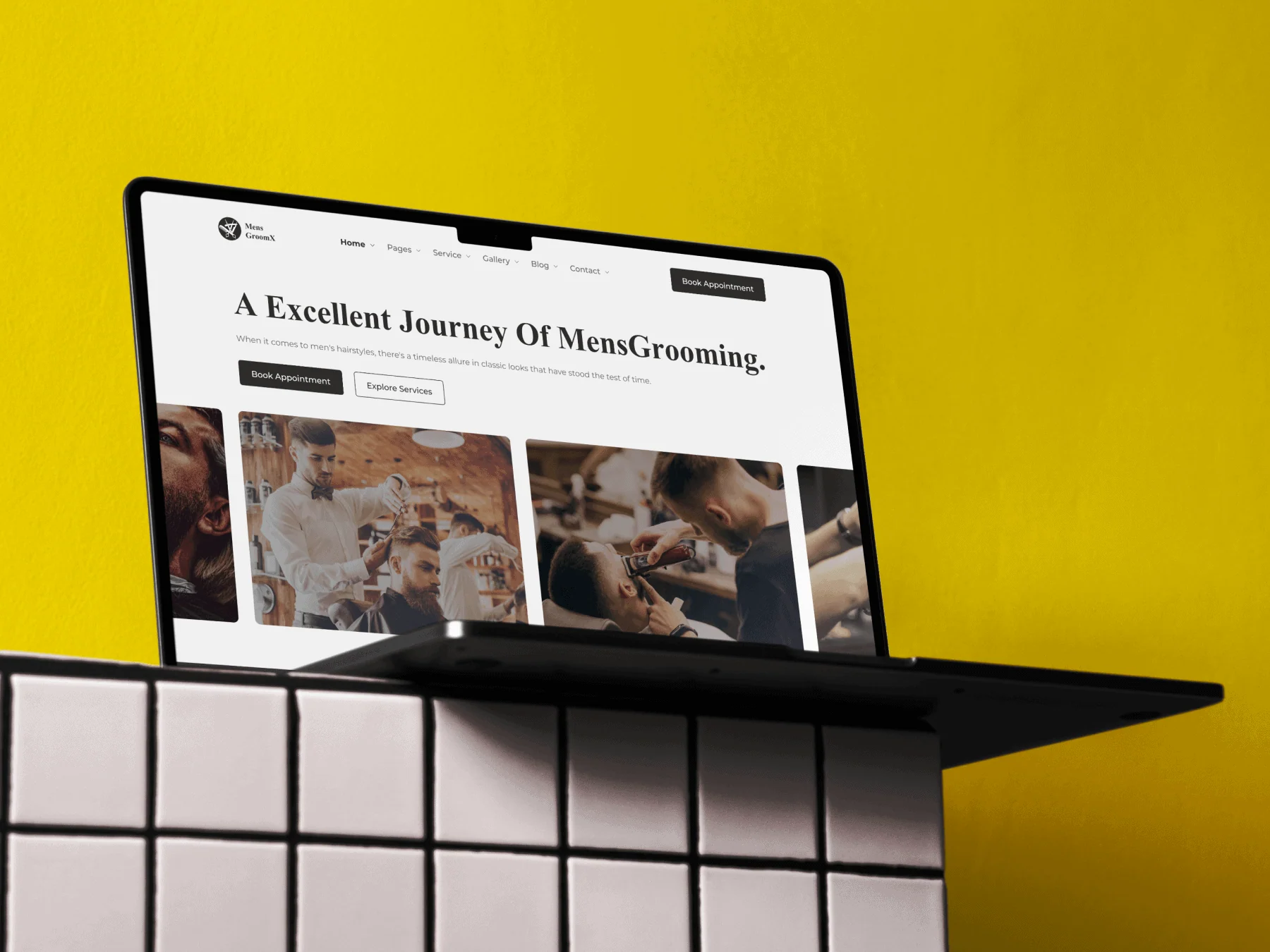
Polished Design That Supports Your Brand Identity
Adobe Fonts help your website feel professional and well-crafted, whether it’s a business site, portfolio, or client project.