












Why Should You Upload Custom Fonts in WordPress?
Upload Custom Fonts Directly in WordPress
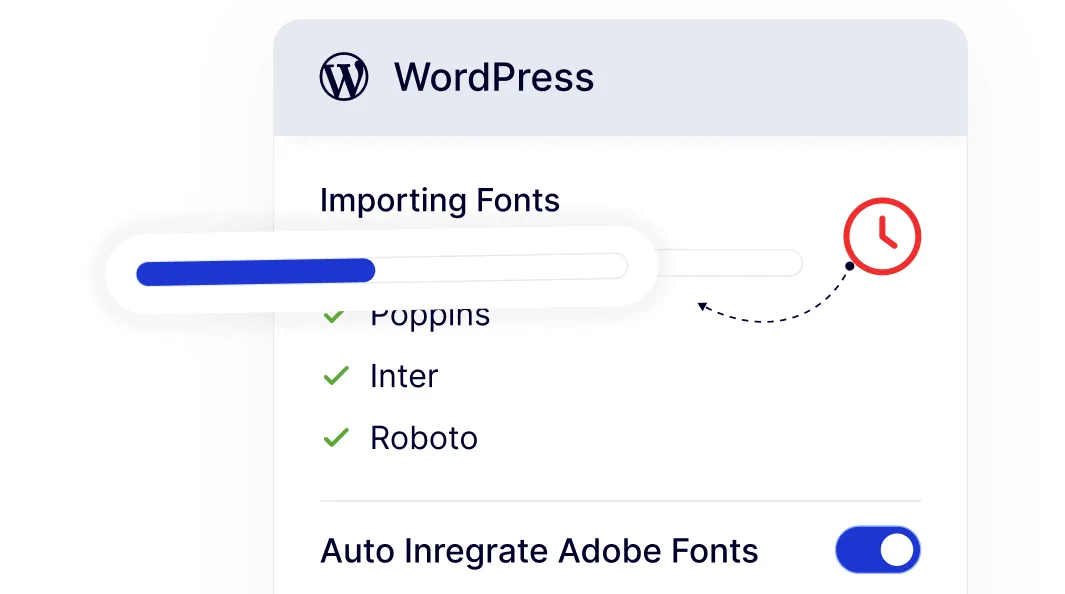
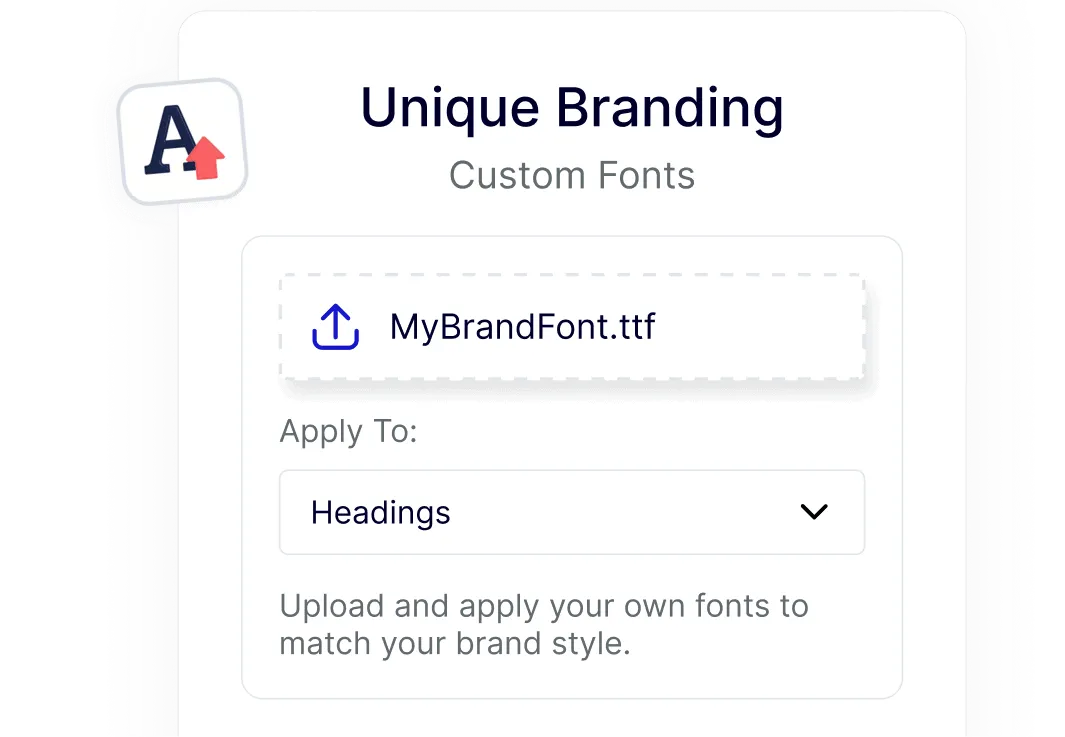
Add your own brand fonts inside the WordPress dashboard without touching theme files. Upload standard formats like TTF, WOFF, and WOFF2 and start using them right away.
Support for Variable Fonts and Modern Typography
Use variable fonts alongside regular font files for more control over weight and style. This gives you flexible typography options without adding extra tools.
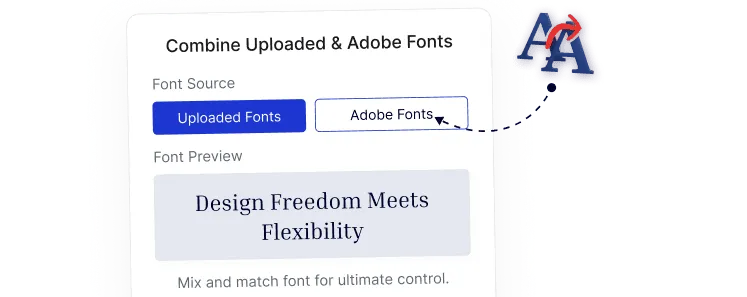
Control Website Fonts Without Coding
Manage fonts directly in the dashboard.
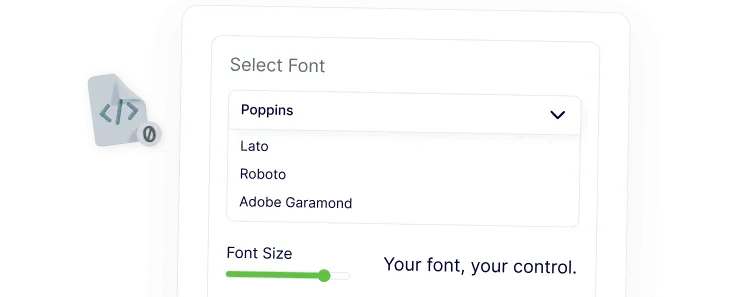
Apply Fonts Where They Matter Most
Assign custom fonts to headings, paragraphs, or specific blocks. This helps keep your typography consistent across pages and layouts.
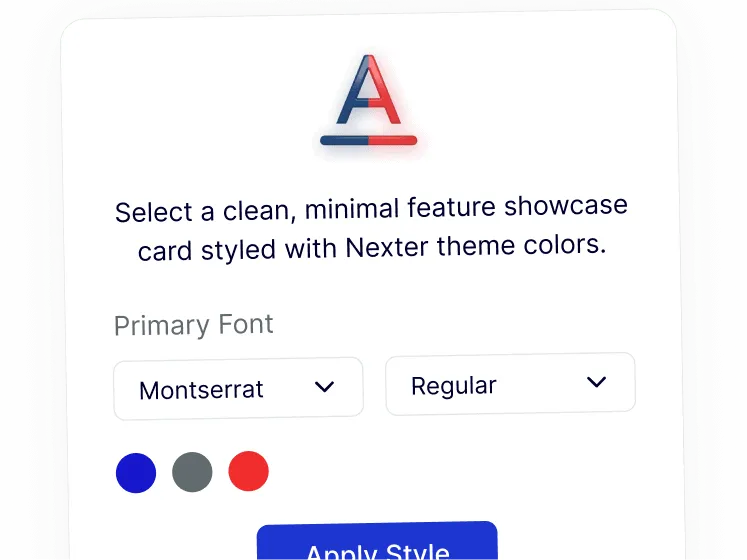
Faster Font Setup Across Projects
Upload once and reuse fonts easily when building pages or new sites. Freelancers and agencies save time while keeping every project on-brand.