












A grid of recent posts takes a lot of vertical space on a home page, and most of it sits below the fold anyway.
The carousel layout puts the same posts in a slider, so they occupy one row instead of three.
Before You Start
- Edition: Pro — the carousel layout needs Nexter Blocks Pro.
- Block to enable: Post Listing, switched on under Nexter > Blocks in your WordPress dashboard.
- Enough posts to see the effect. A listing with three posts cannot show pagination, filtering or a second row.
Steps
- Select your Post Listing block.
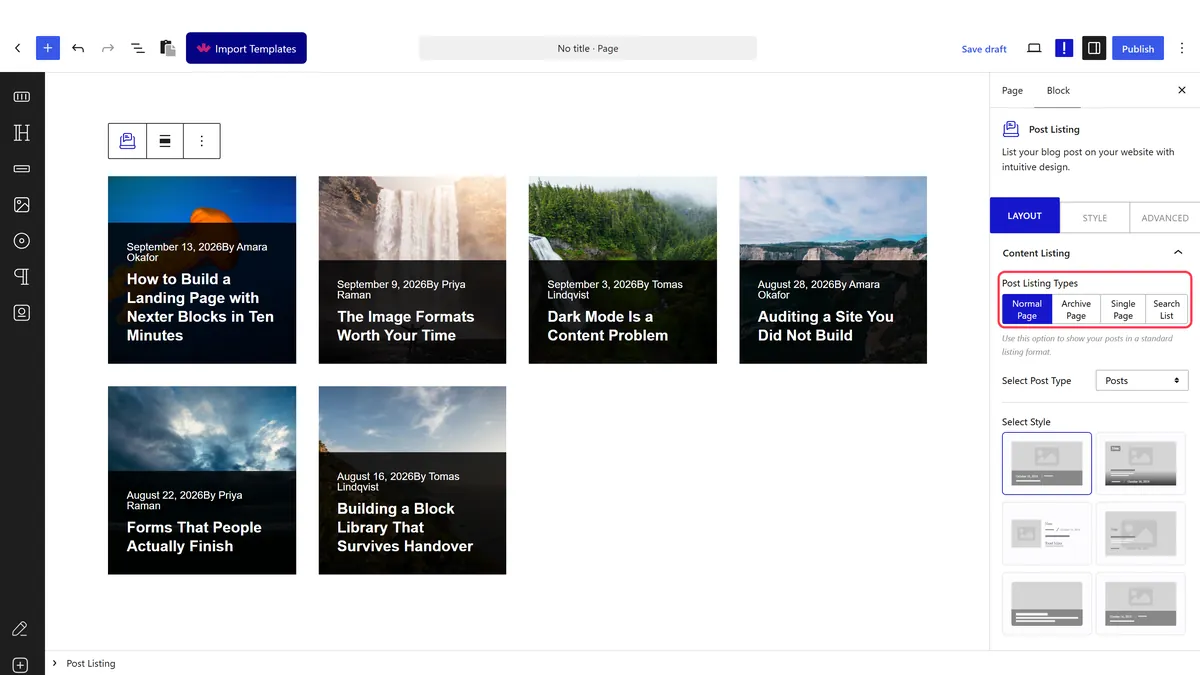
- Set the layout to carousel.
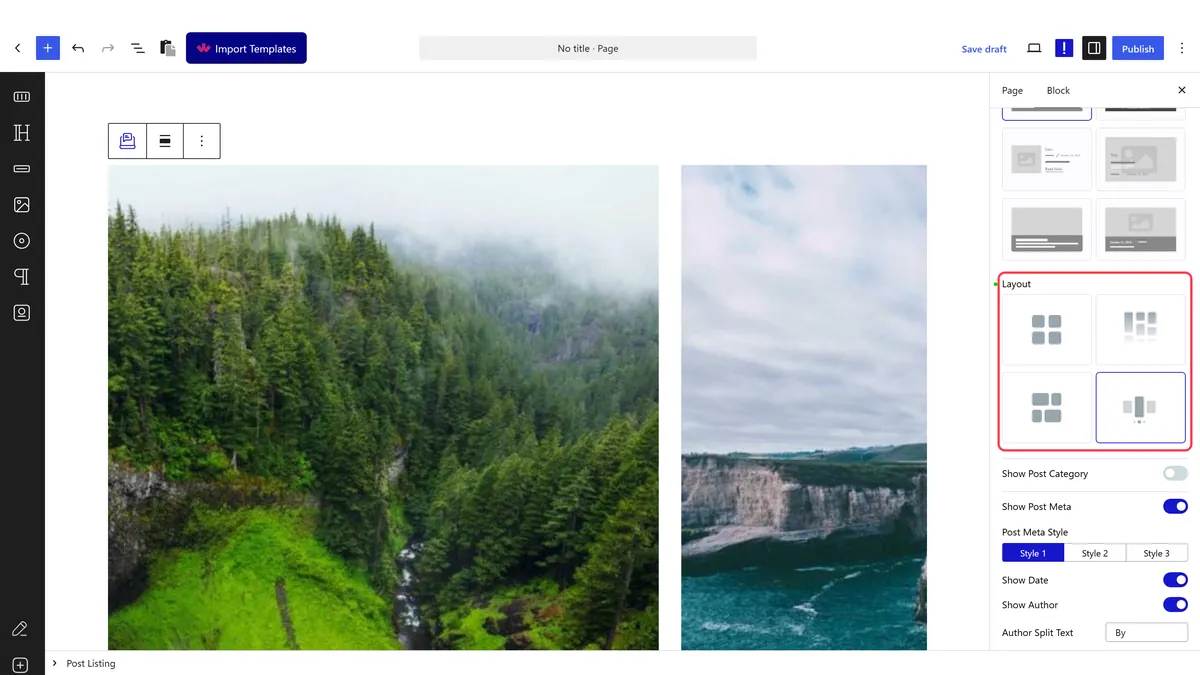
- Set how many posts are visible at once.
- Decide about autoplay, arrows and dots. Autoplay is on by default.
- Publish and check the real page.

How It Behaves
The carousel layout uses the same slider engine as the Carousel Anything block.
- Measured on a published page: the wrapper rendered
data-layout="carousel"with sixsplide__slideelements and a fulldata-splideconfiguration. - It is the same engine as Carousel Anything, measured with an identical configuration shape, so what you know about one applies to the other.
- Autoplay is on by default. Measured: an untouched carousel rendered
autoplay: truewith a 1500 ms interval. A static slider has to be set deliberately. - The posts themselves are unchanged — same query, same cards, different container.
- Measured with Nexter Blocks Pro deactivated: this stops working. The block still renders a plain list of posts, so there is no error to see — just the feature quietly missing.
Limitations
- Pro only, and it fails quietly. Measured with Nexter Blocks Pro deactivated, the wrapper still reports
data-layout="carousel"but the slider configuration is gone, so the posts stack with nothing on screen to explain why. - A carousel hides content. Most visitors see the first slide only, so nothing essential should sit on slide four.
- Autoplay moves content while people are reading it, the most common complaint about carousels. If you keep it on, switch pause on hover on too.
- Keep arrows or dots visible, or nobody will know there is more to see.
- Every post still loads, visible or not.
Troubleshooting
It is not sliding
Carousel layout needs Nexter Blocks Pro. Measured with Pro off, the slider configuration is absent and the posts simply stack.
It moves on its own and I never switched that on
Autoplay is on by default. Measured: an untouched carousel renders autoplay: true. Switch it off.
Only one post shows at a time
That is the default. Raise the number of visible items.
There are no arrows
Arrows are off by default while dots are on. Switch arrows on if you want both.
