












The blog page your theme gives you shows every post, in one layout, in date order. The moment you want six recent posts in a two-column grid on the home page, that is not enough.
The Post Listing block puts a list of posts wherever you want one, and lets you choose what it shows and how it looks.
Before You Start
- Edition: Free — works in Nexter Blocks (free) and with Nexter Blocks Pro.
- Block to enable: Post Listing, switched on under Nexter > Blocks in your WordPress dashboard.
- Enough posts to see the effect. A listing with three posts cannot show pagination, filtering or a second row.
Video Tutorial

Steps
- Add the Post Listing block to your page.
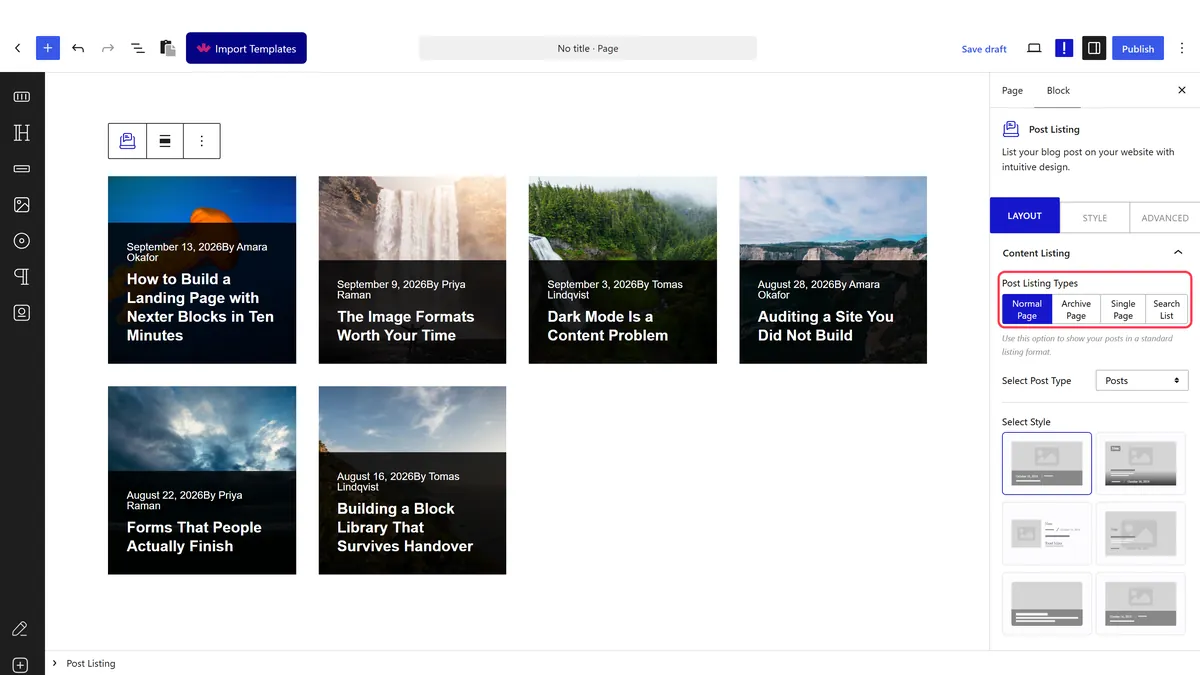
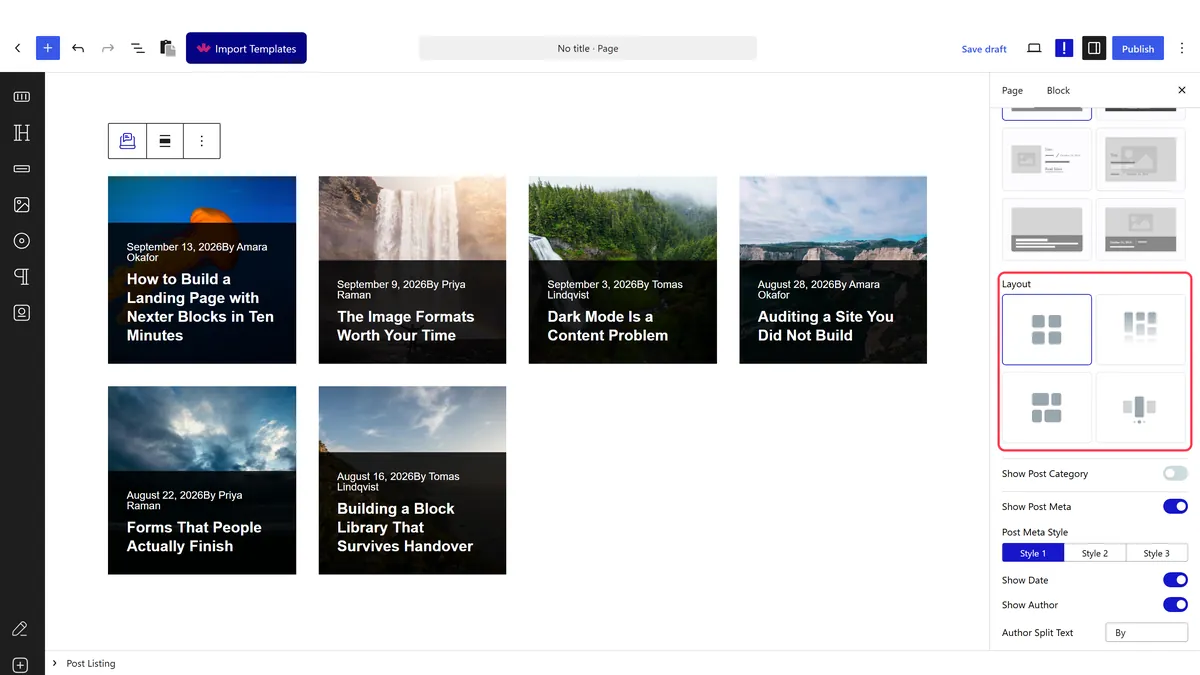
- Choose a layout — grid, masonry, metro, carousel or list.
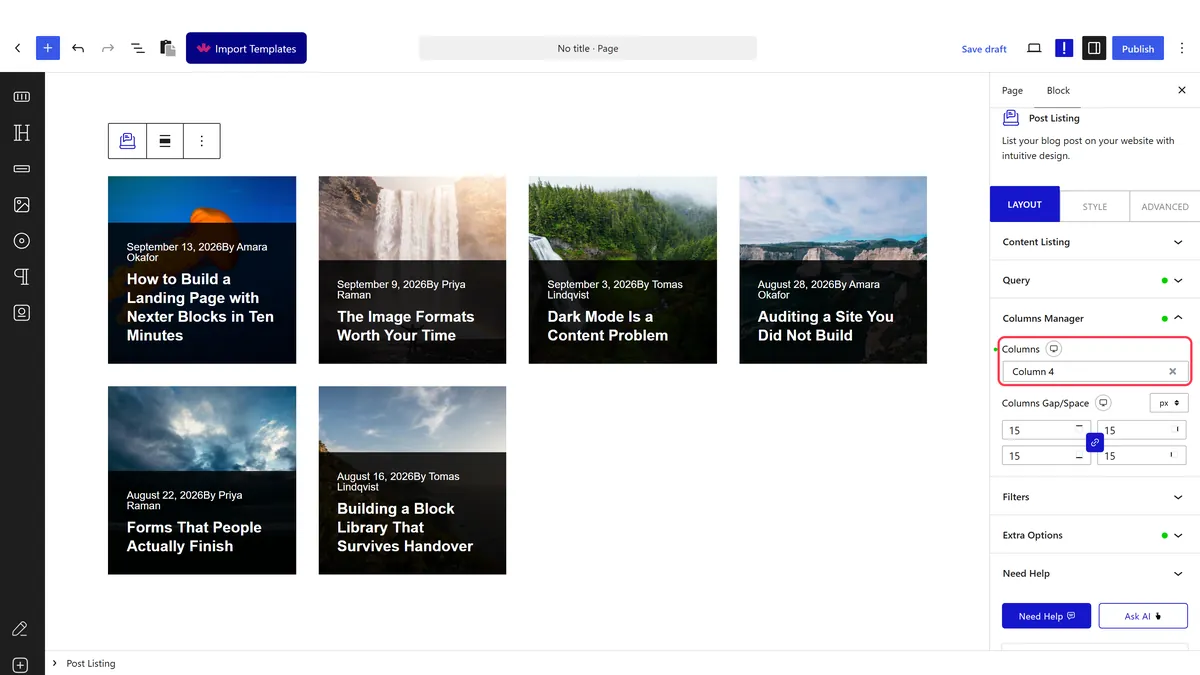
- Set how many columns to show, per device.
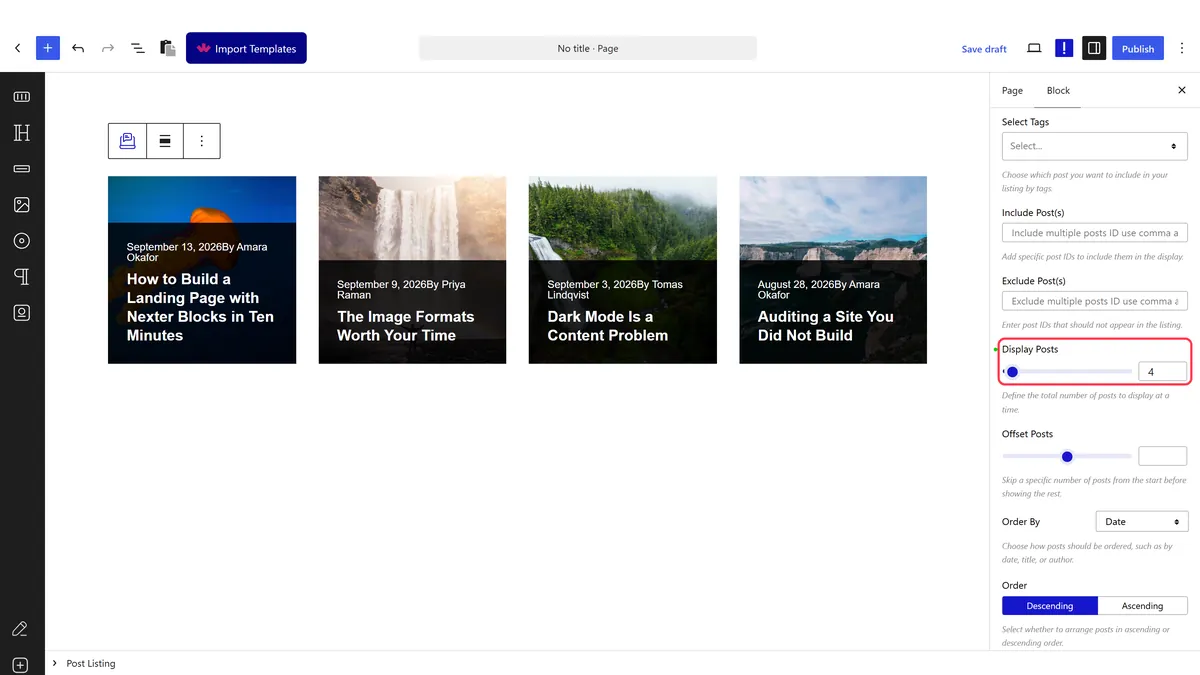
- Set how many posts appear.
- Choose which parts of each post to show — image, title, date, author, excerpt.
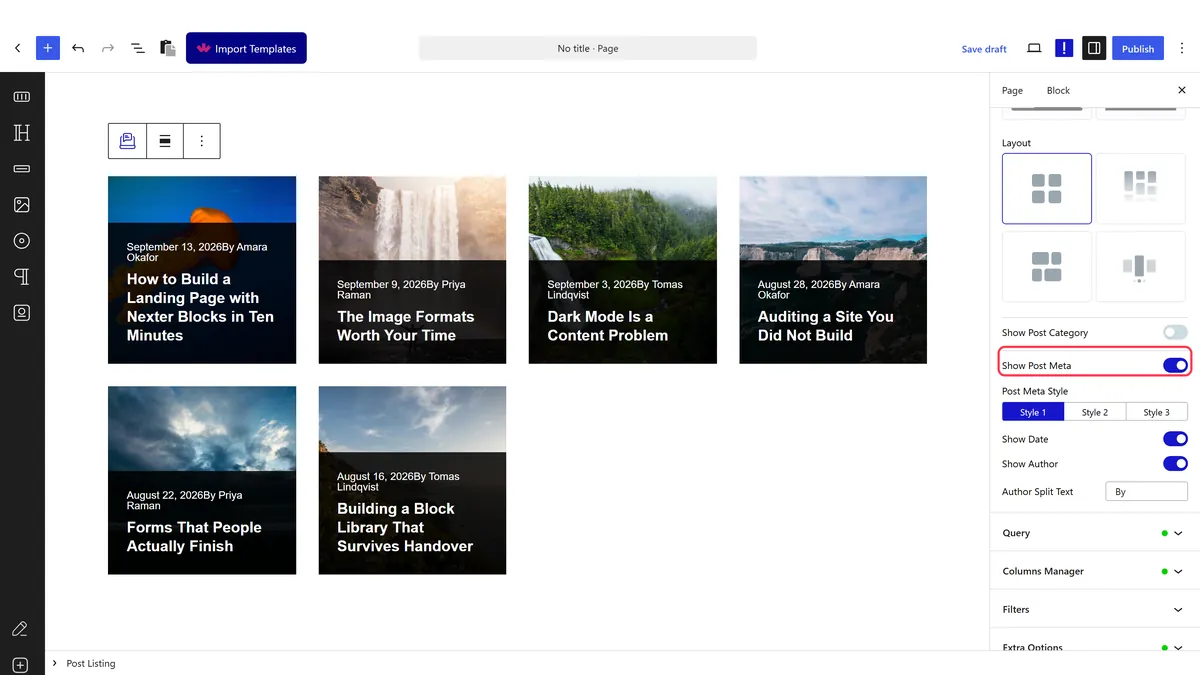
- Style it, then publish and check the real page.
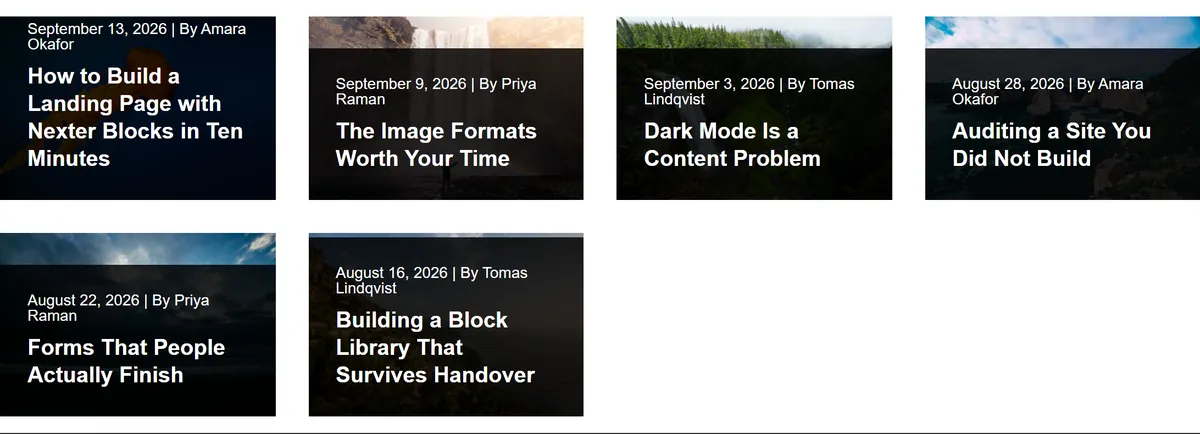
How It Behaves
The block runs its own query and renders one item per post, with the whole configuration written into the page.
- Everything ends up in one attribute. The block writes its whole query configuration into a
data-dypostattribute on the published page, so if a setting is not doing what you expect, that is where to look. Measured on a published page, that attribute carrieddisplay_post,offset_posts,page,total_pageand the chosenlayout. - The layout is a wrapper attribute. Measured:
data-layout="grid"by default, changing tomasonry,metro,carouselorlistto match. - Columns work on a twelve-column grid. Measured: setting 4 rendered
tpgb-col-lg-4, which is three items across, not four. The number is the width of each item, not the count. - It is independent of the main loop. The listing can sit on any page and still show posts, because it runs its own query rather than reading the page’s.
- Measured with Nexter Blocks Pro deactivated: the listing still renders its posts. The block itself is free.
What Needs Pro
The block and its grid and list layouts are free. These are not, and each was measured with Nexter Blocks Pro deactivated:
- The category filter — the filter row disappears entirely.
- Carousel layout — the wrapper still says carousel but the slider configuration is gone, so it renders as a plain stacked list.
- Metro layout — falls back to ordinary grid items.
Limitations
- More posts means a heavier page. Every post in the listing is queried and rendered, so a listing of thirty is thirty posts’ worth of work.
- Free users get silent degradation on the Pro layouts. Measured: with Pro off the wrapper still reports
data-layout="carousel"while behaving as a plain list, so nothing on screen explains why it is not sliding. - Column numbers are widths, not counts. This trips people up constantly — 4 gives three across.
- It shows published posts. Drafts and private posts will not appear, which is worth remembering when a listing looks short while you are building.
- Set the phone breakpoint explicitly, or the desktop column width is inherited and the listing is cramped.
Troubleshooting
The listing is empty
There are no published posts matching the query. Check the post type, any category restriction, and that the posts are published rather than drafts.
I asked for four columns and got three
The number is the width on a twelve-column grid. Measured: 4 renders tpgb-col-lg-4, which is three across. Use 3 for four across.
My carousel is not sliding
Carousel layout needs Nexter Blocks Pro. Measured with Pro off, the slider configuration is absent and the posts stack.
It looks wrong on mobile
Set the column width for tablet and phone. The desktop value is inherited otherwise.
