












On a browsing page, where nobody is looking for anything specific, asking the shopper to click for more is friction they did not need.
Infinite scroll loads the next batch of products as they reach the bottom, so the catalogue just keeps going.
Before You Start
- Edition: Pro — the Product Listing block needs Nexter Blocks Pro.
- Block to enable: Product Listing, switched on under Nexter > Blocks in your WordPress dashboard.
- WooCommerce active, with published products. The block reads your real catalogue, so an empty store renders an empty listing.
- Noticeably more products than one batch, or there is nothing to load.
Steps
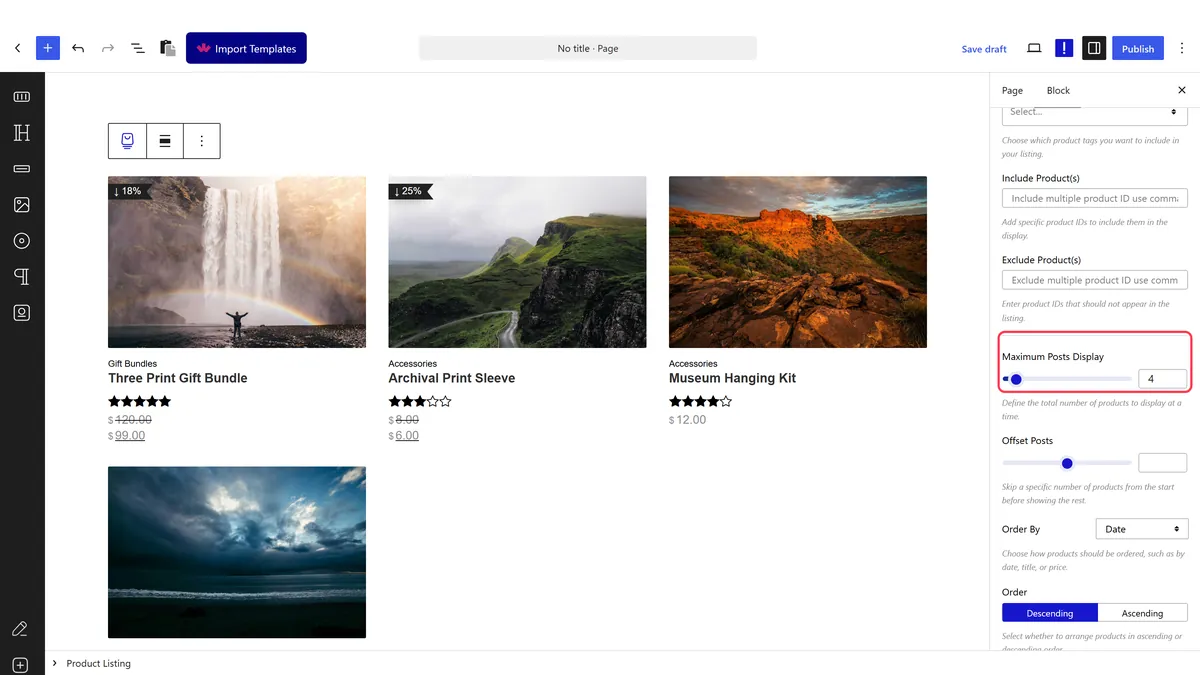
- Set how many products load at a time.
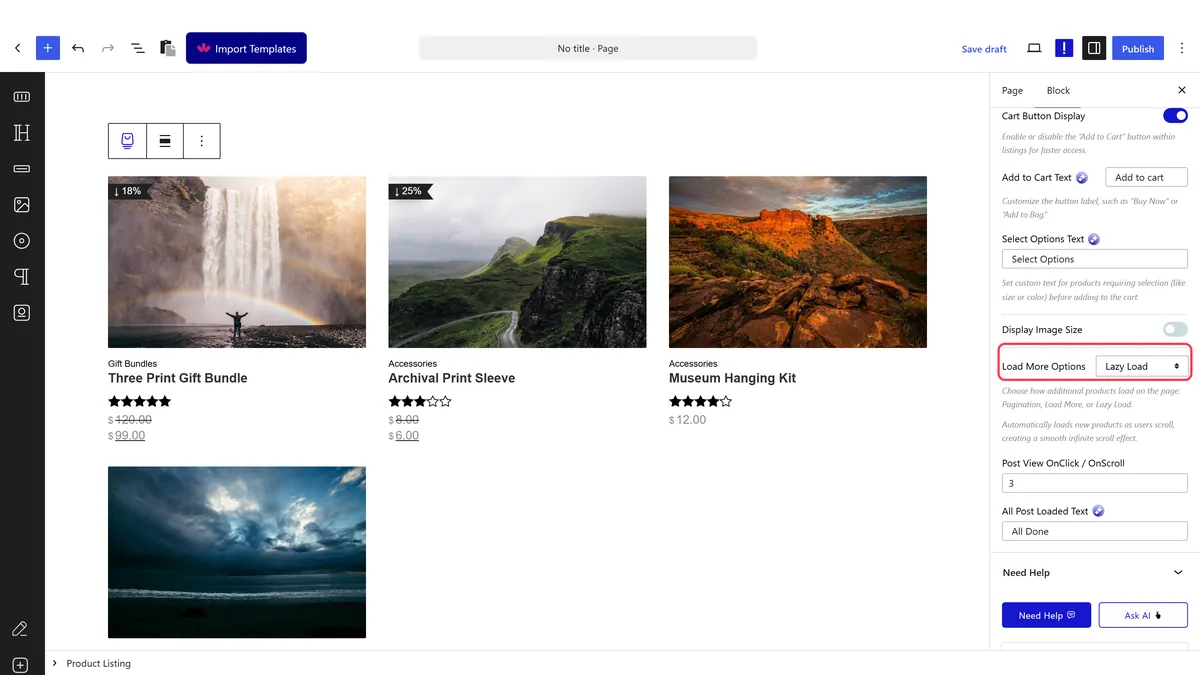
- Set the load option to the lazy load style.
- Publish and scroll the real page to the bottom of the listing.

How It Behaves
The next batch is fetched automatically as the shopper approaches the end of the current one.
- Measured on a published page: with the lazy load option set, no load-more button is rendered — which is correct, because the loading is automatic rather than triggered by a click.
- The paging information travels with the listing, which is how the loader knows which batch to fetch next.
- Each batch is a request, so a long scroll is a lot of round trips.
- Compare with a load more button, which does the same thing but leaves the shopper in control.
- Measured with Nexter Blocks Pro deactivated: the block renders nothing at all — no wrapper, no products, no prices. This is a Pro-only block.
Limitations
- Pro only — measured with Nexter Blocks Pro deactivated, nothing renders.
- The footer becomes unreachable while products keep loading, which matters more on a shop than a blog because delivery and returns links usually live there.
- A shopper cannot return to their place. Following a product and coming back lands them at the top again, which is a real cost on a large catalogue.
- Search engines do not scroll, so products deep in the list may not be discovered.
- For most shops a load more button is the better choice.
Troubleshooting
Nothing loads when I reach the bottom
There may be nothing left to load. Check the batch size is smaller than your product count, and that you are on the published page.
I cannot reach my footer
That is the known trade-off. Switch to a load more button or pagination if the footer matters.
Shoppers lose their place
Also inherent to infinite scroll. On a large catalogue, pagination serves shoppers better.
Will Google see all the products?
Not reliably. Keep a paginated product archive so everything stays reachable.
