












A card whose title happens to be a link works, but only for people who think to click a heading. A read more button is meant to make the action explicit.
The setting exists in the block sidebar and can be switched on and configured, but measured on a real published page it produces no button. This doc shows the setting and the actual (button-less) result, so you don’t spend time chasing a missing button that isn’t a configuration mistake on your part.
Before You Start
- Edition: Free — works in Nexter Blocks (free) and with Nexter Blocks Pro.
- Block to enable: Post Listing, switched on under Nexter > Blocks in your WordPress dashboard.
- Enough posts to see the effect. A listing with three posts cannot show pagination, filtering or a second row.
Steps
- Select your Post Listing block, open Content Listing → Select Style, and switch Show Button on.
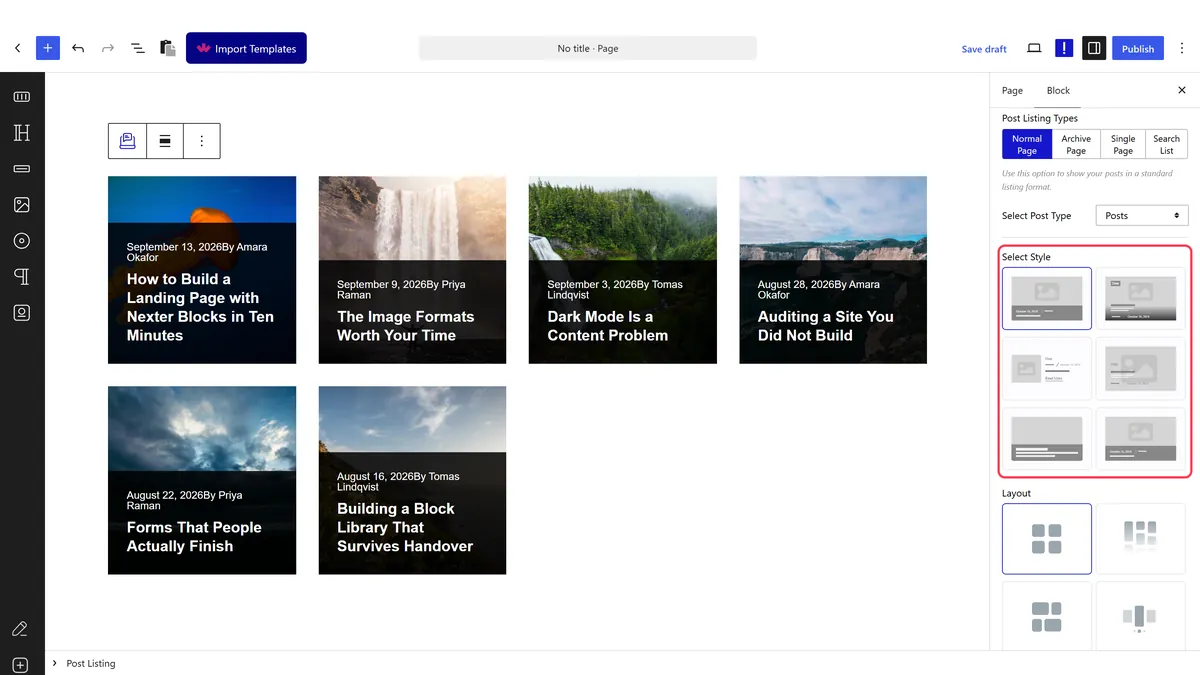
- Set its text.
- Publish and check the real page.
How It Behaves
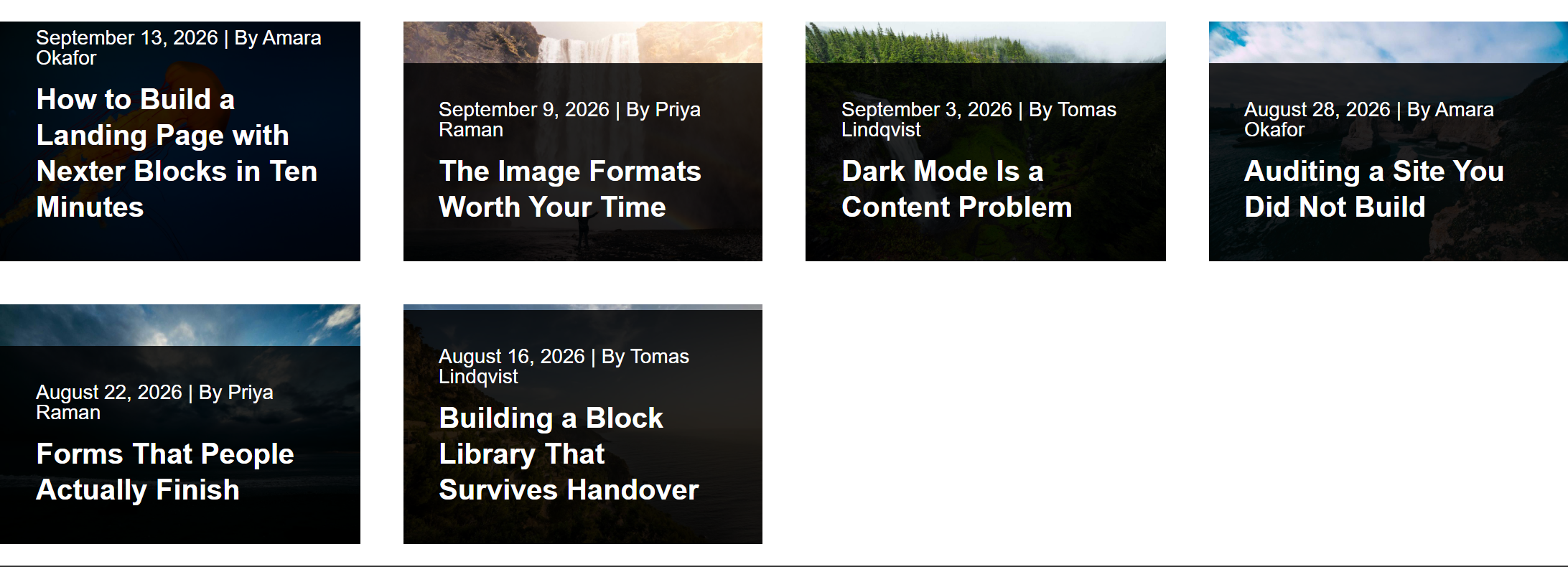
Measured on Nexter Blocks 5.0.6: switching this setting on does not add a button to the front end. ShowButton, the button text, and the icon setting are all present in the editor and saved as block attributes, but the block’s render code never uses them to output anything — no link, no button markup, no button text appears on a published page, with any combination of settings. This has been reported to the dev team as a defect; the text below describes what the setting currently does, not what the label implies it should do.
- The toggle and text field both work in the editor and save correctly, so this is not a matter of the setting failing to save.
- No output ever reaches the front end. The card looks identical whether the setting is on or off.
- The title remains a link to the post regardless, so readers can still click through — there is just no second, explicit button.
- Everything ends up in one attribute. The block writes its whole query configuration into a
data-dypostattribute on the published page, so if a setting is not doing what you expect, that is where to look. - Measured with Nexter Blocks Pro deactivated: the listing still renders its posts. The block itself is free.
Limitations
- The button does not currently render on the front end, on any layout, in this version of the free block. Do not rely on this setting for a launch.
- If a future update fixes this, the same limitations that apply to a generic button label would still apply: one shared text across every card, and no per-post wording.
- A custom loop skin is the current way to add a real, working button to each card — see create a custom loop skin.
Troubleshooting
The button does not appear even though the setting is on
This is expected right now, not a configuration error on your part. The setting is saved but the free Post Listing block does not currently render a button from it, measured on 5.0.6. Use a custom loop skin (create a custom loop skin) if you need a working button today.
I want different text per post
Not relevant until the setting itself renders anything, but for the record: this would not be possible from the block either way, since the label is a single setting. A custom loop skin is the route.
Will this be fixed?
Reported to the dev team with the exact attributes involved. Check the changelog for the block after an update if you need this feature.
