












Showing every post you have ever written on one page is slow to load and hard to read. Showing only six with no way forward hides the rest.
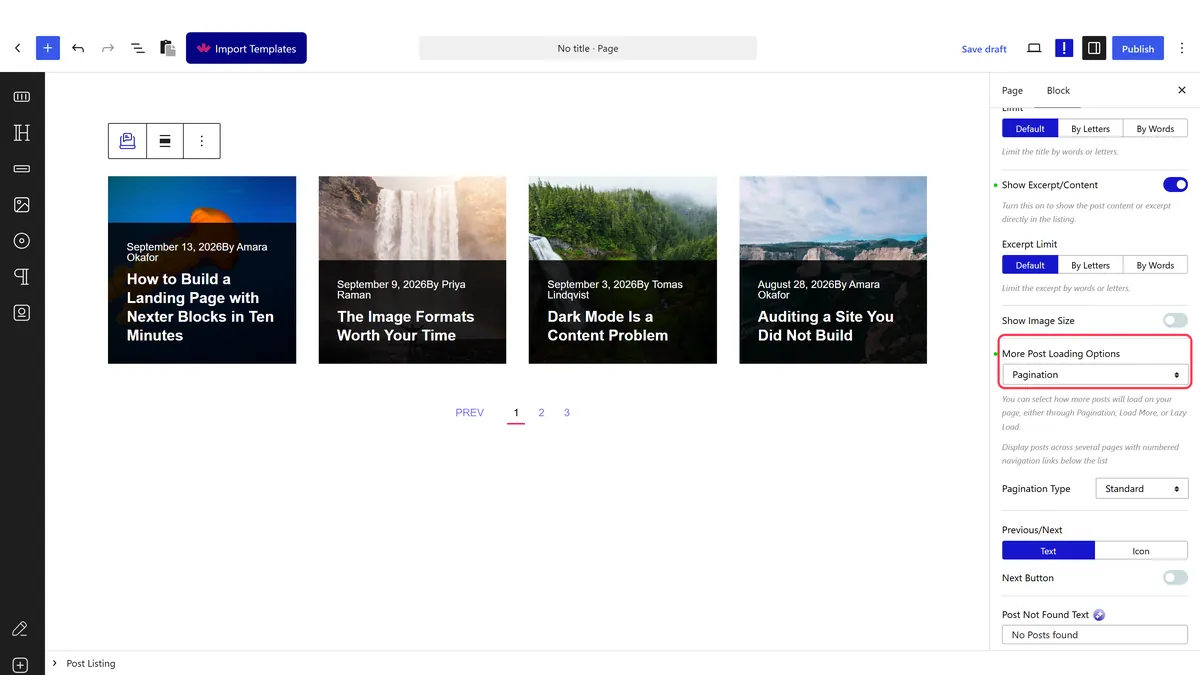
Pagination splits the listing into pages and gives the reader numbered links to move through them.
Before You Start
- Edition: Free — works in Nexter Blocks (free) and with Nexter Blocks Pro.
- Block to enable: Post Listing, switched on under Nexter > Blocks in your WordPress dashboard.
- More posts than fit on one page. With six posts and six per page there is nothing to paginate.
Steps
- Select your Post Listing block.
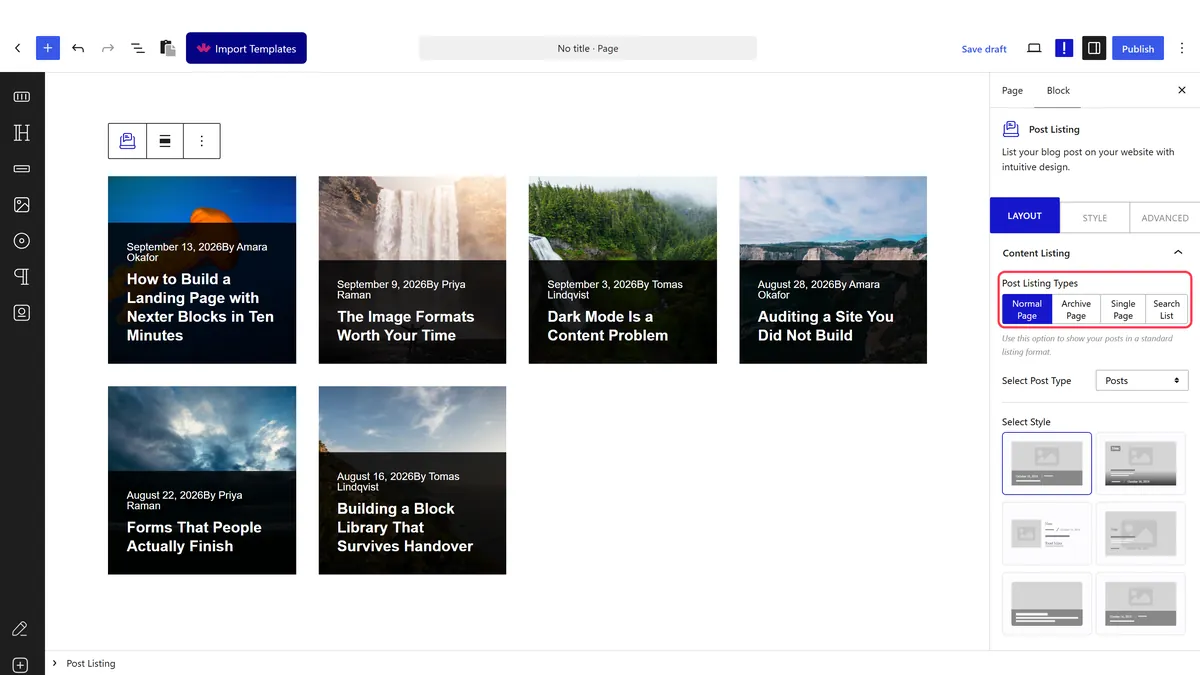
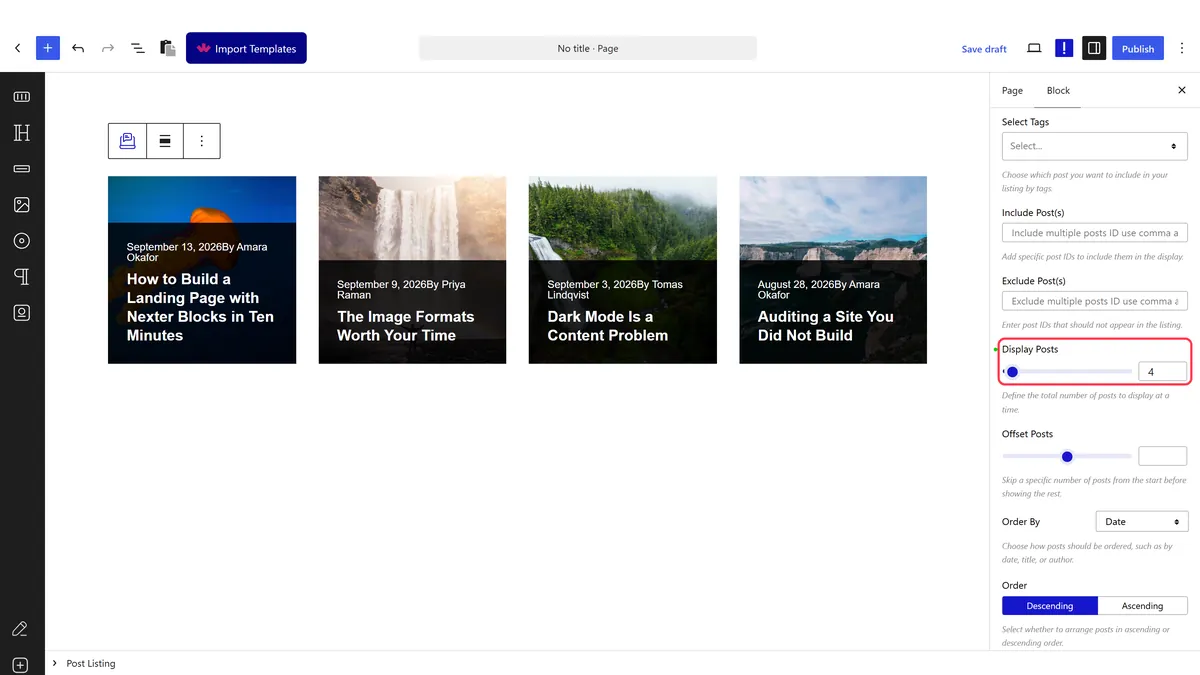
- Set how many posts per page to show.
- Set the pagination option to the numbered style.
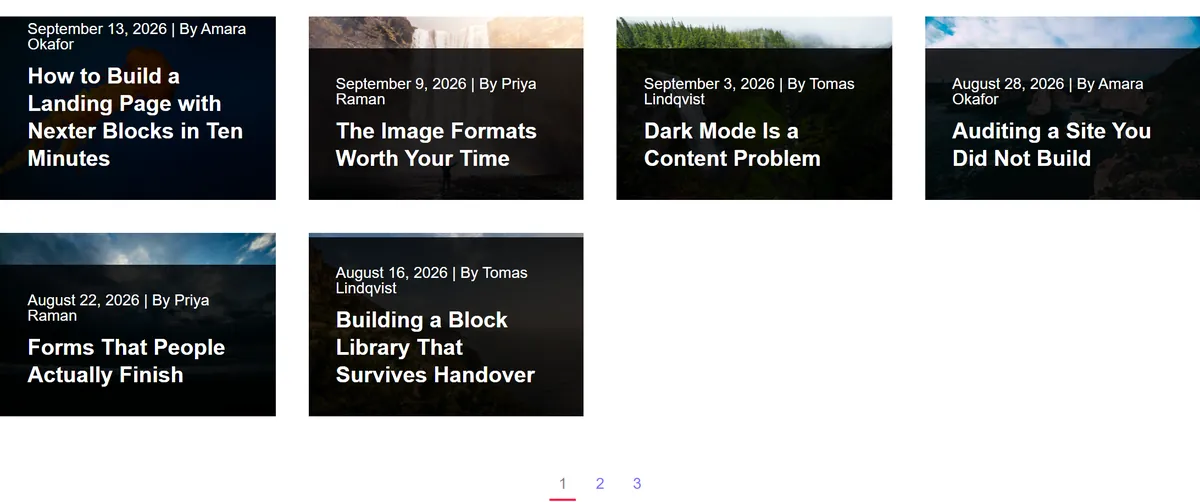
- Publish and click through to page two on the real page.
How It Behaves
The block works out the page count from your post count and writes it into the page.
- Measured on a published page: with the listing set to four posts, the
data-dypostattribute carrieddisplay_post: 4and atotal_pagevalue calculated from the posts available. - The page count follows the post count. Measured: changing posts per page changed
total_pagein the same attribute. - It is a real page change, not a load-more. The reader moves between pages rather than extending the list — see infinite scroll for the other approach.
- Everything ends up in one attribute. The block writes its whole query configuration into a
data-dypostattribute on the published page, so if a setting is not doing what you expect, that is where to look. - Measured with Nexter Blocks Pro deactivated: the listing still renders its posts. The block itself is free.
Limitations
- Pagination and filtering do not combine well, because the filter only knows about the posts on the current page — see the category filter guide.
- Page two is rarely visited. Most readers never go past the first page, so put your best posts first rather than trusting pagination to surface them.
- Two paginated listings on one page will fight, because they share the page number.
- Very small page sizes create a lot of pages, which is tedious rather than tidy.
Troubleshooting
No pagination appears
There are not more posts than fit on one page, so there is nothing to paginate. Lower the posts per page or add posts.
Page two shows the same posts
Two listings on the page are sharing the page number. Keep one paginated listing per page.
The page count looks wrong
It is calculated from the posts matching the query, which may be fewer than your total once categories or exclusions are applied.
I would rather it just kept loading
Use infinite scroll or a load-more button instead.
