












Before a search engine or platform will show you data about your site, it asks you to prove you own it. Nexter SEO gives you one place to paste every verification code, so you do not have to edit theme files or add plugins for each service.
Nexter → SEO → Technical → Site Verification.
How To Verify Your Site With Search Engines?
- Open Technical in the left-hand nav and click Site Verification.
- Get your verification code from the service you want to connect (see below).
- Paste it into the matching field. You can paste either the short code or the full HTML meta tag.
- Click Save (top right).
- Return to the service and click its Verify button.
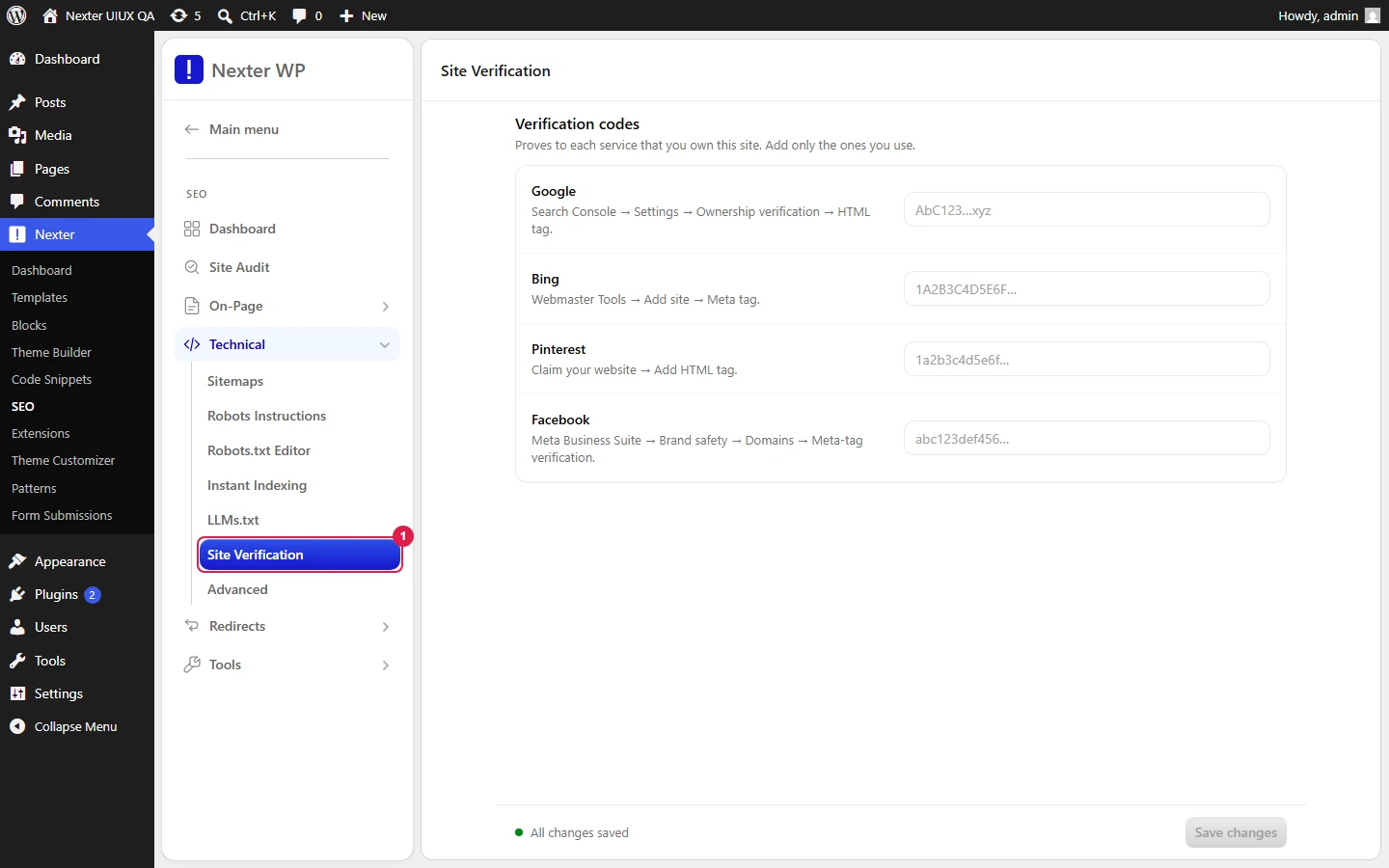
Each field accepts either the raw token or the entire <meta> tag — Nexter SEO extracts what it needs.
- Google Verification — from Google Search Console (choose the HTML tag verification method).
- Bing Verification — from Bing Webmaster Tools.
- Pinterest Verification — from Pinterest (claim your website).
- Facebook Verification — from Meta Business Suite (domain verification).
- Save — writes the verification meta tags into your site's
<head>.
Good To Know
- Verification only needs to happen once per service. Leave the code in place after you verify; removing it can un-verify the property later.
- After saving, give it a minute and view your homepage source to confirm the meta tag is present before clicking Verify on the service side.
- Verifying in Search Console is the prerequisite for submitting your sitemap and reading indexing data. See XML Sitemaps.
Troubleshooting
- Verification fails. Make sure you pasted the code into the correct service's field, saved, and that the homepage is publicly reachable (not behind a coming-soon or login wall). View source to confirm the tag rendered.
- The tag is not in my page source. Re-save the field, clear any page cache, and reload the homepage in a private window.
Related: XML Sitemaps · Instant Indexing · Nexter SEO Dashboard Overview
This is how you can verify your site with search engines using Nexter SEO.
