How to Create a Video Carousel in WordPress?

Key Takeaways

  • Nexter Blocks includes the Media Listing block, which allows users to create an interactive video carousel.
  • Users select 'Carousel' from the Layout section to display videos in a carousel format.
  • The video gallery in the carousel slider can be managed from the Style > Carousel Options tab.
Table of Contents

Looking to add a dynamic and engaging video carousel to your WordPress website? A video carousel allows you to showcase multiple videos in an interactive and engaging format, perfect for grabbing your visitors’ attention and keeping them engaged.

With the Media Listing block from the Nexter Blocks, you can easily create a beautiful interactive WordPress video carousel.

To check the complete feature overview documentation of the Nexter Blocks Media Listing block, click here.

Requirement  – This block is a part of the Nexter Blocks, make sure its installed & activated to enjoy all its powers.

To do this, add the Media Listing block on the page, 

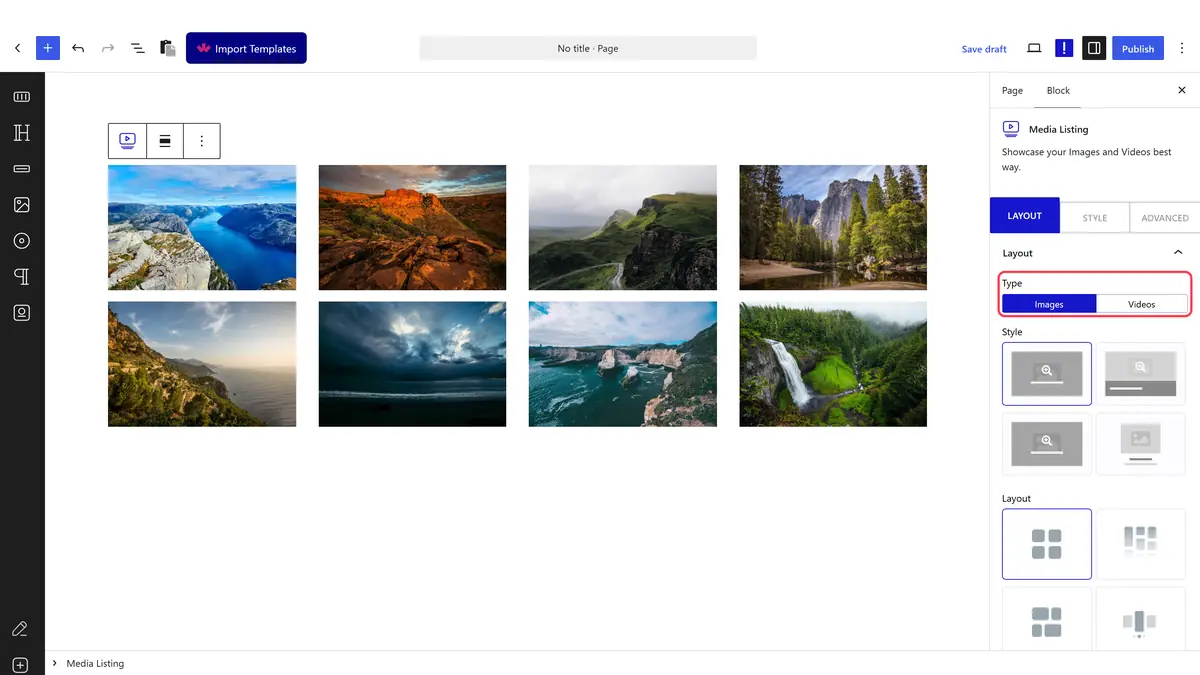
1. Select Videos from the Type section. 

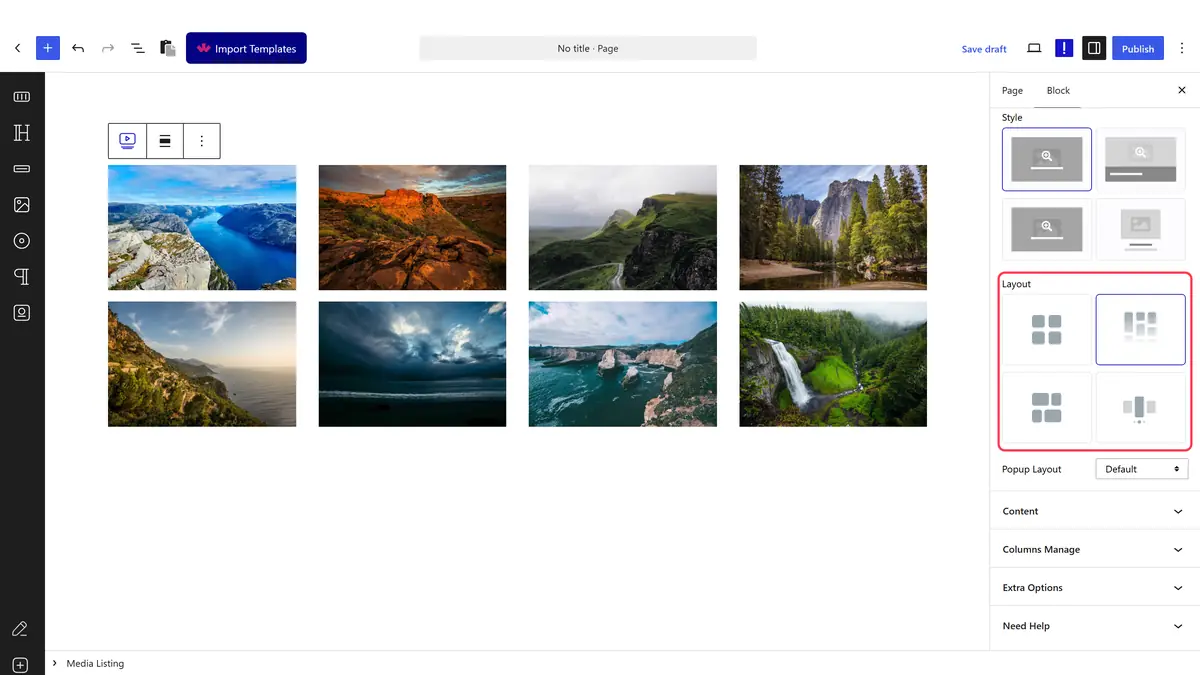
2. Then select the appropriate listing style and select Carousel from the Layout section under the Layout tab.

media listing choose video carousel new

You can select the appropriate image popup type from the Popup Layout dropdown.

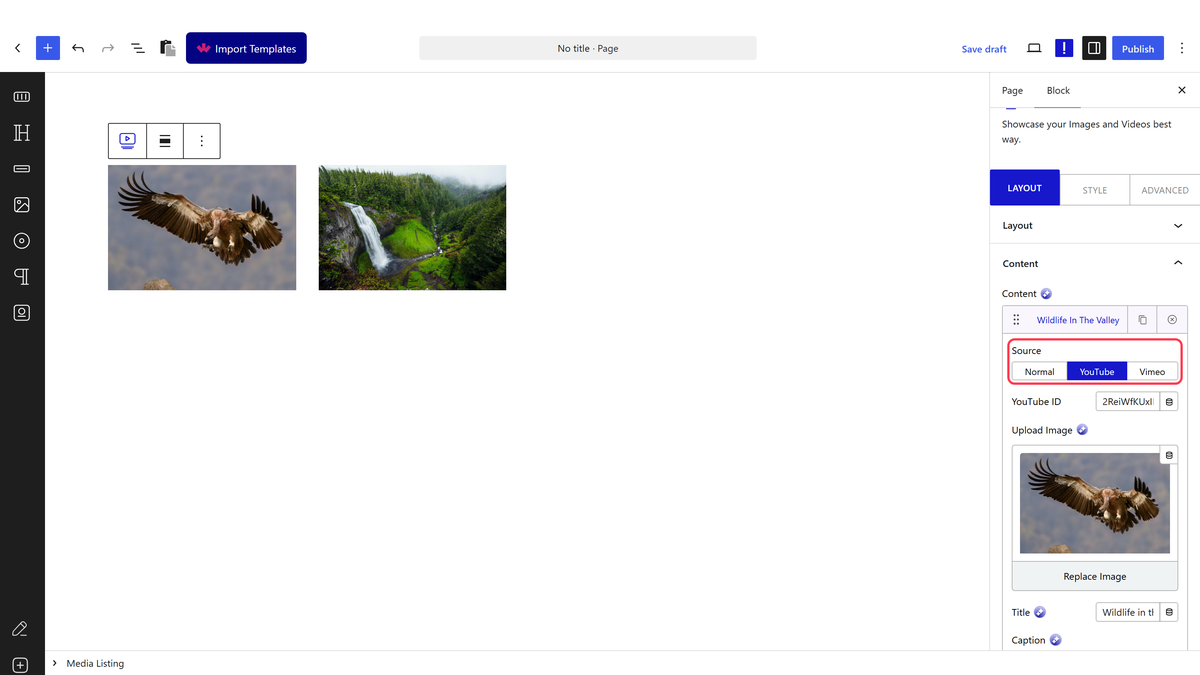
3. In the Content tab, select the appropriate content source and add videos to the gallery.

Note: Make sure to select Default from the Popup Layout dropdown and Don’t add any custom link in the Link field to show the video in a lightbox.

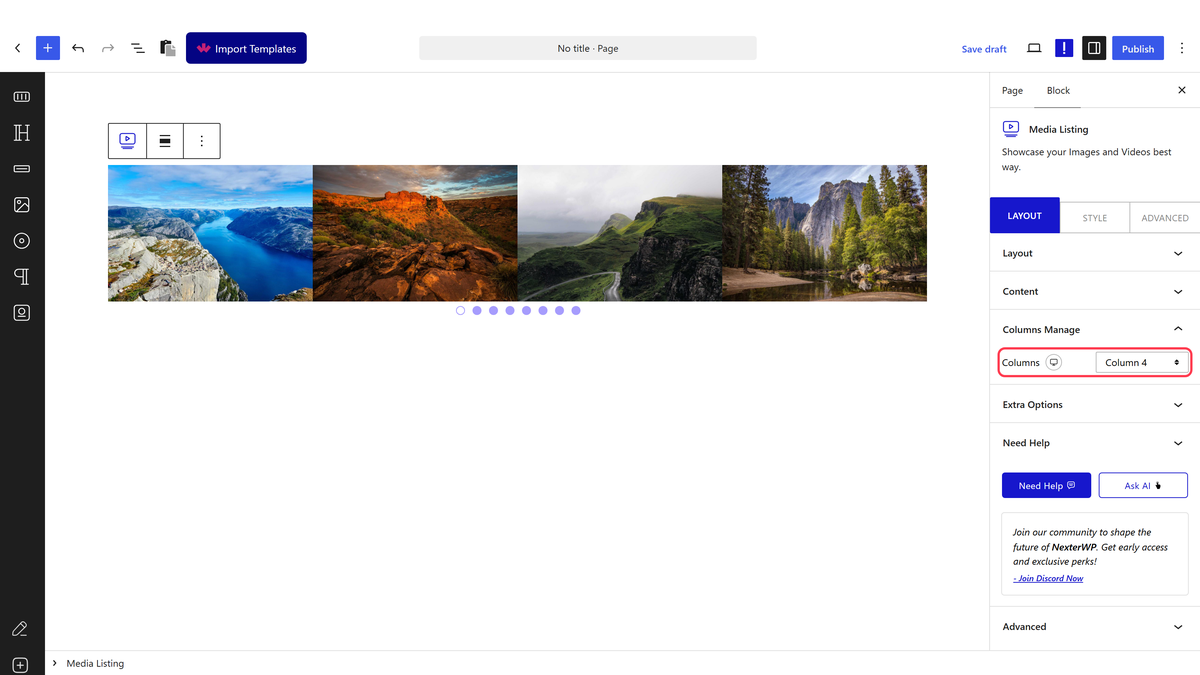
Now, your video gallery will show in a carousel slider. You can manage the carousel from the Style > Carousel Options tab.

media listing video carousel layout demo

Also, read How to Create a WordPress Image Carousel.

About the Author

Photo of Aditya Sharma CMO of NexterWP
CMO at POSIMYTH Innovations · NexterWP · 7 years experience

He has spent years in the WordPress ecosystem building, breaking, and optimizing sites until they actually perform. He works at the intersection of speed, growth, and usability, helping creators ship websites that load fast and convert. An active WordPress community contributor sharing through tools, tutorials, and direct collaboration. Tested practice, not theory.

WordpressThemesElementorn8nAIClaudeAutomationServer

Share your Thoughts

Get Instant Answers to all your questions about Nexter Blocks,
Extensions & Theme trained on 1000+ Docs and Videos

Still in Doubt? Let’s Assist You

Have Feedback or Questions?

Join our WordPress Community on Facebook!

Related Frequently Asked Questions

What should I do if my video carousel isn't displaying correctly?

If your video carousel isn't displaying as expected, check that you have selected 'Carousel' under the Layout section in the Media Listing block. Ensure that the Popup Layout is set to 'Default' and that you haven't added any custom links in the Link field. These settings are crucial for the carousel to function properly.

Can I use the Media Listing block to create a video carousel for a specific theme?

The Media Listing block from Nexter Blocks is designed to work with any WordPress theme that supports Gutenberg. This means you can create a video carousel regardless of the theme you are using, as long as it is compatible with Gutenberg.

What is the best way to manage the video carousel's appearance?

To manage the appearance of your video carousel, navigate to the Style > Carousel Options tab after adding the Media Listing block. Here, you can customize various aspects of the carousel's design, ensuring it aligns with your website's aesthetic and enhances user engagement.

What types of content can I add to the video carousel?

In the Content tab of the Media Listing block, you can select the appropriate content source to add videos to your carousel. This flexibility allows you to showcase a variety of video content, making your carousel more engaging for visitors.

What happens if I forget to set the Popup Layout to Default?

If you forget to set the Popup Layout to 'Default', the videos in your carousel may not display in a lightbox as intended. This can lead to a less interactive experience for users, as they won't be able to view videos in an overlay format, which is typically more engaging.

Is there a way to create a video carousel without using the Media Listing block?

The tutorial specifically focuses on using the Media Listing block from Nexter Blocks to create a video carousel. While there may be other methods, this block is optimized for ease of use and functionality, making it the recommended approach for creating video carousels in WordPress.

Last reviewed: April 14, 2026

Related Docs