












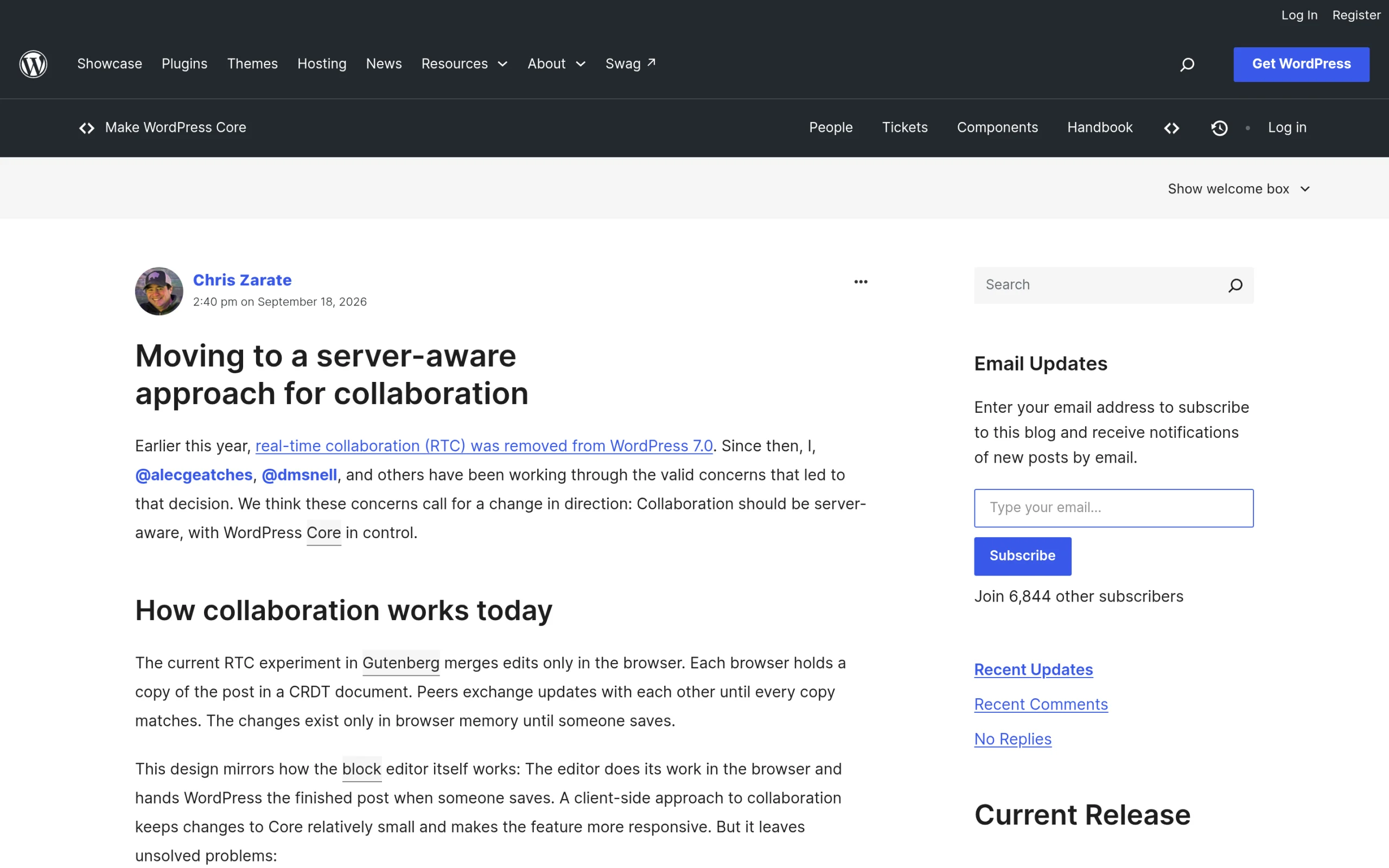
On September 18, 2026, Chris Zarate published Moving to a server-aware approach for collaboration on Make WordPress Core. It is the first detailed explanation of where WordPress real-time collaboration goes after it was pulled from WordPress 7.0, and the direction is a real change: edits would no longer be merged only inside each browser, but routed through WordPress itself.
When I wrote up the WordPress 7.2 roadmap, I left collaborative editing out on purpose, because the core team had left it off that roadmap. This post is the follow-up. I read the proposal, the two May posts behind it, and the experimental plugin repository, and I want to explain what the server-aware approach changes in plain terms, and what it means if you run an editorial team, manage user roles, pick hosting, or connect agents and integrations to your site.
What Happened To Real-Time Collaboration In WordPress 7.0?
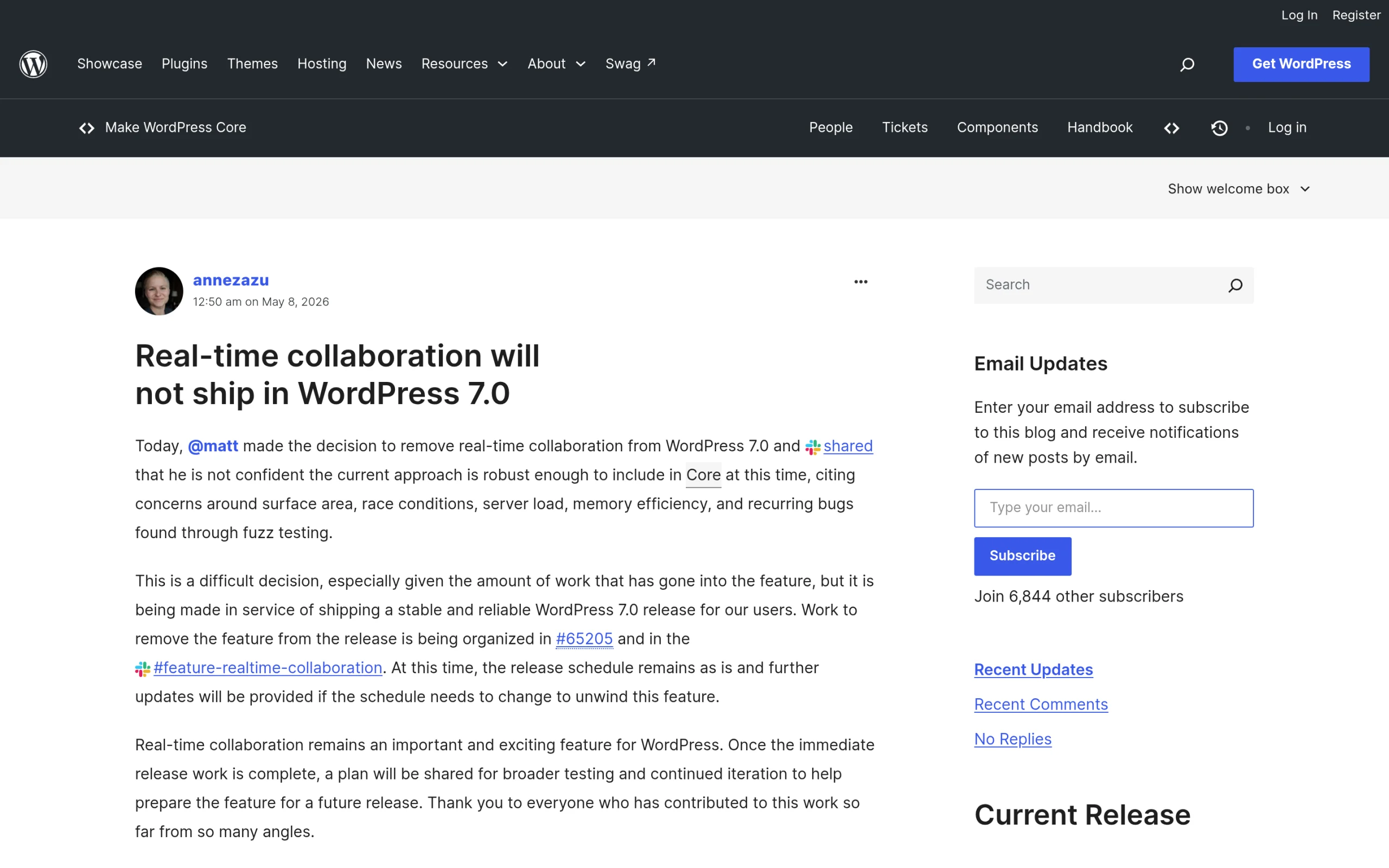
Real-time collaboration, usually shortened to RTC, lets several people edit the same post in the block editor at once, in the style of a shared document. It was planned for WordPress 7.0. On May 8, 2026, the core team announced that real-time collaboration will not ship in WordPress 7.0. The post says Matt Mullenweg made the decision and was not confident the current approach was ready for core, citing surface area, race conditions, server load, memory efficiency, and recurring bugs found through fuzz testing.
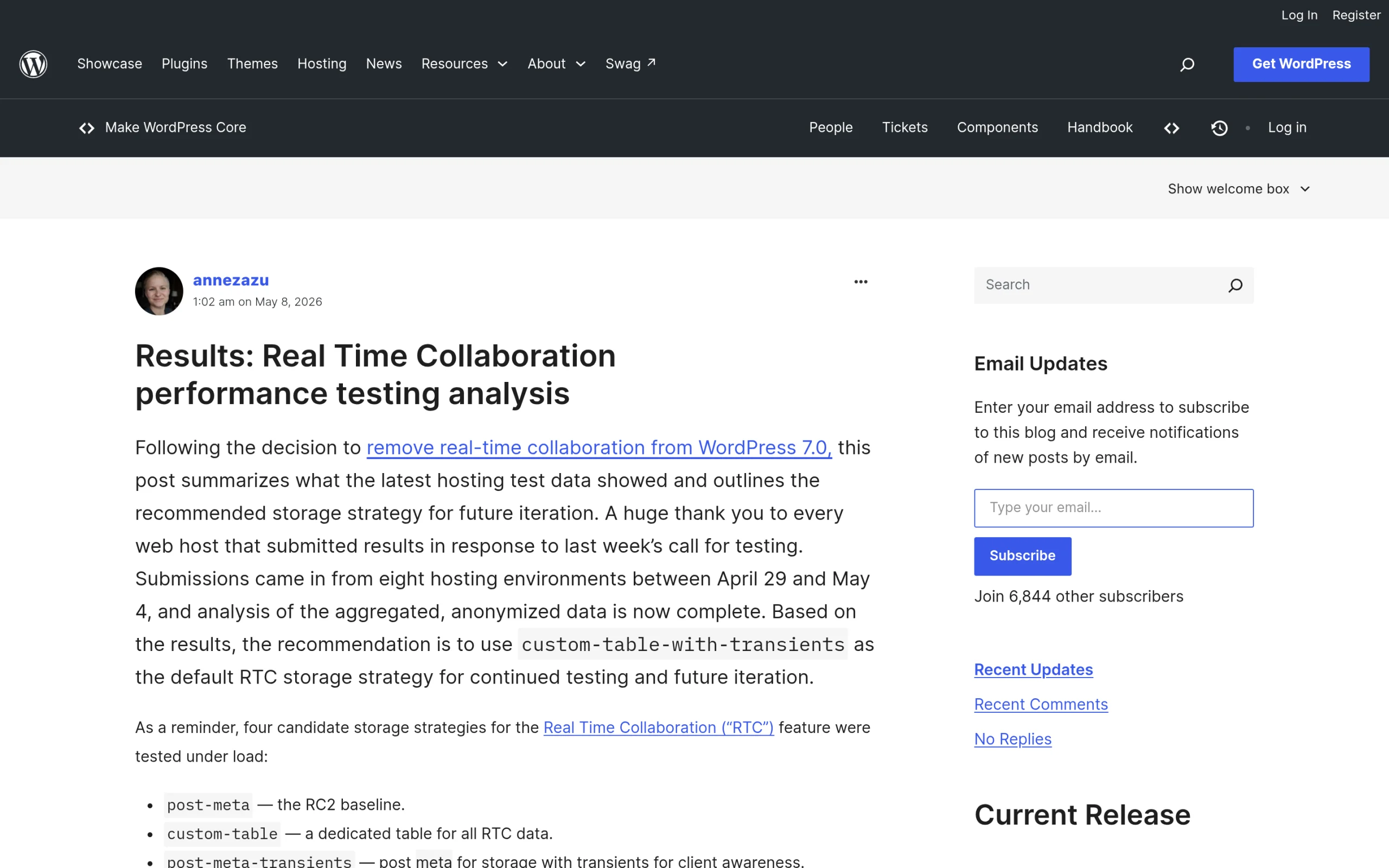
The same day, the core team published performance testing results for real-time collaboration. Hosts submitted data from eight hosting environments between April 29 and May 4, 2026, and four storage strategies were compared. The recommendation was a strategy called custom-table-with-transients, which the post reports was about 52% faster on average than the post-meta approach used in the 7.0 release candidate. The post also thanks Ionos, Bluehost, Kinsta, XServer, and WordPress.com for contributing.
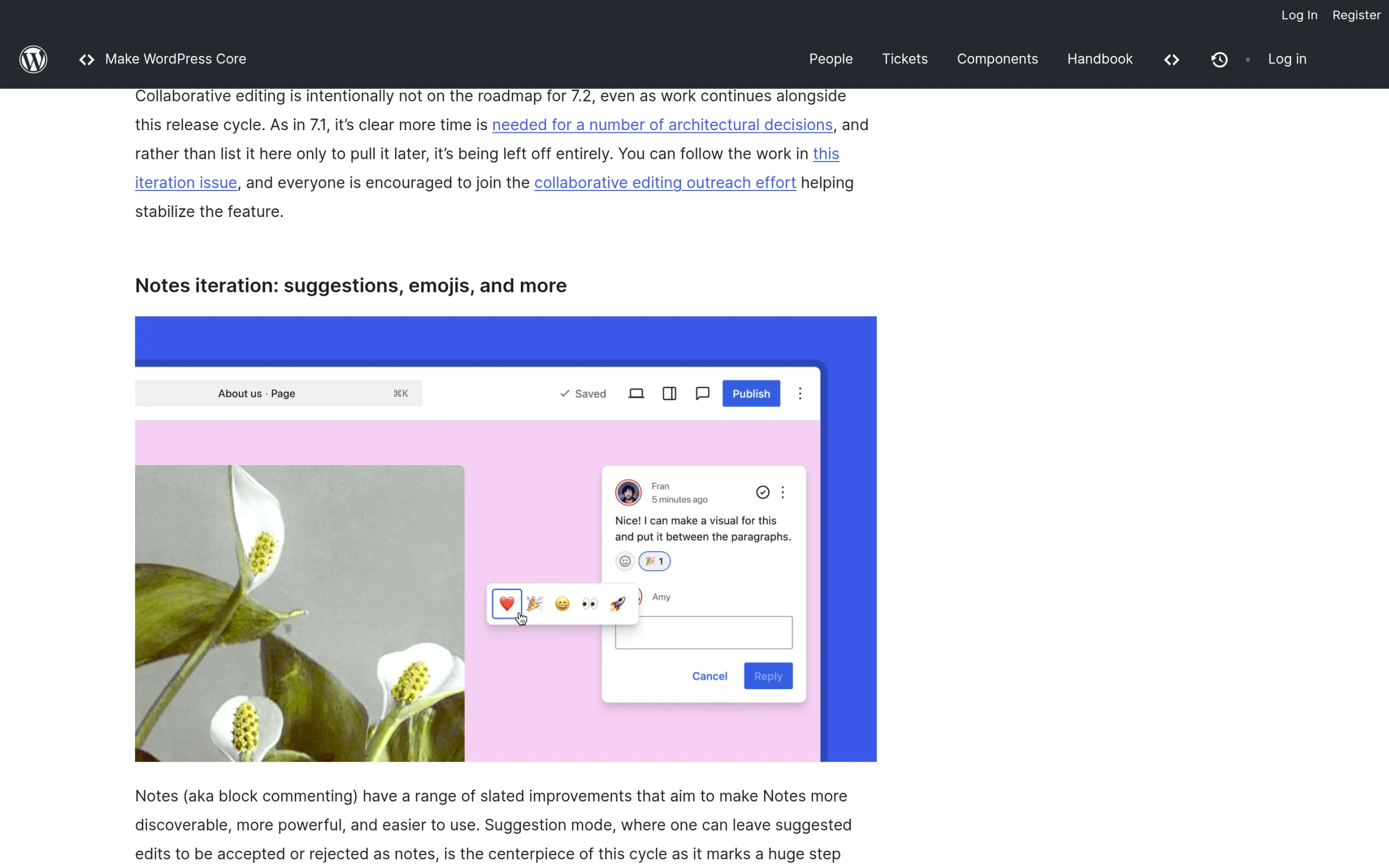
Collaboration then stayed out of the next release too. The Roadmap to 7.2 says collaborative editing is intentionally not on the 7.2 roadmap, and that more time is needed for a number of architectural decisions. That line links straight to the server-aware post, which is where those decisions are laid out.
How Real-Time Collaboration Works In Gutenberg Today
According to the server-aware proposal, the current RTC experiment in Gutenberg merges edits only in the browser. Each browser holds a copy of the post in a CRDT document, a data format designed to merge changes automatically. Peers exchange updates until every copy matches, and the changes live only in browser memory until someone clicks Save.
That design mirrors how the block editor already works. The editor does its work in the browser and hands WordPress a finished post on save. The proposal is fair about the upside: a client-side approach keeps changes to core small and makes the feature responsive. The problem is what the server cannot see.
The Three Problems With Browser-Only Collaboration
The proposal names three problems. Each one comes with an example, and I think the examples are the clearest way to understand why the direction changed.
Problem 1: The Server Cannot Say Who Wrote What
During a collaborative session, the server has no reliable way to attribute individual edits. It either trusts attribution data sent by the browser, or it assumes all the content belongs to whoever saves. The proposal calls the result content laundering, and the example is specific. An Author, who is not allowed to publish raw HTML, adds a block containing a script tag while an Administrator edits another part of the same post. The Administrator fixes a typo and saves. The post is updated under the Administrator’s capabilities, including a script the Administrator never looked at.
That is a security issue, not a cosmetic one. WordPress has always tied what you can save to who you are, and browser-only merging quietly breaks that link.
Problem 2: The Server Cannot Participate
Only browsers can join a collaborative session. Anything that writes through the server, such as the REST API or WP-CLI, cannot share its changes with the people editing, so its update is all or nothing. The proposal’s example is a scheduled script that fetches a post at 09:00 and writes back its modified copy at 09:03, unaware that two editors opened the post at 09:01. The script effectively erases their work. The editor can be told that something changed, but not what changed, so it must keep or discard the server version as a whole.
Problem 3: The Server Cannot Mediate
When peers drift apart, content can be lost. In the proposal’s example, Alice and Bob are editing together when Bob’s connection drops. Alice keeps editing, saves, and closes her tab. When Bob’s connection returns, he clicks Save before his editor catches up and erases her work. A second example describes two people editing the same paragraph on a slow connection, where the merged result is confusing to both.
What The Server-Aware Approach Changes
The fix in the proposal is to route collaboration through WordPress. Collaborators stop exchanging updates directly with each other and send them to WordPress instead. For each update, WordPress records who made the change, checks that the user is authorized to make it, merges it with everyone else’s changes, and stores the result. It then returns the changes that collaborator is missing, or raises a conflict for review when a change cannot be merged cleanly, for example because a script or another peer changed the same content. The post sums up the new direction in one line: “Collaboration should be server-aware, with WordPress Core in control.”
Mapped against the three problems, the change looks like this:
| Problem | Browser-only RTC today | Server-aware approach |
|---|---|---|
| Attribution | Server trusts the browser or credits the person who saves | WordPress records who made each change |
| Permissions | Content can be saved under another user’s capabilities | WordPress checks each update against the user’s authorization |
| REST API and WP-CLI writes | All or nothing, can overwrite live edits | Server takes part in the merge |
| Dropped connections | A stale editor can overwrite newer work | WordPress merges or raises a conflict for review |
This table is my summary of the proposal, not a spec. Nothing here has shipped, and the details depend on which sync engine is chosen.
The Three Candidate Sync Engines
Chris Zarate and fellow contributors have built three candidate server-aware sync engines, developed in the gutenberg-sync-engines repository. The proposal links it under the Automattic organization, and that address now redirects to the WordPress organization on GitHub. The README says the plugin is maintained by the WordPress Core team and describes it as a decision tool, not a solution.
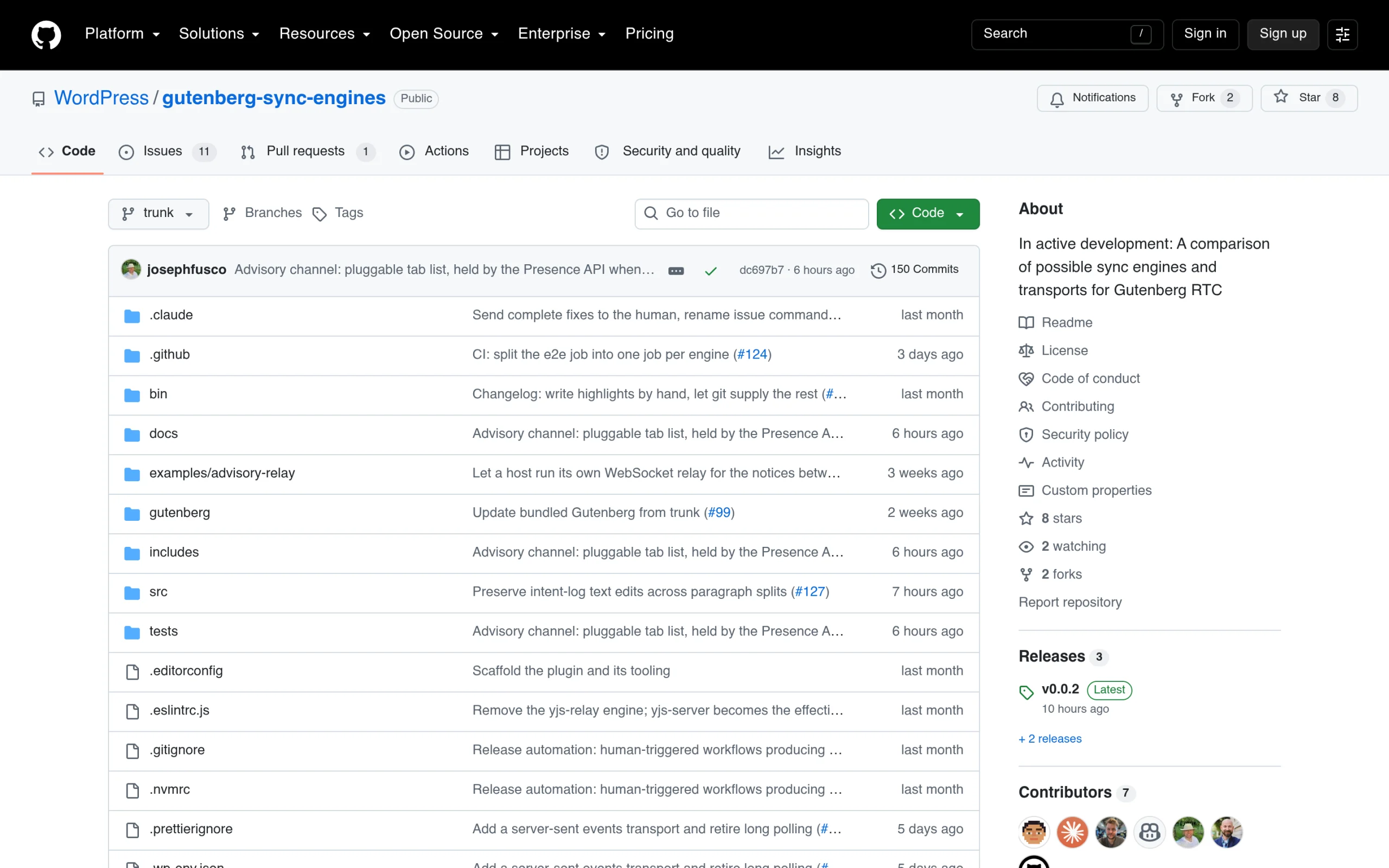
- Yjs server: a PHP implementation of Yjs. The server holds a CRDT document for each post, merges every update into it, and shares it with clients.
- Distributed Editing (DE-RTC): a three-way merge between the latest saved version, the editor’s proposed version, and the version the editor started from. Sync happens on save or autosave, not on every change.
- Intent log: an operational transform engine. The editor sends short descriptions of what changed, such as move this block, and the server keeps an ordered log that clients can replay.
The README adds that intent log and DE-RTC set genuine conflicts aside for someone to review, so work is not silently lost. It also lists the transports being tested: HTTP polling as the default that every host can run, server-sent events, and WebSockets served by a bundled PHP daemon. The active engine and transport are picked on a Settings, Collaboration screen, so they can be compared on the same site.
The goal in the proposal is to package the preferred engine as a feature plugin for wider testing. The authors are clear that the exploration is at an early stage and not ready for core inclusion today.
What This Means For Your Site
None of this changes your site today. Collaborative editing is not in WordPress 7.0, 7.1, or the 7.2 roadmap. But the proposal tells you a lot about how the feature will behave if it ships, and that is useful for planning. Here is how I read it for four kinds of site owner.
Editorial Teams
If several people touch the same posts, the server-aware model is better news than the browser-only one, because WordPress stays the referee. The proposal describes conflicts being raised for review rather than one person’s save silently winning. One reason for optimism on modest hosting, in my reading: DE-RTC only syncs on save or autosave, which is closer to how teams already work. In the meantime, the collaboration that is actually shipping is Notes. The 7.2 roadmap plans a suggestion mode for Notes, plus emoji reactions. Pair that with good WordPress revisions habits and you cover most of what editorial teams need today.
Security, Roles, And Capabilities
The content laundering example is the most important part of the proposal for anyone who runs a multi-author site. It shows that co-editing is not only a user experience feature. It touches the capability model WordPress uses to decide who may publish raw HTML, who may publish at all, and whose changes count. A server that records and authorizes every update keeps that model intact.
You can act on this now, without waiting for RTC. Review who has Editor and Administrator roles, give contributors the lowest role that lets them do their job, and harden logins for the accounts that can publish. If you want one tool for the login side, Nexter Extension is our own option: its security module lists two-factor authentication, limit login attempts, login email notifications, a custom login URL, and captcha. That is hardening for accounts, and it is not a collaboration feature, so treat it as part of basic hygiene rather than a fix for anything in this proposal. Our walkthrough of login attempt monitoring in Nexter Extension shows the setup, and our roundup of WordPress security plugins covers firewalls and scanners.
Hosting And Performance
Moving merge work to the server has a cost, and the proposal says so directly. Frequent polling becomes a less realistic path on lower-resourced hosts, so the team plans to improve collaboration when updates are exchanged less often, while offering faster transports for hosts willing to invest more. It also commits to publishing a clear calculation of what the new approach costs, building on the May testing.
The comment thread adds useful detail. Chris Zarate notes that server-sent events and long polling tie up one PHP worker per author tab, which is scarce on most hosts, and that the WebSocket option runs as a single daemon outside the PHP worker pool that the host has to manage. If your team would want co-editing, this is a reason to ask your host about PHP worker limits and, per the May testing, a persistent object cache. Our guide to WordPress hosting providers is a starting point for that conversation.
Agents, REST API, And Integrations
Problem 2 matters more every month, because more sites now write content through the REST API, WP-CLI, and AI agents. Today, an integration that saves a post while people are editing it can wipe their changes. A server-aware engine would let WordPress merge that write or flag a conflict. In the comments, Chris Zarate also lists collaboration between humans and non-human actors, including plugins, REST API requests, WP-CLI commands, and agents, as one benefit of the underlying framework.
If you are connecting agents to WordPress, the WordPress Abilities API and a WordPress MCP server are how that access is exposed today, and MCP security for WordPress covers how to scope it. Until co-editing exists, the practical rule is simple: do not let an automated job write to a post that a person might be editing at the same time.
Can Two People Edit The Same WordPress Post At Once?
Not in WordPress core today. The browser-based RTC code exists as a Gutenberg experiment, and the server-aware engines exist as an exploratory plugin, but neither is part of a WordPress release. On the managed side, WordPress VIP announced on January 7, 2026 that its customers could get early access to real-time collaboration, months before it was pulled from WordPress 7.0. That was the browser-based experiment, not the server-aware approach, so check with VIP whether it is still offered. For everyone else, the realistic workflow is still one editor per post at a time, with Notes for feedback and revisions as a safety net.
If you want to try the server-aware engines, the repository runs as a WordPress plugin with a local environment, and the README notes that the public WordPress Playground treats every browser tab as its own site, so a local Playground instance is needed to test two tabs together. I would keep it on a local or staging site. The proposal describes the plugin as an exploratory tool, and it is not built for production.
The 80% Question And The Bigger Picture
The most interesting part of the comment thread is a debate about whether co-editing belongs in core at all. One commenter argues that collaborative editing will only benefit a small minority of users, which sits awkwardly with the WordPress philosophy that core should include what 80% or more of users will appreciate and use, and suggests it should live in a plugin that needs specific hosting support. A reply from annezazu on the core team says that whether a feature this big goes into core is a decision for project leadership, based on user feedback, data from hosts, and architecture.
Chris Zarate does not argue with the point for human co-editing. Instead, he lists three things the framework could enable for every site:
- Finer-grained revision history, because changes are captured continuously instead of only at save points, which could allow selective restore. Our guide to how WordPress revisions work explains the current model.
- Stable identifiers for blocks and text ranges, which help with suggested edits and other features that need durable references into a document.
- Collaboration between humans and authorized integrations such as plugins, REST API requests, WP-CLI commands, and agents.
He is careful to say these ideas still need to be explored and accepted by the community. I think that framing is the real story. Even if only some site owners ever co-edit, a server that understands every change is the kind of foundation that AI features and agents need to be safe. We covered the other half of that picture in where WordPress 7.0 AI actually helps and in our look at AI agents on a WordPress site.
What To Do Now
- Do not install the sync engines plugin on a production site. Test it locally if you are curious, and send feedback to the repository or the #feature-realtime-collaboration channel in WordPress Slack.
- Audit user roles, and give each person the lowest role that fits their work.
- Protect publishing accounts with two-factor authentication and login limits.
- Schedule automated REST API and WP-CLI writes for times when nobody is editing, until a merge-aware engine exists.
- Ask your host about object caching and PHP worker limits if co-editing matters to your team.
- Follow the monthly Nexter updates and the WordPress 7.1 changes for what is actually shipping.
What This Doesn’t Cover
This post is based on the server-aware proposal and its comments as published on September 18, 2026 and in the days after, the two May 8, 2026 posts, the Roadmap to 7.2, and the gutenberg-sync-engines README. I have not installed or benchmarked the sync engines myself, so I make no claims about their speed or stability. The core team has not chosen an engine, has not published its performance methodology for this approach, and has not given a target release. Treat everything here as direction, not a feature list, and expect details to change as the feature plugin takes shape. I will update this post when it does.
Suggested Reading
- WordPress 7.2: Release Date, Ipsum Theme, And Every Feature On The Roadmap
- WordPress Revisions: How They Work, How to Limit Them, and What 7.1 Changes
- The WordPress Abilities API: What It Is and Why AI Tools Need It
- Where WordPress 7.0 AI Actually Helps (and Where It Wrecks Your Site)
- August 2026 Update: WordPress 7.1 Ships, Nexter’s Biggest Security Hardening Pass, and a Customizer Redesign
