












WordPress 7.1 is almost here, and the release notes read like a wish list finally getting answered. A native Tabs block. Responsive styling without custom CSS. A Notes system that feels like real teamwork. Yet the feature a lot of people were actually waiting for is the one still missing.
Say you run a small agency and you updated to 7.0 back in May, expecting live multi-author editing to arrive soon after. 7.1 is your next checkpoint. So what really landed, and what quietly slipped again? Here is the honest breakdown of what is new in WordPress 7.1, what got deferred, and whether any of it should change your upgrade plan.
WordPress 7.1 at a glance
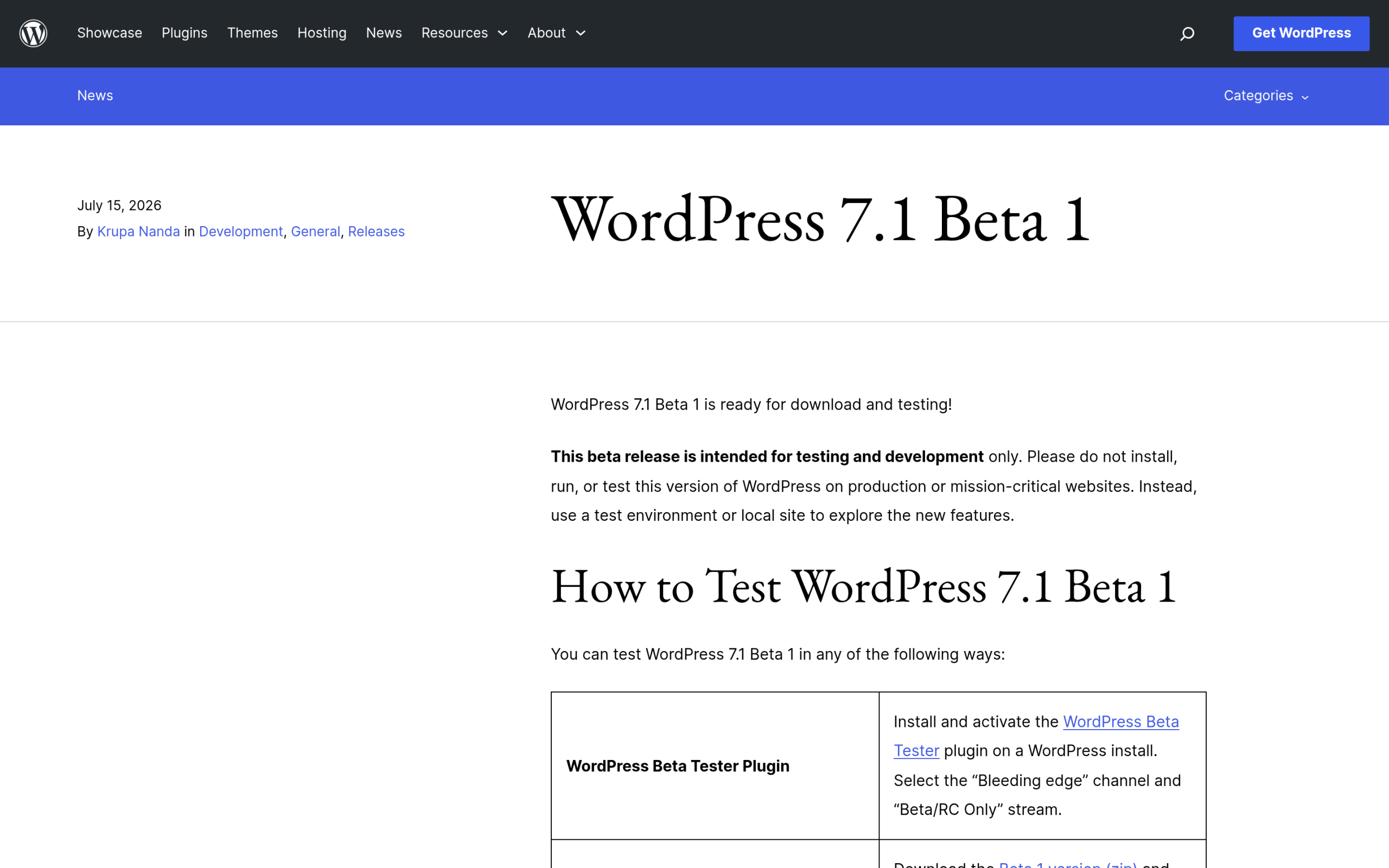
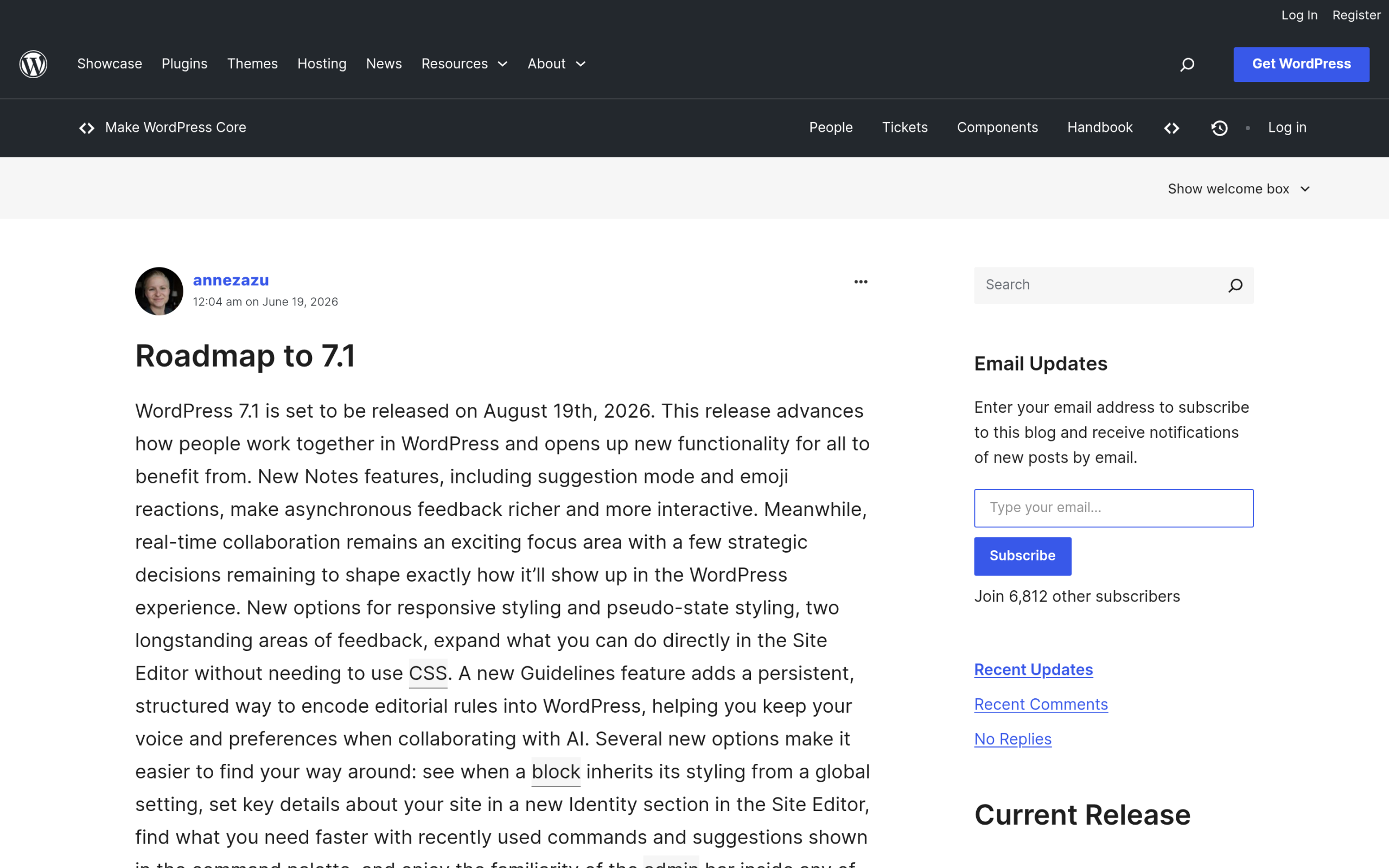
WordPress 7.1 hit Beta 1 on July 15, 2026, and the final release is scheduled for August 19, 2026, to line up with WordCamp US. It is a point release on top of WordPress 7.0 “Armstrong,” which shipped on May 20, 2026 and set the minimum PHP version at 7.4. Where 7.0 was framed as the start of an AI era, 7.1 is a quieter design and collaboration release. Most of what it adds is the kind of thing you touch every day in the editor.
One caveat before the feature tour. Everything below is confirmed in the official Beta 1 announcement and the 7.1 roadmap, but a beta can still shift before the final build. Treat the list as near-final, not carved in stone.
Also Read: WordPress 7.0: What’s Actually Changing for Block Builders for the base release this update sits on.
What’s new in WordPress 7.1
Here are the changes worth knowing, grouped by what they actually do.
A native Tabs block (plus Playlist and Table of Contents)
The most requested layout addition is finally in core. The new Tabs block lets you split content into clickable tabbed panels, with full blocks inside each panel, so you can stop stacking everything down one long page. WordPress 7.1 also adds a Playlist block for audio and video collections and a Table of Contents block that builds itself from your headings. That last one is notable, because a table of contents used to mean reaching for a plugin.
Responsive styling and interactive states
Two styling controls close a gap that has bothered block builders for years. Responsive styling adds viewport breakpoint customization, so you can define how a block looks on different screen sizes without writing custom CSS. Alongside it, interactive state styling lets you set how a block responds to interaction, like a button that changes color on hover or focus. Both are handled visually in the inspector instead of a separate stylesheet.
A richer Notes system for asynchronous collaboration
Collaboration is the theme of this release, and Notes is where it shows up. The upgraded Notes system adds text formatting, @mentions that pull up a searchable list of collaborators, and the ability to leave a note on a specific text selection rather than a whole block. The roadmap also lists suggestion mode, emoji reactions, reply and follow notifications, and an “apply suggestions” action. If you have used comments and suggestions in a shared document, this will feel familiar.
Also Read: The WordPress Site Editor: A Complete 2026 Guide if you are still finding your way around full site editing.
A media overhaul
The media experience gets a real update. WordPress 7.1 moves image processing to the browser with client-side support for HEIC, UltraHDR, AVIF, and WebP, adds a new Media Editor Modal for quick edits like cropping, and turns on infinite scrolling by default in the Media Library. The roadmap also mentions GIF-to-video conversion, which helps keep page weight down.
Admin quality-of-life
Several small changes add up. A persistent toolbar, called the Omnibar, stays with you across editors, the Command Palette gets improvements, and the Site Editor can now use your admin color scheme. The posts list gains excerpts and a visual revisions picker, plus smaller touches like editable comment threading and an On This Day widget.
Under the hood
For developers, WordPress 7.1 expands the Abilities API introduced in 7.0, upgrades the editor to React 19, adds block bindings for list items, and allows custom icon registration. There is also extended Unicode support for email addresses. None of this is flashy, but it is the groundwork the next few releases build on.
What got deferred: real-time collaboration (again)
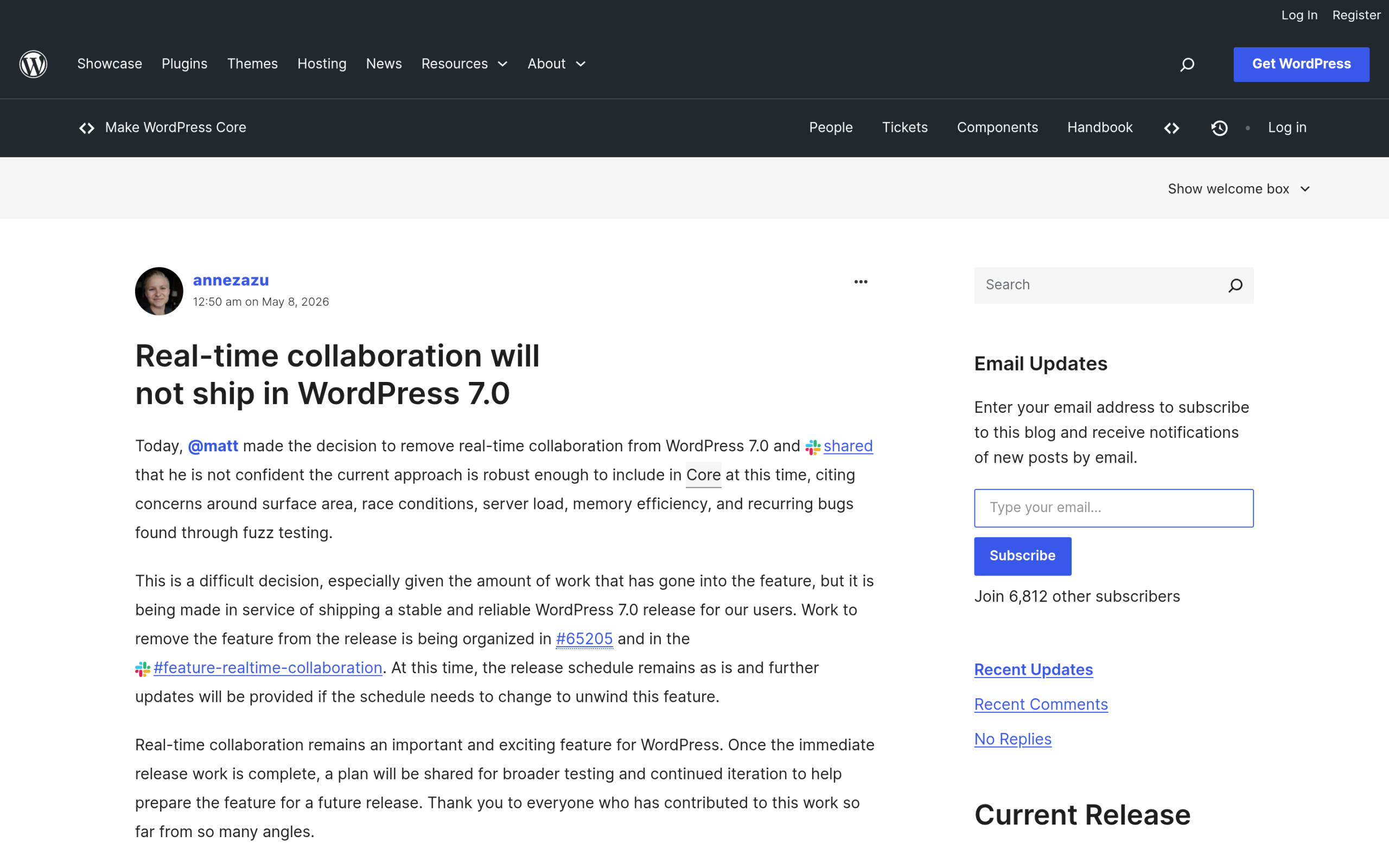
Now the part the title promised. The single biggest feature that did not make it is real-time collaboration, the live multi-author editing where you watch a teammate’s cursor move in the same document. It was pulled from WordPress 7.0 in May, with core deciding the approach was not ready for Core at that point. Many people hoped 7.1 would be its home.
It did not land. Instead of shipping live co-editing, WordPress 7.1 doubles down on asynchronous collaboration through the Notes system above. The roadmap is candid that real-time collaboration still has big, open strategy questions, including which storage mechanism to use and whether to ship the full feature or just the underlying architecture. To work through them, the project started a dedicated outreach and testing effort for the 7.1 cycle rather than forcing the feature out.
The honest takeaway: if live co-editing was your single reason to upgrade, 7.1 is not it, and there is no confirmed release date yet. What you do get is a much better version of the leave-a-note-and-reply workflow, which covers a lot of real editorial teamwork.
What WordPress 7.1 means if you build with blocks
Look at the new additions together and a pattern appears. Tabbed content, per-state styling, responsive controls: these are features block toolkits shipped years ago, now arriving in core. That is good for everyone. It also raises a fair question if you already run a block plugin. Do you still need it?
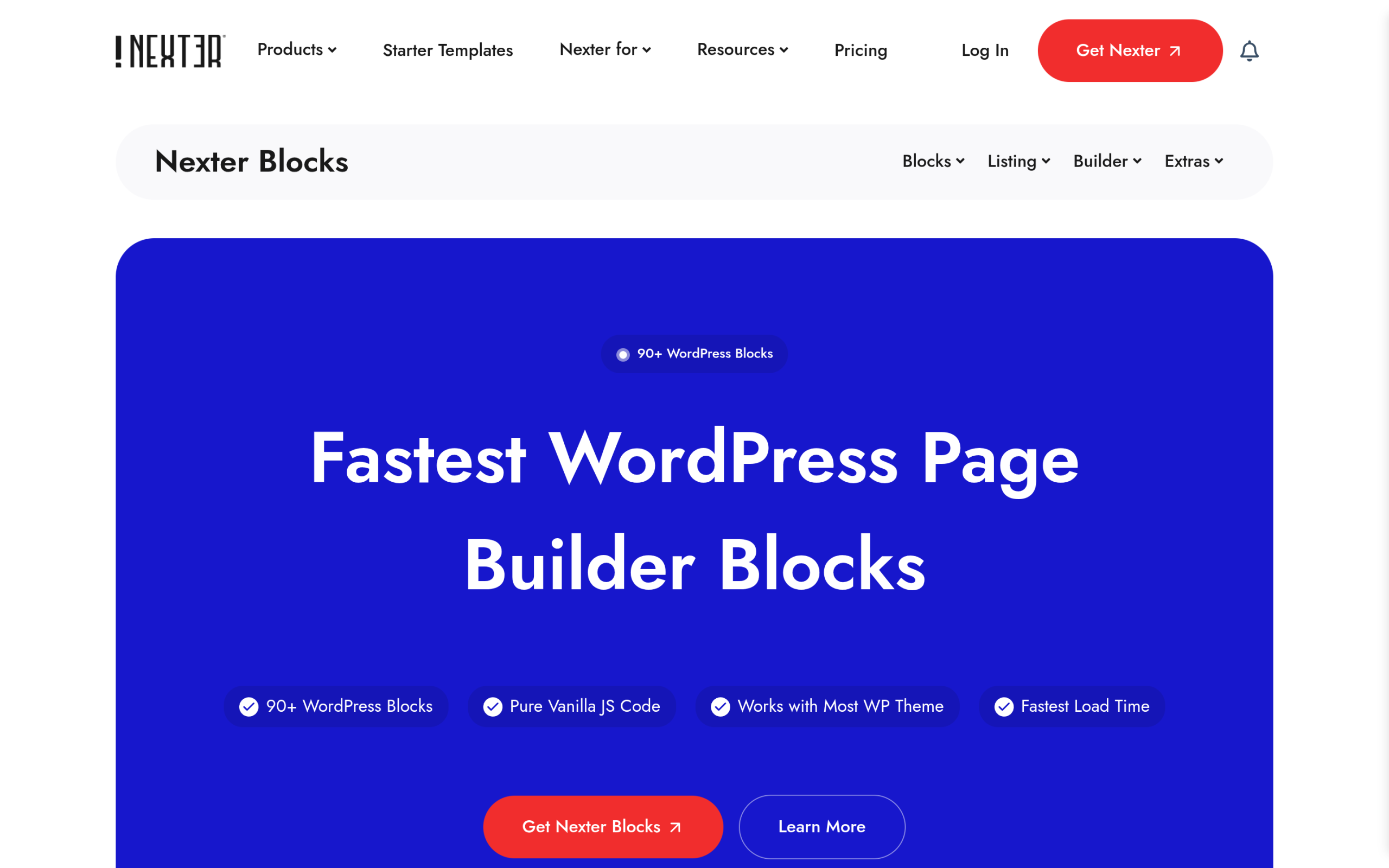
For a simple site, core may now cover what you need. But the gap is still real, and the Tabs block is a clean example. Core gives you basic tabbed panels. Nexter Blocks, the free-to-start block toolkit from POSIMYTH, ships a Tab Content block with horizontal and vertical layouts, alongside more than 120 blocks that include an Accordion Toggle with FAQ schema, a dynamic repeater, glassmorphism effects, and over 40 ready-to-import presets. Core gives you the primitive. A toolkit gives you the finished control and the speed.
The framing that has held up since 7.0 still applies. It is not core versus a plugin. It is core plus a toolkit that matches how you actually build. If you want the bigger picture, our comparison of Gutenberg and Elementor and our guide to block themes and Gutenberg both go deeper.
Should you update to WordPress 7.1?
Wait for the final build on August 19 before you touch production, then decide by site type.
- New or hobby site: update soon after release. You get the new blocks, the Omnibar, and the styling controls with little risk.
- Agency or client site: update on staging first. Test your patterns and any block-level custom CSS, confirm your block plugin and theme ship a 7.1-tested release, then schedule the live update.
- High-traffic site or store: wait for the first point release unless you have a solid staging and rollback process. Confirm PHP 7.4 or higher first.
- Waiting on live collaboration: keep waiting. Real-time collaboration is not in 7.1.
Frequently asked questions
When is WordPress 7.1 released?
WordPress 7.1 reached Beta 1 on July 15, 2026, and the final release is scheduled for August 19, 2026, timed to WordCamp US.
Is real-time collaboration in WordPress 7.1?
No. Real-time collaboration was removed from 7.0 and did not ship in 7.1 either. WordPress 7.1 delivers asynchronous collaboration through the Notes system instead, and live co-editing remains in testing with no confirmed release date.
Does the new Tabs block replace my block plugin?
For basic tabbed content, the core Tabs block may be enough. If you rely on advanced layouts, presets, dynamic content, or effects, a toolkit like Nexter Blocks still does more than core. Plenty of builders run both.
Suggested Reading
- WordPress 7.0: What’s Actually Changing for Block Builders
- The WordPress Site Editor: A Complete 2026 Guide
- How to Use the Query Loop Block in WordPress
- Gutenberg vs Elementor in 2026: An Honest Block-Builder Comparison
- Web Design Trends 2026 (and How to Build Every One in Gutenberg)
