












The first time we connected an AI client to a WordPress install with write access, the thing that stopped us was not a bug. It was a question from someone on the call: if this agent reads a page that contains instructions, does it follow them? Nobody in the room could answer confidently. We turned it off and went to read the specification.
That question sits underneath every MCP security decision. An MCP server does not just expose data. It exposes actions, to software that decides on its own which actions to take, based partly on text it reads along the way.
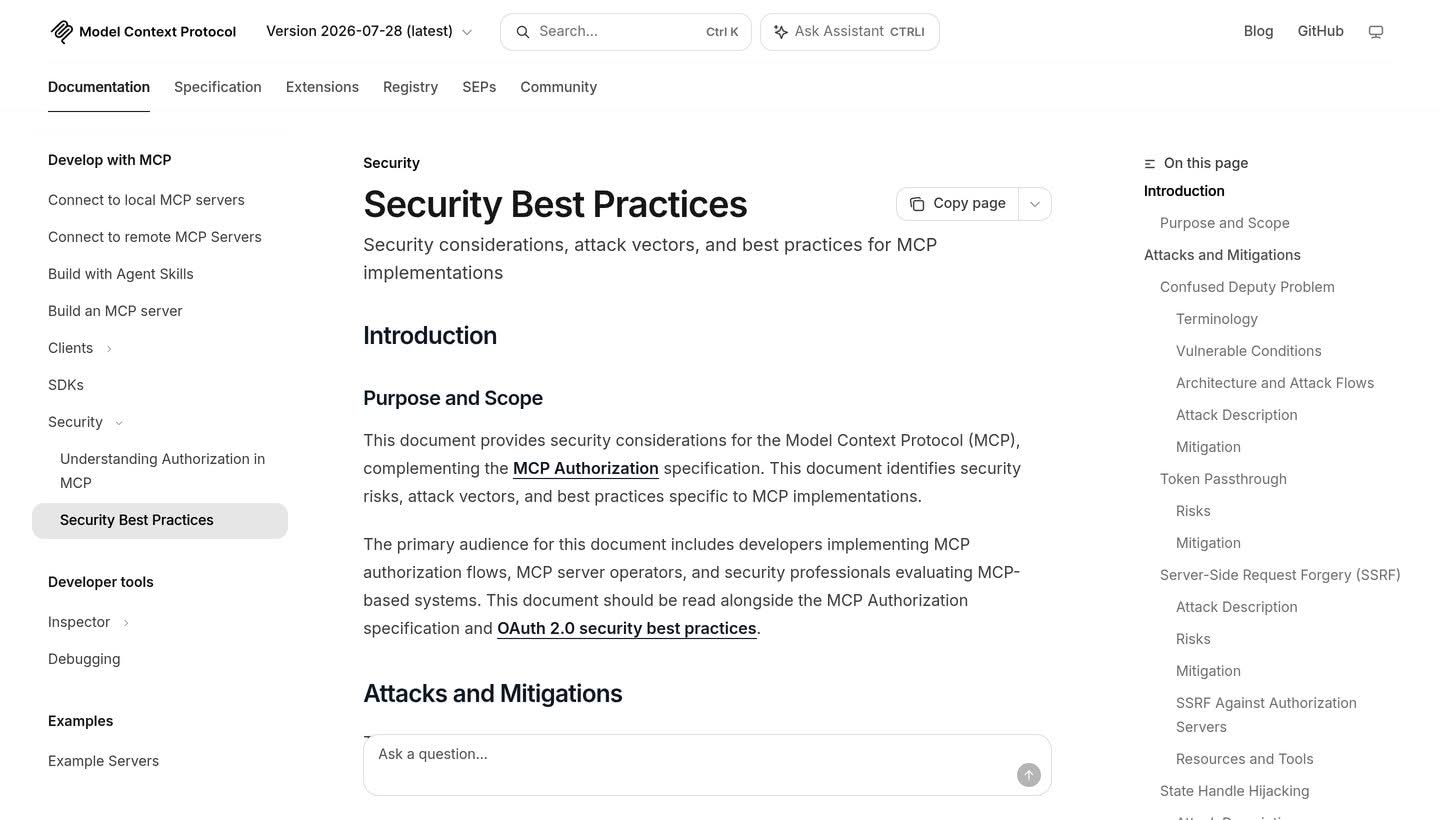
The good news is that the MCP specification publishes a detailed security document with named attack classes and requirements written in RFC language. Most of what follows is drawn from it directly, then translated into what it means for a WordPress site owner rather than a protocol implementer.
What an MCP Server on WordPress Actually Exposes
An MCP server turns registered abilities into tools an AI client can call. On WordPress, those abilities come from the Abilities API, which shipped server-side in WordPress 6.9 and exposes registered abilities through REST endpoints under the wp-abilities/v1 namespace.
The exposure is therefore not the whole site. It is exactly the set of abilities you marked available, running with exactly the capabilities of the account the agent authenticates as. Both halves of that sentence are things you control, and both are things people get wrong in the same direction: too many abilities, on too powerful an account.
Also Read: How to Set Up a WordPress MCP Server walks through the installation and scoping steps that this article assumes you have already made.
The Attack Classes the Specification Names
These are not hypotheticals invented for a blog post. Each one is documented in the MCP security best practices specification with its own mitigation requirement. The quotes below are from the current revision, dated 2026-07-28, which matters more than it sounds: this document changes, and a good deal of secondhand writing about MCP security still quotes a superseded version.
State Handle Hijacking
This is the one that was recently rewritten, and the rewrite is worth understanding because it changes the mental model. The current specification states that “MCP is stateless and has no protocol-level sessions.” Servers needing state across requests “mint an explicit handle, such as a shopping cart ID or a workflow ID,” which comes back as an ordinary tool argument.
The attack is therefore that “an unauthorized party obtains or guesses such a handle and uses it to access or modify another user’s state.” The requirements are blunt: servers implementing authorization “MUST verify all inbound requests,” and “MUST NOT treat possession of a state handle as authentication.”
Handles “SHOULD” be secure and non-deterministic, and “SHOULD” be bound server-side to the authenticated user, “for example by keying stored state as <user_id>:<handle> where the user ID is derived from the verified token rather than supplied by the client.” Earlier guidance written around server-assigned session IDs now applies only to protocol version 2025-11-25 and earlier.
Token Passthrough
The spec calls this “an anti-pattern where an MCP server accepts tokens from an MCP client without validating that the tokens were properly issued to the MCP server and passes them through to the downstream API.” It is “explicitly forbidden” in the authorization specification, and the rule is one line: servers “MUST NOT accept any tokens that were not explicitly issued for the MCP server.”
The reasons given are worth knowing, because they are the reasons your audit trail becomes useless. Passthrough circumvents rate limiting and request validation, and it breaks accountability: downstream logs “may show requests that appear to come from a different source with a different identity, rather than the MCP server that is actually forwarding the tokens.”
The Confused Deputy Problem
This one applies when an MCP server proxies to a third-party API. The spec describes attackers exploiting “the combination of static client IDs, dynamic client registration, and consent cookies” to obtain authorization codes without proper user consent. The mitigation is that proxy servers “MUST implement per-client consent,” checked before the third-party flow begins, with exact-string redirect URI matching rather than wildcards.
Local Server Compromise
If you run an MCP server locally, the binary executes on your machine with your privileges. The specification lists the resulting risks plainly, including “arbitrary code execution,” “no visibility” into what commands run, and data exfiltration, and it gives concrete examples of malicious startup commands embedded in a client configuration.
Its requirement for clients offering one-click setup is that they “MUST implement proper consent mechanisms prior to executing commands,” showing the exact command “without truncation.” For a site owner, the practical version is simpler: read the command in any configuration snippet you paste, including one from a tutorial.
Scope Creep
The spec’s own summary of poor scope design is that it “increases token compromise impact, elevates user friction, and obscures audit trails.” It names the common mistakes directly, including “using wildcard or omnibus scopes” and “bundling unrelated privileges to preempt future prompts.”
This is the failure mode most likely to appear on an ordinary WordPress site, because it is the one that happens through convenience rather than attack.
The Risk WordPress Adds That the Spec Does Not Cover
A WordPress site is a publishing platform. It holds comments, form submissions, user profiles, and post content, much of it written by people who are not you. An agent connected to that site reads some of it.
OWASP ranks prompt injection as LLM01:2025, the first entry in its Top 10 for large language model applications. It defines the indirect variant as what happens when “the model processes external sources (websites, files) containing hidden instructions that alter its responses unexpectedly.” A WordPress comment field is an external source. So is a form submission, a user profile, and a post body edited by a compromised account.
The MCP specification does not currently name prompt injection as one of its own attack classes, and it is worth being precise about that rather than implying otherwise. What the specification does establish is the condition that makes injection consequential: an MCP server hands an AI client the ability to take actions. The spec’s own framing of local server risk lists “arbitrary code execution” and “no visibility” into what runs. Injection is how an attacker reaches for capability that is already sitting there.
Also Read: Prompt Injection Examples shows what these hidden instructions actually look like and why filtering them is harder than it sounds.
A Hardening Checklist You Can Actually Run
Seven steps, ordered by how much risk they remove per minute spent.
- Create a dedicated user for the agent. Official WordPress guidance is to “use dedicated users for MCP access” and, in production, to “create a specific role/user with limited capabilities.” Never point an agent at your own administrator account.
- Prefer read-only. The same guidance says to “prefer read-only abilities for public MCP endpoints.” Add write abilities one at a time, when a specific workflow needs one.
- Write real permission callbacks. “Each ability should check the minimum capability needed,” and you should “avoid
__return_truefor destructive operations such as deleting content.” - Keep the ability allowlist short. On a custom server the named-abilities array is the boundary. On the default server, the
meta.mcp.publicflag is. Audit both quarterly. - Force HTTPS. Application passwords travel as Basic Auth (RFC 7617), which means the transport is the only thing protecting them.
- Rotate and revoke application passwords. One password per client, named so you can tell them apart, revoked the moment a client is retired.
- Log and read the logs. Official guidance is to “monitor and log usage.” An audit trail nobody reads is a record of the incident, not a defence against it.
None of this is exotic. It is the same least-privilege thinking that applies to any integration, applied to a client that acts without asking each time. If you already run two-factor authentication and a security plugin, this is the layer that sits alongside them, not a replacement for either.
What Core Does Not Protect You From
Three honest limits, because the marketing around agentic WordPress tends to skip them.
- Capabilities are not intent. WordPress checks whether an account may perform an action. It has no view on whether the action was a good idea, or who talked the agent into it.
- An approved tool call is still a tool call. Client-side approval prompts protect against surprise, not against a well-phrased instruction hidden in content the agent read.
- Third-party abilities inherit your trust. Any plugin can register abilities. Vetting a plugin now includes asking what it exposes to agents, which is a question plugin vetting checklists did not used to include.
Frequently Asked Questions
Is running an MCP server on WordPress inherently unsafe?
No. It is a normal authenticated integration whose risk is set by scope. A read-only server on a dedicated limited account is a modest addition to your attack surface. An unscoped server on an administrator account is a large one.
Do application passwords give an agent full access?
They give exactly the access of the user they belong to. That is why the dedicated-user step matters more than any other item on the checklist, and why one password per client is worth the small overhead.
Can I audit what an agent did?
Only if you set that up. Official guidance recommends monitoring and logging usage, and the specification’s warning about token passthrough exists partly because passthrough destroys the link between an action and the identity that caused it.
Should I wait until this settles down?
Waiting is a reasonable choice for a production site with no clear workflow to automate. It is not a security strategy on its own, because plugins on your site can register abilities whether or not you have thought about MCP. Knowing what is exposed is worthwhile either way.
Suggested Reading
- How to Set Up a WordPress MCP Server
- Model Context Protocol and WordPress
- The WordPress Abilities API Explained
- Best WordPress Security Plugins
- WordPress User Roles and Permissions
