












Every major WordPress release brings a wave of hot takes, and WordPress 7.0 brought the loudest one yet: WordPress has AI now. Open the release notes and you can see why people said it. The headline calls 7.0 the start of an AI era. The trouble is that what most people pictured, a built-in writer, a chatbot in the dashboard, a button that fixes your SEO, is not what actually shipped.
What landed in core is quieter and more important: an AI Client and an Abilities API. Plumbing, not a magic button. And like any plumbing, it can carry clean water or flood your basement, depending on what you connect to it.
This is the honest version. Here is what WordPress 7.0 really added for AI, the places it genuinely helps, and the places where switching it on without a plan can wreck a live site.
What WordPress 7.0 Actually Added for AI (Plumbing, Not a Chatbot)
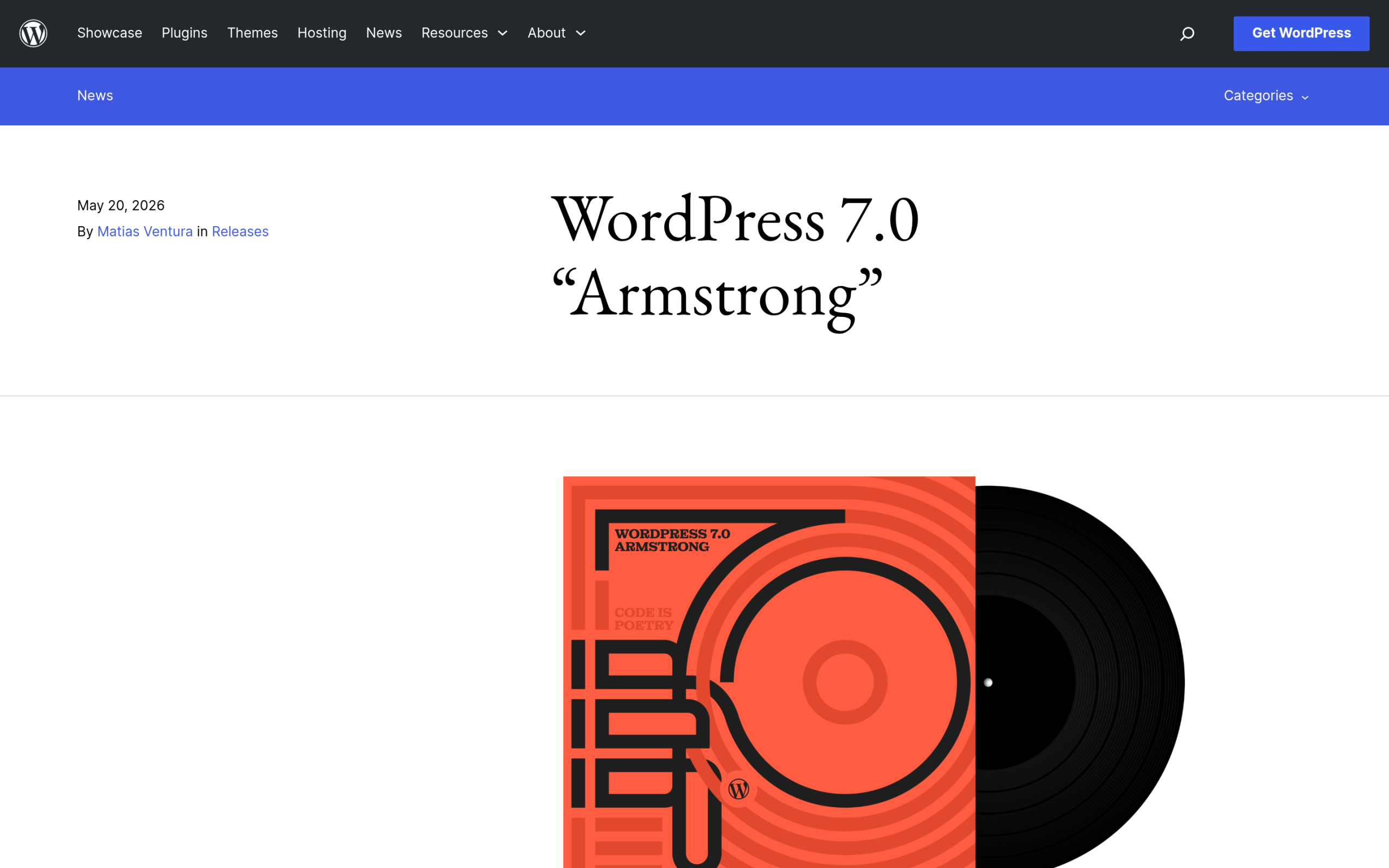
WordPress 7.0, code-named Armstrong, was released on May 20, 2026. Two pieces of it matter for AI, and neither one is a feature you click.
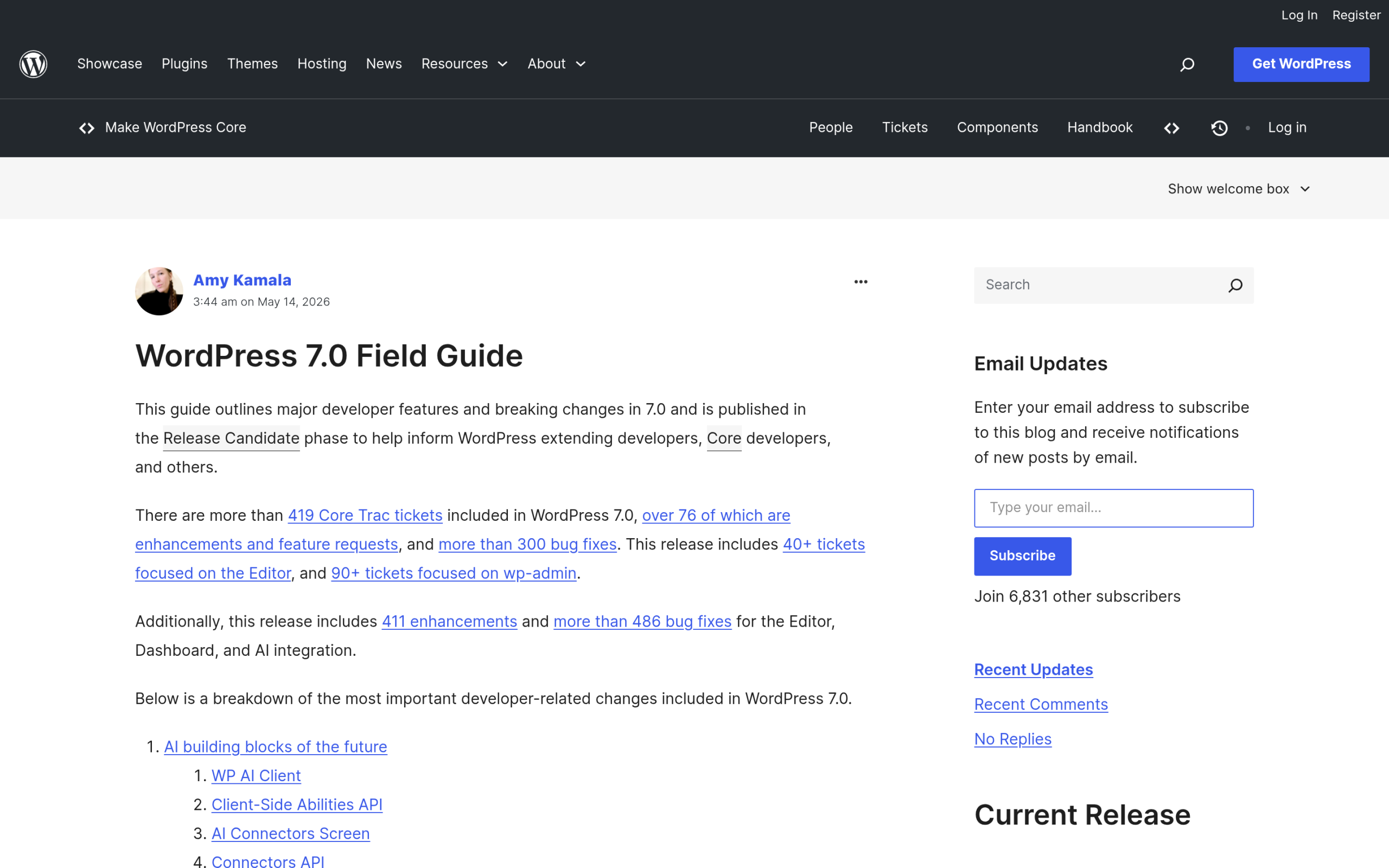
The first is the AI Client. It is a provider-agnostic PHP interface that lets plugins send prompts to AI models and get results back through one consistent path. Before 7.0, every AI plugin bolted on its own connection to OpenAI, Anthropic, Google, or whoever, each in its own way. Now there is a single shared client in core, so a plugin can talk to a model without reinventing the wiring, and you can swap the provider behind it.
The second is the Client-Side Abilities API, a JavaScript counterpart to the Abilities API with a built-in UI and a command palette. Abilities are defined actions the editor can run, like navigating somewhere or inserting a block, and 7.0 lets them chain one after another. External connections live in a central Connectors screen, so you can see what your site is wired to.
Here is the part the hype skipped: core ships the plumbing, not the faucets. The AI Client does not write your posts, generate your images, or answer your visitors. Those end-user features still come from a separate AI plugin you choose to install. Core just made it far easier for those plugins to exist and behave consistently.
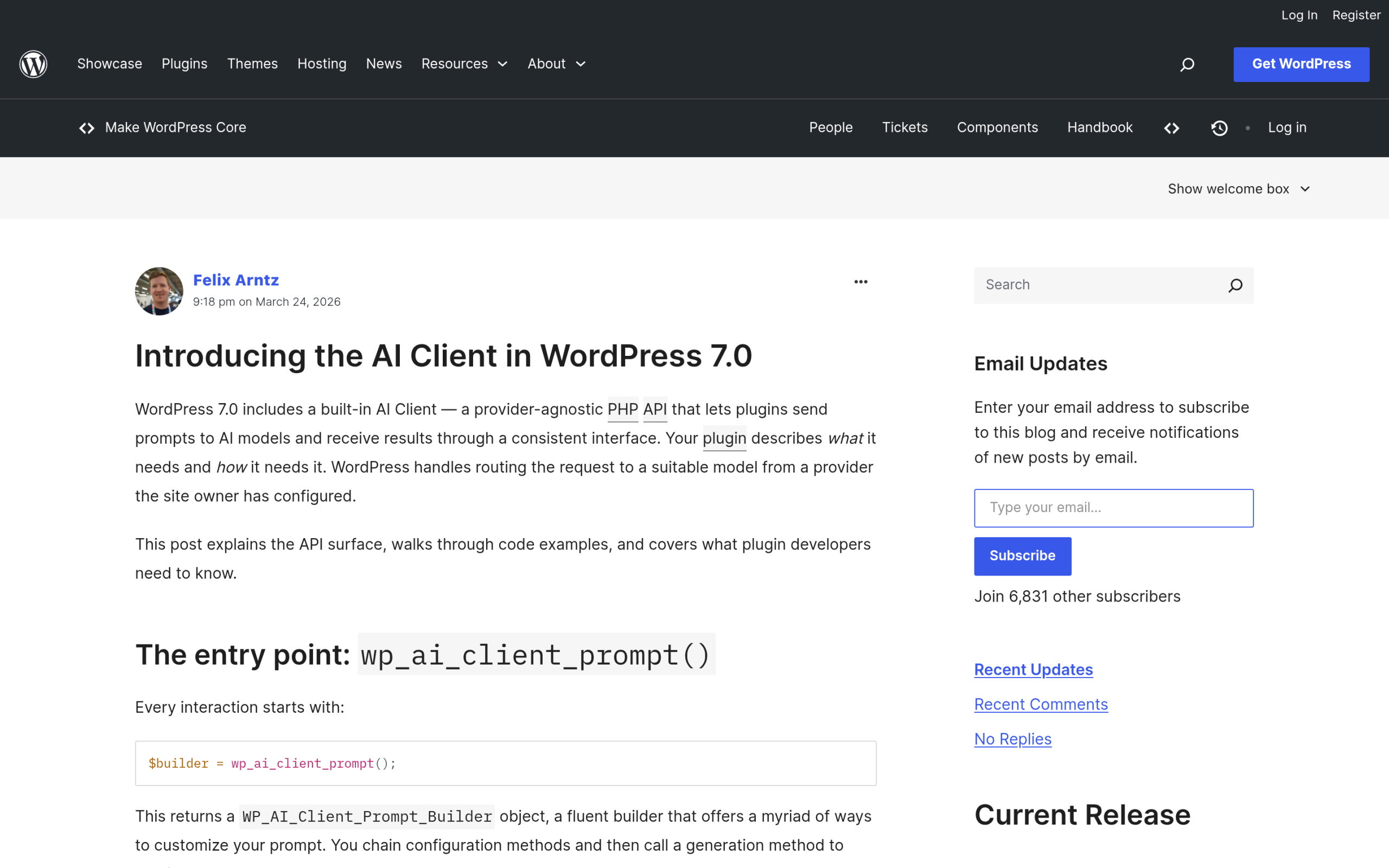
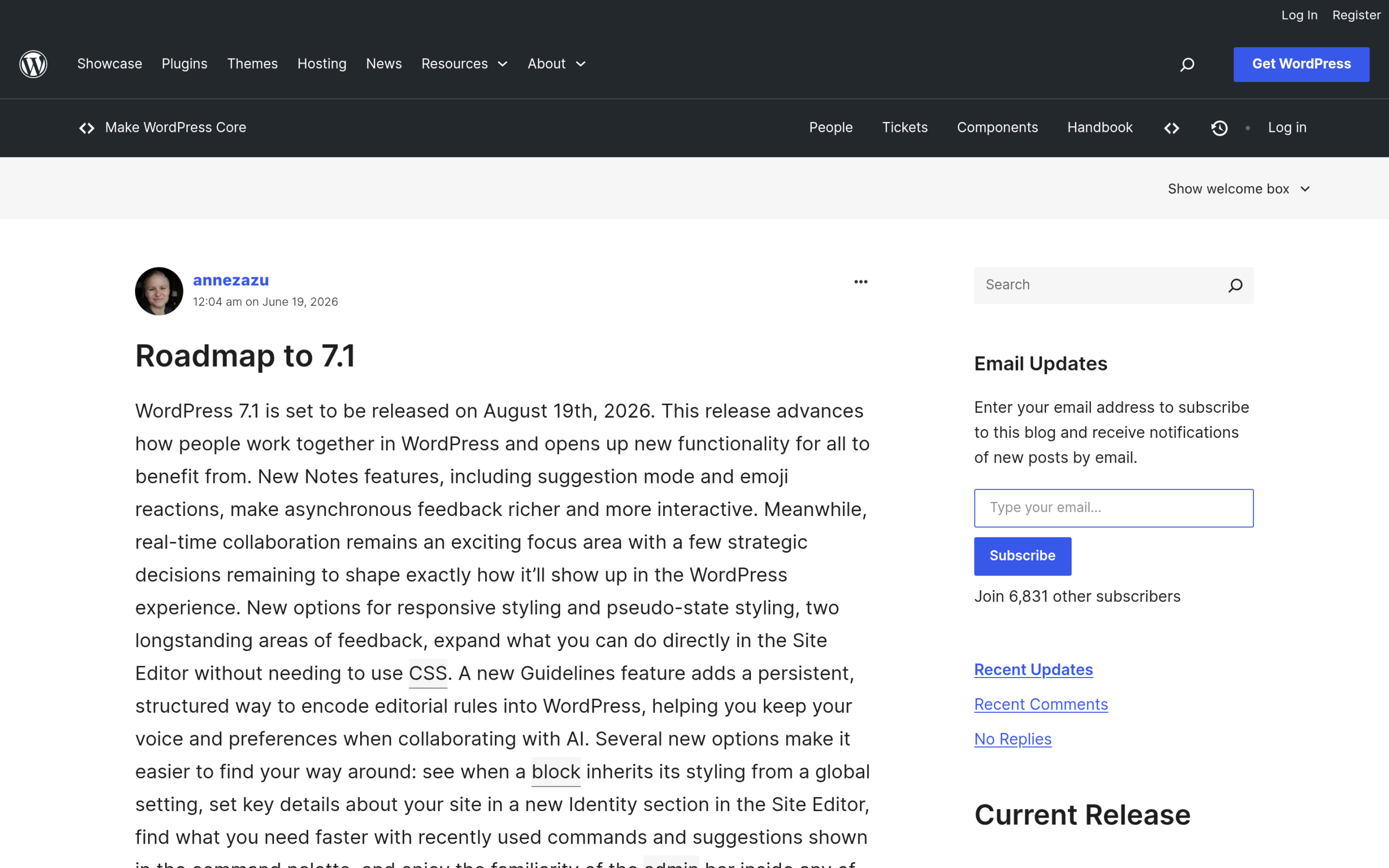
WordPress 7.1 followed as a much quieter release. It expands the Abilities API introduced in 7.0 but adds no new end-user AI features, and real-time collaboration, which was pulled from 7.0 back in May, was deferred again. If you are running the current 7.0.2 patch, the AI picture on your site is exactly what is described above.
WordPress 7.0 also shipped real, non-AI wins for anyone who builds with blocks, including per-device visibility controls, block-level custom CSS, new core blocks, and content-only pattern editing.
Also Read: WordPress 7.0: What’s Actually Changing for Block Builders for the full list of editor changes beyond AI.
Where WordPress 7.0 AI Actually Helps
Once you stop expecting a magic writer, the value of what shipped becomes clearer. The plumbing solves problems that used to make AI in WordPress messy.
Standardized AI and Agent Access
The Abilities API gives AI tools a structured, permissioned way to do things on your site instead of guessing at your screen. An MCP-compatible assistant can call a defined ability, insert a block, move to a page, run a task, rather than scraping the admin and hoping. That is the difference between an assistant that suggests and one that can safely act inside clear boundaries. POSIMYTH’s own Nexter Abilities are built on exactly this idea: connect an MCP-compatible AI such as Claude, Cursor, VS Code, Windsurf, or Cline, then build pages by prompt through defined actions rather than raw access.
A Cleaner Path for AI Plugins
Because the AI Client is provider-agnostic, plugin developers write to one interface and let you pick the model behind it. If a provider raises prices or a better model appears, you can switch without waiting for a plugin rewrite. Over time that should mean fewer half-finished AI integrations and more plugins that focus on the actual feature instead of the connection code.
Faster Small Edits in the Editor
Even setting AI aside, the command palette and client-side abilities make routine edits quicker. You can jump to a setting, insert a block, or trigger an action from the keyboard instead of hunting through panels. It is a small thing that adds up across a day of editing.
Also Read: What Is MCP in AI? a plain-English guide to the protocol these new abilities speak.
Where WordPress 7.0 AI Can Wreck Your Site
The same plumbing that helps is also the fastest new way to break a live site. None of these are reasons to avoid AI. They are reasons to switch it on with your eyes open.
Giving Agents Write Access Without Guardrails
Abilities can run one after another, so an agent with broad permissions can insert, edit, or remove content across many pages in seconds. That is powerful when it is scoped and reviewed. It is a disaster when a vague prompt tells an over-permissioned agent to tidy up the blog and it rewrites or deletes the wrong things. Hand an agent only the narrow abilities it needs, and never point one at a live site you have not backed up.
AI Plugins That Burn Your API Budget and Leak Data
The AI Client is provider-agnostic, but you still bring your own API key and pay for every call. A plugin that loops or retries aggressively can run up a real bill without warning. There is a privacy cost too: prompts can carry your post content, customer details, or form data to a third-party model. Before you connect anything, read what each plugin sends, where it sends it, and whether that data is used for training.
Auto-Generated Content That Sinks Quality and Trust
The easiest way to misuse the new plumbing is to bulk-generate posts and publish them unread. Search engines and AI answer engines both reward genuine experience and expertise, and they are increasingly good at spotting filler. Unreviewed AI output can drag down rankings, erode reader trust, and create factual errors you are legally on the hook for. Treat AI as a drafting assistant, not a publish button, and keep a human editing every piece.
A Bigger Security Surface
Every new connector and ability is another door into your site. A misconfigured permission, an over-scoped connection, or a vulnerable AI plugin all widen your attack surface. The fix is the same discipline that protects any WordPress site: keep core and plugins updated, limit who can install plugins or connect models, and harden your logins.
Also Read: Best WordPress Security Plugins Compared for the firewall, scanning, and hardening layers to pair with any AI setup.
How to Turn On WordPress 7 AI Safely
You do not need to fear any of this. You need a short routine before you connect a model or install an AI plugin on a site that matters.
- Test on staging first. Try any AI plugin or agent on a copy of your site, not production. See what it touches before it touches the real thing.
- Back up before you connect anything. A current backup turns a bad AI edit from a crisis into a five-minute restore.
- Scope permissions tightly. Grant an agent only the abilities it needs for the task, and review the Connectors screen so you know what is wired in.
- Keep a human in the loop. Review AI edits and drafts before they publish. No unattended bulk publishing.
- Watch API usage and set limits. Cap spend on your provider dashboard so a runaway plugin cannot surprise you.
- Harden the basics. Keep updates on, use two-factor authentication and strong logins, and limit login attempts so a wider surface does not become an easy target.
- Vet every AI plugin. Check what data it sends, its review history, and how often it is updated before it earns a connection to your site.
On the hardening side, the Nexter Extension covers several of these steps in one place: two-factor authentication, a custom login URL, reCAPTCHA, login notifications, and content protection. It is one honest option for the guardrail layer, not the whole answer, and it happens to sit in the same toolkit as Nexter Abilities if you want the MCP side too.
Also Read: How to Set Up a WordPress Staging Site so you can test AI changes without risking production.
Should You Enable WordPress 7 AI Yet?
The right answer depends on what your site does.
Hobby and personal sites: go ahead and experiment, ideally on staging. The stakes are low and it is the best way to learn what abilities and AI plugins actually do.
Business, agency, and ecommerce sites: enable it deliberately. Scope permissions, keep backups, review every AI edit, and do not hand an agent open access to a live store or client site. The upside is real, but so is the cost of a bad automated change.
Developers and builders: this release is for you. The Abilities API and AI Client are where the genuine value sits, and building scoped, well-defined abilities is far safer than letting a general agent roam.
The bottom line: WordPress 7.0 did not put AI in charge of your site. It gave you the wiring. Whether that wiring helps or wrecks comes down entirely to the guardrails you put around it.
Frequently Asked Questions
Does WordPress 7.0 come with a built-in AI writer?
No. Core ships the AI Client, a developer interface for talking to AI models, plus the Abilities API. It does not include an end-user writer or chatbot. Those features come from a separate plugin you install.
What is the WordPress Abilities API?
It is a standard way for plugins and AI agents to run defined actions on your site, such as inserting a block or navigating the editor. WordPress 7.0 added a JavaScript client, a UI, and a command palette so those abilities can chain together.
Is WordPress 7.0 AI safe to use?
The plumbing itself is safe. The risk lives in what you connect and the permissions you grant. Use a staging site, take backups, scope agent permissions tightly, and review AI edits before they go live.
Did WordPress 7.1 add more AI features?
No new end-user AI features. WordPress 7.1 expanded the Abilities API from 7.0 and deferred real-time collaboration again. It is a design and collaboration release rather than an AI one.
Suggested Reading
- WordPress 7.0: What’s Actually Changing for Block Builders
- WordPress 7.1: What’s New and What Got Deferred
- AI Website Builders vs WordPress: Can AI Really Build Your Site?
- WebMCP for WordPress: Letting AI Agents Use Your Site, Not Just Read It
- AI Content Generators for WordPress: What They Actually Do
