












A quote convinces slowly. Five stars convince at a glance.
Rating adds a row of stars to every testimonial card — a block-wide switch, plus a rating on each row.
For every Dynamic Device setting in one place, see the Testimonials block guide.
Before You Start
- Edition: Pro — star ratings need Nexter Blocks Pro. Measured: with Pro switched off the same setting renders no stars at all.
- Block to enable: Testimonials, switched on under Nexter > Blocks in your WordPress dashboard.
- Each testimonial is a row. Add one row per person: a name, a role, the quote, and an optional photo.
Steps
- Add the Testimonials block and add a row for each testimonial — a name, a role, the quote, and a photo.
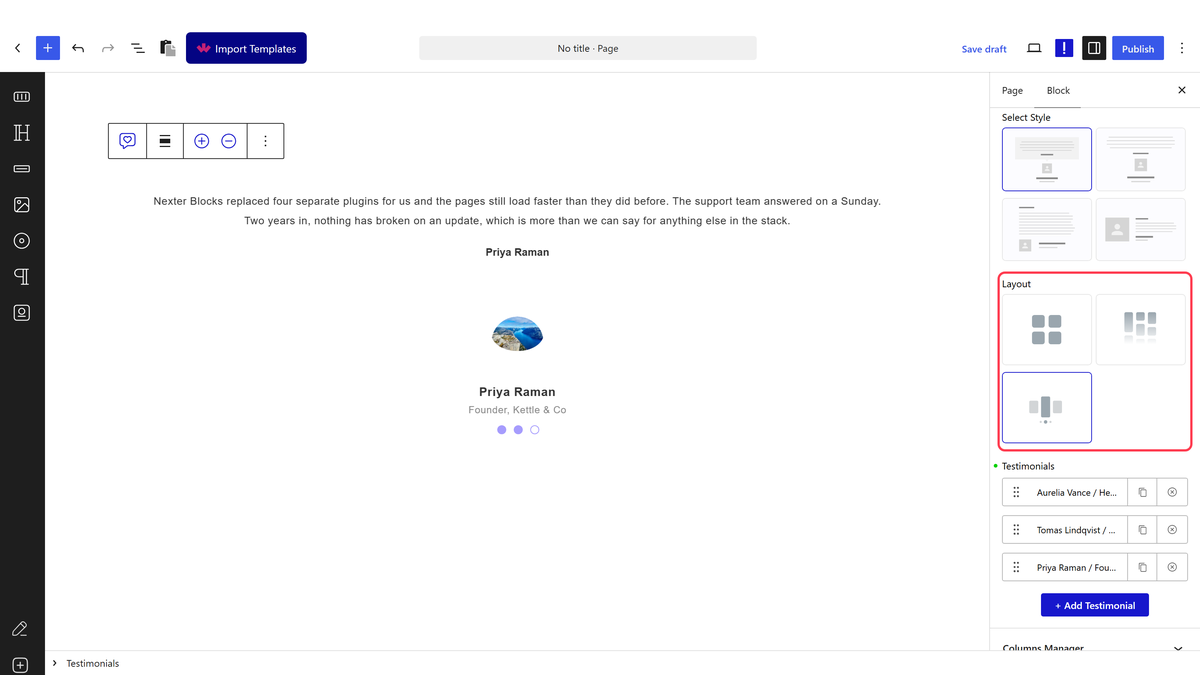
- Choose a Layout: Grid, Masonry or Carousel.
- Switch on Rating.
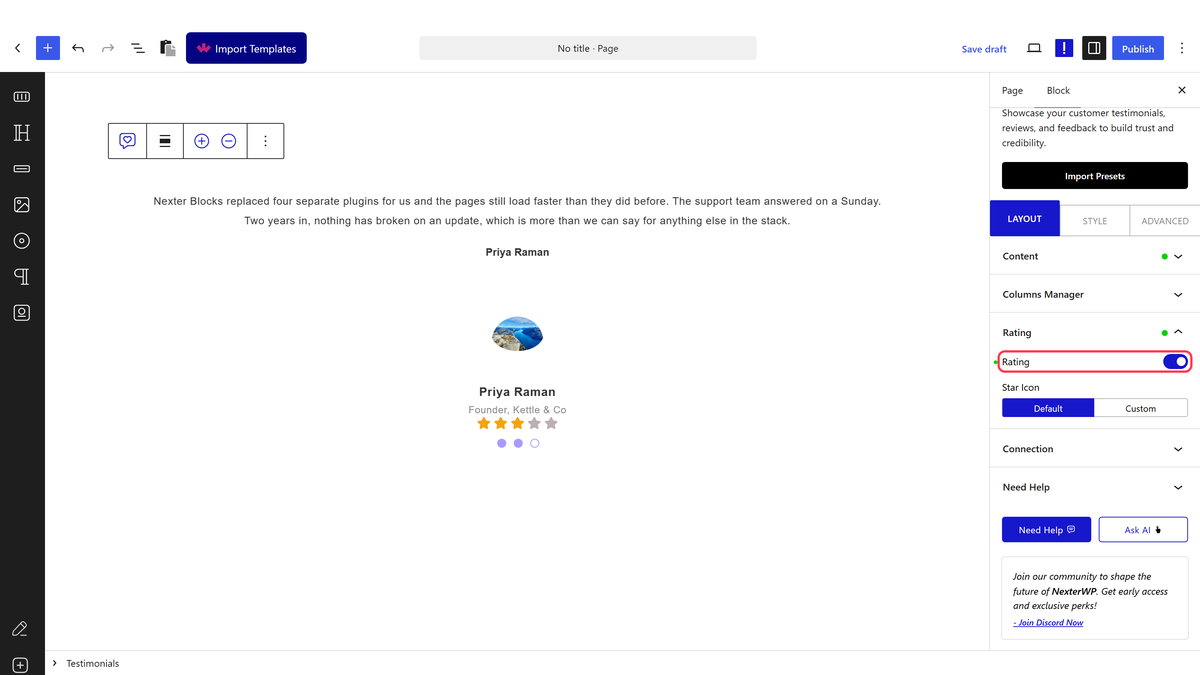
- Open each testimonial row and set its own Star Rating.
- Optionally set a Star Icon and Star Size for the block.
Edition: Pro — star ratings need Nexter Blocks Pro. Measured: with Pro switched off the same setting renders no stars at all.
How It Behaves
- Measured directly, not just documented as Pro. The same block, the same three testimonials, each with a Star Rating set, and Rating switched on: with Pro active it rendered 15 star elements across the three cards with the right number checked; with Pro deactivated it rendered zero — no stars, no wrapper, nothing.
- The rating is per row. Turning Rating on shows every card’s own star count, so reviews with different scores render correctly side by side.
- The icon is a real font icon by default (a filled star), and can be swapped for a custom one through Star Icon.
- Rating renders on every layout — Grid, Masonry and Carousel all show it when switched on.
Limitations
- Pro only, with no fallback. On Free, the Rating setting is present in the editor but does nothing on the front end — measured.
- There is no half-star support — a rating is a whole number of stars.
- The stars are decorative markup, not review schema — they do not add star-rating rich results on their own.
Troubleshooting
I switched Rating on and nothing changed
Nexter Blocks Pro is required. On Free the setting has no effect at all — measured.
Some cards show stars and others do not
Star Rating is set per row. Open each testimonial and check its own rating value.
The stars are the wrong icon
Set Star Icon to Custom and choose your own icon for the whole block.
