












A wall of reviews looks busier, and busier reads as popular.
Masonry packs testimonial cards together at their natural height instead of lining them up, and it is the only layout besides Carousel that can trim a long quote.
For every Dynamic Device setting in one place, see the Testimonials block guide.
Before You Start
- Edition: Free — the Testimonials block, its three layouts and its content limit are all part of Nexter Blocks (free) and Nexter Blocks Pro.
- Block to enable: Testimonials, switched on under Nexter > Blocks in your WordPress dashboard.
- Each testimonial is a row. Add one row per person: a name, a role, the quote, and an optional photo.
Steps
- Add the Testimonials block and add a row for each testimonial — a name, a role, the quote, and a photo.
- Choose a Layout: Grid, Masonry or Carousel.
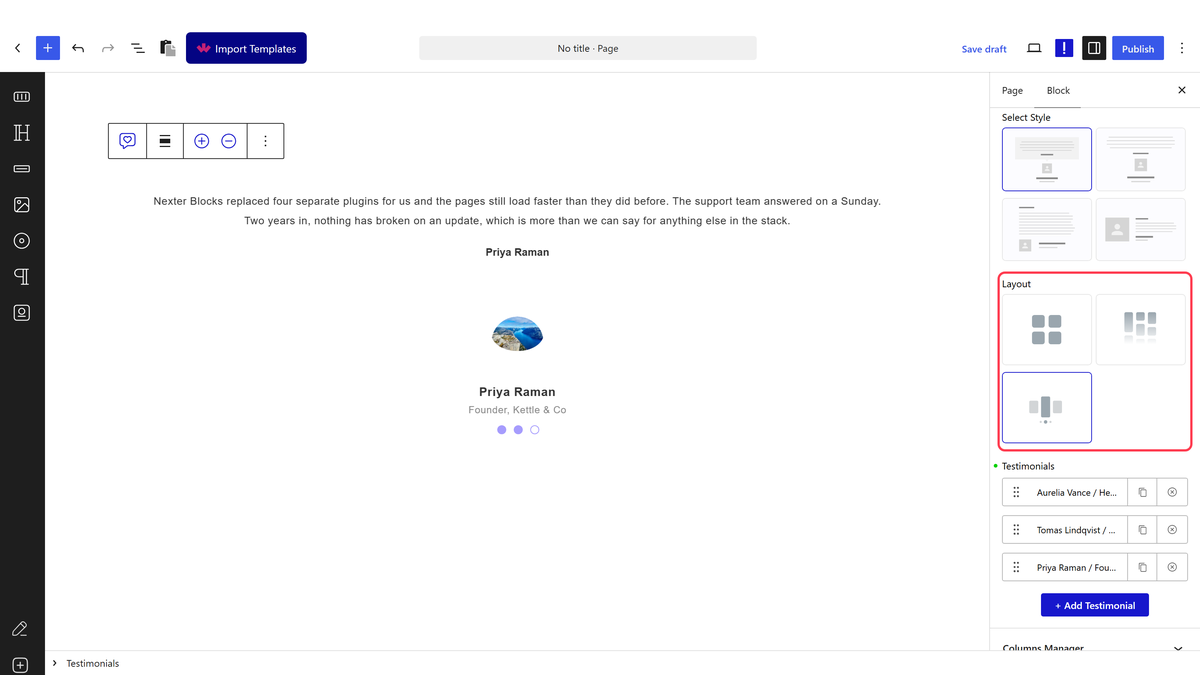
- Set Layout to Masonry.
- Set Columns for the wall’s width.
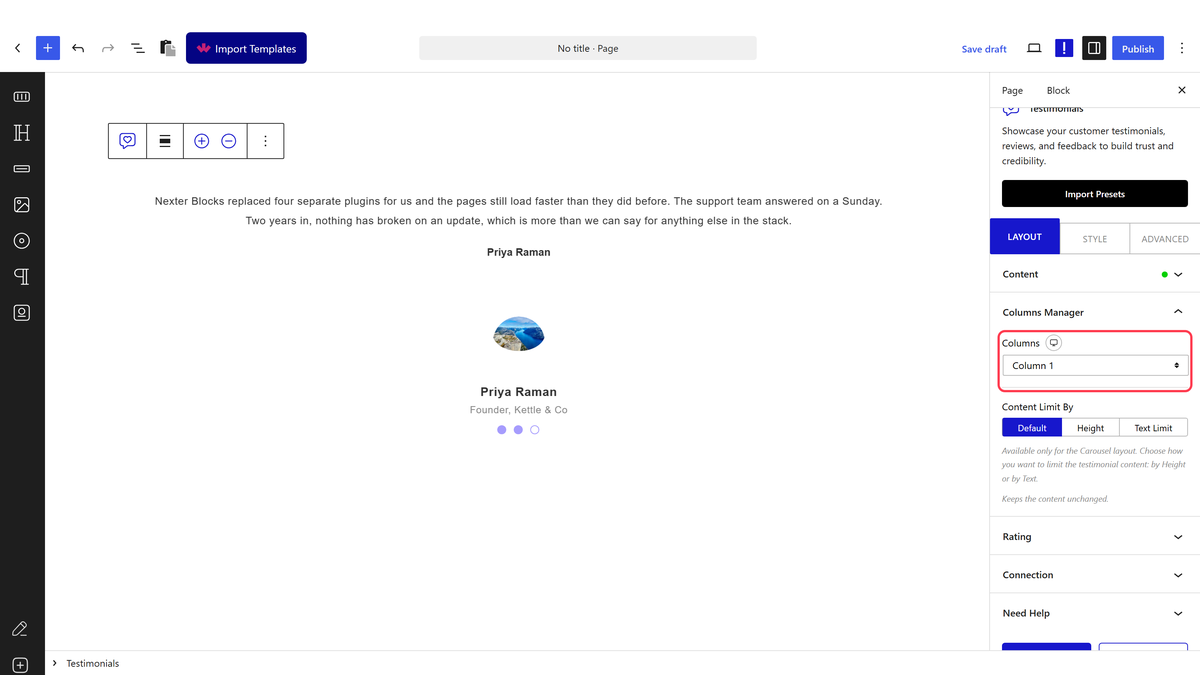
- Set Excerpt Limit to By Words or By Letters if quotes run long.
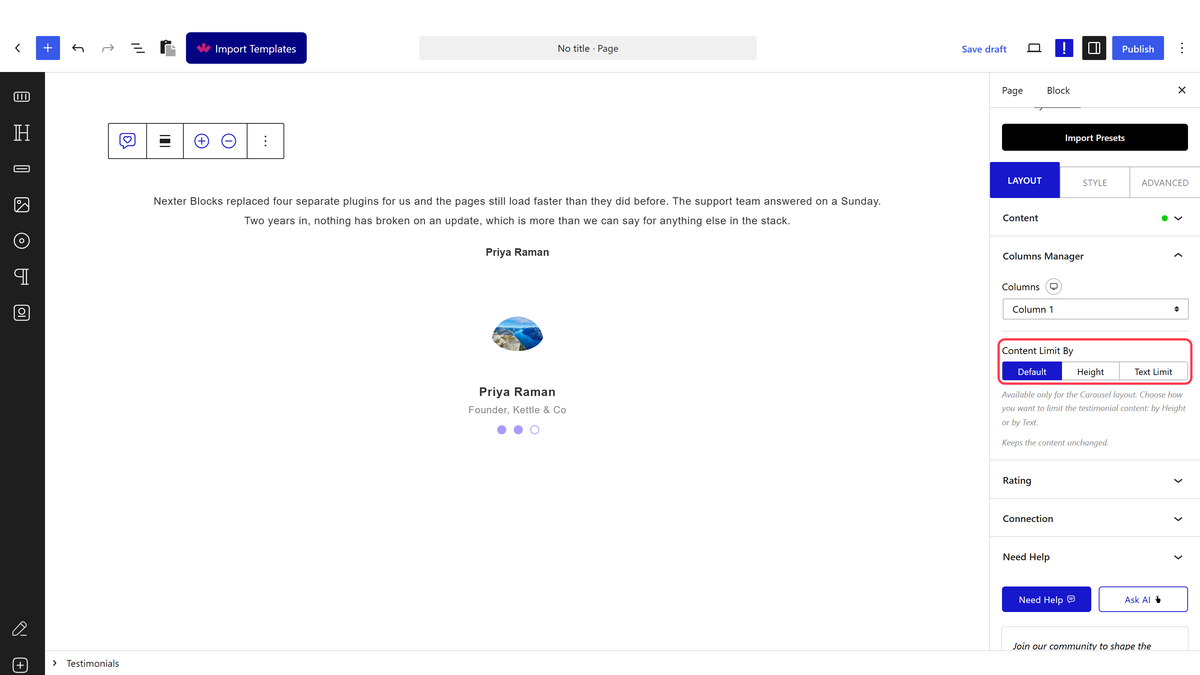
Excerpt Limit only appears on Masonry, or on Carousel with Text Limit switched on. Grid never shows this control — measured.
How It Behaves
- By Words cuts after the word count you set; By Letters cuts after that many characters. Both add a Read More link that reveals the rest in place.
- Read More really works. Measured by clicking it: the hidden remainder becomes visible, the button relabels itself Read Less, and the wall repacks around the taller card.
- The button’s own words come from Read More Text and Read Less Text, so they can be changed or translated.
- Set it once and it can outlive a layout switch. If you set Excerpt Limit here and later move the block to Grid, the full quote returns on Grid regardless — it never had a limit control to lose.
Limitations
- Excerpt Limit is not available on Grid.
- A limit cuts mid-sentence if the word or letter count lands there — there is no smart truncation.
- Columns behaves the same as on Grid: a share of a 12-column row, not a literal card count.
Troubleshooting
I cannot find Excerpt Limit
Confirm Layout is set to Masonry. Grid does not offer this control at all.
Read More does nothing when I click it
Check Excerpt Limit is set to something other than Default — with Default the whole quote already shows and there is nothing to reveal.
The cut-off point looks awkward
Lower or raise the word/letter count until it lands somewhere natural, or write shorter quotes for the cards that get trimmed.
