












Every 404 is a visitor or a search bot hitting a dead end. The 404 Monitor logs real 404 hits on your site so you can spot broken or renamed URLs and turn them into redirects before they cost you traffic.
Nexter → SEO → Redirects → 404 Monitor.
How To Track 404 Errors In Nexter SEO?
- Open Redirects in the left-hand nav and click 404 Monitor.
- Turn on Monitor 404s to start logging.
- Let it run. Real visitor and crawler 404s appear in the 404 Log automatically.
- For any repeat 404, create a redirect to the correct URL in the Redirection Manager.
- Use Clear All to reset the log once you have handled the entries.
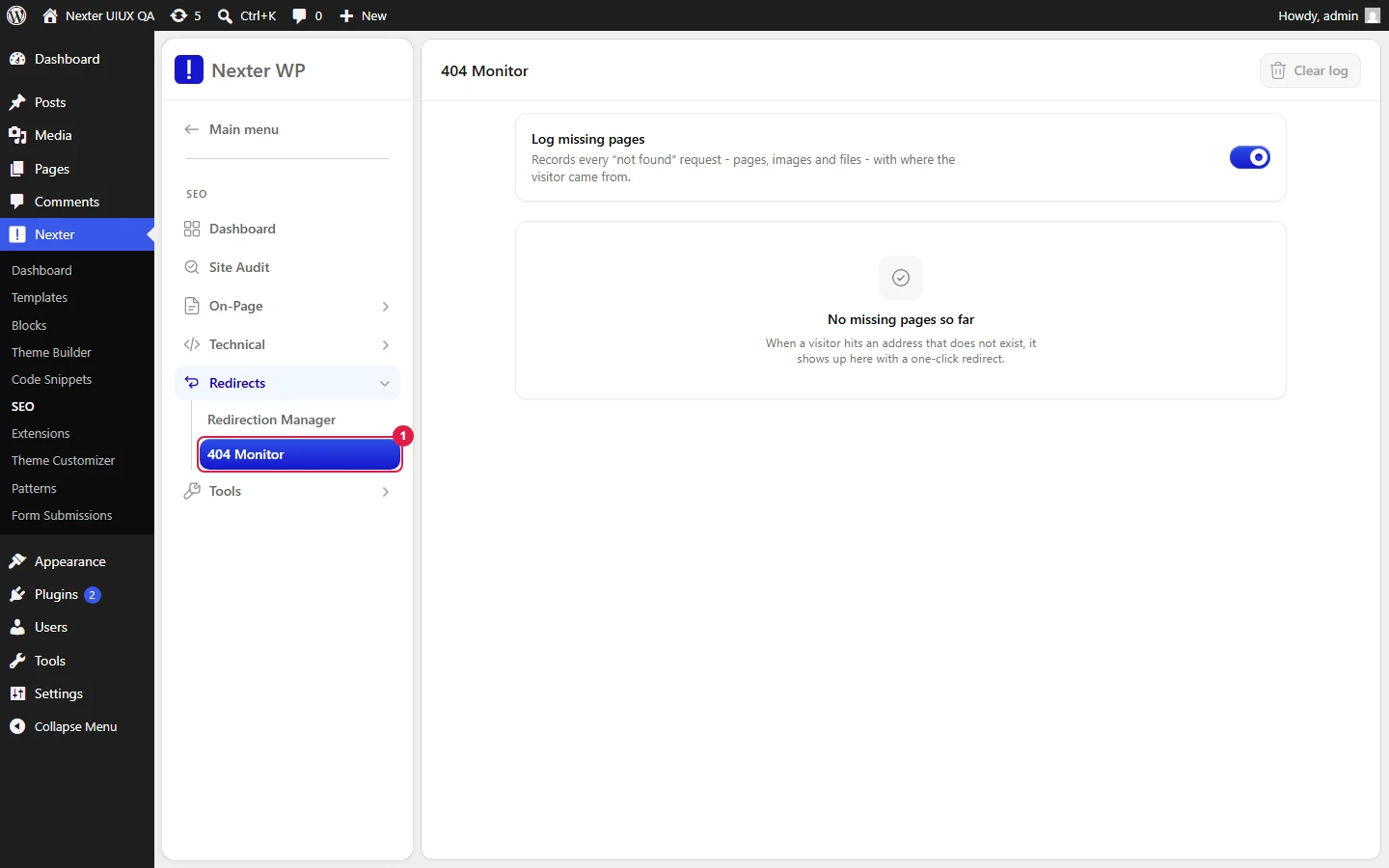
- Monitor 404s — the master toggle. When on, Nexter SEO records 404 hits as they happen.
- 404 Log — the list of logged 404s. Use the Search URL or referrer box to filter.
- Clear All — empties the log.
Privacy By Design
The monitor is built to be privacy-friendly: it stores only the referring domain (for example, https://example.com), never the full referrer URL, so no personal data from a referrer's path or query string is logged. Entries are capped and older rows are pruned automatically, so the log never grows unbounded.
Good To Know
- Prioritise 404s with a real referrer or repeat hits — those are links people and search engines are actually following.
- The workflow is: monitor → review the log → redirect the URLs worth saving → clear the rest. Not every 404 needs a redirect; ignore one-off bot noise.
- Leave monitoring on after a site migration or slug change, when 404s are most likely.
Troubleshooting
- The log is empty. That is normal on a healthy site. Confirm Monitor 404s is on; entries only appear when a real 404 occurs.
- A URL keeps 404ing after I added a redirect. Check the redirect's From value and match condition in the Redirection Manager, then test the URL in a private window.
Related: Create And Manage Redirects · XML Sitemaps
This is how you can track and fix broken links with Nexter SEO.
