












A while back I took over a client’s recipe blog that scored 34 on mobile PageSpeed. The culprit was not the theme or a bloated plugin stack. It was the images. Every hero shot was a 4000-pixel-wide JPEG dropped straight off a phone, some of them over 8 MB, and there were hundreds of them. One bulk run through an image optimization plugin cut the median image weight by more than half and pulled the mobile score into the 70s without touching a line of code.
That is the quiet truth about WordPress performance: for most sites, images are the heaviest thing on the page, and an image optimization plugin is the single most effective fix you can install. The hard part is picking one, because these plugins do not all work the same way, and the free tiers hide real limits.
This guide compares six of the best WordPress image optimization plugins for 2026: Smush, EWWW Image Optimizer, ShortPixel, Imagify, Optimole, and TinyPNG. Every install count, version, and rating below was pulled live from WordPress.org while writing this.
What a WordPress Image Optimization Plugin Actually Does
Before comparing tools, it helps to know what these plugins actually change. A good image optimization plugin does some or all of five jobs:
- Compression. It shrinks the file size of each image. Lossless compression removes hidden data with no visible change; lossy compression drops a little quality you usually cannot see in exchange for much smaller files.
- Resizing. It scales down oversized uploads (that 4000-pixel phone photo) to a sensible maximum width so you are not serving a huge image into a small space.
- Next-gen formats. It converts JPEG and PNG files to WebP or AVIF, which are far smaller at the same quality. AVIF is usually the smallest; WebP has slightly wider browser support.
- Lazy loading. It delays loading off-screen images until a visitor scrolls to them, which speeds up the first paint of the page.
- CDN delivery. Some plugins also serve your images from a global content delivery network so they load quickly wherever the visitor is.
Compression and next-gen formats are the two that move Core Web Vitals the most, because they cut the bytes a browser has to download for your largest images. If you want the full picture on page speed beyond images, our guide to Core Web Vitals on a block-theme site covers the rest.
Also Read: Image SEO for WordPress covers the on-page side (alt text, file names, and structured data) that compression alone does not fix.
The 6 Best WordPress Image Optimization Plugins Compared
Here is the short version before we get into each one. All data is from WordPress.org, checked on 30 July 2026.
| Plugin | Where it optimizes | WebP / AVIF | Built-in CDN | Free tier | Best for |
|---|---|---|---|---|---|
| Smush | Local (cloud on Pro) | Pro | Pro (119 locations) | Yes, generous | Free all-round start |
| EWWW Image Optimizer | Local, or cloud | Yes | Easy IO (paid) | Yes, local unlimited | Unlimited local optimization |
| ShortPixel | Cloud | Yes | Add-on | Monthly credits | WebP and AVIF on a budget |
| Imagify | Cloud | Yes | No (pairs with WP Rocket) | 20 MB/mo | Hands-off cloud setup |
| Optimole | Cloud, real time | Yes | Yes (450+ locations) | Metered by visits | Real-time CDN optimization |
| TinyPNG | Cloud | WebP | No | 500 images/mo | Simple, trusted compression |
1. Smush: The Easiest Free Starting Point
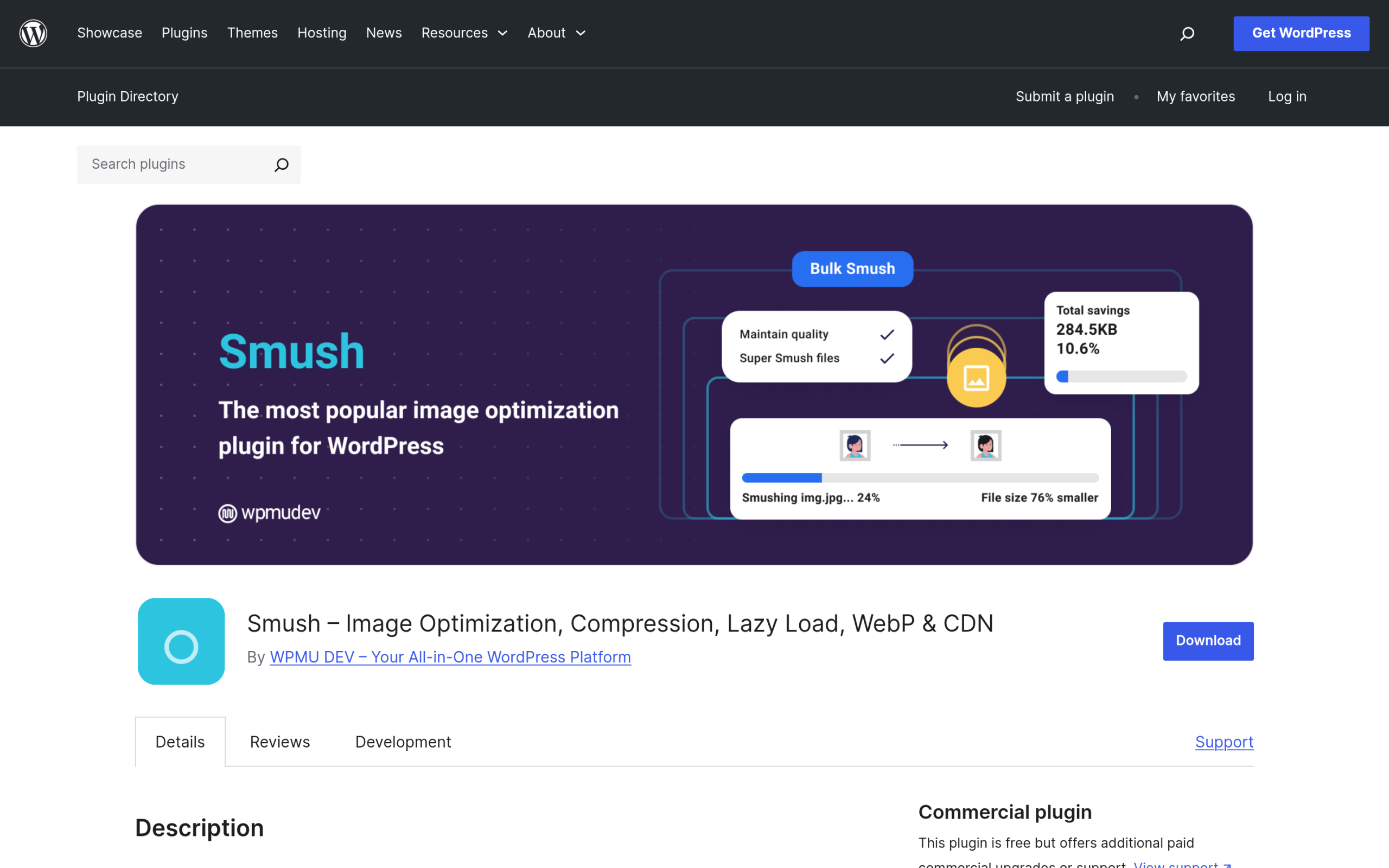
Smush, built by WPMU DEV, is the most-installed image optimizer on WordPress, sitting at more than 1,000,000 active installs with a 4.8 out of 5 rating across 6,048 reviews (WordPress.org, version 4.2.0). The free version compresses images on upload, strips hidden metadata, resizes oversized uploads, and includes lazy loading and bulk smushing for your existing library.
Worth knowing: the free plan uses standard compression, and WebP plus AVIF conversion, the built-in CDN (119 locations), and the higher Ultra and Super compression levels sit behind Smush Pro, which starts at $3/month for a single site. If you want a no-fuss free optimizer that also handles lazy loading, Smush is the safest first install.
Best for: beginners who want a free, set-and-forget optimizer.
2. EWWW Image Optimizer: Unlimited Local Optimization
EWWW Image Optimizer (1,000,000+ installs, 4.8 out of 5 from 1,837 reviews, version 8.7.4) is the pick when you want to optimize as many images as you like without paying per image. Its core plugin compresses images locally on your own server, so there is no monthly quota and no image ever leaves your host. It converts to WebP and AVIF and can bulk-optimize an existing library.
Worth knowing: local optimization uses your server’s CPU, which can be slow on cheap shared hosting, and the cloud service (the Easy IO CDN, with WebP and AVIF delivery) is a paid upgrade starting at $80/year. Author Shane Bishop keeps it updated frequently, with the last release on 16 July 2026.
Best for: sites with large libraries on capable hosting that want unlimited, private optimization.
3. ShortPixel: Next-Gen Formats on a Budget
ShortPixel Image Optimizer (300,000+ installs, 4.5 out of 5 from 816 reviews, version 6.5.5) optimizes images in the cloud and is one of the most flexible tools for WebP and AVIF conversion. It offers both lossy and lossless compression and can be bought either as a monthly subscription or as one-time credit packs, which suits sites that publish in bursts rather than at a steady pace.
Worth knowing: ShortPixel runs on a monthly credit allowance on its free plan, so very image-heavy sites will need a paid pack. Check shortpixel.com for the current credit amounts before you rely on the free tier.
Best for: anyone who wants AVIF support and flexible, credit-based pricing.
4. Imagify: Hands-Off Cloud Optimization
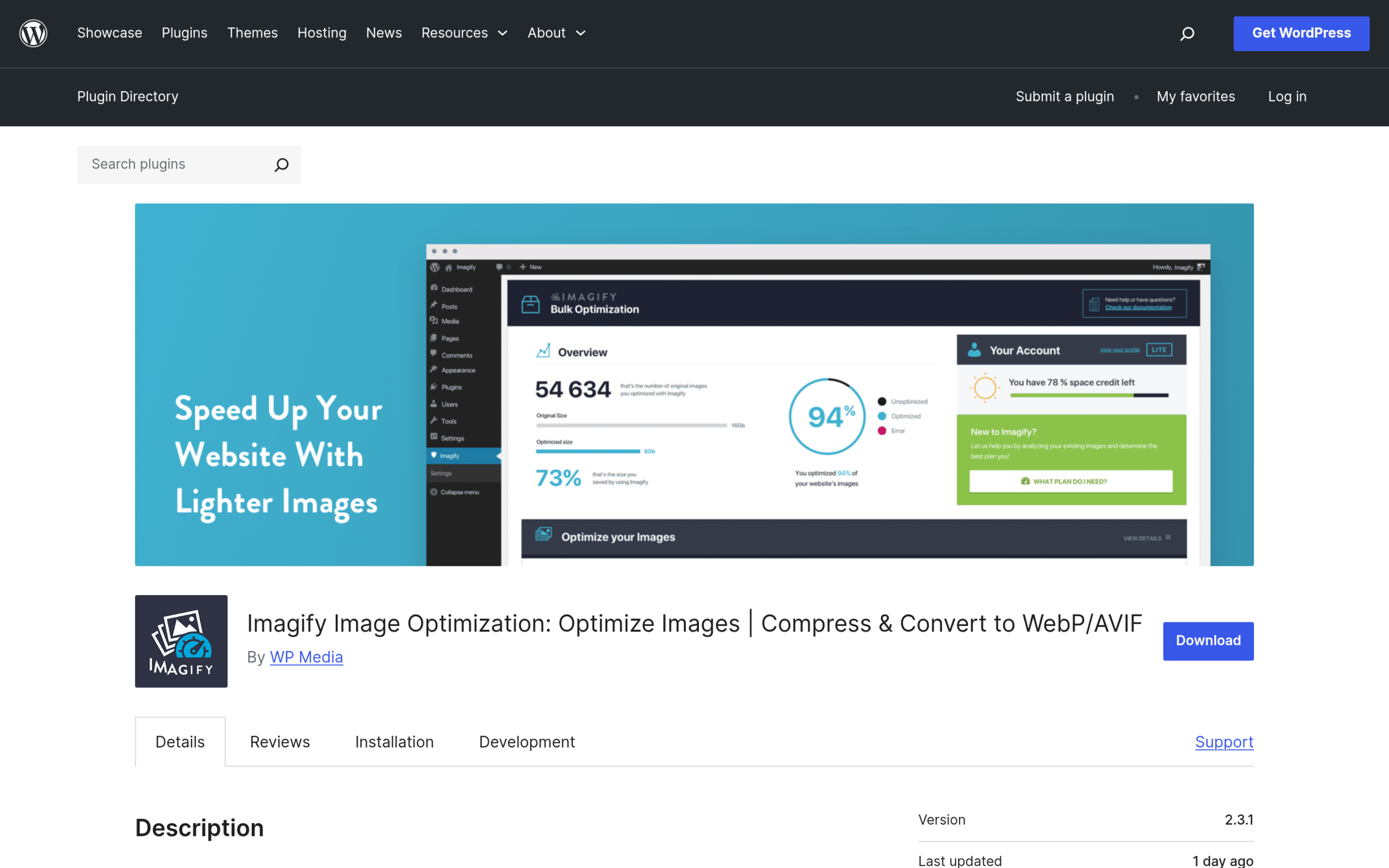
Imagify (1,000,000+ installs, 4.3 out of 5 from 1,651 reviews, version 2.3.1) is made by WP Media, the team behind WP Rocket, and it is designed to be almost invisible once configured. It compresses in the cloud at three levels (Normal, Aggressive, and Ultra) and converts to WebP and AVIF. The free plan gives you 20 MB per month, which is roughly 200 images, and paid plans start at about $5/month for 500 MB.
Worth knowing: 20 MB disappears quickly on a photo-heavy site, and the free tier caps single uploads at 2 MB. If you already run WP Rocket, Imagify is the natural companion because the two share the same dashboard style and support team.
Best for: WP Rocket users and anyone who wants a truly hands-off setup.
5. Optimole: Real-Time Optimization Through a CDN
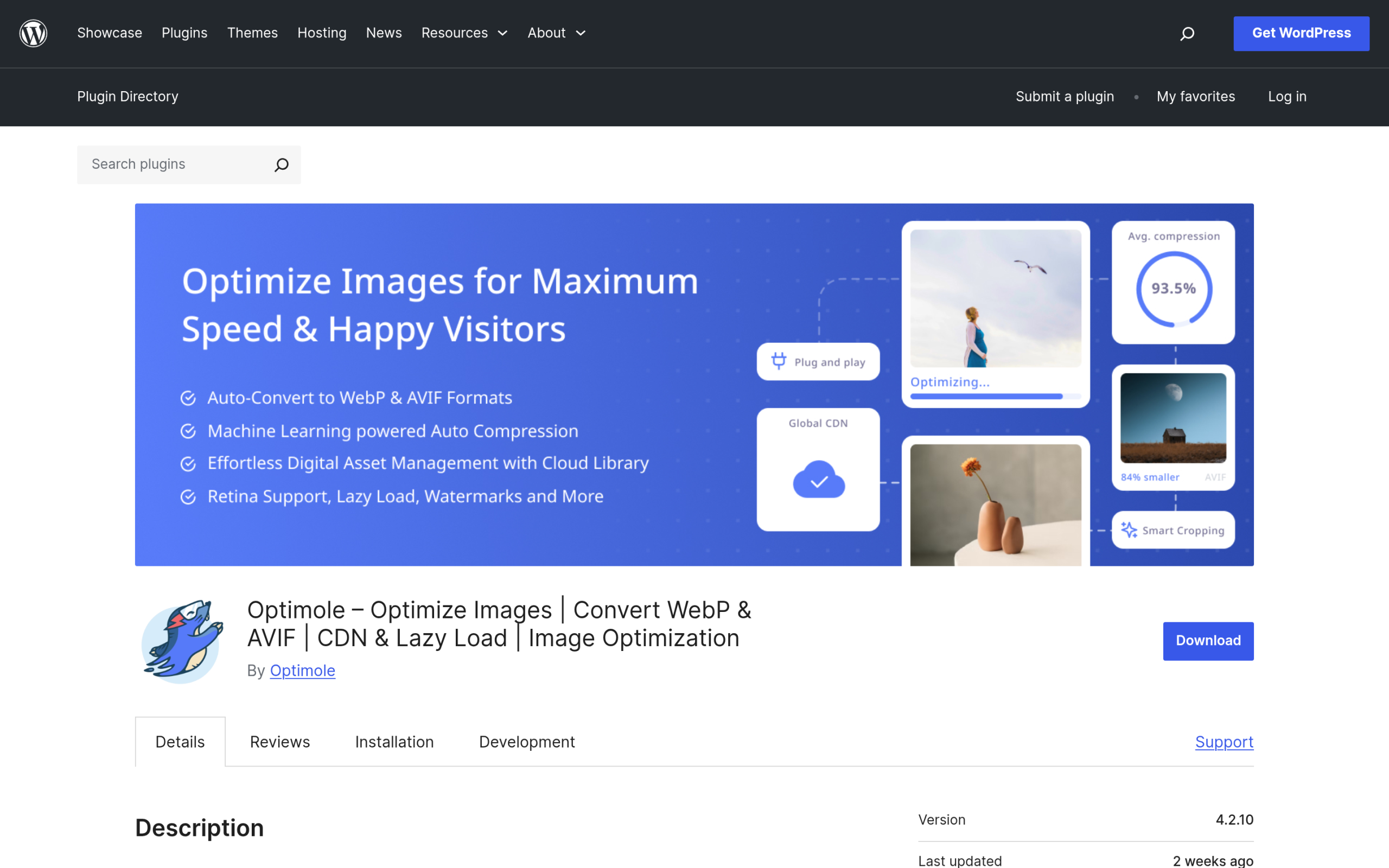
Optimole (200,000+ installs, 4.7 out of 5 from 636 reviews, version 4.2.10), by the Themeisle team, takes a different approach. Instead of optimizing and storing copies in your media library, it serves every image through its own CloudFront CDN (450+ locations), resizing and compressing each one in real time to fit the visitor’s device and connection. It handles WebP, AVIF, and lazy loading automatically.
Worth knowing: Optimole’s plans are metered by monthly visits rather than image count, with the paid Starter plan covering 48,000 visits per month, so a traffic spike matters more than the size of your library. Because images are served from Optimole’s cloud, you are depending on their service staying online. If you want to understand the CDN side more broadly, see our guide to setting up a CDN with Cloudflare.
Best for: image-heavy or high-traffic sites that would rather offload images entirely.
6. TinyPNG: Simple, Trusted Compression
TinyPNG (100,000+ installs, 4.5 out of 5 from 174 reviews, version 3.7.0) is the WordPress plugin for the well-known TinyPNG and Tinify compression service. It does one job cleanly: compress JPEG, PNG, and WebP images in the cloud with very good quality retention. The Tinify API gives you 500 free compressions every month, after which you pay per image.
Worth knowing: it is deliberately lightweight, so it does not bundle a CDN or the wider Core Web Vitals features some rivals include. This is compression, not a full performance suite, and that focus is the point.
Best for: people who want dependable, no-frills compression from a name they already trust.
Also Read: NexterWP vs Kadence: a real speed benchmark shows how much your theme and setup, not just images, shape the final page weight.
Local vs Cloud Optimization: Which Should You Choose?
The single biggest difference between these plugins is where the compression actually runs.
Local optimization (Smush’s free tier and EWWW’s core plugin) processes images on your own server. Nothing leaves your host, there is no monthly quota, and once an image is optimized the smaller file is stored in your media library. The trade-off is that bulk-optimizing a big library uses real CPU time, which can crawl on budget shared hosting.
Cloud optimization (ShortPixel, Imagify, Optimole, and TinyPNG) sends images to the vendor’s servers to be compressed, which spares your host’s CPU and usually adds WebP or AVIF conversion, and sometimes a CDN. The trade-offs are a monthly quota (by image count, data, or visits), a running cost once you outgrow the free tier, and a dependency on the vendor staying online. Optimole sits at the far end of this: it does not even store optimized copies, it rewrites images on the fly through its CDN.
How to Choose the Right One for Your Site
- Small blog on cheap shared hosting: use a cloud tool so you do not tax your server. TinyPNG’s 500 free monthly compressions or Imagify’s free tier are easy starts.
- Large library on a decent host: EWWW’s local optimization gives you unlimited, private compression with no recurring bill.
- Image-heavy or high-traffic site (photography, portfolios, WooCommerce): Optimole’s real-time CDN, or Smush Pro and ShortPixel with a CDN, keep large galleries fast without hammering your origin.
- Already running WP Rocket: Imagify is the natural fit from the same team.
- Just want free and simple, with lazy loading built in: start with Smush.
Whichever you choose, remember an image plugin only fixes one layer. A lightweight foundation helps too: if you are rebuilding on a block theme, the Nexter WP Theme ships a Performance Booster that strips unnecessary code, which pairs well with any of these optimizers. From there, clearing caches correctly and trimming scripts finish the job. See how to clear your WordPress cache and how to remove unused JavaScript once your images are handled.
Frequently Asked Questions
Do I really need an image optimization plugin?
For most WordPress sites, yes. Images are usually the largest files on a page, so compressing them is the fastest way to cut load time and improve Core Web Vitals. You can compress images manually before uploading, but a plugin does it automatically on every upload and can fix your entire existing library in one pass.
What is the difference between WebP and AVIF?
Both are modern image formats that are much smaller than JPEG or PNG at the same quality. AVIF usually produces the smallest files, while WebP has slightly wider support across older browsers. Most of the plugins here can serve AVIF to browsers that support it and fall back to WebP or the original format for the rest.
Will optimizing images lower their quality?
Lossless compression does not change how the image looks. Lossy compression removes some data to make files smaller, and at sensible settings the difference is invisible to visitors. Every plugin here lets you pick a compression level, and it is wise to keep a backup of your originals before your first bulk run.
Can I run two image optimization plugins at once?
It is not a good idea. Two optimizers can compress the same image twice, which degrades quality and can create conflicts over WebP or AVIF delivery. Pick one, and if you switch later, keep your original images so the new plugin can start clean.
Suggested Reading
- Image SEO for WordPress: How to Optimize Images for Search and AI
- Gutenberg Core Web Vitals: How to Speed Up a Block-Theme WordPress Site
- How to Clear Your WordPress Cache: Every Layer Explained
- How to Set Up Cloudflare CDN on WordPress
- How to Remove Unused JavaScript in WordPress
