












Key Takeaways
- The three Core Web Vitals in 2026 are LCP (good is 2.5 seconds or less), INP (200 milliseconds or less, it replaced FID in 2024), and CLS (0.1 or less), all measured at the 75th percentile of real visits.
- Block themes start lighter than page-builder sites because they ship less CSS and often zero builder JavaScript, but they can still fail on big hero images, web fonts, and third-party scripts.
- Read your real field data in Search Console or PageSpeed Insights before you change any code. A green lab score and a failing field score are not the same thing.
- LCP is usually the hero image, fonts, or render-blocking CSS. INP is usually heavy JavaScript and plugin bloat. CLS is usually images with no dimensions or a late font swap.
- A lightweight foundation like Nexter Theme plus a caching plugin and a CDN gets most block-theme sites into the green. The theme alone is not a magic fix.
A few weeks ago a client messaged me close to midnight. Their Google Search Console had just flipped the whole site to “Core Web Vitals: Failed” on mobile, in red, across hundreds of URLs. The part that confused them: they were not running Elementor or Divi. They had moved to a clean block theme and a caching plugin specifically because everyone told them block-based sites are fast by default. So how were they failing?
Here is the honest answer I gave them, and the same one this guide walks through. A block theme gives you a lighter starting line, not a finish line. The Gutenberg and full site editing stack removes a lot of the bloat that page builders pile on, but Core Web Vitals are still decided by your images, your fonts, your third-party scripts, and how your blocks load. This is the block-theme version of WordPress speed optimization, with the fixes that actually move the three numbers Google cares about.
Also Read: What Is a WordPress Block Theme if you are still deciding whether to move off a classic or page-builder setup.
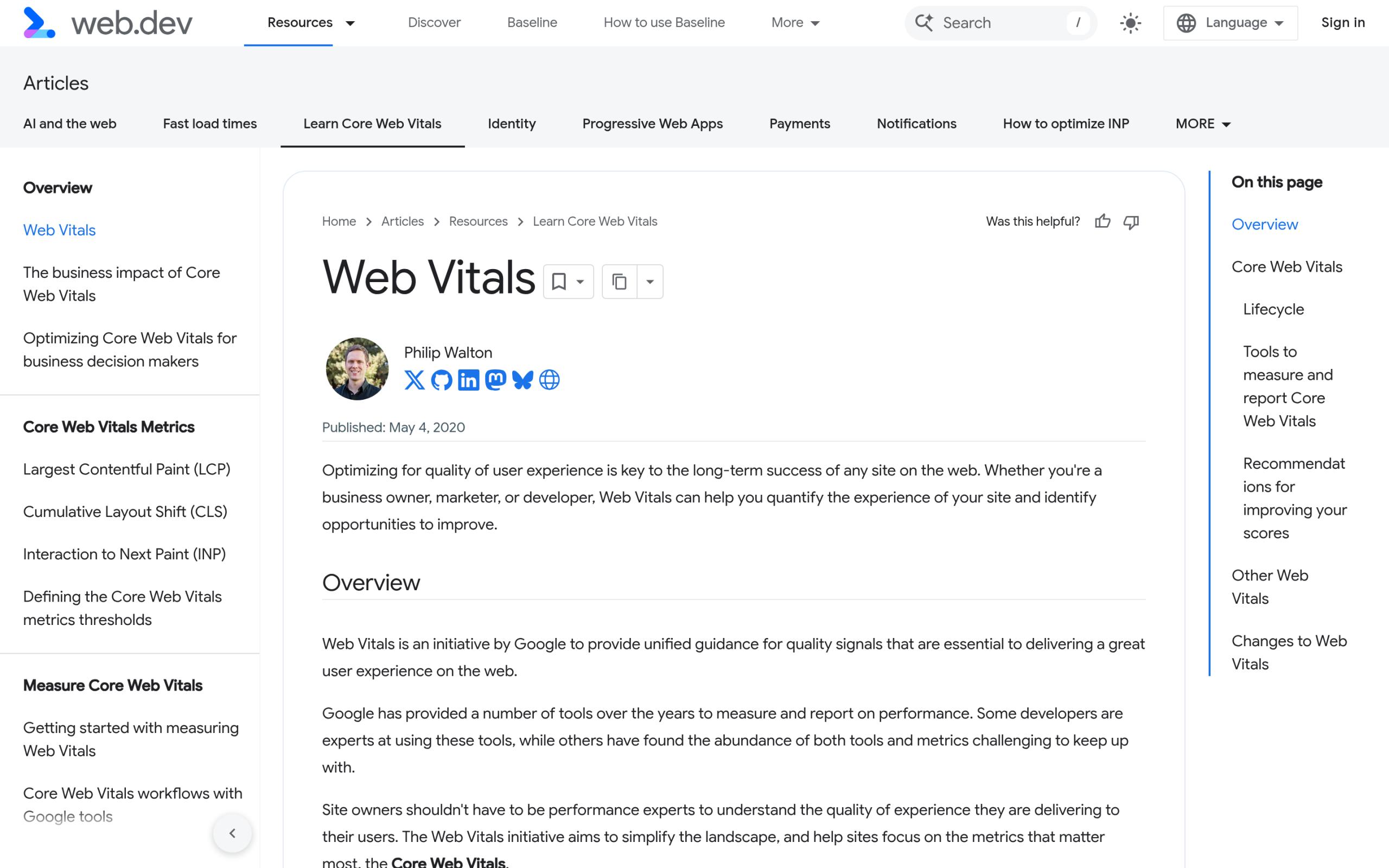
Core Web Vitals in 2026, in plain terms
Core Web Vitals are three real-user measurements Google uses as part of how it ranks pages. According to Google’s own web.dev documentation, the good thresholds are:
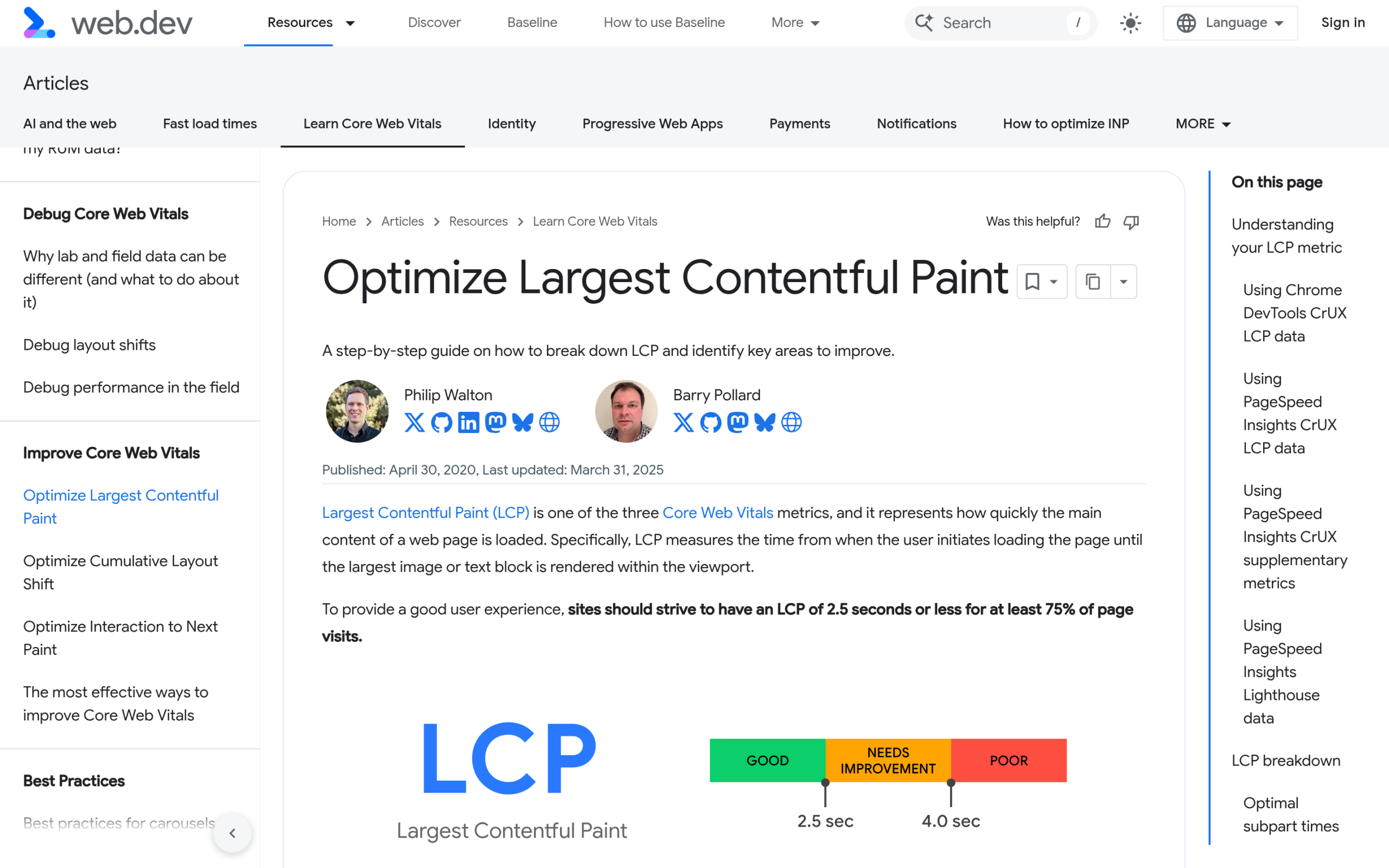
- Largest Contentful Paint (LCP): 2.5 seconds or less. This is how long it takes for the biggest thing in view, usually your hero image or headline, to render.
- Interaction to Next Paint (INP): 200 milliseconds or less. This is how quickly the page responds when someone taps or clicks. INP replaced First Input Delay (FID) as a Core Web Vital in 2024, and it is stricter.
- Cumulative Layout Shift (CLS): 0.1 or less. This measures how much the layout jumps around while the page loads.
One detail people miss: Google measures all three at the 75th percentile of real page loads, split across mobile and desktop. So you do not need a perfect score for every visitor. You need three quarters of your real visits to land in the green. That is why your phone test and Google’s report can disagree, which we will get to.
Why block themes start ahead, and where they still trip
The reason people associate block themes with speed is real. A Gutenberg-native theme renders from server-side HTML and theme.json, so it ships far less CSS and frequently no front-end JavaScript framework at all. There is no page-builder runtime, no jQuery dependency chain, and no nested wrapper divs for every column.
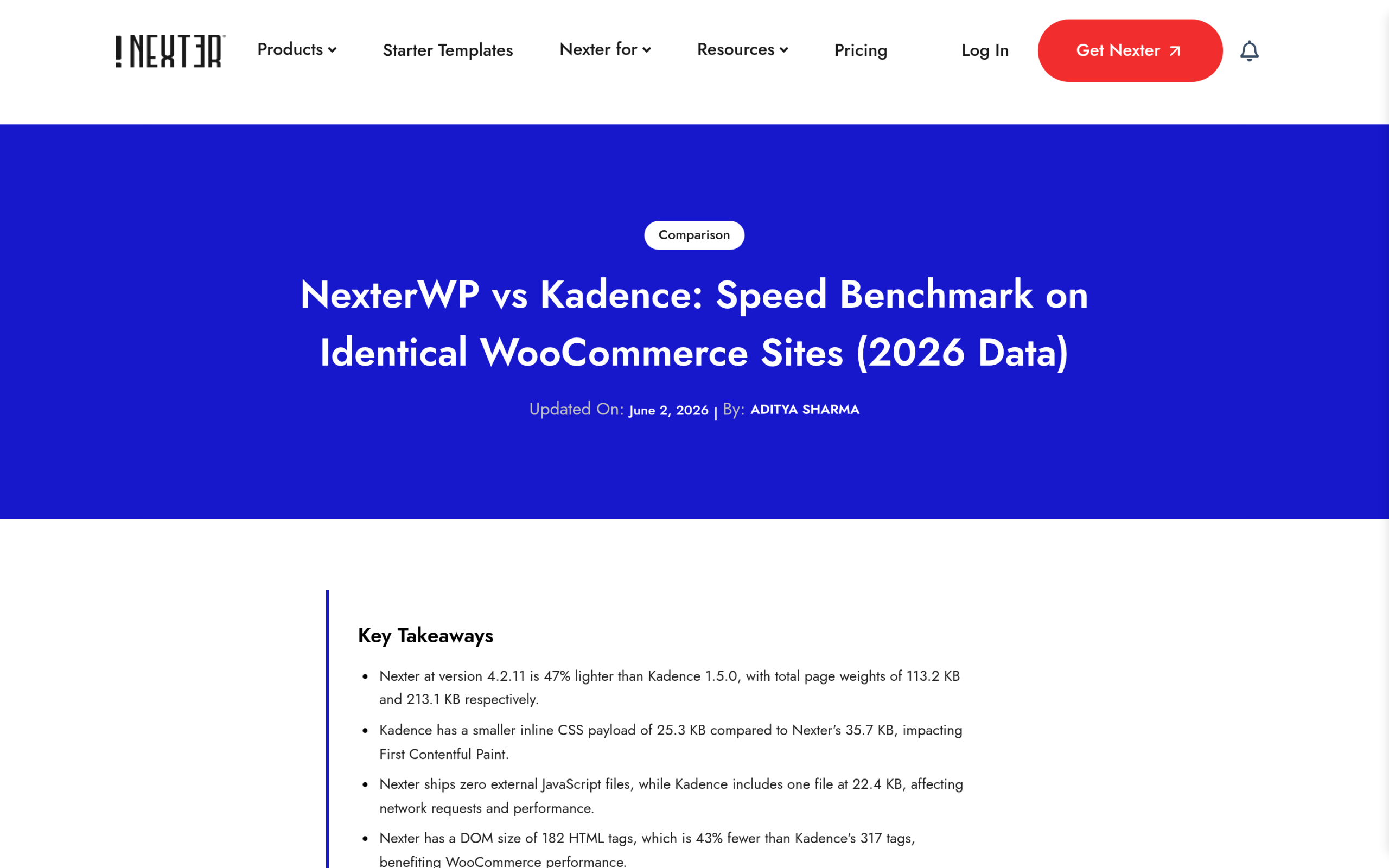
We measured this directly. In our NexterWP vs Kadence speed benchmark on identical pages, Nexter Theme shipped 113.2 KB of total page weight against Kadence’s 213.1 KB, which is 46.9% lighter. Nexter loaded zero external JavaScript files where Kadence loaded one, and the page rendered with 182 HTML nodes versus 317, about 43% fewer. As a rule of thumb from that test, every 100 KB of uncompressed asset weight costs you roughly 250ms of LCP on a 4G connection. Lighter markup is not a vanity metric. It is a head start on LCP.
Here is where the head start gets thrown away. A block theme does nothing to stop you from uploading a 1.8 MB hero image, loading four weights of a Google Font from Google’s servers, embedding a YouTube video that pulls in 500 KB of script before anyone presses play, or stacking eight plugins that each inject their own CSS and JS on every page. Those are the real reasons a clean block site fails Core Web Vitals, and none of them are the theme’s fault. They are fixable, one metric at a time.
Diagnose before you touch code
The single biggest mistake in WordPress speed optimization is installing a caching plugin, flipping every toggle on, and hoping. Measure first. There are two kinds of data and you need to know which you are looking at:
- Field data is what real visitors experienced over the last 28 days. This is what Google actually ranks on. You find it in the Core Web Vitals report inside Search Console, and in the top section of PageSpeed Insights when your URL has enough traffic.
- Lab data is a single simulated test run in a controlled environment. It is useful for debugging because it is repeatable, but a perfect lab score does not guarantee a passing field score.
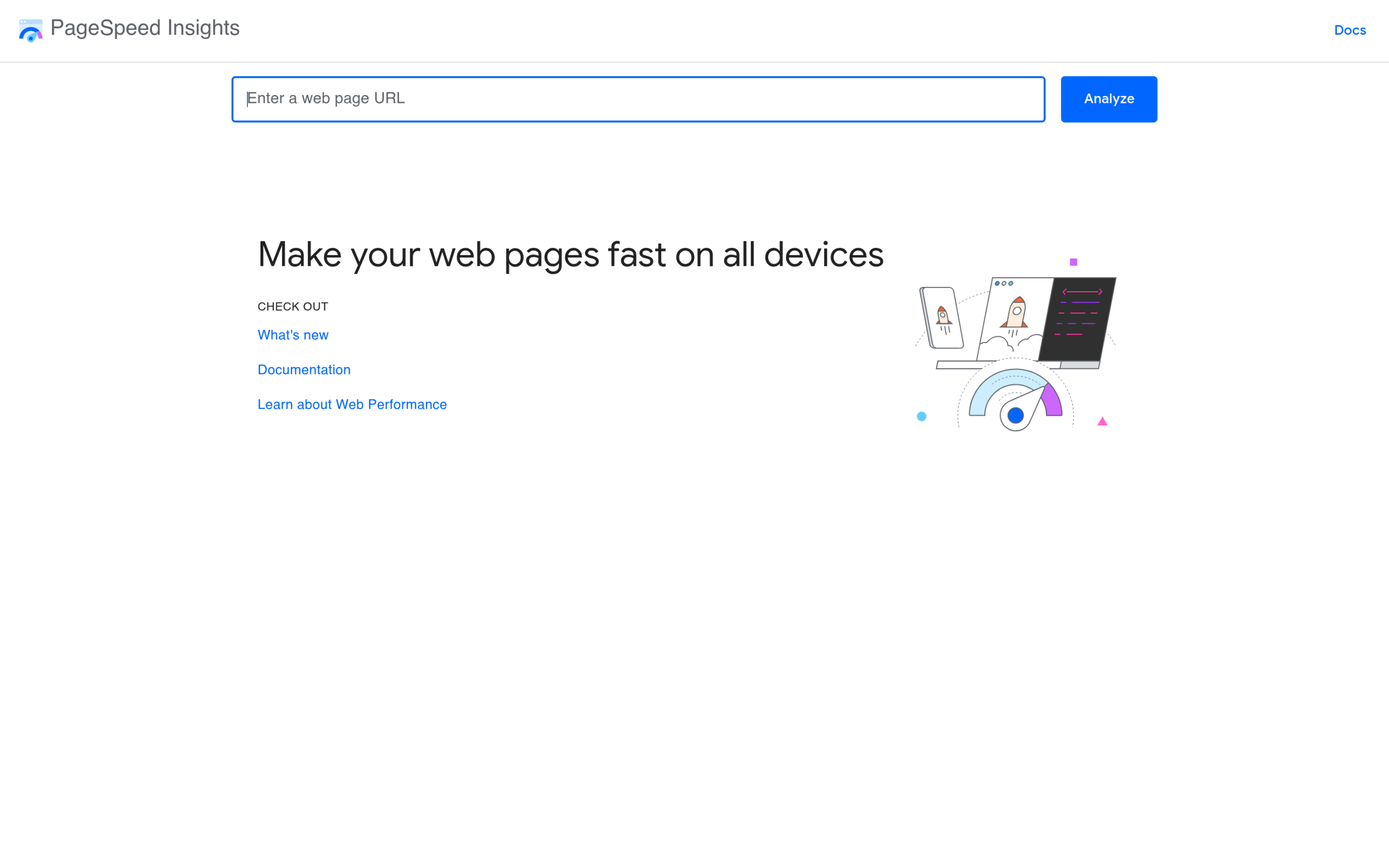
Run your slowest, most-trafficked template first, usually a blog post or a product page, on mobile. Note which of the three metrics is actually failing. You almost never need to fix all three. Fixing the one in the red is how you pass.
Fix LCP on a block theme
On most block-theme sites, the Largest Contentful Paint element is the hero image or the first heading. Google’s LCP guidance points at the same handful of causes every time, and here is how they map to WordPress:
- The hero image. Serve it in a modern format like WebP or AVIF, size it to the space it fills instead of dumping a 2500px file into a 800px slot, and let it load eagerly rather than lazy-loading the one thing above the fold. In the block editor, the first big image should not have lazy loading forced on it.
- Fonts. Self-host your fonts instead of calling Google’s servers, add
font-display: swapso text paints immediately, and preconnect to any font host you cannot remove. Every external font request is a round trip before your headline can render. - Render-blocking CSS. This is where block themes already help, because they output less CSS. A good caching or optimization plugin can inline the critical CSS and defer the rest so the browser paints sooner.
- theme.json discipline. Block themes load styles based on what is on the page. Keep your global styles lean and you avoid shipping CSS for blocks you never use.
Fix INP, where plugin bloat bites
Interaction to Next Paint is the metric block themes do not automatically save you from, because INP is about JavaScript, and JavaScript usually comes from your plugins and embeds, not your theme. The web.dev INP guide is blunt about it: long tasks on the main thread are what make a tap feel slow.
This is exactly the pain WordPress users keep describing. In a recent r/WordPress thread about rebuilding a speed plugin from scratch, the developer wrote that after “years optimizing WordPress sites” they kept “seeing the same PageSpeed issues repeatedly.” In another thread on the most annoying things in WordPress, a user vented about plugins that “leave themselves all over your database after deleting them,” naming the usual heavy hitters. The lesson is the same: uncontrolled scripts are the tax. Here is how to cut it:
- Audit your plugins. Every active plugin that enqueues JavaScript on the front end is a candidate. Deactivate what you do not use and prefer tools that only load assets on the pages that need them.
- Defer and delay third-party scripts. Analytics, chat widgets, and ad scripts can almost always be delayed until the user interacts. Most caching plugins have a “delay JavaScript execution” option for exactly this.
- Facade your embeds. Replace an autoloading YouTube or map embed with a click-to-load preview image so the heavy script only runs if someone wants it.
- Keep block JavaScript scoped. Use a block toolkit that loads a block’s script only when that block is on the page, not site-wide.
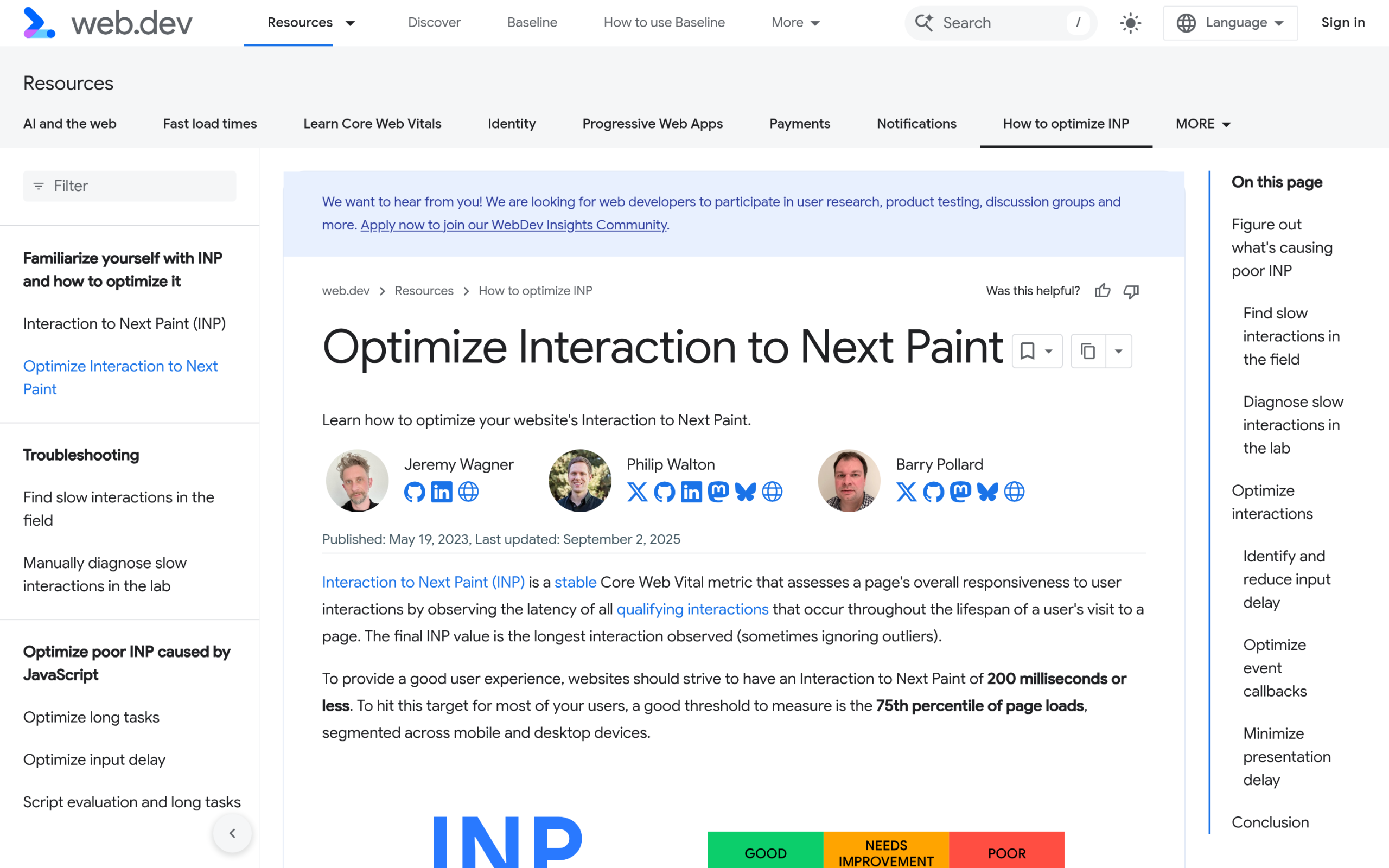
Also Read: WordPress 7.0: What’s Actually Changing for Block Builders, which added block-level custom CSS so you can tune one block without a global stylesheet.
Fix CLS
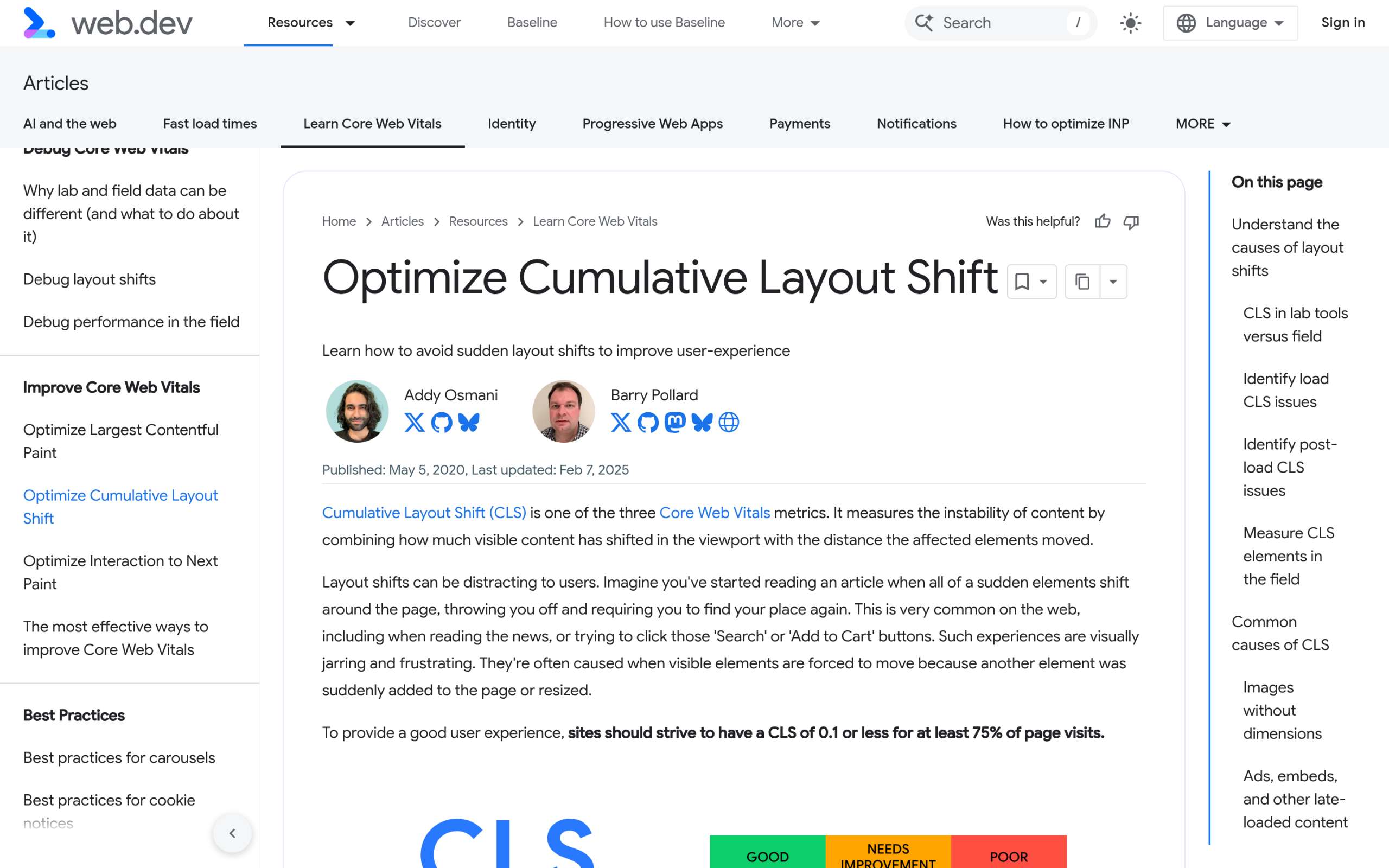
Cumulative Layout Shift is usually the quickest of the three to fix, because the causes are short. Google’s CLS guidance comes down to reserving space:
- Always set image dimensions. The core Image block writes width and height for you, so the browser reserves the slot before the image arrives. Watching for missing dimensions on images injected by a plugin is where most CLS hides.
- Reserve space for ads and embeds. Give any ad slot or iframe a fixed min-height so the content below does not get shoved down when it loads.
- Tame the font swap. A font that loads late and reflows the text counts as layout shift. Matching fallback font metrics and using
font-display: swapkeeps the jump small. - Avoid late-injected blocks. Cookie bars, notification ribbons, and anything that appears a second after load should push nothing below it.
The lightweight-stack approach
You can fight Core Web Vitals fix by fix, or you can start from a foundation that does not create the problems in the first place. That is the case for a purpose-built lightweight theme. Nexter Theme is built to ship minimal CSS, load assets conditionally, and stay out of the front-end JavaScript business, which is what the benchmark above reflects.
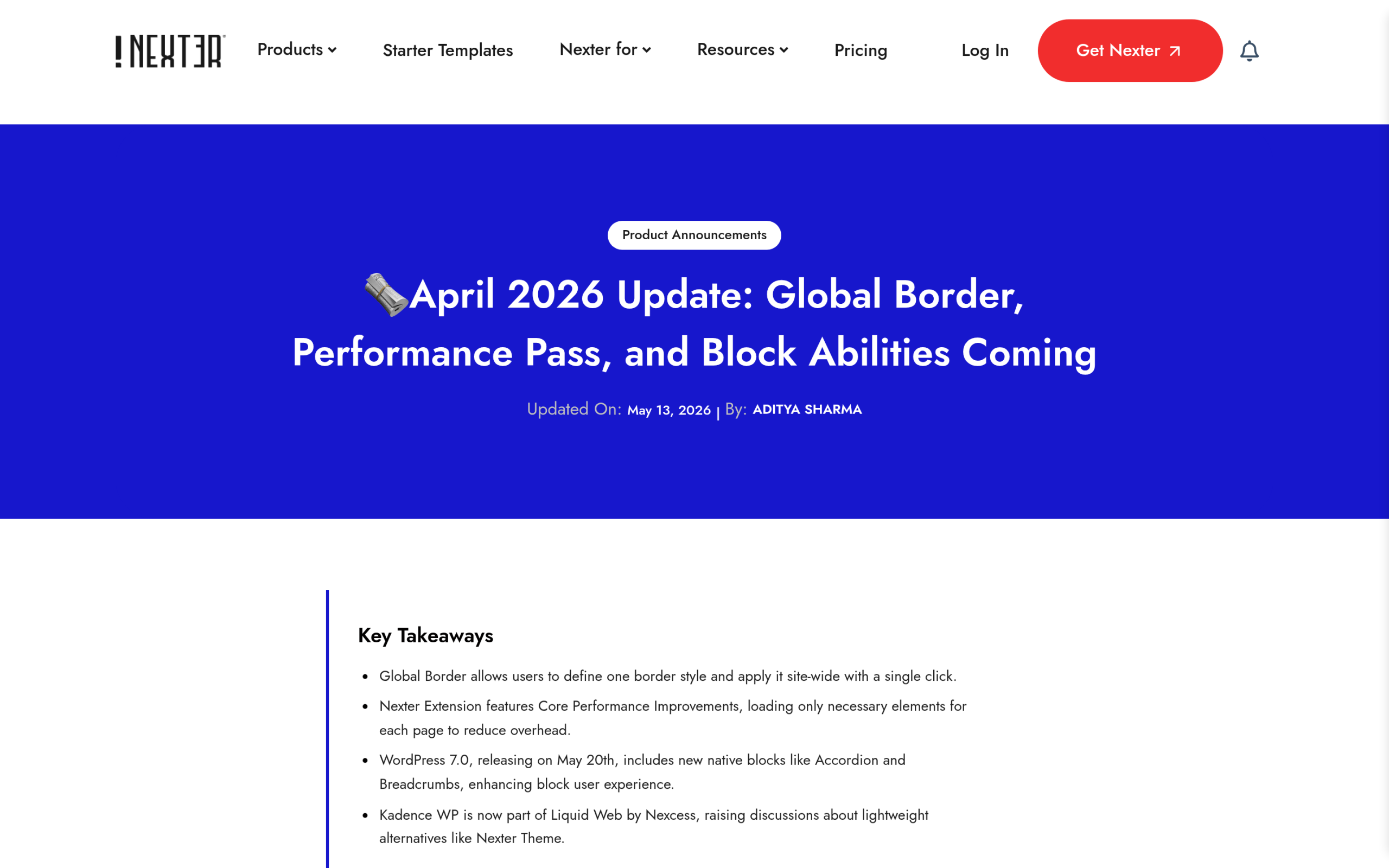
The work is ongoing, not a one-time claim. In the April 2026 Performance Pass, the team made these specific changes: “DB calls now cached. Customizer hooks now admin-only. Media loads only where needed. Unnecessary Google Fonts requests gone.” On the plugin side, “the plugin now loads only what each page actually needs. Less overhead per load, less surface area for plugin conflicts on heavy sites.” Removing stray Google Fonts requests and cutting per-page overhead are direct LCP and INP wins.
Two honest caveats. First, a lightweight theme is the foundation, not the whole house. You still want a caching plugin and a CDN to hit the green consistently on real traffic. Second, if your pages are also being read by AI search engines, clean and semantic block markup is what makes you both fast and citable. A tool like RankReady handles that AI-readability layer, and the same lean markup that helps machines parse your page tends to help your render times too.
“Core Web Vitals Assessment: Failed” in Search Console
Back to the midnight message. When Search Console says your assessment failed, remember three things. The report is based on a 28-day rolling window of real users, so it lags your fixes by weeks, not minutes. It groups similar URLs together, so one bad template can fail a whole group. And because it is field data, you cannot game it with a single good lab run.
The workflow is: open the Core Web Vitals report, click the failing group to see which metric and which URL pattern is the culprit, fix that one metric using the sections above, deploy, and then use the “Validate Fix” button. Validation watches your real field data over the following weeks and clears the group once enough real visits pass. It is slow on purpose, because it is measuring humans, not robots.
Your block-theme Core Web Vitals checklist
- Pull field data first, from Search Console or PageSpeed Insights, on your busiest mobile template.
- Identify the one metric in the red. Fix that, not all three.
- For LCP: compress and right-size the hero image, serve WebP or AVIF, do not lazy-load it, self-host fonts with swap.
- For INP: audit plugins, delay third-party JavaScript, facade heavy embeds, keep block scripts scoped.
- For CLS: set image dimensions, reserve space for ads and embeds, control the font swap.
- Add a caching plugin and a CDN once the page-level fixes are in.
- Re-test, then click Validate Fix in Search Console and wait out the 28-day window.
The bottom line
A block theme is the best starting point WordPress has ever had for passing Core Web Vitals, because it ships less and fights you less. But Core Web Vitals are earned at the page level, on your images, fonts, scripts, and layout, not handed to you by the theme. Diagnose with field data, fix the one metric that is failing, build on a lightweight foundation, and add caching on top. Do that and the red “Failed” in Search Console turns green, the way it eventually did for that client. For the next step on building this way, see block themes versus classic themes and our broader WordPress speed tips.
Suggested Reading
- NexterWP vs Kadence Speed Benchmark: the like-for-like page-weight and DOM-node data behind the numbers in this guide.
- What Is a WordPress Block Theme: how block themes and full site editing actually work before you optimize one.
- WordPress 7.0 for Block Builders: the block-level CSS and device controls that help you tune performance per block.
- Block Themes vs Classic Themes: why the underlying architecture changes your speed ceiling.
- Tips to Speed Up WordPress Websites: the general speed checklist that pairs with this block-theme-specific one.
Stay updated with Helpful WordPress Tips, Insider Insights, and Exclusive Updates – Subscribe now to keep up with Everything Happening on WordPress!
