












Sometimes one row needs more than a line of text.
The HTML content type takes your own markup — a paragraph with a link in it, a small list, a few lines of formatted copy — and drops it inside that row’s tag.
For every Dynamic Device setting in one place, see the Hover Card block guide.
Before You Start
- Edition: Free — the Hover Card block works in Nexter Blocks (free) and in Nexter Blocks Pro.
- Block to enable: Hover Card, switched on under Nexter > Blocks in your WordPress dashboard.
- A little HTML. This block builds markup out of the rows you add, so it helps to know what a tag is and which tag wraps which.
Steps
- Add the Hover Card block to your page.
- Open the row already waiting under Code Structure, or press + Add Structure for another one.
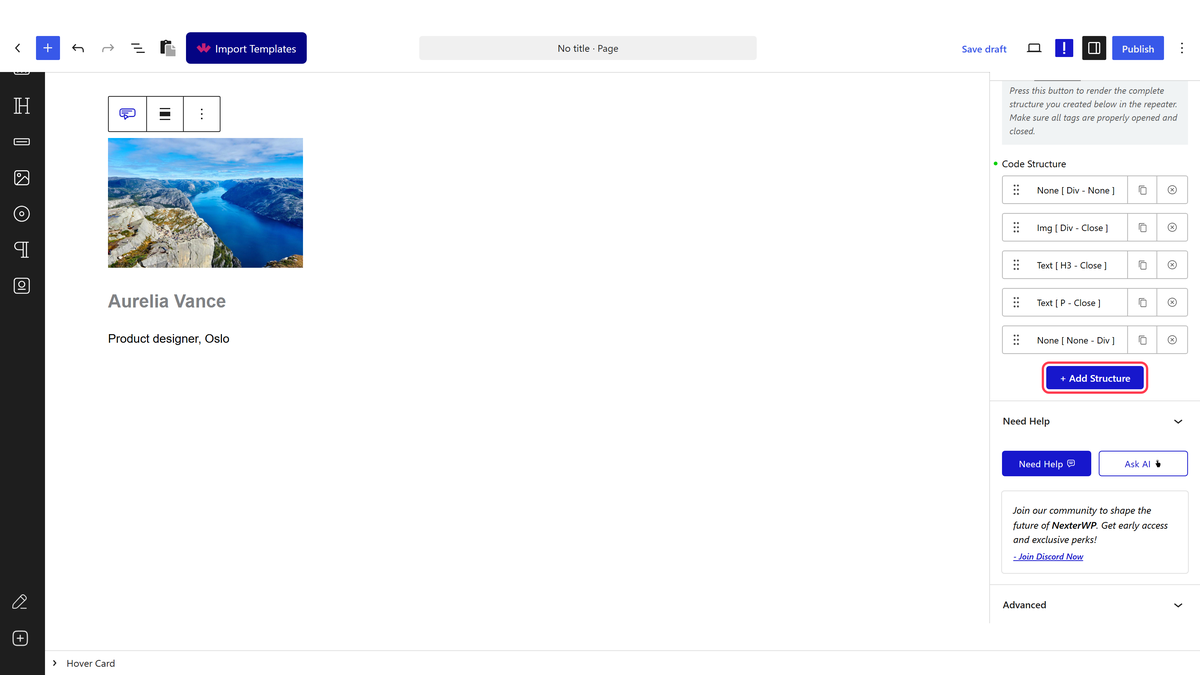
- Choose the wrapper in Open Tag, and close it in Close Tag.
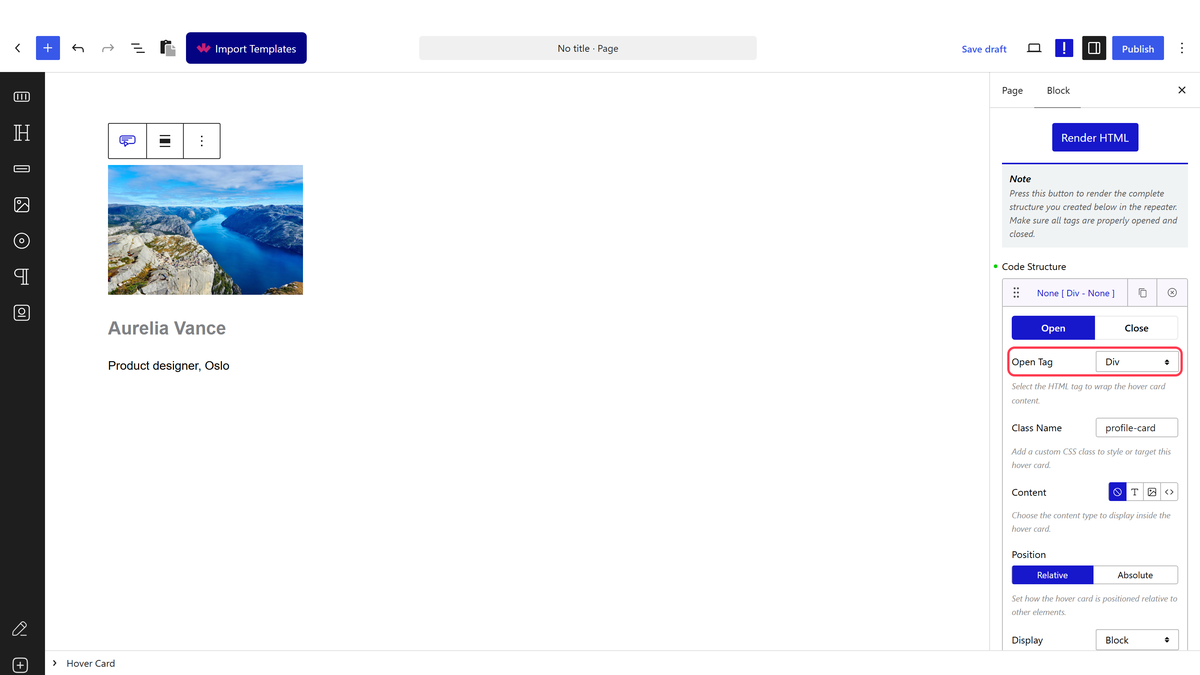
- Set Content to the HTML option.
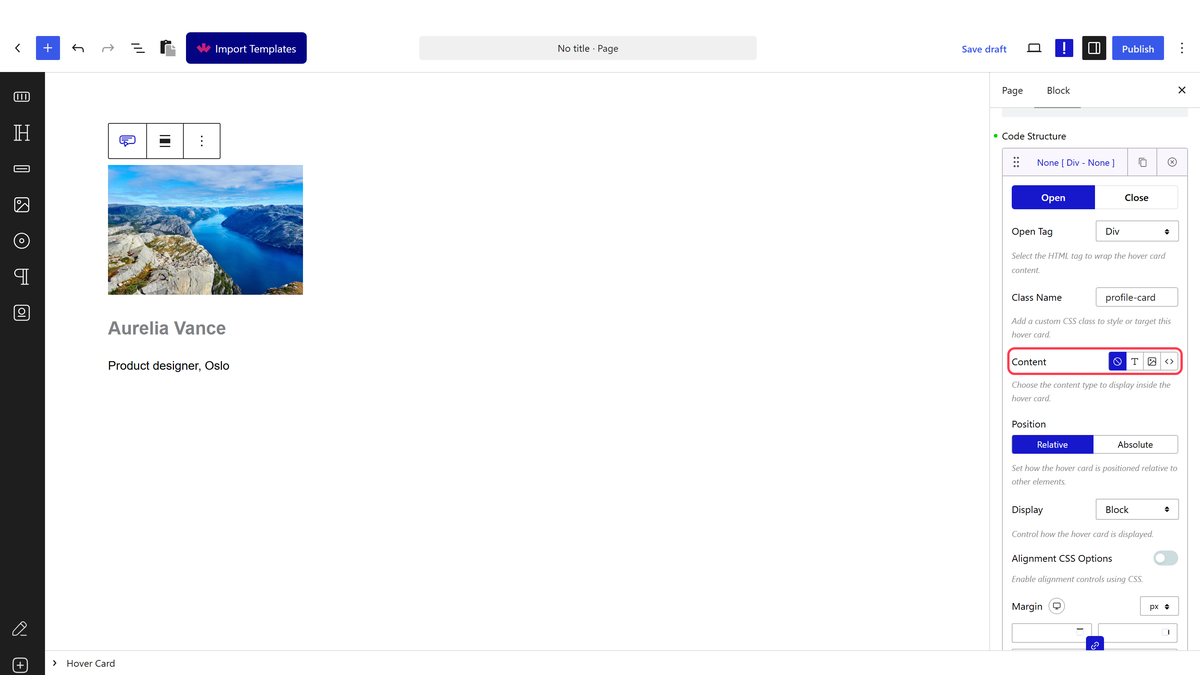
- Write your markup in HTML Code.
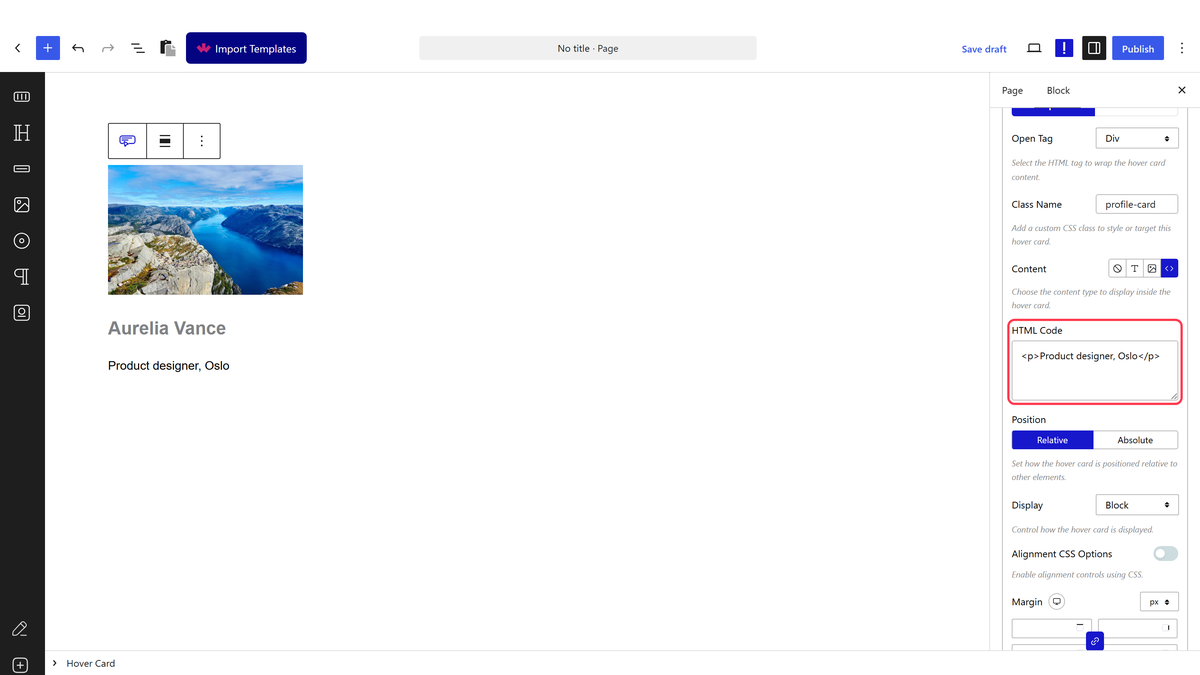
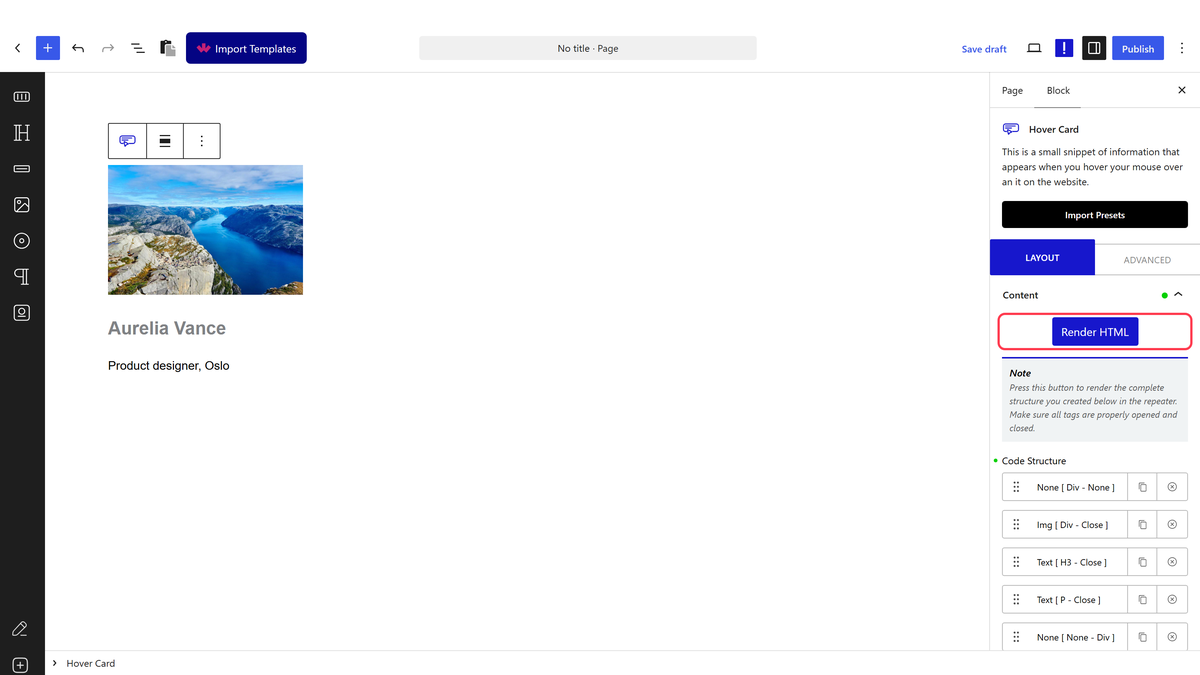
- Press Render HTML to draw the structure, then publish.
Your markup is filtered. It goes through the same rules WordPress uses for post content, so formatting, links and lists survive and scripts do not.
What Survives The Filter
| You write | What renders | Why |
|---|---|---|
<strong>, <em>, links, lists | Unchanged | Ordinary post markup |
<script> | Removed — but its text is left behind | Filtered, and measured: the page showed the script’s contents as words |
| Inline styles and unusual attributes | Mostly stripped | Same post-content rules |
How It Behaves
- The markup lands inside the row’s tag, so an HTML row inside a
ptag gives you a paragraph containing your markup. - Removed tags can leave their text. Measured with a script tag: the tag went, the words inside it stayed and were printed on the page. Delete the whole thing, do not rely on the filter.
- This is the row type for rich copy — bold, links and several sentences in one place, which the text content type cannot do.
- It is markup, not a shortcode field: WordPress shortcodes are not run here.
Limitations
- No scripts. Anything script-shaped is filtered out.
- Inline styles are unreliable — put styling on the row, or use a class and your own CSS.
- Broken markup here breaks the whole structure, and nothing warns you.
- Nothing appears until Render HTML is pressed.
Troubleshooting
Part of my markup vanished
It was filtered. Stick to the tags WordPress allows in post content — formatting, links, lists, headings.
Odd words appeared on the page
A stripped tag left its contents behind. Measured with a script tag: the tag was removed and the text inside it was printed. Remove the whole block of code, not just the tag.
My styling is not applying
Inline styles are mostly stripped. Put a class in Class Name on the row and style it from your theme, or use the row’s own Background and Border settings.
